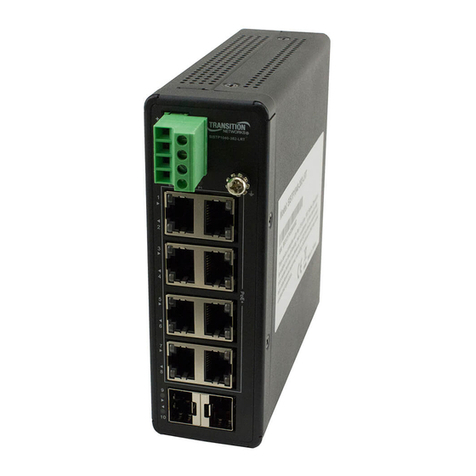
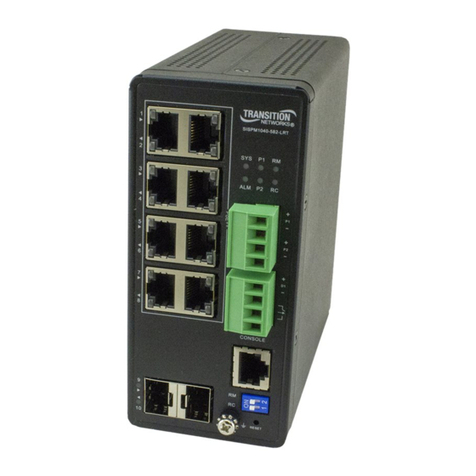
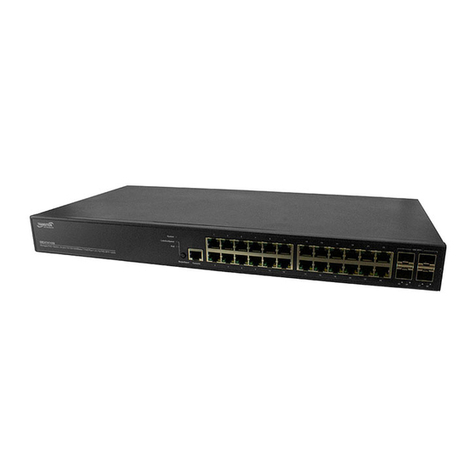
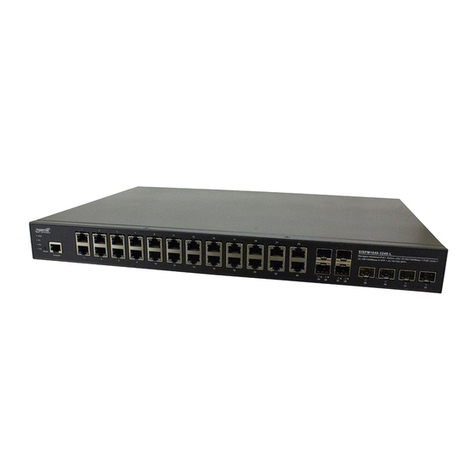
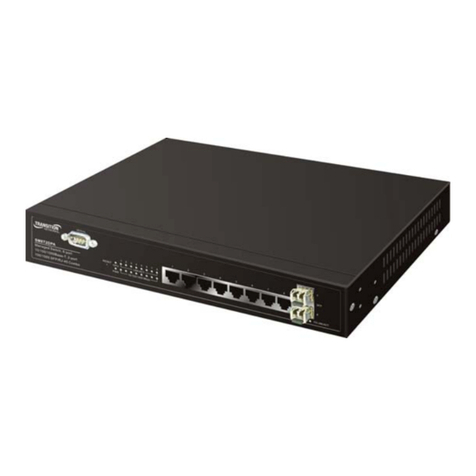
SISPM1040‐3248‐LQuickStartGuide
33761 Rev. A https://www.transition.com Page 2of 2
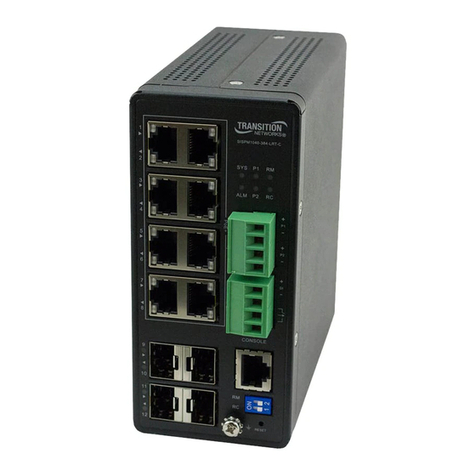
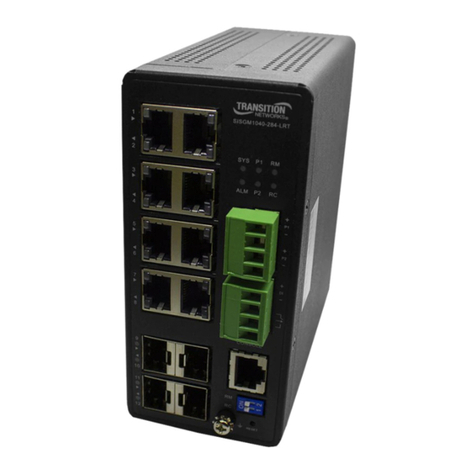
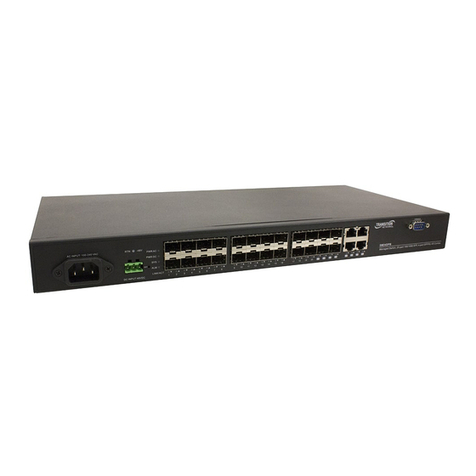
ConnectingtheACPowerCord:YoucanorderoneACPowercordasaseparateoption.1.ConnecttheACpower
cordtotheACpowerreceptacleofswitch.2.ConnecttheotherendoftheACpowercordtotheACpoweroutlet.
3.ChecktheSYSLED.IfitisOn,thepowerconnectioniscorrect.
ConnectingtheDCPowerCord:1.Insertthenegative/positiveDCwiresintotheV‐/V+terminals,respectively.
2.TokeeptheDCwiresfrompullingloose,useasmallflat‐bladescrewdrivertotightenthewire‐clampscrewson
thefrontoftheterminalblockconnector.3.ChecktheSYSLED.IfitisON,thepowerconnectioniscorrect.
InitialSwitchConfigurationviaWebBrowser:Afterpoweringuptheswitchforthefirst
time,youcanperformtheinitialswitchconfigurationusingawebbrowser.Formanaging
otherswitchfeatures,seetheWebUserGuidefordetails.1.ReconfigureyourPC’sIP
addressandsubnetmasksoastomakesurethePCcancommunicatewiththeswitch.
2.AccesstheWebinterfaceoftheswitchusingtheswitch’sdefaultIPaddress
(192.168.1.77).ThefactorydefaultSubnetMaskis255.255.255.0.IfyourPCisconfigured
correctly,youwillseetheLoginpage.3.Enterthefactorydefaultusername(admin)and
password(admin)onloginpageandclick“Login”tologintotheswitch.SeetheWebUserGuideforadditional
information.
InitialSwitchConfigurationviaCLI:1.UseanRJ‐45cabletoconnectaterminalor
PC/terminalemulatortotheswitchporttoaccesstheCLI.2.AttachtheRJ‐45serialporton
theswitchfrontpaneltothecableforTelnet/CLIconfiguration.3.Attachtheotherendofthe
DB‐9cabletoaPCrunningTelnetoraterminalemulationprogramsuchasHyperTerminalor
TeraTerm.4.Afterpoweringuptheswitchforthefirsttime,youcanperformtheinitialswitch
configurationusingtheCLI.Formanagingotherswitchfeatures,seetheCLIReference.
ClassI,Division2:WarningandCaution‐ProperInstallationandOperation(English):Thesedevices
areopen‐typedevicesthataretobeinstalledinanenclosureonlyaccessiblewiththeuseofatool,suitableforthe
environment.ThisequipmentissuitableforuseinClassI,Division2,GroupsA,B,C,andDornon‐hazardouslocationsonly.
WARNING–EXPLOSIONHAZARD.DONOTDISCONNECTWHILETHECIRCUITISLIVEORUNLESSTHEAREAISFREEOF
IGNITIBLECONCENTRATIONS.
classeI,division2:Avertissementetmiseengarde‐Installationetfonctionnementcorrects(français):Cespériphériques
sontdespériphériquesdetypeouvertquidoiventêtreinstallésdansunenceinteuniquementaccessibleàl'aided'unoutil,
adaptéàenvironnement.CetéquipementpeutêtreutilisédanslaclasseI,division2,groupesA,B,C,etDoudes
emplacementsnondangereuxseulement.AVERTISSEMENT‐RISQUED'EXPLOSION.NEPASSEDÉCONNECTERLORSQUELE
CIRCUITESTVIVANTOUÀMOINSQUELAZONENESOITLIBREDECONCENTRATIONSIGNIFIABLES.
RelatedInformation:ForTransitionNetworksDrivers,Firmware,etc.gototheProductSupportwebpage.
ForTransitionNetworksManuals,Brochures,DataSheets,etc.gototheSupportLibrary.Relatedmanualsare
1.SISPM1040‐3248‐LInstallGuide33762),2.WebUserGuide(33763),and3.CLIReference(33764).
TransitionNetworksInc.10900RedCircleDrive,Minnetonka,MN55343<>tel:+1.952.941.7600|