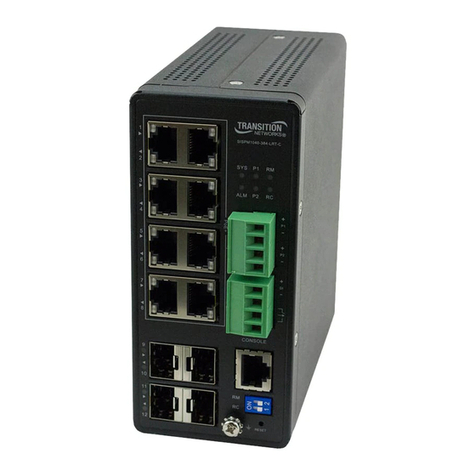
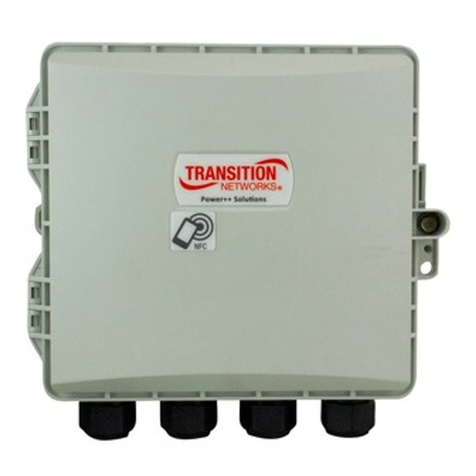
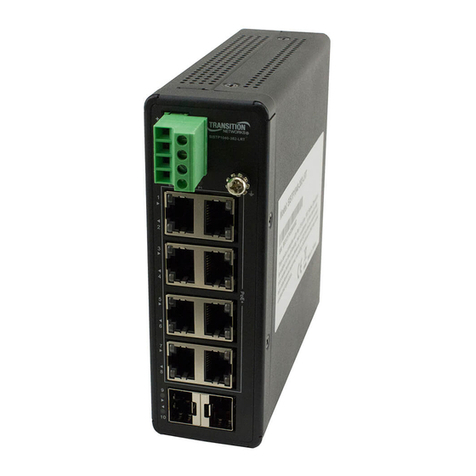
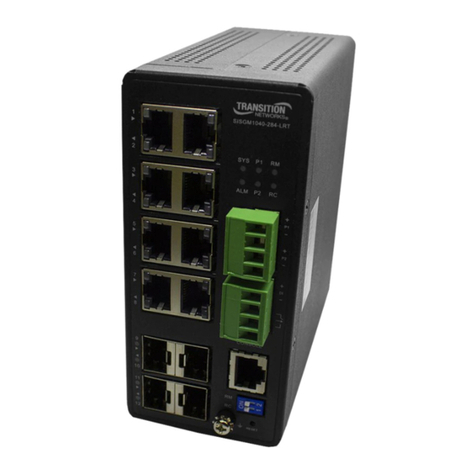
Transition Networks SISTP1040-382B-LRT Quick Start Guide
33805 Rev. B https://www.transition.com Page 2of 2
Grounding: After the Switch is mounted and connected, use the front panel grounding screw for
grounding. Grounding and wire routing help limit noise due to electromagnetic interference (EMI).
Run the ground connection from the ground screw to the grounding surface before connecting devices.
Install SFP Modules: You can install or remove a mini-GBIC SFP module from an SFP port without
having to power off the switch. The Switch lets you install a Small Form-Factor Pluggable (SFP) device of
your choice to make a fiber connection via the 100/1000Base-X SFP Ports. See the Transition Networks
SFP page for TN models. See the related SFP manual for safety precautions and warnings
specific to your SFP model. The SFP ports should use UL Listed Optional Transceiver products,
Rated 3.3Vdc, Laser Class 1. Procedure: 1. Prepare a fiber optic cable with an appropriate
connecter. Warning: The fiber optic port contains a Class 1 laser device. When the ports are
disconnected, always cover them with the provided plug. Exposed fiber optic ports may cause
skin or eye damage. 2. Remove a rubber plug from the Switch and position the SFP device at
an SFP slot with the label facing correctly. 3. Carefully slide the SFP device into the slot,
aligning it with the internal installation guides. Ensure that the SFP device is firmly seated against the internal mating
connector. 4. See the SFP manual for operating information specific to your SFP model. 5. Connect the other end of the
cable to the appropriate far end Ethernet port. After the cable is properly connected at both ends, the SYS LED should
work.
Connect PoE+ Ports via TP Copper Cable: PoE per IEEE 802.3af PoE supports Cat 3 and Cat 5.
PoE per IEEE 802.3at PoE+ supports Cat 5. Procedure: 1. Prepare a twisted-pair copper cable.
2. Connect one end of the cable to the Switch. 3. Connect the other end of the cable to a PD,
such as a WAP, IP camera, or VoIP phone. After the cable is properly connected at both ends,
the SYS LED should work.
Connecting DC Power: After the Switch is mounted, connected, and grounded, use the Terminal
Block (Euro Block) to provide DC Power Inputs P1 and P2. Warning: Connect the wires to the
Terminal Block and connect the Terminal Block to the switch before connecting to the optional
power supply. Procedure: 1. Insert the negative and positive DC wires into the P1 and/or P2 + and -
terminals, respectively. 2. Use a small flat-blade screwdriver to tighten the wire-clamp screws on
the front of the terminal block connector.
3. Insert the terminal block connector prongs into the terminal block receptor. 4. Check the SYS LED.
If it is ON, the power connection is correct. See the Install Guide.
Trademark notice and Copyright restrictions: see the Install Guide.
Transition Networks Inc. | 10900 Red Circle Drive, Minnetonka, MN 55343 | tel: +1.952.941.7600 | toll free:
1.800.526.9267 | fax: 952.941.2322 | sales@transition.com | techsupport@transition.com |
customerservice@transition.com | web: https://www.transition.com