manuals.online logo
Brands
  1. Home
  2. •
  3. Brands
  4. •
  5. Ultravation
  6. •
  7. Air Cleaner
  8. •
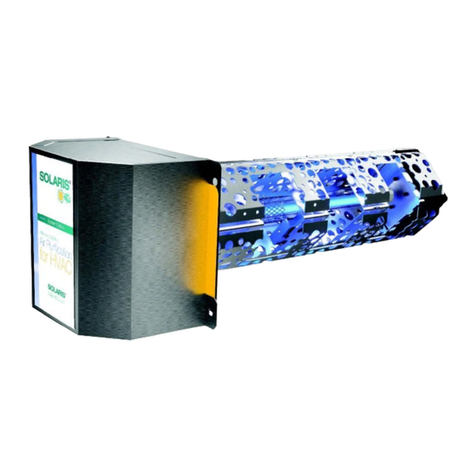
  9. Ultravation SOLARIS E Series Installation instructions

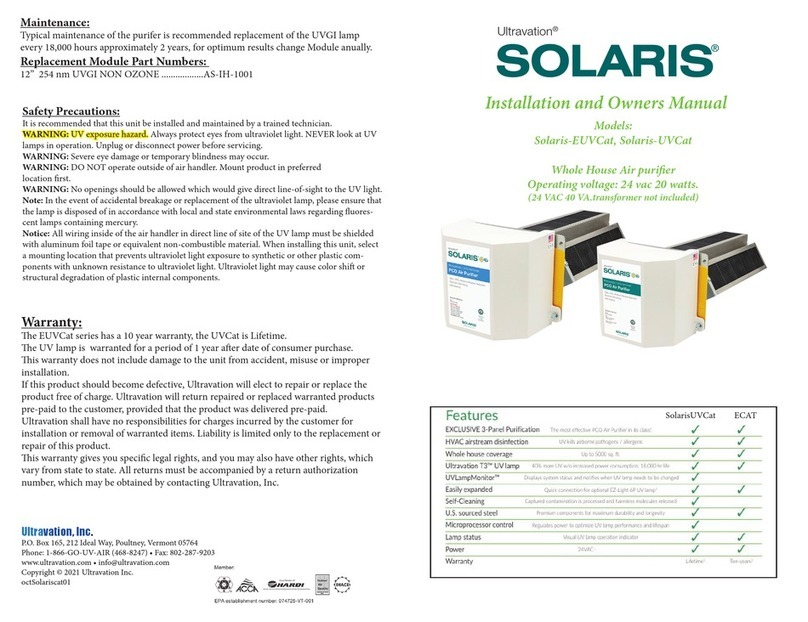
Ultravation SOLARIS E Series Installation instructions

This manual suits for next models

1

Other Ultravation Air Cleaner manuals

Ultravation SOLARIS-EUVCat Installation instructions

Ultravation

Ultravation SOLARIS-EUVCat Installation instructions

Ultravation Solaris SlXLED Installation instructions

Ultravation

Ultravation Solaris SlXLED Installation instructions

Ultravation Ultramax EZ Series User manual

Ultravation

Ultravation Ultramax EZ Series User manual

Ultravation 90-026 User manual

Ultravation

Ultravation 90-026 User manual

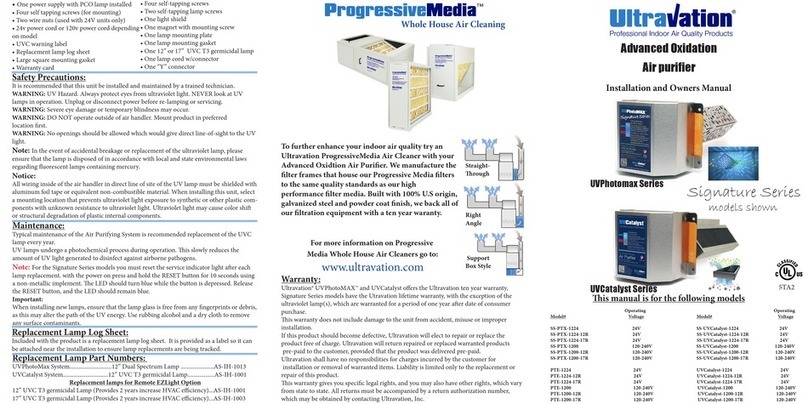
Ultravation UVPhotomax Signature SS-PTX-1224 Installation instructions

Ultravation

Ultravation UVPhotomax Signature SS-PTX-1224 Installation instructions

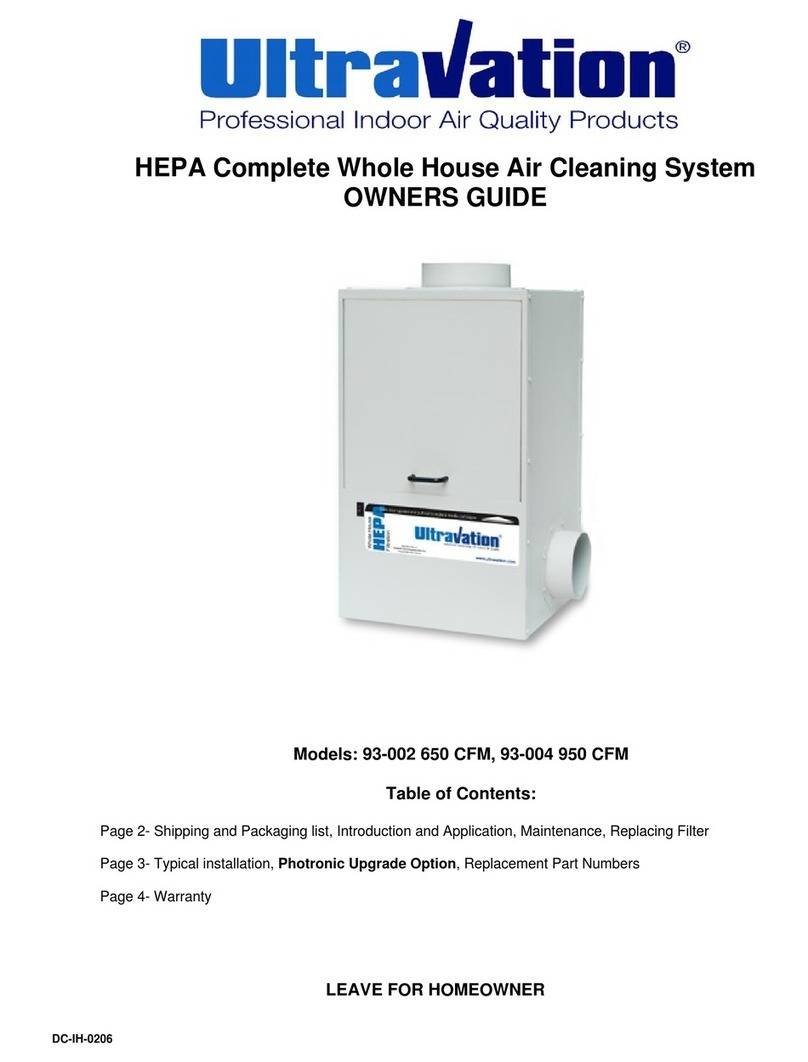
Ultravation 93-002 650 CFM User manual

Ultravation

Ultravation 93-002 650 CFM User manual

Ultravation UVPhotoMAX UVP-4000 User manual

Ultravation

Ultravation UVPhotoMAX UVP-4000 User manual

Ultravation PHOTRONIC UVMatrix CW Series User manual

Ultravation

Ultravation PHOTRONIC UVMatrix CW Series User manual

Ultravation 90-028 User manual

Ultravation

Ultravation 90-028 User manual

Ultravation 92-019 650 CFM User manual

Ultravation

Ultravation 92-019 650 CFM User manual

Ultravation UVMatrix EZ Series User manual

Ultravation

Ultravation UVMatrix EZ Series User manual

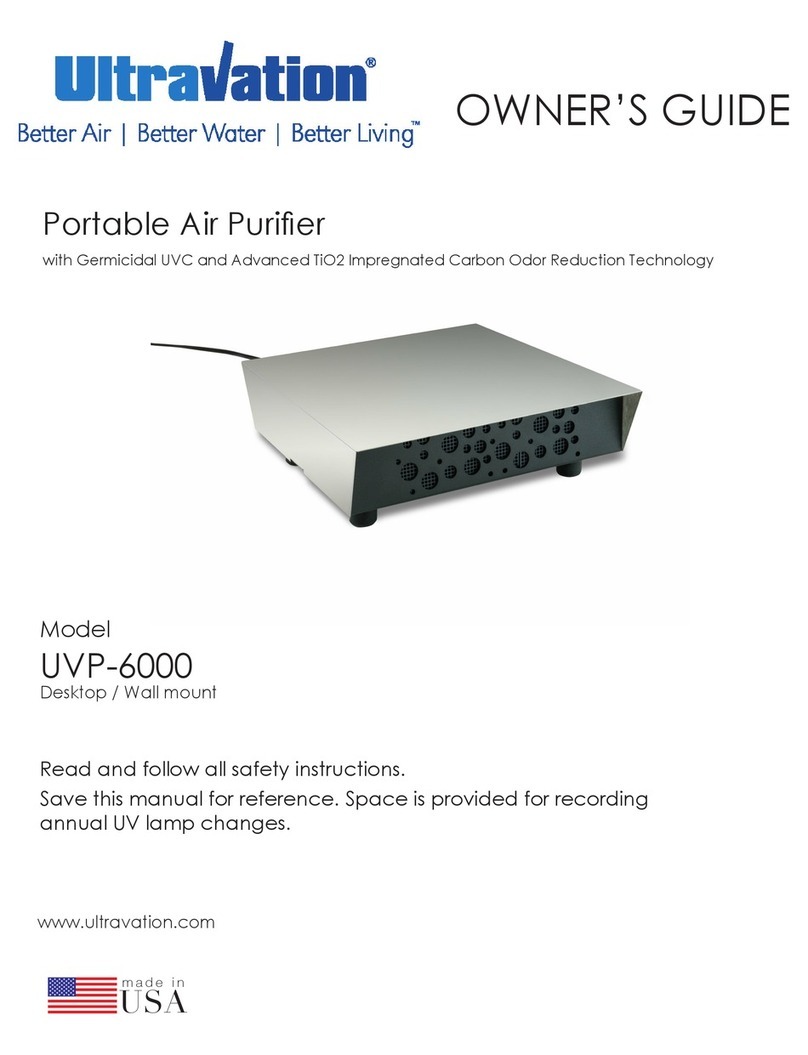
Ultravation UVP-6000 User manual

Ultravation

Ultravation UVP-6000 User manual

Ultravation Solaris SLX1024 Installation instructions

Ultravation

Ultravation Solaris SLX1024 Installation instructions

Popular Air Cleaner manuals by other brands

Steel City 65120 user manual

Steel City

Steel City 65120 user manual

CFM CX1000 user guide

CFM

CFM CX1000 user guide

Amana Media MAC1 Series installation instructions

Amana

Amana Media MAC1 Series installation instructions

Glaziar PUR50 Instructions for use

Glaziar

Glaziar PUR50 Instructions for use

Panasonic F-PXR40H operating instructions

Panasonic

Panasonic F-PXR40H operating instructions

Lightair IonFlow 50 manual

Lightair

Lightair IonFlow 50 manual

Lennox Healthy Climate PMAC-12C brochure

Lennox

Lennox Healthy Climate PMAC-12C brochure

IKEA UPPÅTVIND quick start guide

IKEA

IKEA UPPÅTVIND quick start guide

Nash AP-1 PureSmart instruction manual

Nash

Nash AP-1 PureSmart instruction manual

Aktobis WDH-220B manual

Aktobis

Aktobis WDH-220B manual

Honeywell HHT-013-HD user guide

Honeywell

Honeywell HHT-013-HD user guide

LG PH-U450 Series owner's manual

LG

LG PH-U450 Series owner's manual

Sharp FU-40SE Operation manual

Sharp

Sharp FU-40SE Operation manual

Philips AC2721 user manual

Philips

Philips AC2721 user manual

Filtrete FAP-T02 manual

Filtrete

Filtrete FAP-T02 manual

DeLonghi DDSX 220WFA manual

DeLonghi

DeLonghi DDSX 220WFA manual

TruSens Z-2000 manual

TruSens

TruSens Z-2000 manual

Motorola MBP87SN quick start guide

Motorola

Motorola MBP87SN quick start guide

manuals.online logo
manuals.online logoBrands
  • About & Mission
  • Contact us
  • Privacy Policy
  • Terms and Conditions

Copyright 2025 Manuals.Online. All Rights Reserved.

Made In
USA
Warranty:
e Ultravation®SOLARIS ECAT PCO series has a lifetime warranty from date of
installation. e UVC lamp module is warrantied for a period of 2 years.
is warranty does not include damage to the unit from accident, misuse or improp-
er installation.
If this product should become defective, Ultravation will elect to replace the product
free of charge. Ultravation will return replaced warranted products pre-paid to the
customer, provided that the product was delivered pre-paid.
Ultravation shall have no responsibilities for charges incurred by the customer for
installation or removal of warranted items. Liability is limited only to the replace-
ment of this product.
is warranty gives you specic legal rights, and you may also have other rights,
which vary from state to state. All returns must be accompanied by a return authori-
zation number, which may be obtained by contacting Ultravation, Inc.
Ultravation, Inc.
P.O. Box 165, 212 Ideal Way, Poultney, Vermont 05764
Phone: 1-866-GO-UV-AIR (468-8247) • Fax: 802-287-9203
www.ultravation.com • info@ultravation.com
Copyright © 2017-2019 Ultravation Inc.
Doc# solarisecat1224 Manual.
Replacement Lamp Part Numbers:
12” Lamp module (Provides 2 years WARRANTY)...SLX-MOD-12-T3
Maintenance:
Typical maintenance of the SOLARIS PowerPCO system is recommended replacement
of the UVC Lamp Module every two years.
UV lamps undergo a photochemical process during operation. is slowly reduces the
amount of UV light generated to disinfect against airborne pathogens.
Important:
When installing new lamps, ensure that the lamp glass is free from any ngerprints or
debris, as this may alter the path of the UV energy. Use rubbing alcohol and a dry cloth
to remove any surface contaminants.
Replacement Lamp Log Sheet:
Included with the product is a replacement lamp log sheet. It is provided as a label so it
can be attached near the installation to ensure lamp replacements are being tracked.
Installation and
Owners Manual
Model # Description Operating Lamp
Voltage Length
SLXECAT1224 HVAC Catalyst Air Purier 24vac. 12”
SOLARIS® E-Series PCO Air Purifier
Self-powered / Independent Installation
A compact, one-piece UV light with a built-
in power supply and advanced purification
module that removes odors, toxic fumes,
VOCs and pathogens from indoor air for
whole-house air quality improvement. And
it’s completely ozone-free.
Ultravation®
• One SLXECAT Pco Catalyst
• One square mounting gasket
• One power cord
• Four self tapping screws
• One 12” T3 Lamp Module
• Two wire nuts
• UVC warning label, glow plug.
• Replacement lamp log sheet
• Warranty card
• Ductboard plate / sealing tape
• Warning label
Package Contents:
Safety Precautions:
It is recommended that this unit be installed and maintained by a trained technician.
WARNING: UV Hazard. Always protect eyes from ultraviolet light. NEVER look at UV
lamps in operation. Unplug or disconnect power before re-lamping or servicing.
WARNING: Severe eye damage or temporary blindness may occur.
WARNING: DO NOT operate outside of air handler. Mount product in preferred
location rst.
WARNING: No openings should be allowed which would give direct line-of-sight to the
UV light.
In the event of accidental breakage or replacement of the ultraviolet lamp, please ensure
that the lamp is disposed of in accordance with local and state environmental laws re-
garding uorescent lamps containing mercury.
Notice:
All wiring inside of the air handler in direct line of site of the UV lamp must be shielded
with aluminum foil tape or equivalent non-combustible material. When installing this
unit, select a mounting location that prevents ultraviolet light exposure to synthetic or
other plastic components with unknown resistance to ultraviolet light. Ultraviolet light
may cause color shi or structural degradation of plastic internal components.
Installation Steps:
1. Determine a suitable location to install the module. Mounting location should be of
sucient strength as to support the module; otherwise reinforcement of the supplied duct
work collar may be necessary. e module should be installed aer ltration and before
any branches in the duct work.
2. When a suitable location is determined cut a hole for installation of the module.
3. Install supplied ductboard plat - or use as a template for cutting clearance hole:
4. Install a dedicated 40 VA 24 VAC transformer per applicable local and state electrical
codes, not included. Or use optional 120v wall plug accessory sold separately
(Part number 94-135)
5. e Solaris ECat PCO is designed to operate constantly, it is not
b recommended to switch o and on with the fan motor.
6. Connect the power cord using the supplied wire nuts to the transformer.
7. Plug the connector into the UVC module.
8. Ax all warning and lamp replacement labels as well as the UVC viewport in a clear
and logical location for quick inspection of the UVC system.
9. Replace any service panels, reconnect system power.
10. Ensure the system is operating by noting the blue glow within the viewport.
Ultravation, Inc.
P.O. Box 165, 212 Ideal Way, Poultney, Vermont 05764
Phone: 1-866-GO-UV-AIR (468-8247) • Fax: 802-287-9203
www.ultravation.com • info@ultravation.com
Copyright © 2021 Ultravation Inc.
Note: Typical installation locations are aer ltration and before any
branching o into the living area. (Shown in picture above)