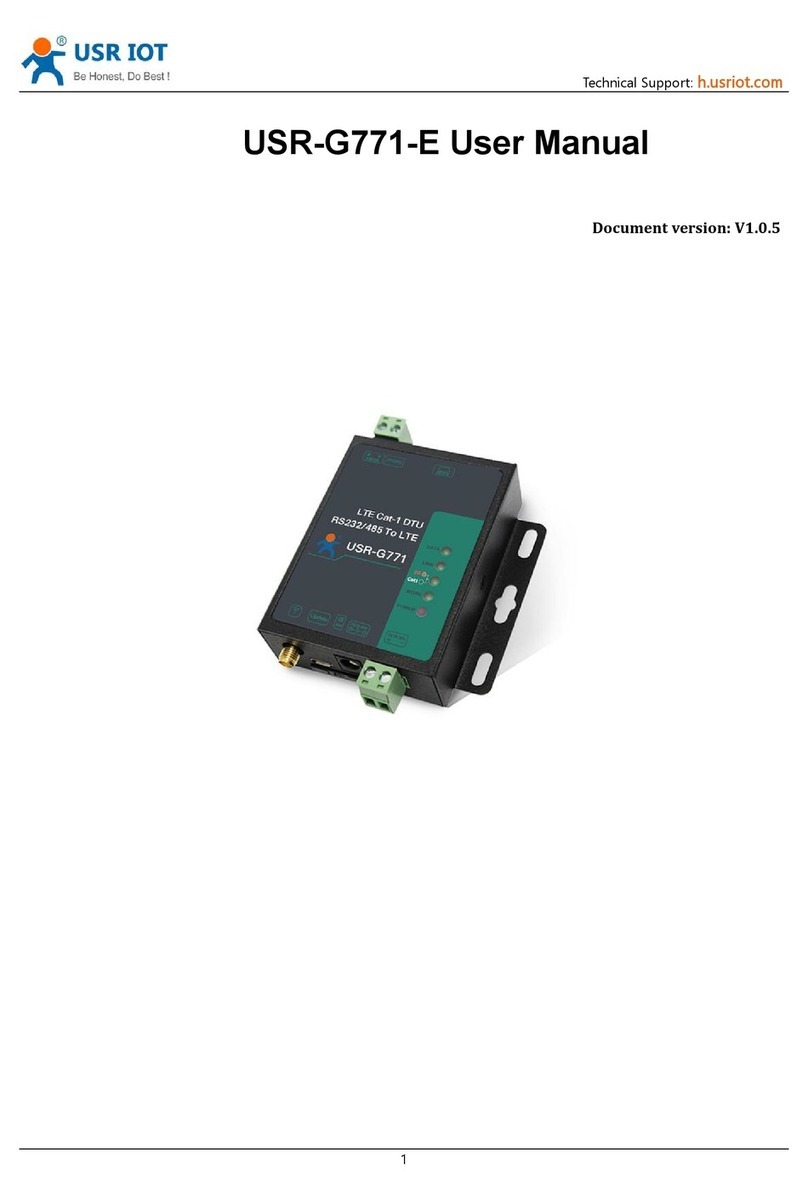
USR-G771-E User Manual Technical Support: h.usriot.com
Jinan USR IOT Technology Limited www.pusr.com
USR-G771-E User Manual........................................................................................................................................................1
1. Introduction..............................................................................................................................................................................3
1.1. Overview...................................................................................................................................................................... 3
1.2. Features....................................................................................................................................................................... 3
2. Get Started.............................................................................................................................................................................. 4
2.1. Specification................................................................................................................................................................ 4
2.2. Hardware..................................................................................................................................................................... 5
2.2.1. Dimensions...................................................................................................................................................... 5
2.2.2. Indicators..........................................................................................................................................................6
2.2.3. Connecting Hardware.................................................................................................................................... 6
3. Utility Configuration................................................................................................................................................................7
3.1. Download the Utility................................................................................................................................................... 7
3.2. Starting the Configuration Utility.............................................................................................................................. 7
4. Serial Port................................................................................................................................................................................9
4.1. Basic Parameters....................................................................................................................................................... 9
4.2. Frame forming mechanism.....................................................................................................................................10
4.2.1. Time Trigger.................................................................................................................................................. 10
4.2.2. Length trigger................................................................................................................................................ 10
5. Selecting an Operating Mode............................................................................................................................................ 11
5.1. Transparent Mode....................................................................................................................................................11
5.2. HTTPD Client Mode.................................................................................................................................................14
5.3. SMS Mode.................................................................................................................................................................16
6. General Function..................................................................................................................................................................19
6.1. Identity Package.......................................................................................................................................................19
6.2. Heartbeat Package.................................................................................................................................................. 21
6.3. Socket Distribution Protocol................................................................................................................................... 22
6.4. USR Cloud.................................................................................................................................错误!未定义书签。
6.5. Backup Socket..........................................................................................................................................................23
6.6. Security...................................................................................................................................................................... 24
6.7. NTP............................................................................................................................................................................ 26
6.8. FTP Upgrade............................................................................................................................................................ 27
6.9. Base Station Geolocation....................................................................................................................................... 27
6.10. Firmware Upgrade................................................................................................................................................. 27
6.11. Restore to Factory Default Settings.................................................................................................................... 28
6.12. Timeout Restart......................................................................................................................................................29
7. AT Commands......................................................................................................................................................................29
7.1. AT Command Settings............................................................................................................................................ 29
7.2. Serial AT Commands.............................................................................................................................................. 30
7.3. Network AT Commands.......................................................................................................................................... 30
7.4. SMS AT Commands................................................................................................................................................ 31