User's Guide_________________________________________________________
4 ______________________________________________________ M010139EN-D
Technical Support.................................................62
Return Instructions ...............................................62
Vaisala Service Centers........................................63
CHAPTER 13
TECHNICAL SPECIFICATIONS .............................................65
GM70 Hand-Held Carbon Dioxide Meter .............65
General...........................................................65
Electromagnetic Compatibility ........................65
GMP221/222 Probes..............................................66
GMH70 Handle, GM70PUMP.................................67
MI70 Indicator........................................................67
Indicator General ............................................67
Battery Pack ...................................................68
Accessories...........................................................68
Dimensions in mm (inch) .....................................69
List of Figures
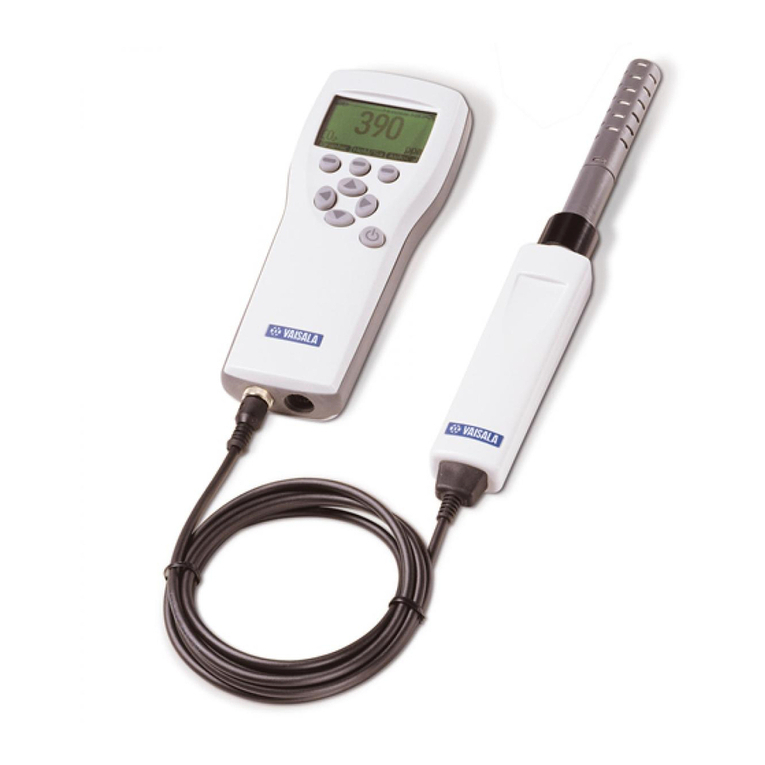
Figure 1 GM70 Parts.............................................................13
Figure 2 Properly Connecting the GM70PUMP.....................21
Figure 3 Example of the Display when the Carbon Dioxide,
and the Temperature and Humidity Probe are
Connected Simultaneously to the MI70 Indicator....22
Figure 4 MI70 Indicator Buttons ............................................23
Figure 5 Basic Display ..........................................................24
Figure 6 Menus .....................................................................26
Figure 7 Environment Menu..................................................27
Figure 8 Display Menu ..........................................................29
Figure 9 User Interface Settings Menus................................31
Figure 10 Changing the Shortcut Keys ...................................33
Figure 11 Device Information Displays....................................35
Figure 12 Other Settings Menu ...............................................36
Figure 13 Selecting Analog Output .........................................39
Figure 14 Recording Data .......................................................41
Figure 15 Location of the MI70 Connector Ports.....................45
Figure 16 Location of the Adjustment Button ..........................50
Figure 17 Field Check Adapter................................................52
Figure 18 Detaching the Probe ...............................................60
Figure 19 Installing the Battery Pack.......................................61
Figure 20 Dimensions .............................................................69