- 06 - - 07 -
Control panel Chapter 3
Two Wheel Scooter Installation Guide
Control instructions
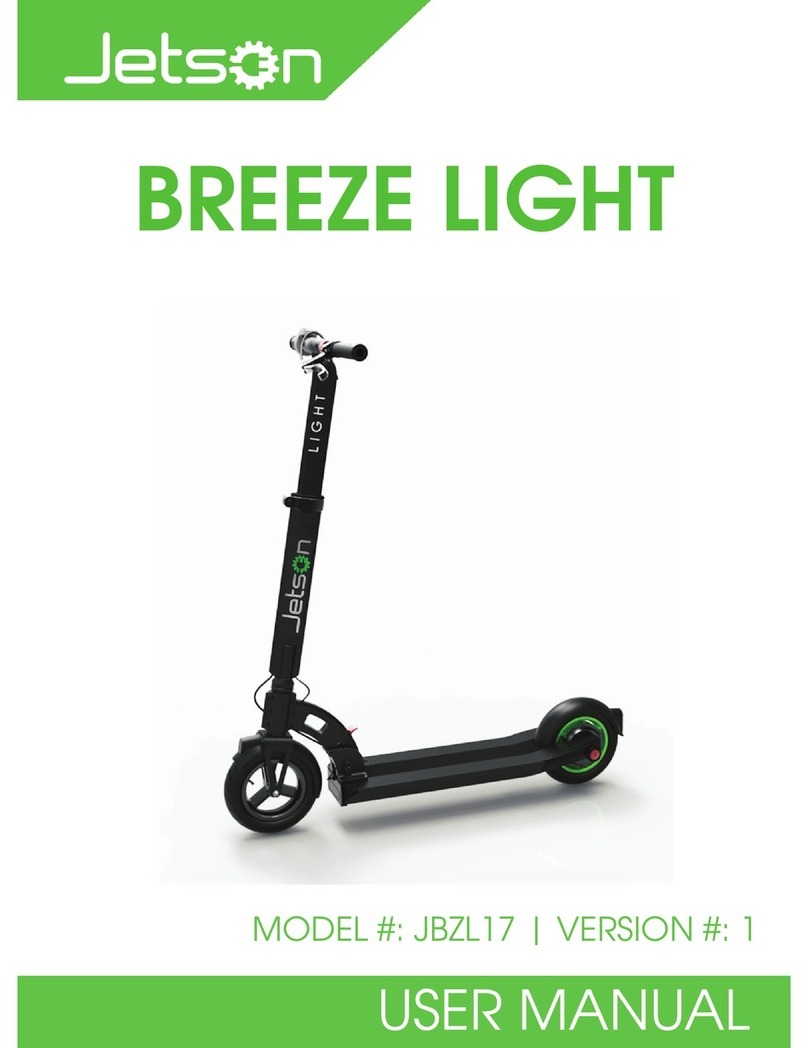
Use control panel to control scooter, the specific features are as follows.
Riding speed
Battery status
Speed gear
Power switch
Light switch
.
1.1
After turn on, the default speed gear is “ 1 ”, press “+” to increase speed gear and press “-” to decrease speed gear.
The highest display is gear 3 . ( the display will change to speed data 3 seconds after adjust the speed gear)
Long press the power switch button for 3 seconds to turn on the scooter. The control panel shows the power,
riding speed and battery status.
Different gear complies with different riding speed. Gear 1: 0-9 Km/h, Gear 2: 9-18Km/h, Gear 3: 18-25Km/h.
1.3
1.4 Press the power button three times to switch between Km/h and mph.
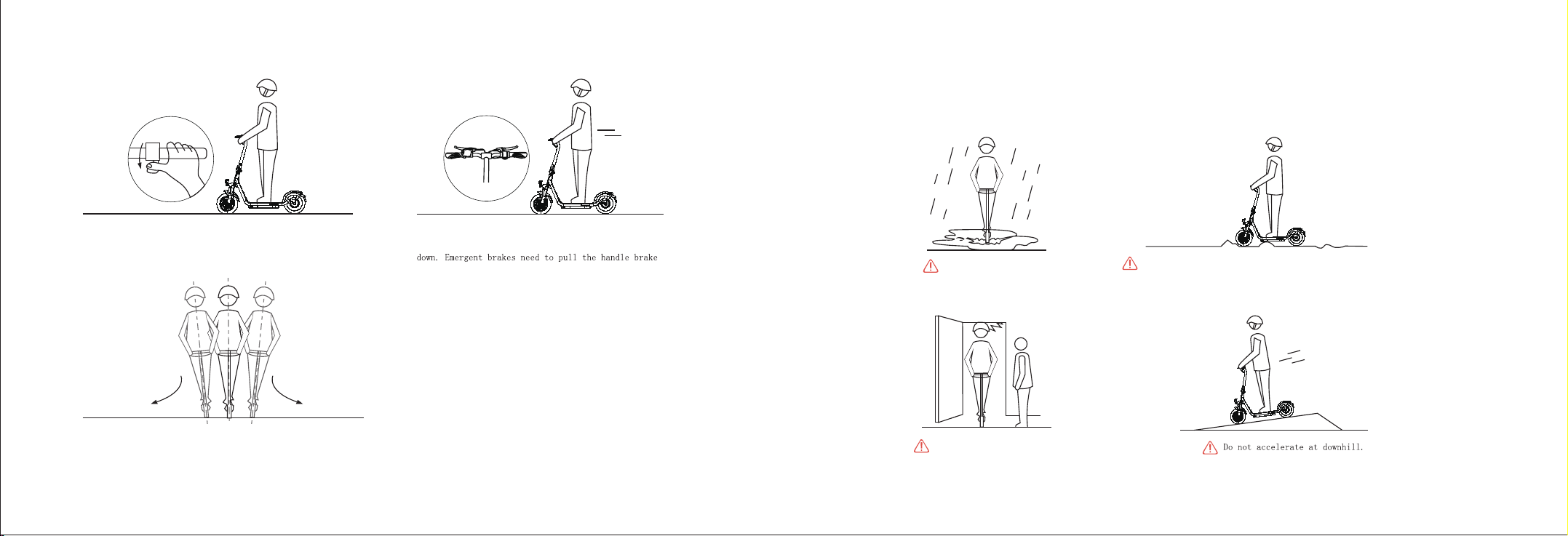
1.5 When the brakes are applied in emergency, the brightness of the brake light increases and flashing after the brake
handle are gripped.
1.6
1.7
1.2
Press the light switch to turn on front light, press light switch again the front light will be off.
Battery power display: four bars are 100 %, three bars are 75 %, two bars are 50 %, one bar are 25 %.
Cruise Mode: Press throttle and keep it at same speed without changing and last for 8 seconds to activate cruise mode.
(The display screen will flash for three times when cruise mode activating)