manuals.online logo
Brands
  1. Home
  2. •
  3. Brands
  4. •
  5. Viavi
  6. •
  7. Test Equipment
  8. •
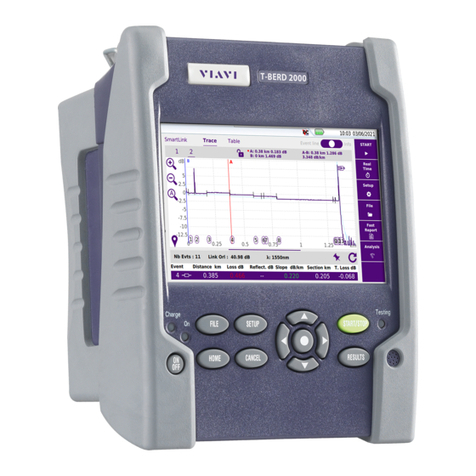
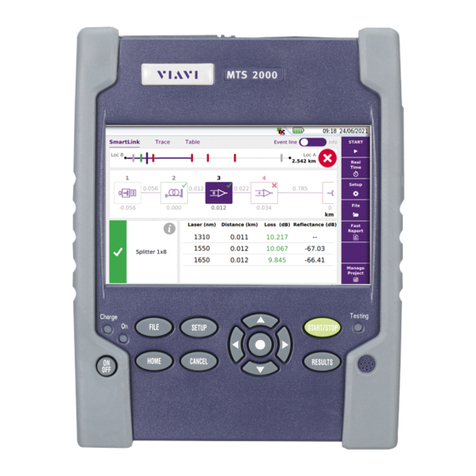
  9. Viavi T-BERD/MTS 2000 User manual

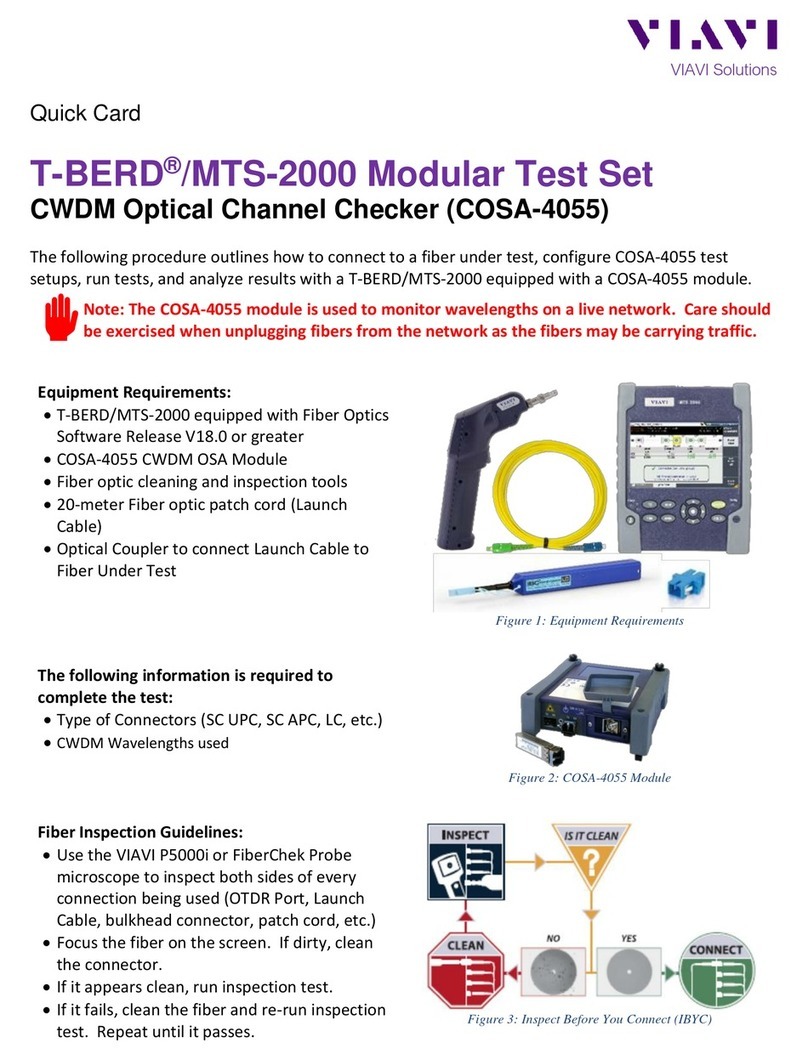
Viavi T-BERD/MTS 2000 User manual

Other manuals for T-BERD/MTS 2000

1

Other Viavi Test Equipment manuals

Viavi FIT-82P03-PRO User manual

Viavi

Viavi FIT-82P03-PRO User manual

Viavi ONX-220 User manual

Viavi

Viavi ONX-220 User manual

Viavi 3900 Series User manual

Viavi

Viavi 3900 Series User manual

Viavi T-BERD MTS 5800 Parts list manual

Viavi

Viavi T-BERD MTS 5800 Parts list manual

Viavi FBP-HD4iP User manual

Viavi

Viavi FBP-HD4iP User manual

Viavi T-BERD/MTS 8000 User manual

Viavi

Viavi T-BERD/MTS 8000 User manual

Viavi T-BERD/MTS 5800 User manual

Viavi

Viavi T-BERD/MTS 5800 User manual

Viavi OneAdvisor 800 Series User manual

Viavi

Viavi OneAdvisor 800 Series User manual

Viavi T-BERD/MTS-4000 v2 Parts list manual

Viavi

Viavi T-BERD/MTS-4000 v2 Parts list manual

Viavi T-BERD/MTS-2000 Parts list manual

Viavi

Viavi T-BERD/MTS-2000 Parts list manual

Viavi 3550 Owner's manual

Viavi

Viavi 3550 Owner's manual

Viavi T-BERD/MTS 4000 V2 User manual

Viavi

Viavi T-BERD/MTS 4000 V2 User manual

Viavi MSQ-900 User manual

Viavi

Viavi MSQ-900 User manual

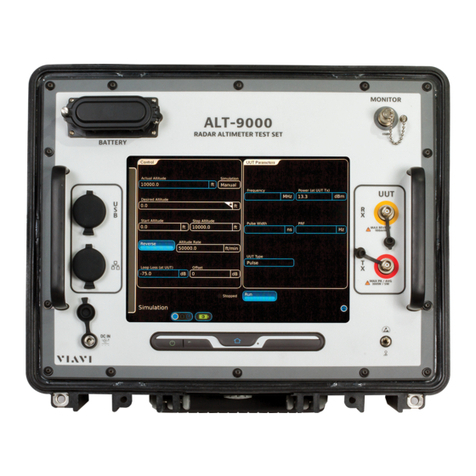
Viavi ALT-9000 User manual

Viavi

Viavi ALT-9000 User manual

Viavi ONX 580 User manual

Viavi

Viavi ONX 580 User manual

Viavi T-BERD/MTS 5800 User manual

Viavi

Viavi T-BERD/MTS 5800 User manual

Viavi MTS 2000 Parts list manual

Viavi

Viavi MTS 2000 Parts list manual

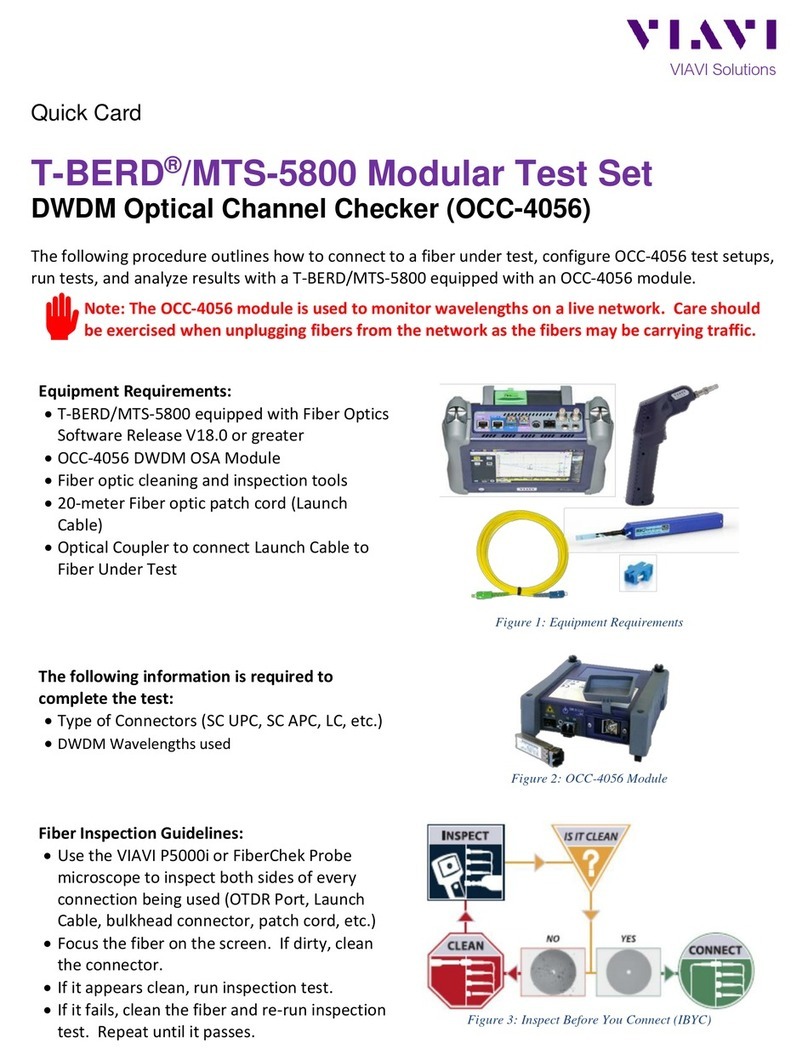
Viavi T-BERD MTS 5800 Parts list manual

Viavi

Viavi T-BERD MTS 5800 Parts list manual

Viavi IFR 6000 User manual

Viavi

Viavi IFR 6000 User manual
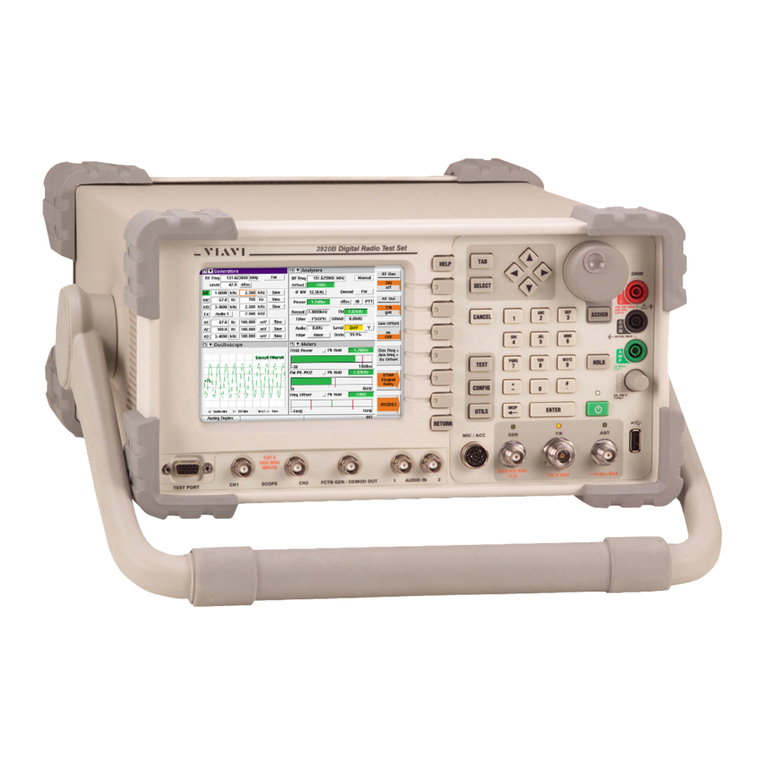
Viavi SmartOTDR Parts list manual

Viavi

Viavi SmartOTDR Parts list manual

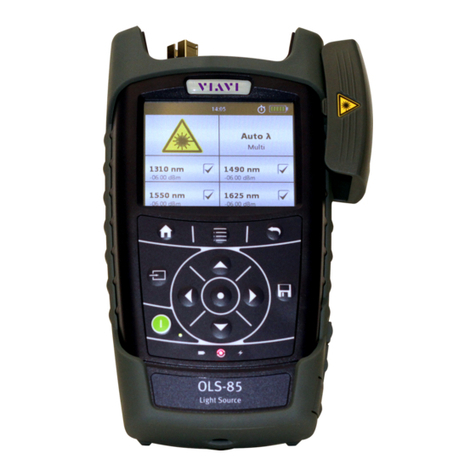
Viavi SmartClass Fiber OLS-85 User manual
Viavi

Viavi SmartClass Fiber OLS-85 User manual

Viavi HST-3000 Parts list manual

Viavi

Viavi HST-3000 Parts list manual

Viavi PSD90-3 User manual

Viavi

Viavi PSD90-3 User manual

Viavi IFR 6015 User manual

Viavi

Viavi IFR 6015 User manual

Popular Test Equipment manuals by other brands

Ambit P.F. Series instruction manual

Ambit

Ambit P.F. Series instruction manual

Megger BMM500 Series user guide

Megger

Megger BMM500 Series user guide

RJG Lynx Sensor Tester operating instructions

RJG

RJG Lynx Sensor Tester operating instructions

Mark-10 TT02 Series user guide

Mark-10

Mark-10 TT02 Series user guide

Martel 3001 Operator's manual

Martel

Martel 3001 Operator's manual

ElproSys DiagProg4 instruction manual

ElproSys

ElproSys DiagProg4 instruction manual

Redtech TRAILERteck T05 user manual

Redtech

Redtech TRAILERteck T05 user manual

Venmar AVS Constructo 1.0 HRV user guide

Venmar

Venmar AVS Constructo 1.0 HRV user guide

Test Instrument Solutions SafetyPAT operating manual

Test Instrument Solutions

Test Instrument Solutions SafetyPAT operating manual

Hanna Instruments HI 38078 instruction manual

Hanna Instruments

Hanna Instruments HI 38078 instruction manual

Kistler 5495C Series instruction manual

Kistler

Kistler 5495C Series instruction manual

Waygate Technologies DM5E Basic quick start guide

Waygate Technologies

Waygate Technologies DM5E Basic quick start guide

StoneL DeviceNet CK464002A manual

StoneL

StoneL DeviceNet CK464002A manual

Seica RAPID 220 Site preparation guide

Seica

Seica RAPID 220 Site preparation guide

Kingfisher KI7400 Series Training manual

Kingfisher

Kingfisher KI7400 Series Training manual

Kurth Electronic CCTS-03 operating manual

Kurth Electronic

Kurth Electronic CCTS-03 operating manual

SMART KANAAD SBT XTREME 3G Series user manual

SMART

SMART KANAAD SBT XTREME 3G Series user manual

Agilent Technologies BERT Serial Getting started

Agilent Technologies

Agilent Technologies BERT Serial Getting started

manuals.online logo
manuals.online logoBrands
  • About & Mission
  • Contact us
  • Privacy Policy
  • Terms and Conditions

Copyright 2025 Manuals.Online. All Rights Reserved.

VIAVI//Public
T-BERD/MTS 2000 Handheld Modular Test Set
T-BERD/MTS-2000 Handheld Modular Test Set
QUICK CARD
►Use the VIAVI P5000i or FiberChek Probe
microscope to inspect both sides of every
connection being used (Nano OSA Port,
Launch Cable, bulkhead connectors, patch
cables, etc.)
►Focus fiber on the screen. If dirty, clean the
end-face.
►If it appears clean, run inspection test.
►If it fails, clean the fiber and re-run inspection
test. Repeat until it passes.
Tuning and Testing DWDM Optics with the Nano OSA
This quick card describes how to tune and test DWDM Optical transceivers using a
T-BERD/MTS-2000 equipped with a Nano OSA module.
EQUIPMENT REQUIREMENTS
FIBER INSPECTION GUIDELINES
►T-BERD/MTS 2000 equipped with the
following:
•Fiber Optics Software Release V21.14 or
greater
•Nano OSA Module
(OCV-4100 or OSA-4100 )
•41SFP Software Option
•Fiber optic cleaning and inspection tools
►Fiber optic patch cable or Launch Cable
►Optical Coupler to connect patch cable to
Fiber Under Test
Figure 2: Inspect Before You Connect
Figure 1: Equipment Requirements
VIAVI//Public
T-BERD/MTS 2000 Handheld Modular Test Set
T-BERD/MTS-2000 Handheld Modular Test Set
QUICK CARD
2
CONNECT SFP+ TO NANO OSA PORT
LAUNCH TEST
1. Press the ON/OFF button to start the
test set.
2. Press the Home button to display
the Home view with the Optical Spectrum
icon.
3. Tap the Optical Spectrum icon
until it is yellow and highlighted.
Figure 3: Home Screen
All fibers and connectors should be cleaned
and inspected prior to connection, as
described on page 1.
1. Insert SFP+ into SFP bay on top of
module.
2. Connect fiber patch cable to the SFP+ Tx
port and Nano OSA Port.
Figure 4: Inspect Nano OSA port
SFP+ Tx Nano OSA
Figure 5: Connect SFP+ Tx to Nano OSA port
VIAVI//Public
T-BERD/MTS 2000 Handheld Modular Test Set
T-BERD/MTS-2000 Handheld Modular Test Set
QUICK CARD
© 2021 VIAVI Solutions, Inc,
Product specifications and descriptions in this
document are subject to change without notice.
Patented as described at viavisolutions.com/patents
Contact Us
To reach the VIAVI office nearest you,
visit viavisolutions.com/contact
+1 844 GO VIAVI
(+1 844 468-4284)
TUNE AND TEST SFP+
1. Tap SETUP icon
2. Tap SFP Settings (SFP must be
inserted for this selection to appear).
3. If tunable DWDM SFP, tap ITU_T Ch and
set the DWDM Channel.
Note: SFP Must use standard MSA
compliant tuning method.
4. Tap State and select State = ON.
5. Verify red light next to SFP+ is now on.
6. To verify wavelength and power level,
connect the fiber patch cable from the
SFP+ Tx port to the Nano OSA Port.
7. Tap START icon to run sweep
8. View Results (ITU-Ch, power, offset)
to verify optic.
SFP light (red=ON)
Figure 6: Setup
Figure 7: SFP Light
Figure 8: Sweep