manuals.online logo
Brands
  1. Home
  2. •
  3. Brands
  4. •
  5. Wavetek
  6. •
  7. Portable Generator
  8. •
  9. Wavetek 2500 User manual

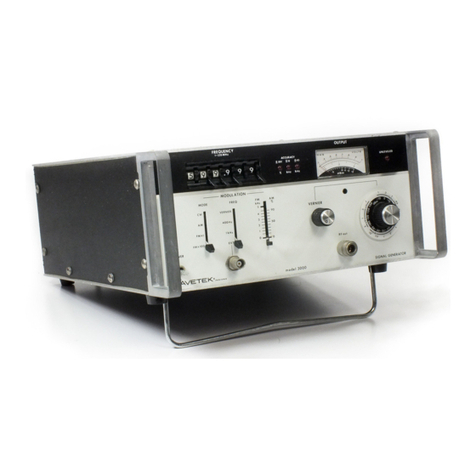
Wavetek 2500 User manual

Other Wavetek Portable Generator manuals

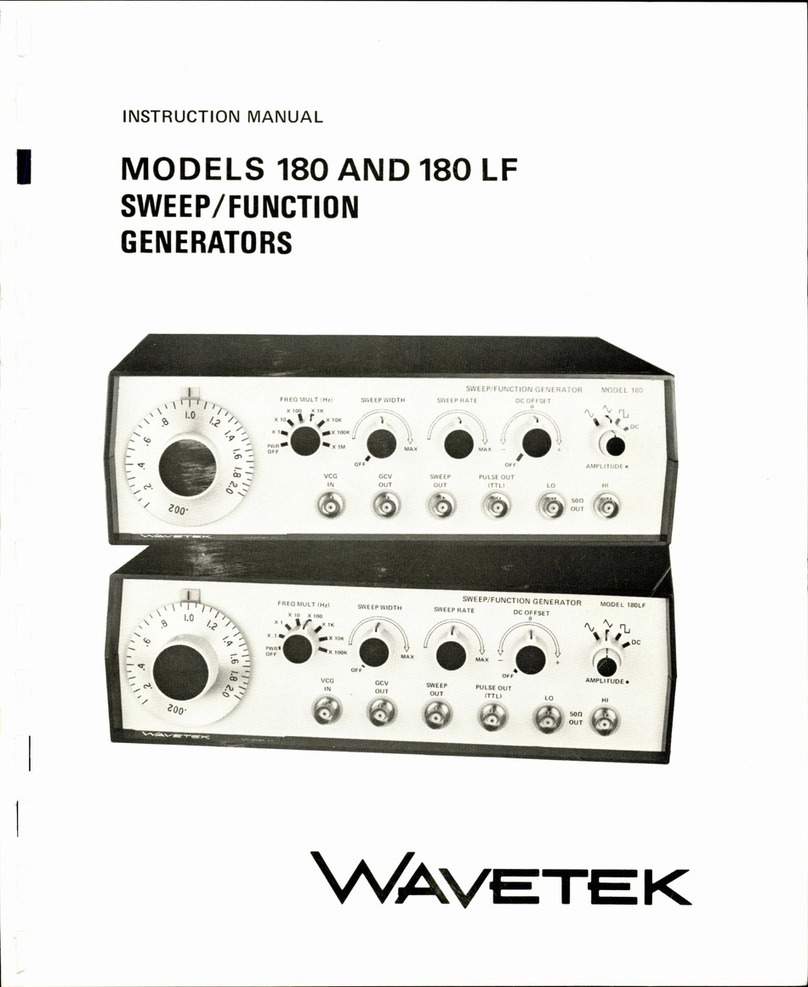
Wavetek 180 User manual

Wavetek

Wavetek 180 User manual

Wavetek 150 User manual

Wavetek

Wavetek 150 User manual

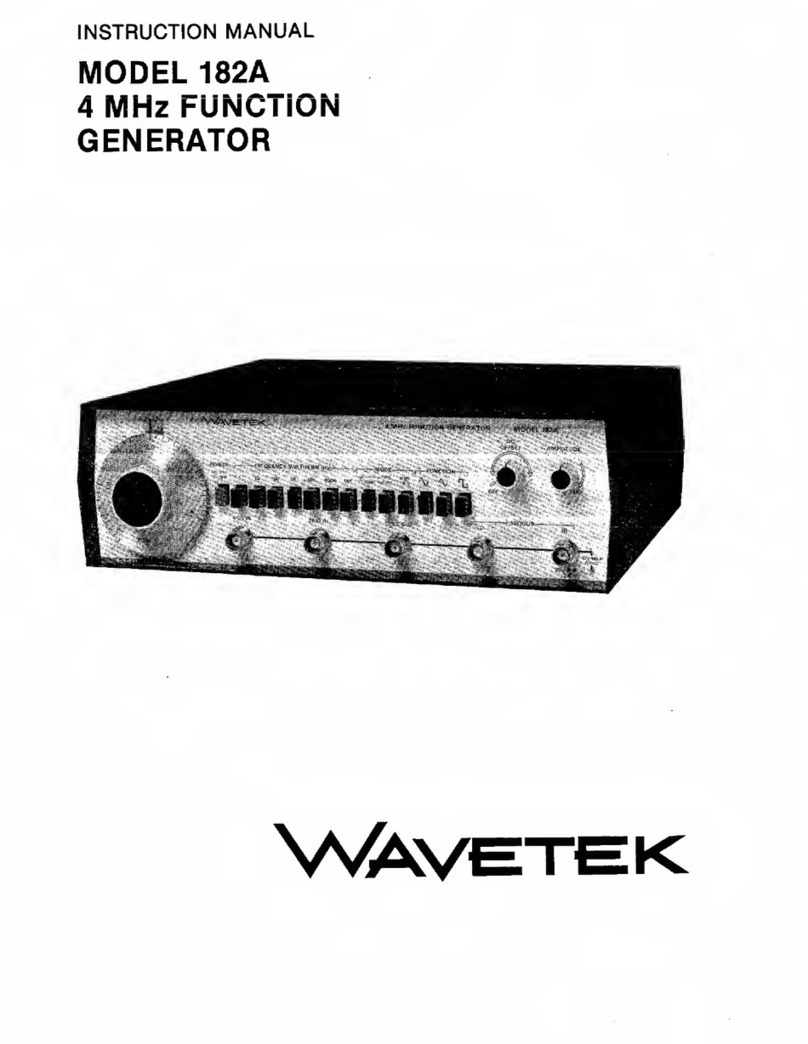
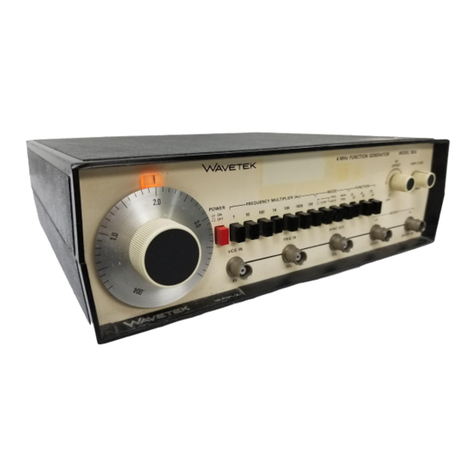
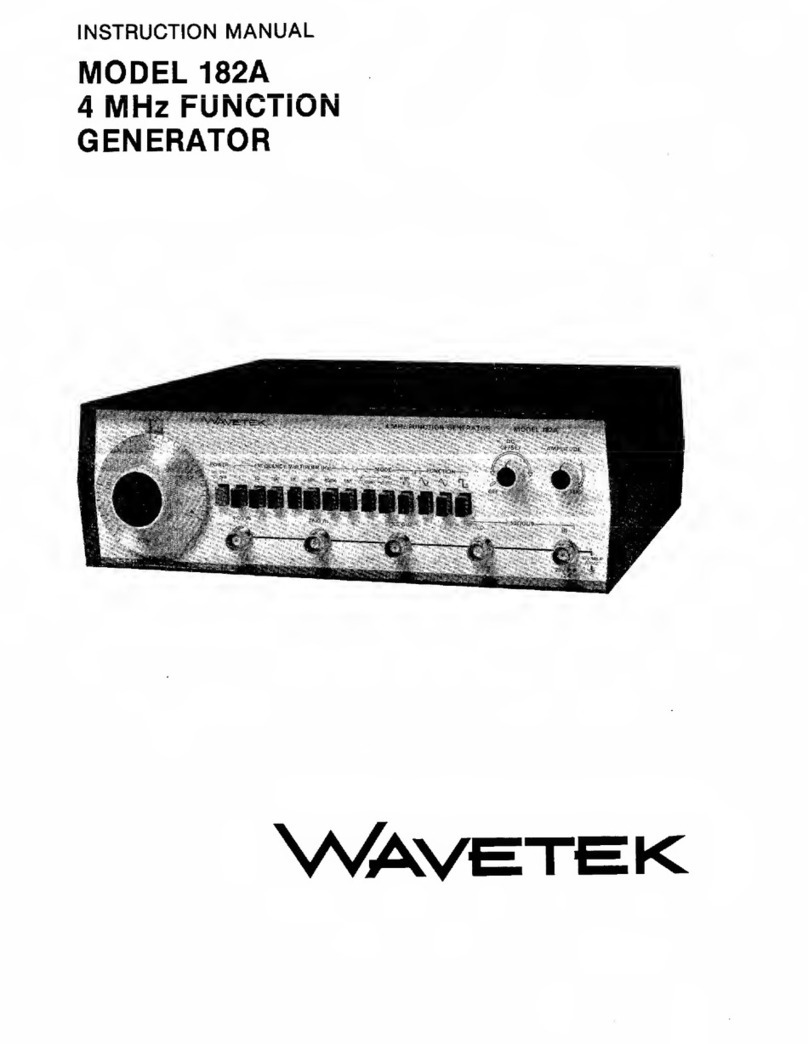
Wavetek 182A User manual

Wavetek

Wavetek 182A User manual

Wavetek 3000 User manual

Wavetek

Wavetek 3000 User manual

Wavetek 144 User manual

Wavetek

Wavetek 144 User manual

Wavetek 1001A User manual

Wavetek

Wavetek 1001A User manual

Wavetek FG3B User manual

Wavetek

Wavetek FG3B User manual

Wavetek 1370 Installation instructions

Wavetek

Wavetek 1370 Installation instructions

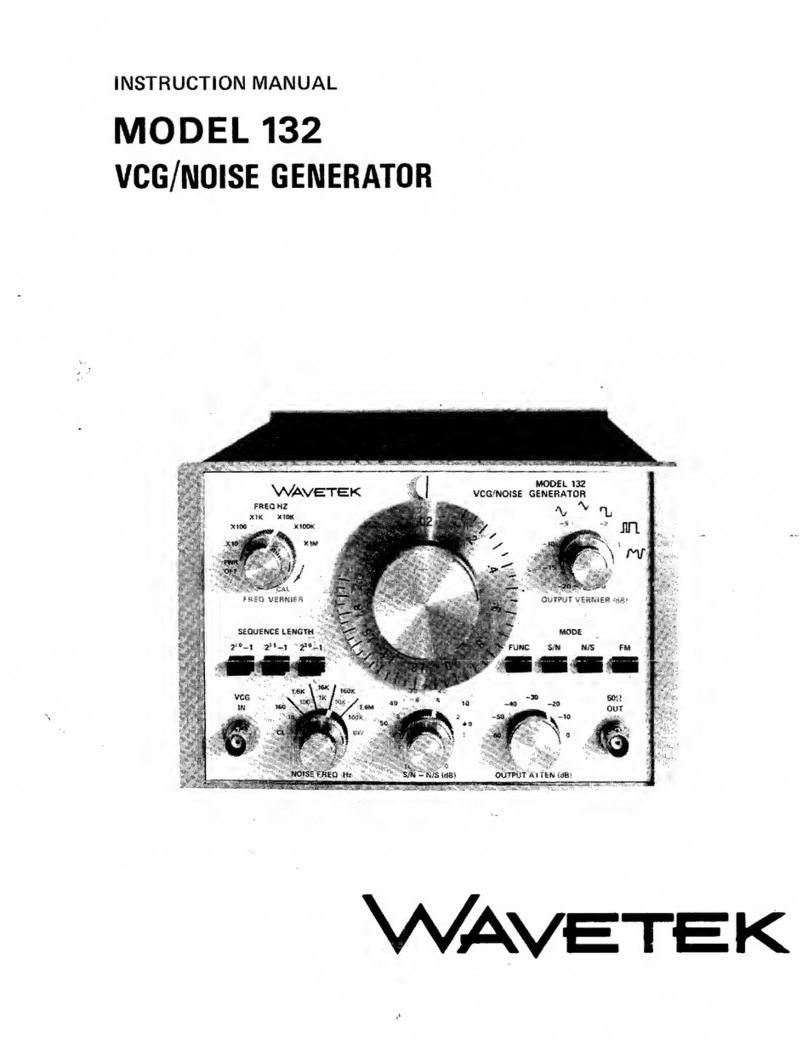
Wavetek 132 User manual

Wavetek

Wavetek 132 User manual

Wavetek 182A User manual

Wavetek

Wavetek 182A User manual

Wavetek 188 User manual

Wavetek

Wavetek 188 User manual

Wavetek 148A User manual

Wavetek

Wavetek 148A User manual

Wavetek 132 User manual

Wavetek

Wavetek 132 User manual

Wavetek 3510 User manual

Wavetek

Wavetek 3510 User manual

Wavetek 182A User manual

Wavetek

Wavetek 182A User manual

Wavetek 188 User manual

Wavetek

Wavetek 188 User manual

Wavetek 1001A User manual

Wavetek

Wavetek 1001A User manual

Popular Portable Generator manuals by other brands

Comdel CLF5000/PLL manual

Comdel

Comdel CLF5000/PLL manual

Outsunny 84F-006V80 Using instruction

Outsunny

Outsunny 84F-006V80 Using instruction

Icel Manaus GV-2015 User's operation manual

Icel Manaus

Icel Manaus GV-2015 User's operation manual

Stat-X 30E owner's manual

Stat-X

Stat-X 30E owner's manual

Metallwarenfabrik Gemmingen Eisemann T 18000 E operating instructions

Metallwarenfabrik Gemmingen

Metallwarenfabrik Gemmingen Eisemann T 18000 E operating instructions

Alpha ACX3100i quick start guide

Alpha

Alpha ACX3100i quick start guide

HERON 8896140 Translation of the original user manual

HERON

HERON 8896140 Translation of the original user manual

SEERS STF-V11 Operator's manual

SEERS

SEERS STF-V11 Operator's manual

JOYZIS BS100 Faq

JOYZIS

JOYZIS BS100 Faq

LIPOWER G1600 user manual

LIPOWER

LIPOWER G1600 user manual

Panasonic YD-350GL4 operating instructions

Panasonic

Panasonic YD-350GL4 operating instructions

RUNHOOD HE1200-UK user manual

RUNHOOD

RUNHOOD HE1200-UK user manual

Kohler 20EORZ Operation

Kohler

Kohler 20EORZ Operation

Powerhorse 83171 owner's manual

Powerhorse

Powerhorse 83171 owner's manual

ETQ TG4000 owner's manual

ETQ

ETQ TG4000 owner's manual

Briggs & Stratton 40265 Illustrated parts list

Briggs & Stratton

Briggs & Stratton 40265 Illustrated parts list

evertz 7700 Series manual

evertz

evertz 7700 Series manual

Firefly Cygnus CYG2400/460/24 user manual

Firefly

Firefly Cygnus CYG2400/460/24 user manual

manuals.online logo
manuals.online logoBrands
  • About & Mission
  • Contact us
  • Privacy Policy
  • Terms and Conditions

Copyright 2025 Manuals.Online. All Rights Reserved.

_SIGNAL
GEhJERATOR
MODEL
2500
OPERA]]N~NUAL
THIS
DOCUMENT
CON"iAINS
IN~ORMA"iION
PRC-
PRIETARY
TO
WAVETEK AND
IS
PROVIDED
SOLEL.
Y
FOR
INSTRUMENi
OPERATION
AND
MAINTENANCE. THE
INFORMATION
IN
THIS
DOCUMENT
MAY
NOI
BE
DUPLICATED
IN
ANY MANNER WITHOUT THE
PRIOi1
APPROVAL IN WRITING FROM WAVETEK.
:
Yv'AVETEK
·REV
..
E
USE
OF
THIS
MANUAL
The
documentation
package
for
the
Wavetek
Model
of
an
Operating
Manual
and
a
Service
Manual.
contains
seven
sections.
2500
RF
Signal
Generator
consists
This
is
the
Operating
Manual.
It
Section
1
Section
2
Section
3
section
J;
section
5
Section
6
Section
7
Provides
general
information
about
the
unit,
including
specifications.
Contains
detailed
installation
instructions.
Instructions
proceed
from
the
initial
inspection
(after
unpacking
a
unit)
to
the
instrument
checkout
procedure
after
installation
is
completed.
Provides
operating
instructions
for
the
unit.
Contains
the
performance
tests
used
to·
verify
that
all
functions
of
the
unit
work
properly.
Contains
the
maintenance
instructions
for
the
unit,
including
the
calibration
procedure.
Contains
GPIB
documentation.
Contains
any
changes
that
must
be
made
to
this
manual.
Changes
may
occur
for
various
reasons.
Wavetek's
product
improvement
program
incorporates
the
most
current
technology
into
these
instruments
as
rapidly
as
development
and
testing
will
permit.
Due
to
the
time
required
to
document
and
print
Operating/Service
manuals
it
is
not
always
possible
to
include
information
about
product
improvements
in
the
original
printing
for
a
manual.
Engineering
updates
to
address
these
changes
occur
in
Section
7.
The
Service
Manual
is
an
optional
item.
It
contains
Theory
of
Operation,
Trouble-
shooting
Notes,
Reference
drawings
(schematics
and
assembly),
and
Replaceable
Parts
Lists.
Schematics
and
their
associated
assembly
drawings
are
grouped
together.
Please
note
that
each
of
the
figures
in
this
text
has
a
ten
digit
identification
number
(xxxx-xx-xxxx).
For
example,
the
Wavetek
identification
number
for
Figure
2-1
is
0012-00-0176.
These
numbers
are
for
internal
use
by
Wavetek
only.
DIGITALY REMASTERED
OUT OF PRINT- MANUAL SCAN
S
By
ArtekMedia
P.O. BOX 175
Welch, MN 55089-0175
Phone: 651-269-4265
www.artekmedia.com
“High resolution scans of obsolete technical manuals”
If you are looking for a quality scanned technical manual in PDF format please visit our WEB
site at www.artekmedia.com or drop us an email at manuals@artekmedia.com
If you don’t see the manual you need on the list drop us a line anyway we may still be able to
obtain the manual you need or direct you to other sources. If you have an existing manual you
would like scanned please write for details. This can often be done very reasonably in
consideration for adding your manual to our library.
Typically the scans in our manuals are done as follows;
1) Typed text pages are typically scanned in black and white at 300 dpi.
2) Photo pages are typically scanned in gray scale mode at 600 dpi
3) Schematic diagram pages are typically scanned in black and white at 600
dpi unless the original manual had colored high lighting (as is the case for
some 70’s vintage Tektronix manuals).
4) Most manuals are text searchable
5) All manuals are fully bookmarked
All data is guaranteed for life (yours or mine …whichever is shorter). If for ANY REASON your
file becomes corrupted, deleted or lost, ArtekMedia will replace the file for the priceof shipping,
or free via FTP download.
Thanks
Dave & Lynn Henderson
ArtekMedia

CONTEl.'TS
SECTION
1 -
GENERAL
INFORMATION
1.1
INTRODUCTION
1.2
SPECIFICATIONS
SECTION
2 -
INSTALLATION
INSTRUCTIONS
2.1
INTRODUCTION
2.2
INITIAL
INSPECTION
2.3
MECHANICAL
INSTALLATION
2.04
ELECTRICAL
INSTALLATION
2.5
INSTALLATION
CHECKS
SECTION
3 -
OPERATING
INSTRUCTIONS
3.1
INTRODUCTION
3.2
AIR
FILTER
CAUTION
3.3
FRONT
PANEL
DESCRIPTION
3.04
REAR
PANEL
DESCRIPTION
3.5
LOCAL
MODE
OF
OPERATION
3.5.1
TURN
ON
3.5.2
NUMERIC
ENTRIES
(KEYBOARD
AND
SPIN
KNOB)
3.5.3
NUMERIC
ENTRY
(KEYBOARD
ONLY)
3.5.04
NON-NUMERIC
ENTRY
3.5.5
SETTING
RF
OUTPUT
CHARACTERISTICS
3.5.5.1
FREQUENCY
3.5.5.2
POWER
LEVEL
3.5.5.3
MODULATION
3.5.6
STORAGE/RECALL
OF
FRONT
PANEL
SETTINGS
3.5.7
RETURN
TO
LOCAL
MODE
OF
OPERATION
FROM
REMOTE
(GPIB)
3.6
OPERATOR
ERROR
MESSAGES
3.6.1
UNLOCKED
3.6.2
TRIPPED
3.6.3
MODULATION
DISPLAY
BLINKS
ON/OFF
3.7
CALIBRATION
DUE
INDICATORS
SECTION
4
04.1
04.2
04.3
04.4
4.5
04.6
4.7
4.8
4.9
3.7.1
UNLOCKED
3.7.2
UNLVD
-
PERFORMANCE
TESTS
INTRODUCTION
FREQUENCY
RESOLUTION
AND
RANGE
TEST
FREQUENCY
ACCURACY
TEST
HARMONICS
TEST
NON-HARMONICS
TEST
SUB-HARMONICS
TEST
PHASE
NOISE
TEST
SWITCHING
SPEED
TEST
.AM
PERFORMANCE
TESTS
(AM
ACCURACY,
DISTORTION,
AND
BANDWIDTH)
i
Scans by ArtekMedia => 2011
4.10
4.11
4.12
4.13
4.14
4.15
4.16
4.17
SECTION 5
5.1
5.2
RESIDUAL
AM
TEST
RESIDUAL
PM
TEST
CONTElITS
(Con't)
FM
PERFORMANCE
TESTS
(PM
ACCURACY,
DISTORTION,
BANDWIDTH,
AND
DEVIATION
RANGE)
OUTPUT
POWER
LEVEL
ACCURACY
TEST
OUTPUT
POWER
LEVEL
FLATNESS
TEST
OUTPUT
IMPEDANCE
TEST
EXTERNAL
REFERENCE
TEST
SAMPLE
PERFORMANCE
TEST
RECORD
-
MAINTENANCE
INTRODUCTION
SERVICE
INFORMATION
5.2.1
FAN/AIR FILTER
MAINTENANCE
5.2.2
BOTTOM
COVER
REMOVAL
5.2.3
AIR FILTER
CLEANING
5.3
AUTOCAL~
CALIBRATION
5.4
USER
DIAGNOSTICS
5.5
POWER
UP
TEST
SECTION 6 - GPIB
6.1
INTRODUCTION
6.2
INSTALLATION INSTRUCTIONS
6.3
OPERATING
INSTRUCTIONS
6.3.1
LOCAL/REMOTE
MODE
SELECTION
6.3.2
ADDRESS
SETTING
6.3.3
GPIB INPUT
COMMAND
DEFINITION
6.3.4
GPIB INPUT
COMMAND
TYPES
6.3.5
PARAMETER
COMMANDS
6.3.6
ENUMERATED
COMMANDS
6.3.7
DIRECT
COMMANDS
6.3.8
QUERY
COMMANDS
6.3.9
SAMPLE
SOFTWARE
PROGRAMS
6.4
GPIB
DATA
EXCHANGE
TEST
6.5
GPIB
BOARD
TEST (USER DIAGNOSTIC)
SECTION 7 -
MANUAL
CHANGES
7.1
INTRODUCTION
7.2
MANUAL
CHANGES
ii
Scans by Artekmedia => 2011
Figure
2-1
Figure
3-1
Figure
3-2
Table
4-1
Table
6-1
Table
6-2
Table
6-3
Table
6-4
Table
6-5
Table
6-6
Table
6-7
Table
6-8
LIST
OF
FIGURES
AND
TABLES
AC
Power
Connector
Module
Wavetek
Model 2500
Front
Panel
Wavetek
Model
2500
Rear
Panel
Recommended
Test
Equipment
Parameter
Command
Headers
Engineering
Notation
Enumerated
Command
Listings
Enumerated
Command
Headers
Direct
Command
Headers
Query
Command
Headers/2500
Response
Header
Formats
for
10,
ERR,
and
SET
Error
Messages/Serial
Poll
Byte
iii
Query
Commands
Scans by ArtekMedia => 2011
1.1
INTRODUCTION
The
Wavetek
Model
2500
is
a
micro-
processor
controlled,
single-loop
syn-
thesized
signal
generator
that
covers
the
frequency
range
of
400
kHz
to
1100
MHz.
Standard
features
include
a
very
broad
1
MHz
peak
FM
deviation,
an
exclusive
AutoCal®
self-calibration
function,
extensive
user
diagnostics,
an
automatic
power
up
test
sequence,
and
15
non-volatile
memory
locations.
A
10
MHz
square
wave
reference
output
is
available
at
the
rear
panel.
All
operational
controls
are
located
on
the
front
panel.
Controls
include
keypad
swi
tches
and
a
sp
in
knob
for
entry
of
all
RF
output
numeric
parame-
ters.
The
spin
knob
provides
entry
that
has
the
ease
and
continuity
and
fine
tuning
of
analog
control.
Instrument
settings
are
indicated
on
three
custom
LCD
displays
with
electroluminescent
backlighting.
The
2500
is
a
space-saving
3/4-rack
size.
(Two
optional
rack
mount
adaptor
kits
are
available.)
A
talk/listen
GPIB
fully
conforming
to
the
IEEE-488
standard
is
installed
in
the
Model
2500.
Because
it
also
con-
forms
to
proposed
IEEE
Standard
951,
the
Model
2500
can
be
easily
conformed
to
any
ATE
system.
1.1.1
FREQUENCY
CHARACTERISTICS
The
carrier
frequency
may
be
set
from
0.4
to
1100
MHz
with
a
10
Hz
resolution
and
.00005%
(.5
ppm)
accuracy.
1-1
SECTION
1
GENERAL
INFORMATION
1.1.2
MODULATION
CHARACTERISTICS
The
instrument
features
both
internal
and
external
AM
and
FM
capabilities.
The
internal
modulation
source
may
be
set
at
a
400
or
1000
Hz
rate.
AM
depth
is
specified
from
0
to
99.9%.
FM
de-
viation
can
be
set
from
0 -
500
kHz
f
or
carrier
frequencies
between
137.5
MHz
and
275
MHz
and
from
0
to
1
MHz
at
all
other
carrier
frequencies.
Reso-
lution
is
from
10
Hz
to
1 kHz
depending
upon
the
deviation
set
(see
Section
1.2
for
greater
detail).
The
external
reference
input
may
be
a
sine
or
square
wave
at
1
MHz,S
MHz,
or
10
MHz.
Internal
and
external
sources
may
be
used
simultaneously
to
produce
complex
modulation.
1.1.3
OUTPUT
LEVEL
CHARACTERISTICS
The
Model
2500
has
an
RF
output
range
of
+13
dBm
to
-137
dBm
with
an
output
level
flatness
of
±1
dB.
The
level
resolution
is
.1
dB.
OUtput
level
may
be
read
in
dBm,
mV,
or
~V.
Reverse
power
protection
to
50
watts
is
standard.
1.1.4
AutoCal®/DIAGNOSTICS
The
Model
2500
utiliZes
a
unique
Auto
Cal®
routine
to
perform
a
quick
and
easy
almost
completely
automatic
self-
calibration.
A
key
is
simply
inserted
into
the
key-lock
located
on
the
rear
panel
and
at
turn
on
the
instrument
will
present
the
operator
with
the
first
in
a
series
of
menus
to
perform
the
AutoCal®
routine
or
any
of
the
19
user
diagnostics
supplied
with
the
unit.
Scans by Artekmedia => 2011
1.1.5
STORED
SETTINGS
1.1.6
ERROR
INDICATORS
Nonvolatile
memory
locations
allow
up
to
15
complete
front
panel
settings
to
be
stored
and
recalled
in
any
order.
This
storage
permits
fast
and
accurate
recall
of
frequently
used
settings.
The
parameters
stored
in
location
number
15
may
be
recalled
with
one
keystroke.
The
front
panel
displays
for
the
2500
indicate
the
following
error
condi-
tions:
An
unlocked
condition
in
the
phase
locked
loop
circuitry
An
unleveled
condition
in
the
RF
output
leveler
circuitry
The
2500
powers
up
with
the
same
set-
tings
present
when
power
was
removed,
except
the
RF
output
will
be
off.
A
tripped
RF
circuit
breaker
FM
overmodulation
1.2
SPECIFICATIONS
1.2.1
FREQUENCY
Range
(MHz)
Resolution
Frequency
Stability/Temp
Frequency
Stability
(Aging)
switching
Speed
1.
2 . 2
RF
OUTPUT
Impedance
output
Connector
Calibrated
Level
Range
Level
Resolution
Level
Accuracy
Flatness
Leakage
.4
-
1100
10
Hz
±0.5
ppm
(±.00005~),
0-50
0 C
<1
ppm/yr.
Typically
200
mSec
50Q
Type
"N"
+13
to
-137
dBm
.1
dB
±1.3
dB
for
power
levels
>-36.9
dBm;
±(1.3
dB
+
.1
dB/IO
dB
step
decrease)
for
power
levels
<-36.9
dB
±1
dB
<1
~V
into
a
2-turn
1
inch
diameter
loop
at
1100
MHz
Conforms
to
MIL-STD-461,
Class
E,
Sections
CS01,
CS02,
CS06,
RE02,
RS03
(to
1
GHz);
VDE
0871,
Class
B.
1-2
Scans by ArtekMedia => 2011
1.2.3
SPECTRAL
PURITY
Harmonics
Sub-Harmonics
(550
MHz
-
1100
MHz)
Non-Harmonics
(Spurs)
(>5
kHz
from
carrier)
1.2.4
PHASE
NOISE
@
500
MHz
10
kHz
offset
20
kHz
offset
1.2.5
RESIDUAL
AM
(.05
-15 kHz
PDBW)
1.2.6
RESIDUAL
FM
(.05
-
15
kHz
PDBW)
(.3
- 3 kHz
PDBW)
1.2.7
MODULATION
Modes
Internal
Source
External
Source
1.2.7.1
AM
CHARACTERISTICS
AM
Frequency
Response
AM
Resolution
AM
Range
Modulation
Accuracy,
AM
(0
-
901..)
AM
Distortion
<-30
dBc
<-25
dBc
<-50
dBc
for
carrier
frequencies
<137.5
MHz
<-60
dBc
for
carrier
frequencies
>137.5
MHz
<-107
dBc/Hz
guaranteed
(Typ
-110
dBc/Hz)
Typ
<-115
dBc/Hz
<-65
dBc
<30
Hz
nus
(.4
-
137.49999
MHz)
<15
Hz
rms
(137.5
-
274.99999
MHz)
<30
Hz
rms (275 -
550
MHz)
<60
Hz
rms (>550
MHz)
<15
Hz
rms
typical
(.4
-
137.49999
MHz)
<10
Hz
rms
typical
(137.5
-
274.99999
MHz)
<15
Hz
rms
typical
(275
-
550
MHz)
<30
Hz
rms
typical
(>550
MHz)
AM,
FH,
COMPLEX
(EXT
AM
and
INT
FM·
,
EXT
INT
AM)
FM
400
Hz, 1 kHz;
derived
from
frequency
standard
AM
Mode:
DC
to
20 kHz, 600 Q
floating
input
FM
Mode: 20
Hz
to
100
kHz,
600 Q
floating
input
DC
to
15 kHz (Typ
to
20
kHz),
(3
dB
bw,
501..
modulation)
.11..
and
o - 99.91.. (+3
dBm
max
output
at
99.91..
modulation)
±11..
+
(±51..
of
indicated
setting)
at
internal
rates
<1.51..,
below
301..
modulation
<31..,
30%
to
701..
modulation
<51..,
701..
to
901..
modulation
1-3
Scans by Artekmedia => 2011
1.2.7.2
FM
CHARACTERISTICS
FM
Resolution
FM
Rate
FM
Deviation
Range
for
1 kHz
Rate
Modulation
Accuracy,
FM
FM
Distortion
1.2.8
FRONT
PANEL
CONTROL
10
Hz
(deviations
<10 kHz)
100
Hz
(deviations
<100 kHz)
1 kHz
(deviations
<1
MHz)
20
Hz
-
100
kHz
(3
dB
bw)
1
MHz
peak
(3-137.49999
& >275
MHz)
500
kHz
peak
(137.5
-275
MHz)
100
kHz
peak
(1
-3
MHz)
10
kHz
peak
(.4
- 1
MHz)
At
internal
rates,
±S%
of
indicated
setting,
excluding
residual
FM
<2%
at
internal
rates
for
deviation
<100 kHz
Type
Push-buttons,
Spin-Knob
1.2.9
REVERSE
POWER
PROTECTION
Max
RF Power
50
W
Trip
Level
-
.7
W
Trip
Time
Typically
<1 mSec
Max
DC
Voltage
50
V
1.2.10
STORED
SETTINGS
15
total,
non-volatile;
complete
front
panel
settings
stored
1.2.11
EXTERNAL
REFERENCE
INPUT
(REAR
PANEL)
Frequency
1,
5,
or
10
MHz
Required
Input
Level/Impedance
1-5
Vp-p,
into
50
Q
lNaveform
Sine
or
Square
Wave
1.2.12
INTERNAL
REFERENCE
OUTPUT
(REAR
PANEL)
Frequency
10
MHz
Voltage
Out/Impedance
100
mVp-p,
into
50
Q
Waveform
Square
Wave
1-4
Scans by ArtekMedia => 2011