Quick Start Guide for WiebeTech Combo Adapters
www.wiebetech.com
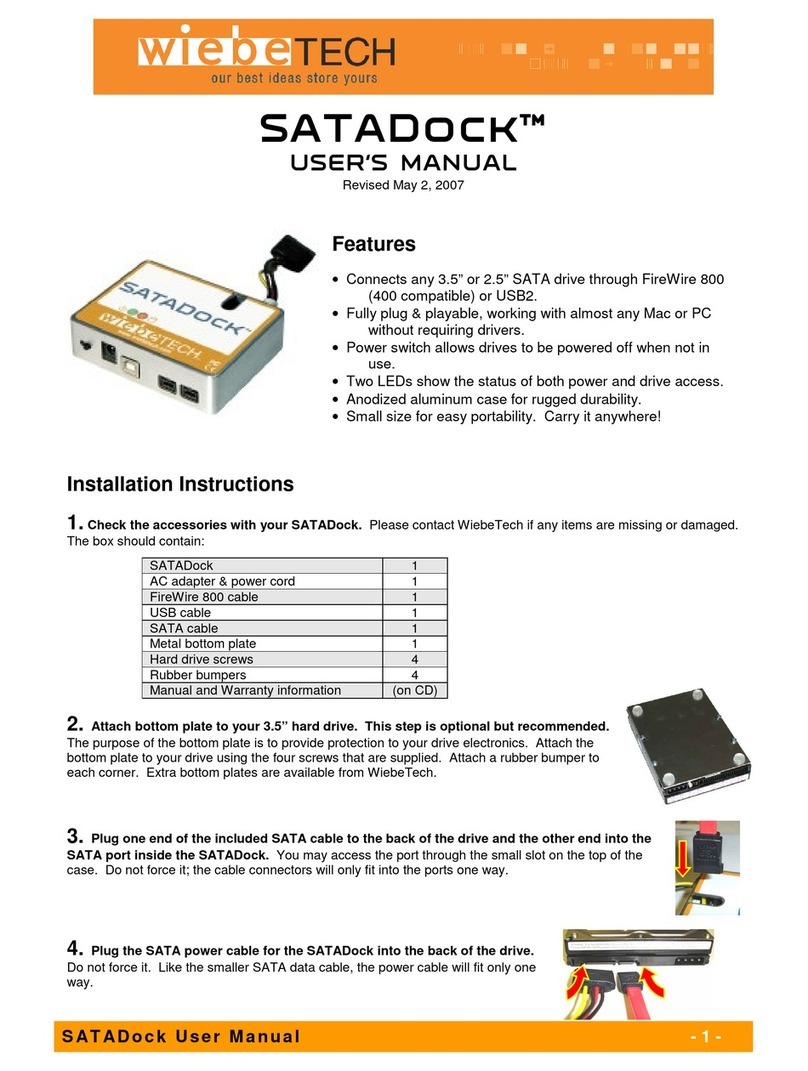
Combo Adapters™
Quick Start Guide
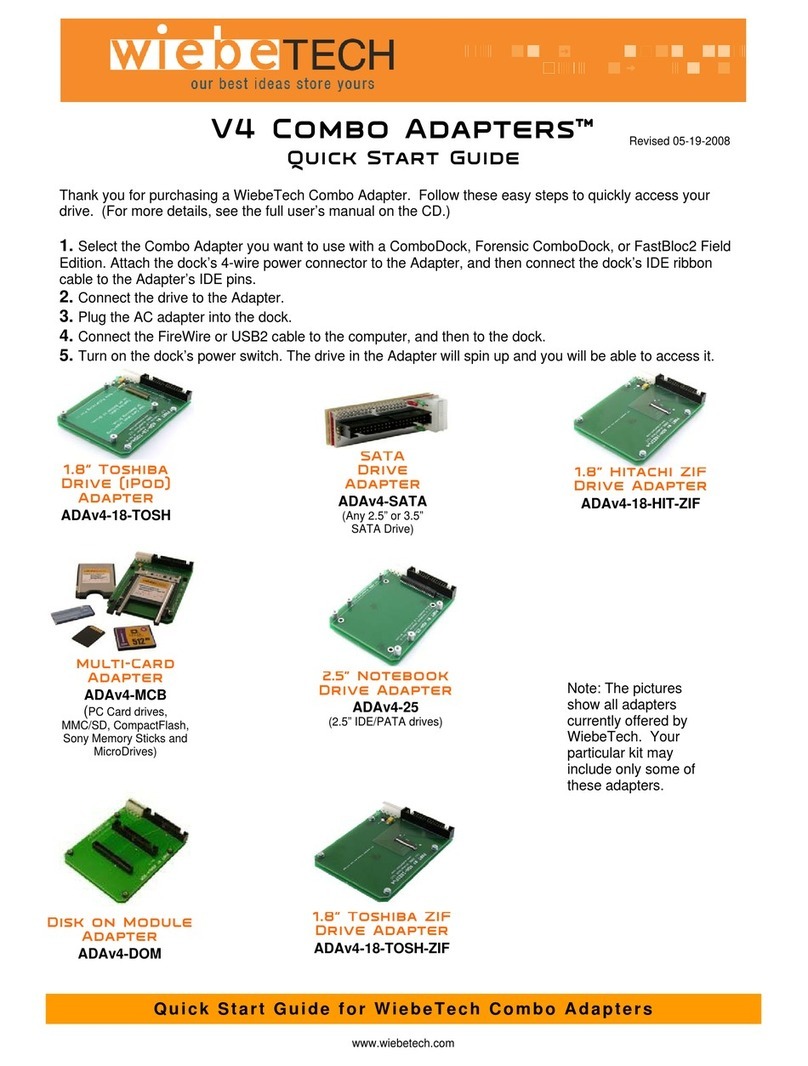
Thank you for purchasing WiebeTech’s Combo Adapters. Follow these easy steps to quickly access your drive.
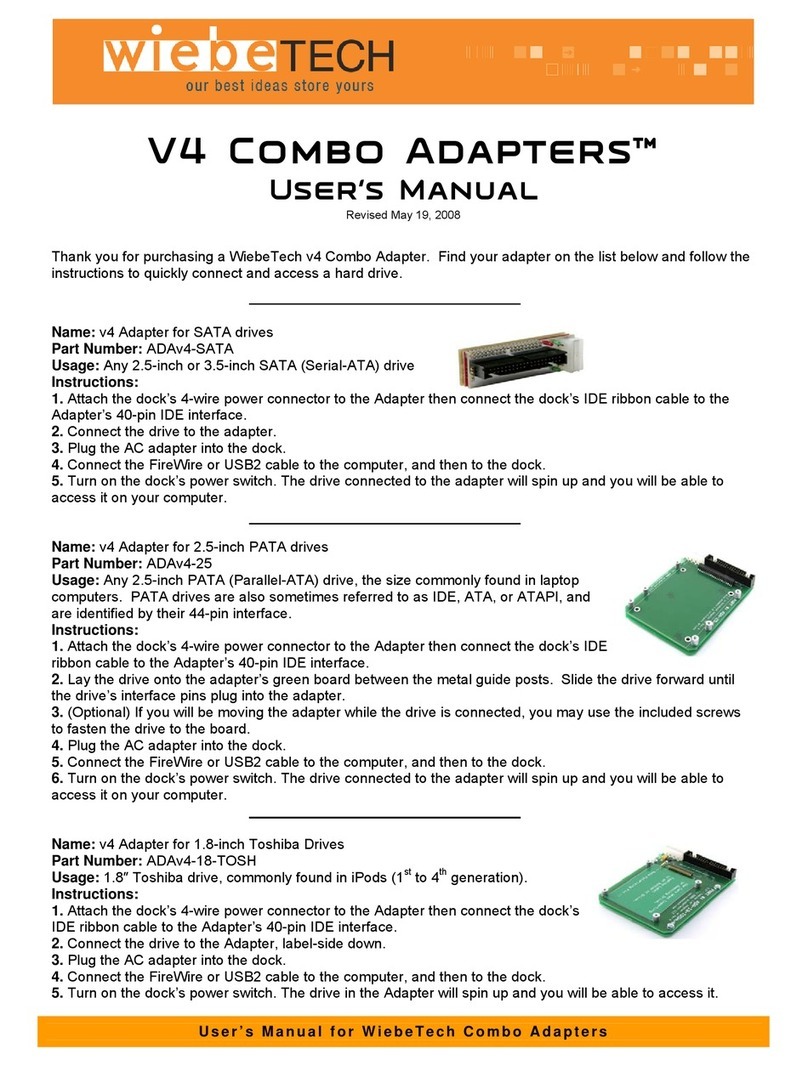
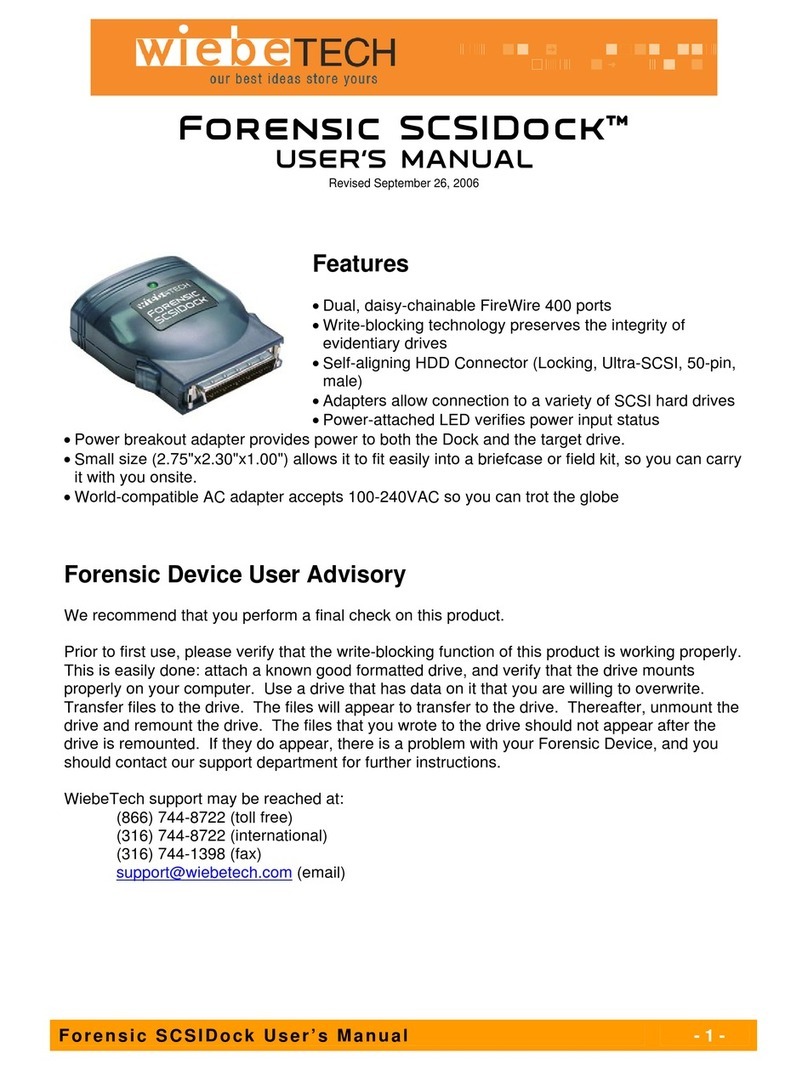
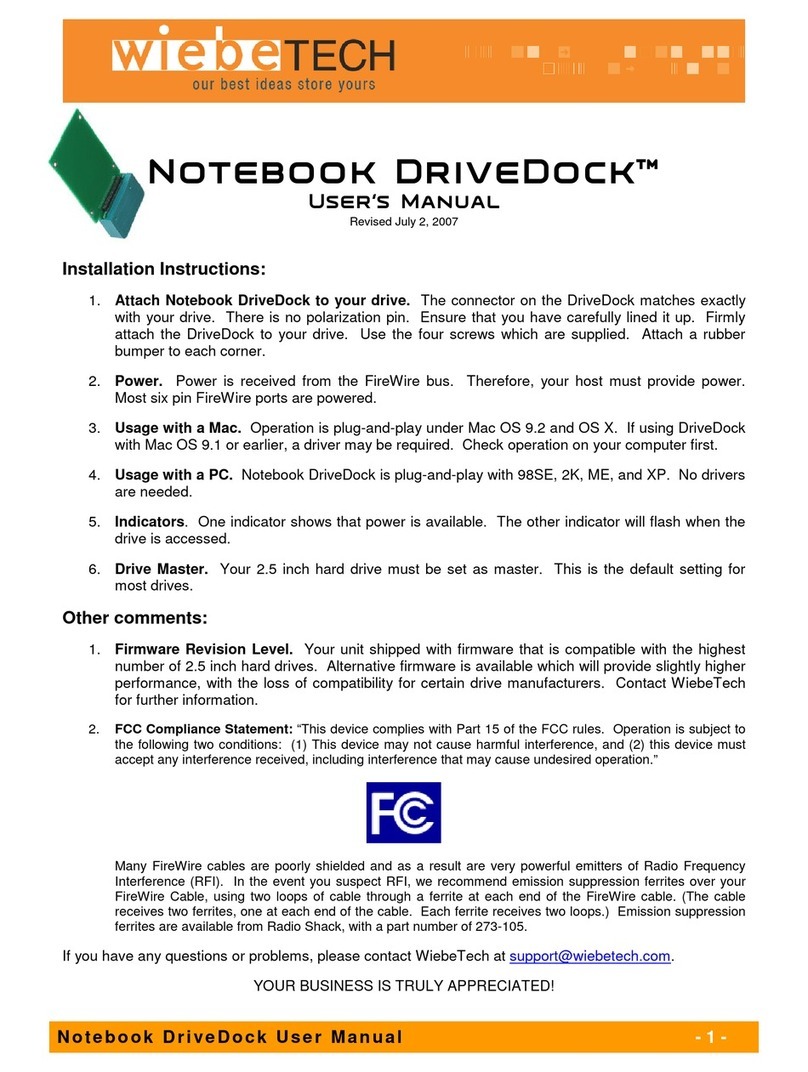
1. Select the adapter you want to use with a ComboDock or Forensic ComboDock. Attach the ComboDock’s four-wire
power connector to the adapter, and then connect the ComboDock to the Adapter’s IDE pins.
2. Connect the drive to the Adapter.
3. Plug the AC adapter into the ComboDock.
4. Connect the FireWire or USB2 cable to the host, and then to the ComboDock.
5. Turn on the ComboDock power switch. The drive in the adapter will spin up and you will be able to access it.
Improved
SATA Adapter
Any 2.5” or 3.5” SATA drive
ADA-SATA
.
itachi
Drive Adapter
ADA-18-HIT
.
oshiba
rive
(iPod) Adapter
ADA-18-TOSH
dapter
PC Card drives, as used in
PCMCIA slots
ADA-PCCARD
.
otebook
Drive Adapter
ADA-25
ompact
lash
MicroDrives (used in iPod Mini
and in many digital cameras), and
Compact Flash modules
ADA-10
dapter
Allows access to conventional 3.5”
IDE drives in hard-to-reach places.
ADA-CABLE