manuals.online logo
Brands
  1. Home
  2. •
  3. Brands
  4. •
  5. XAG
  6. •
  7. Drone
  8. •
  9. XAG P100 Operating and maintenance instructions

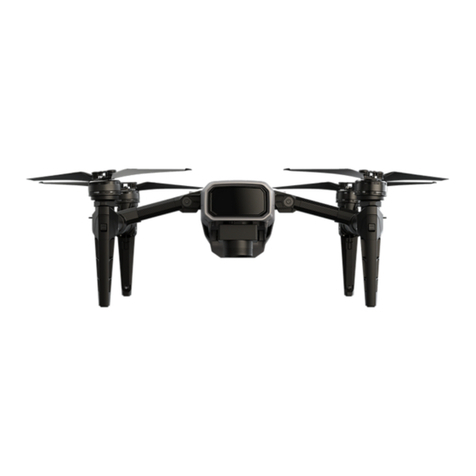
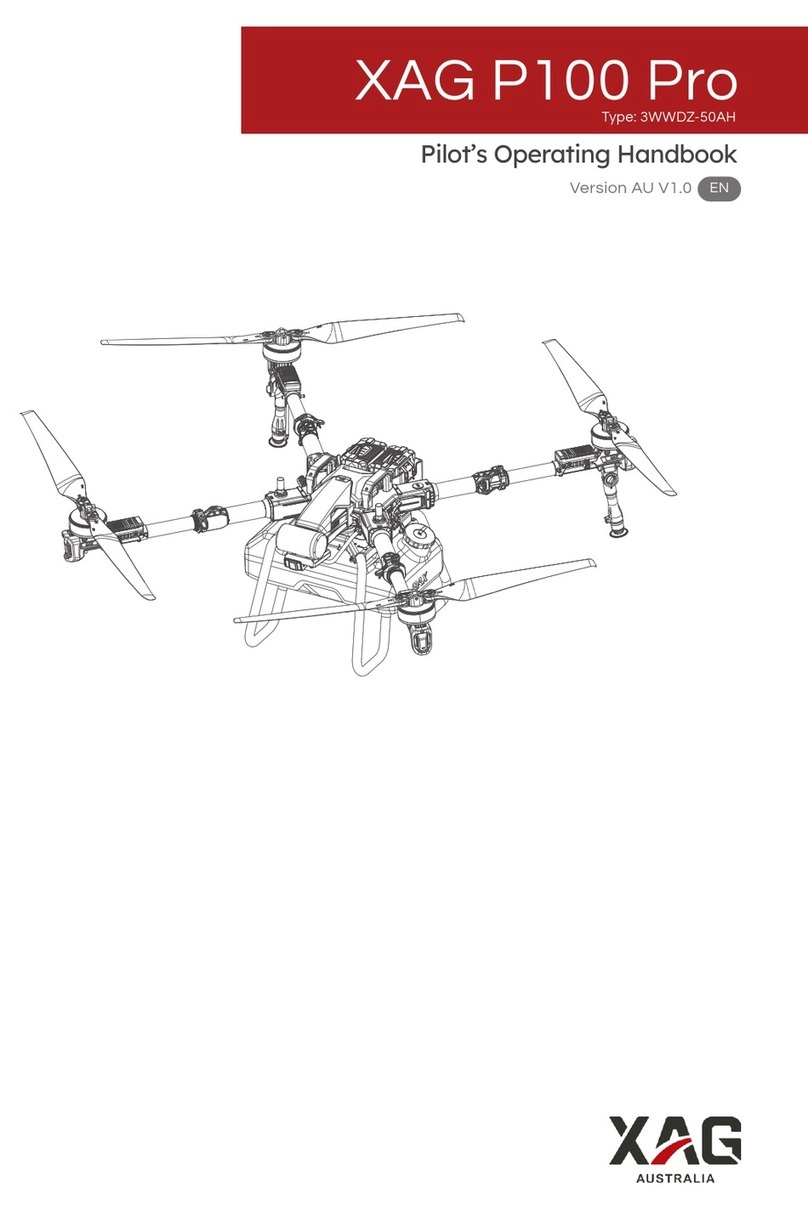
XAG P100 Operating and maintenance instructions

Other manuals for P100

1

This manual suits for next models

1

Other XAG Drone manuals

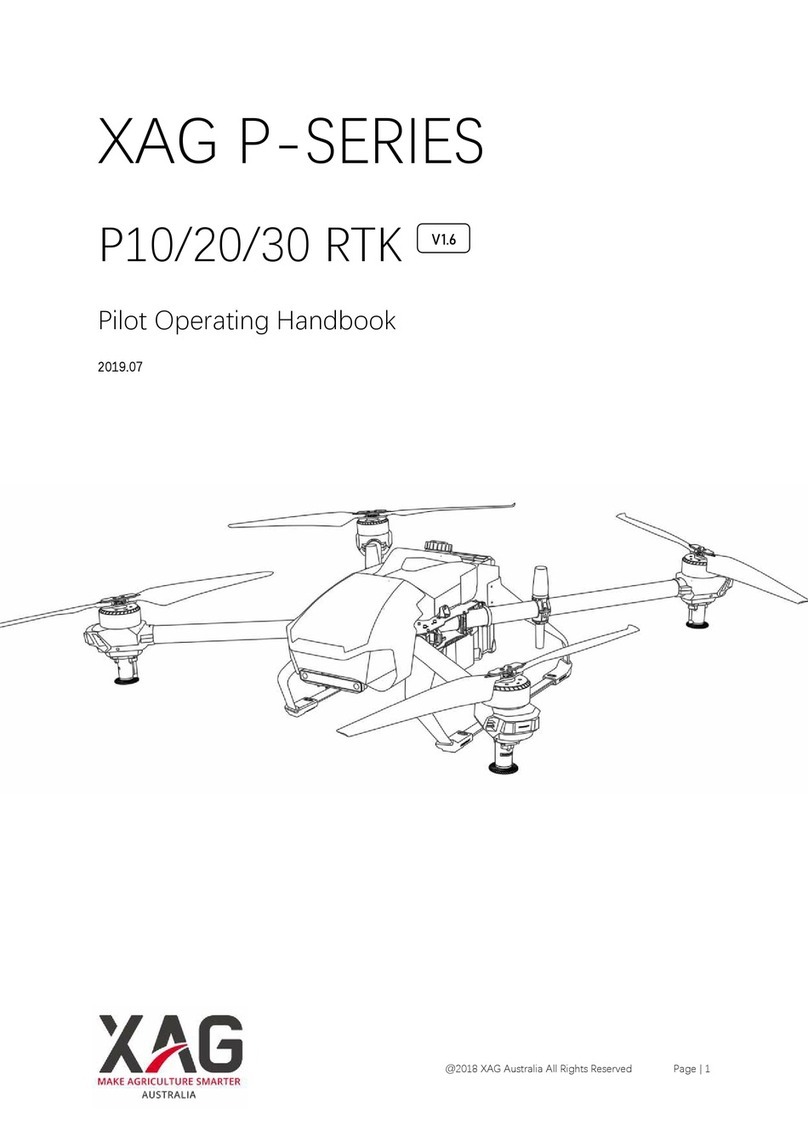
XAG V40 User manual

XAG

XAG V40 User manual

XAG P100 Pro Owner's manual

XAG

XAG P100 Pro Owner's manual

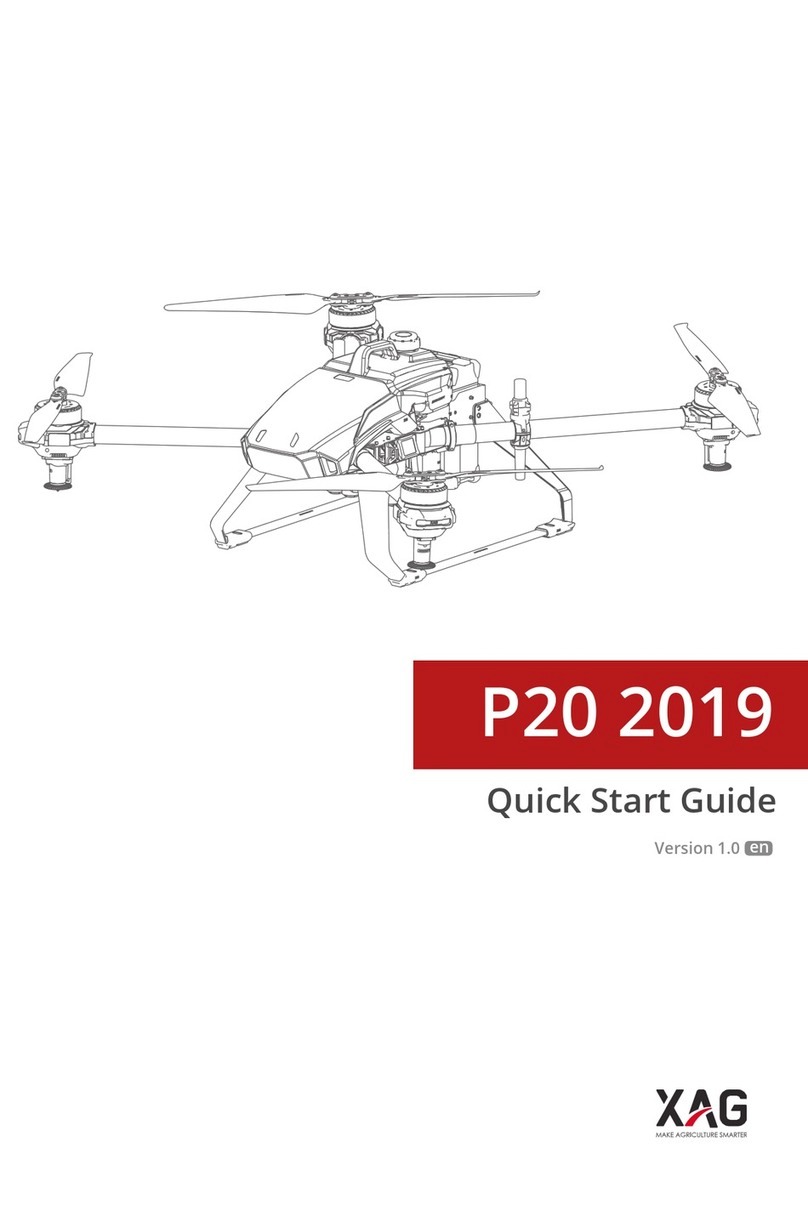
XAG P20 2019 User manual

XAG

XAG P20 2019 User manual

XAG P100 Pro 2023 User manual

XAG

XAG P100 Pro 2023 User manual

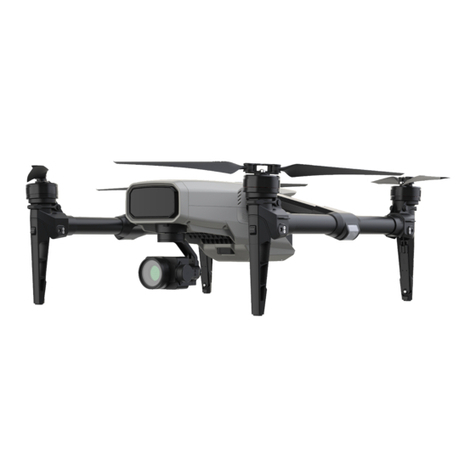
XAG M500 Remote Sensing UAS User manual

XAG

XAG M500 Remote Sensing UAS User manual

XAG P30 Guide

XAG

XAG P30 Guide

XAG XMISSION User manual

XAG

XAG XMISSION User manual

XAG P100 User manual

XAG

XAG P100 User manual

XAG P30 2020 User manual

XAG

XAG P30 2020 User manual

XAG P40 User manual

XAG

XAG P40 User manual

XAG RevoCast 2.0 P100 User manual

XAG

XAG RevoCast 2.0 P100 User manual

XAG P40 User manual

XAG

XAG P40 User manual

XAG P Series Owner's manual

XAG

XAG P Series Owner's manual

XAG V40 Owner's manual

XAG

XAG V40 Owner's manual

Popular Drone manuals by other brands

Foxtech GAIA 160MP user manual

Foxtech

Foxtech GAIA 160MP user manual

Ryze Tello quick start guide

Ryze

Ryze Tello quick start guide

PowerVision PowerRay user manual

PowerVision

PowerVision PowerRay user manual

Force1 rogue F72 user manual

Force1

Force1 rogue F72 user manual

Zerotech DOBBY user manual

Zerotech

Zerotech DOBBY user manual

Walkera ZHUN quick start guide

Walkera

Walkera ZHUN quick start guide

Arris M900 user manual

Arris

Arris M900 user manual

Potensic D58 Operation Guidance

Potensic

Potensic D58 Operation Guidance

Protocol VIDEODRONE AP instruction manual

Protocol

Protocol VIDEODRONE AP instruction manual

dji Matrice M210 quick start guide

dji

dji Matrice M210 quick start guide

Storm DJI Flamewheel F450 RTF manual

Storm

Storm DJI Flamewheel F450 RTF manual

SYMA X440 user manual

SYMA

SYMA X440 user manual

XIRO Xplorer G Calibration guide

XIRO

XIRO Xplorer G Calibration guide

Freefly ALTA Setup guide

Freefly

Freefly ALTA Setup guide

Twodots TVVIN BOARD quick guide

Twodots

Twodots TVVIN BOARD quick guide

Parrot Bebop quick start guide

Parrot

Parrot Bebop quick start guide

Potensic ATOM SE user manual

Potensic

Potensic ATOM SE user manual

SYMA X5UW(720P) user manual

SYMA

SYMA X5UW(720P) user manual

manuals.online logo
manuals.online logoBrands
  • About & Mission
  • Contact us
  • Privacy Policy
  • Terms and Conditions

Copyright 2025 Manuals.Online. All Rights Reserved.

XAG Australia
ABN 56 614 943 118
Unit 5, 11 Jullian Cl.
Banksmeadow NSW 2019
P. +61 (2) 9168 7918
E. info@xagaustralia.com.au
www.xagaustralia.com.au
XAG P100/P100 Pro Motor & ESC Mandatory
Maintenance Instructions
While the XAG P100/P100 Pro aircraft is operating, it would experience vibrations that
might cause the screws securing the Motor connector and ESC to loosen, potentially
causing a disconnection of power. The wear and tear of the isolators could have
prompted the melting due to heat during the operation. Such an event could trigger an
electrical surge and excessive heat production, possibly resulting in the Motor/ESC
failure.
1. Loosen the four screws securing the red bumper and then detach the bumper.

XAG Australia
ABN 56 614 943 118
Unit 5, 11 Jullian Cl.
Banksmeadow NSW 2019
P. +61 (2) 9168 7918
E. info@xagaustralia.com.au
www.xagaustralia.com.au
2. Use a screwdriver to dislodge the connector shield.
XAG Australia
ABN 56 614 943 118
Unit 5, 11 Jullian Cl.
Banksmeadow NSW 2019
P. +61 (2) 9168 7918
E. info@xagaustralia.com.au
www.xagaustralia.com.au
3. Use a screwdriver to undo the 3 screws securing the connectors and inspect the
condition of the isolators and connectors.
XAG Australia
ABN 56 614 943 118
Unit 5, 11 Jullian Cl.
Banksmeadow NSW 2019
P. +61 (2) 9168 7918
E. info@xagaustralia.com.au
www.xagaustralia.com.au
4. Should you find an isolator showing heat-related colour changes, replace it
immediately. Also, ensure that each connector is paired with its appropriate
isolator.
XAG Australia
ABN 56 614 943 118
Unit 5, 11 Jullian Cl.

Banksmeadow NSW 2019
P. +61 (2) 9168 7918
E. info@xagaustralia.com.au
www.xagaustralia.com.au
Example of heat-induced discolouration
XAG Australia
ABN 56 614 943 118
Unit 5, 11 Jullian Cl.
Banksmeadow NSW 2019
P. +61 (2) 9168 7918
E. info@xagaustralia.com.au
www.xagaustralia.com.au
5. After the inspection and cleaning of the ESC isolators, substitute any that are
worn or display signs of heat-related discolouration.
Example of heat-induced discolouration:
XAG Australia
ABN 56 614 943 118
Unit 5, 11 Jullian Cl.
Banksmeadow NSW 2019
P. +61 (2) 9168 7918
E. info@xagaustralia.com.au
www.xagaustralia.com.au
XAG Australia
ABN 56 614 943 118
Unit 5, 11 Jullian Cl.
Banksmeadow NSW 2019
P. +61 (2) 9168 7918
E. info@xagaustralia.com.au
www.xagaustralia.com.au
6. Clean any residues left on the Motor and ESC connectors and apply contact
cleaner when necessary.
XAG Australia
ABN 56 614 943 118
Unit 5, 11 Jullian Cl.
Banksmeadow NSW 2019
P. +61 (2) 9168 7918
E. info@xagaustralia.com.au
www.xagaustralia.com.au
XAG Australia
ABN 56 614 943 118
Unit 5, 11 Jullian Cl.
Banksmeadow NSW 2019
P. +61 (2) 9168 7918
E. info@xagaustralia.com.au
www.xagaustralia.com.au
7. When reassembling, ensure the ESC connectors are accurately aligned with the
isolator bracket.
8. Finalize the installation by using a screwdriver to securely tighten the
connection. The use of Loctite 243 on the screw is advised.