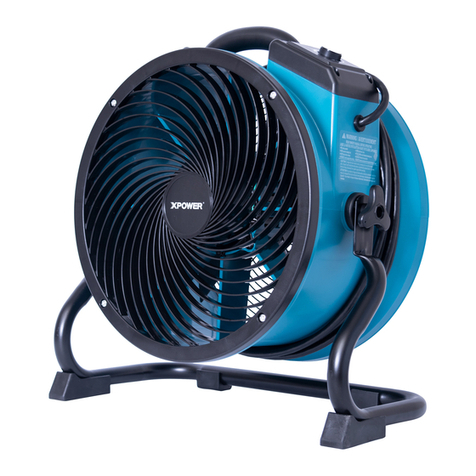
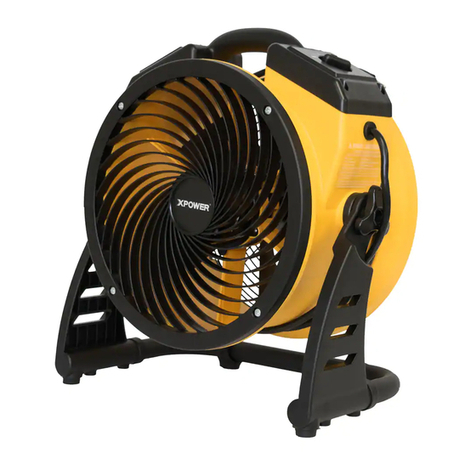
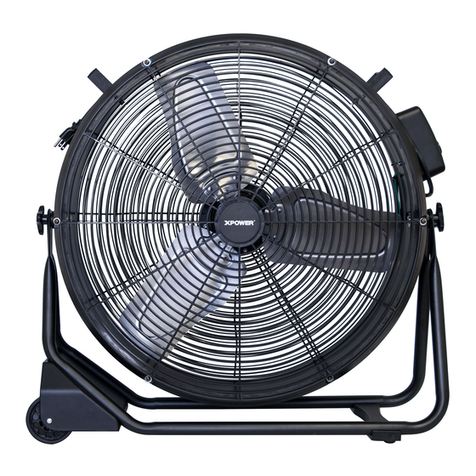
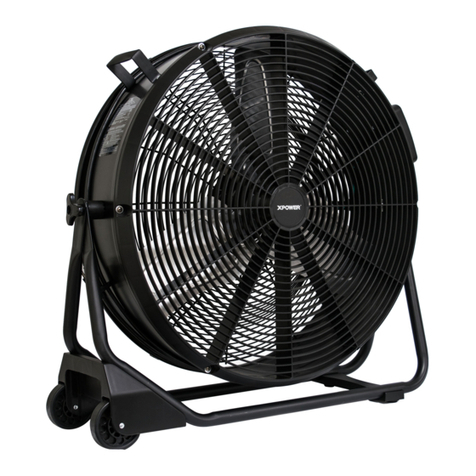
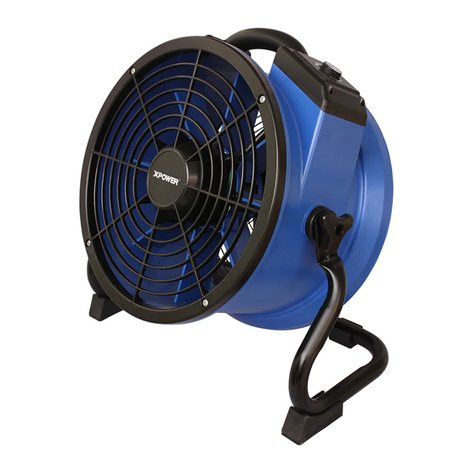
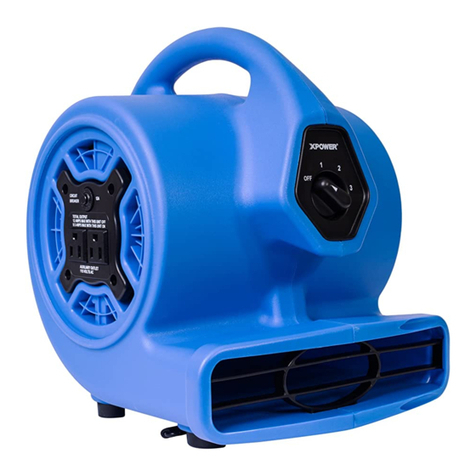
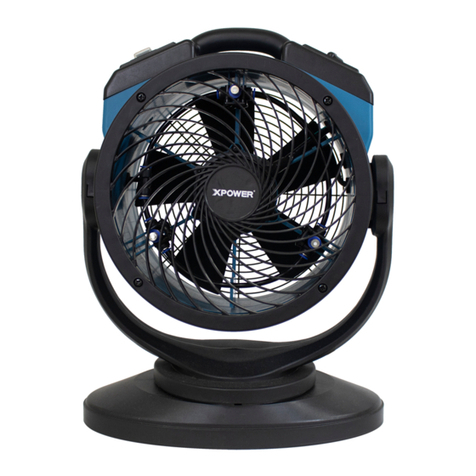
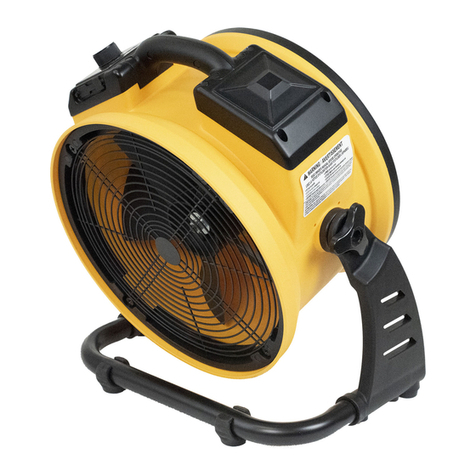
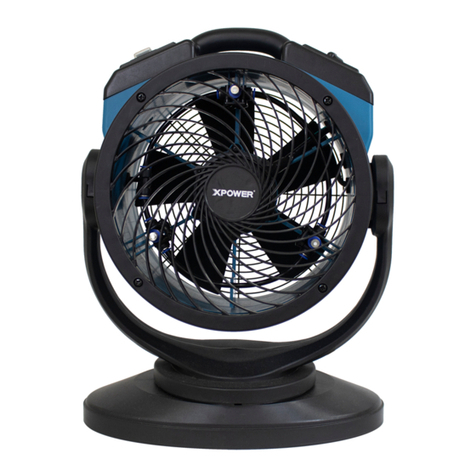
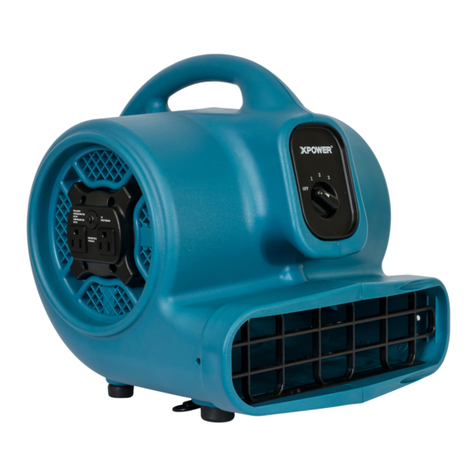
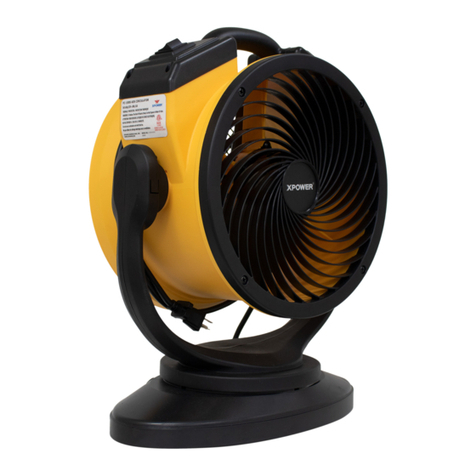
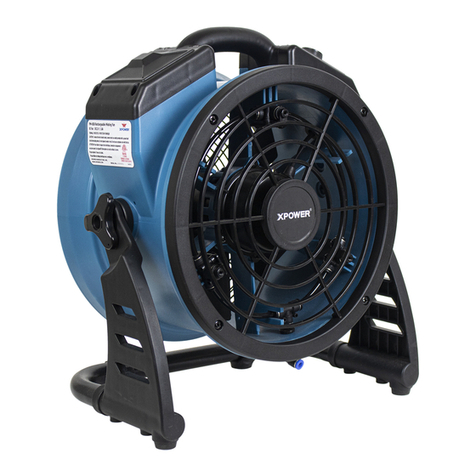
XPower X-200AT Series User manual

MAINTENANCE MANUAL
Air Mover (USA Standards)
For professional use only
Index
MAINTENANCE MANUAL OF AIR MOVER (Ⅰ)
1.Main Parts Description......................................................................................................................4
2.Wire Diagram .......................................................................................................................................6
3. Steps of Disassembling ..................................................................................................................7
4. Steps of Speed Switch Replacement ..........................................................................................8
5. Steps of Daisy Chain Replacement ...............................................................................................9
6. Steps of Assembling ........................................................................................................................9
7.Methods for Malfunction .............................................................................................................11
MAINTENANCE MANUAL OF AIR MOVER (Ⅱ)
1.Main Parts Description....................................................................................................................19
2.Wire Diagram .....................................................................................................................................21
3. Steps of Disassembling ................................................................................................................21
4. Steps of Speed Switch Replacement ........................................................................................22
5. Steps of Daisy Chain Replacement .............................................................................................24
6. Steps of Assembling ......................................................................................................................26
7.Methods for Malfunction .............................................................................................................29

MAINTENANCE MANUAL OF AIR MOVER (Ⅲ)
1.Main Parts Description....................................................................................................................33
2.Wire Diagram .....................................................................................................................................34
3. Steps of Disassembling ................................................................................................................35
4. Steps of Speed Switch Replacement ........................................................................................36
5. Steps of Assembling ......................................................................................................................37
6.Methods for Malfunction .............................................................................................................39
MAINTENANCE MANUAL OF AIR MOVER (Ⅳ)
1.Main Parts Description....................................................................................................................43
2.Wire Diagram .....................................................................................................................................44
3. Steps of Disassembling ................................................................................................................44
4. Steps of Speed Switch Replacement ........................................................................................45
5. Steps of Assembling ......................................................................................................................47
6.Methods for Malfunction .............................................................................................................48

Number
Applicable Model
Remark
1
X-200AT * /P-200AT *, X-230AT * /P-230AT *,
X-400AT * /P-400AT *, X-430AT * /P-430AT *
X-600*AT */P-600*AT *, X-630AT * /P-630AT *
With Daisy Chain
and Timer
2
X-200A * /P-200A *, X-230A * /P-230A*,
X-400A * /P-400A *, X-430A * /P-430A *
X-600*A */P-600*A *, X-630A * /P-630A *
With Daisy Chain,
without Timer
3
X-200T* /P-200T*, X-230T * /P-230T*,
X-400T * /P-400T * , X-430T * /P-430T *
X-600*T */P-600*T *, X-630*T * /P-630*T *
X-800T * /P-800T * , X-830T * /P-830T *
With Timer,
without Daisy Chain
4
X-200* /P-200*, X-230 * /P-230*,
X-400 * /P-400 *, X-430 * /P-430 *
X-*600 * /P-*600 *, X-630 * /P-630 *
X-800 * /P-800 * , X-830 * /P-830 *
Without Timer and
Daisy Chain
Model Options:
“*”means S、H、C、F(or WFK)or without other parts
“S” means sealed motor ,“A” means daisy chain ,“T” means timer ,
“H” means handle ,“C” means carpet clamp ,“F” “WFK” means Filter Kit
Model letters S, A, T, H, C, F order。

MAINTENANCE MANUAL OF AIR MOVER (Ⅰ)
(With Daisy Chain and Timer)
Applicable model
X-200AT * /P-200AT *, X-230AT * /P-230AT *,
X-400AT * /P-400AT * ,X-430AT * /P-430AT *
X-600*AT */P-600*AT * ,X-630AT * /P-630AT *
Model Instruction:
“*”means S、H、C、F(or WFK)or without other parts
“S” means sealed motor ,“A” means daisy chain ,“T” means timer ,
“H” means handle ,“C” means carpet clamp ,“F” “WFK” means Filter Kit
Model letters S, A, T, H, C, F order。
1. Main Parts Description
Fig. 1
Fig. 2-A Fig. 2-B
X-600*AT */P-600*AT * X-400AT */P-400AT *
X-630AT * /P-630AT * X-430AT * /P-430AT *
Left Housing
Switch Plate
Timer Switch
Knob
Speed Switch
Knob
Outlet Grille
Cover
GFCI Daisy
Chain
Right Housing
Grille Cover with
Daisy Chain
Grille Cover with
Daisy Chain
AC Daisy
Chain

Fig. 2-C Fig. 2-D
X-200AT */P-200AT * X-230AT */P-230AT *
Fig. 3-A Fig. 3-B
X-400AT * /P-400AT *,X-430AT * /P-430AT * X-200AT */P-200AT *
X-600*AT */P-600*AT *,X-630AT * /P-630AT * X-230AT */P-230AT *
Fig. 4-A Fig. 4-A
X-400AT * /P-400AT * ,X-430AT * /P-430AT * X-200AT */P-200AT *
X-600*AT */P-600*AT * ,X-630AT * /P-630AT * X-230AT */P-230AT *
Fan
Motor
Timer
Capacitor
Switch
AC Daisy
Chain
Grille Cover with
Daisy Chain
AC Daisy
Chain
Grille Cover with
Daisy Chain
Capacitor
Timer
Switch
Motor
Fan

2. Wire Diagram
Fig. 5-A (X-600*AT */P-600*AT *, X-630AT * /P-630AT * )
Fig. 5-B (X-400AT */P-400AT *, X-430AT * /P-430AT * )
Fig. 5-C (X-200AT */P-200AT *,X-230AT */P-230AT *)

3. Steps of Disassembling:
3.1 Unplug Air Mover. (Fig. 6-1)
Turn on the switch to speed 3 to release the electricity of capacitor for 2 minutes, until the voltage
reduces to a safe voltage. (Fig. 6-2) (Note: if there is something wrong with voltage, the electricity of
capacitor cannot release normally. Do not touch live parts directly without insulation tools).
Fig. 6-1 Fig. 6-2
3.2 Use a flat-head screwdriver to pry out the four screw plugs near the handle. (Fig. 7)
3.3 Remove the screws from the housing. (Fig. 8)
Fig. 7 Fig. 8
3.4 Remove kick stand. (Fig. 9)
3.5 Remove right housing. (Fig. 10)
Fig. 9 Fig. 10
Speed
Switch Knob
Screw
Plug

4. Steps of Speed Switch Replacement
4.1 Open the right housing as in 3.1-3.5. Remove the five terminals from the Switch. (Fig. 11-A)
Or press the switch clip, remove the four terminals from the Switch. (Fig. 11-B)
Fig. 11-A Fig. 11-B
X-400AT * /P-400AT *, X-430AT * /P-430AT * X-200AT * /P-200AT *
X-600*AT */P-600*AT *, X-630AT * /P-630AT * X-230AT * /P-230AT *
4.2 Remove Switch Hold Clip screws. (Fig. 12)
Fig. 12-A Fig. 12-B
X-400AT * /P-400AT *, X-430AT * /P-430AT * X-200AT * /P-200AT *
X-600*AT */P-600*AT *, X-630AT * /P-630AT * X-230AT * /P-230AT *
4.3 Remove Speed Switch. (Fig. 13)
Fig. 13-A Fig. 13-B
X-400AT * /P-400AT *, X-430AT * /P-430AT * X-200AT * /P-200AT *
X-600*AT */P-600*AT *, X-630AT * /P-630AT * X-230AT * /P-230AT *
Switch
Hold Clip
Switch
Hold Clip

4.4 Replace a new Speed Switch in reverse order 4.1—4.3 and connect wires. (Fig. 21- 22)
5. Steps of Daisy Chain Replacement
5.1 Remove the screws from the Grille Cover. (Fig. 14)
Fig. 14-A Fig. 14-B
X-600*AT */P-600*AT * X-400AT */P-400AT *
X-630AT * /P-630AT * X-430AT * /P-430AT *
Fig. 14-C Fig. 14-D
X-200AT * /P-200AT * X-230AT * /P-230AT *
5.2 Unplug terminals connected to the Over Current Protector. (Fig. 15)
Fig. 15-A Fig. 15-B
X-600*AT */P-600*AT * X-400AT */P-400AT *
X-630AT * /P-630AT * X-430AT * /P-430AT *

Fig. 15-C Fig. 15-D
X-200AT * /P-200AT * X-230AT * /P-230AT *
5.3 Remove the fixed nut; remove Over Current Protector. (Fig. 16)
Fig. 16-A Fig. 16-B
X-600*AT */P-600*AT * X-400AT */P-400AT *
X-630AT * /P-630AT * X-430AT * /P-430AT *
Fig. 16-C Fig. 16-D
X-200AT * /P-200AT * X-230AT * /P-230AT *
5.4-A 600 models; Remove two screws from the socket; loosen the three screws to remove wires
from GFCI. (Fig. 17-A)
5.4-B 400 models; Remove the terminals connected to the socket, remove the socket. (Fig. 17-B)

Fig. 17-A Fig. 17-B
X-600*AT */P-600*AT * X-400AT */P-400AT *
X-630AT * /P-630AT * X-430AT * /P-430AT *
5.3-C 200 models; Remove the terminals connected to the socket, remove the socket. (Fig. 17-C, Fig.
17-D)
Fig. 17-C Fig. 17-D
X-200AT * /P-200AT * X-230AT * /P-230AT *
6. Steps of Assembling:
6.1 Connect wires of connection socket and of Over Current Protector. (Fig. 18)
Fig. 18-A
X-600*AT */P-600*AT *
X-630AT * /P-630AT *
Socket Lead Wire 3
(Blue)
Socket Lead Wire 2
(Red)
Over Current Protection
Lead Wire (Red)
Over Current Protection
Lead Wire 1 (Black)
Socket Ground
Wire (Green)

Fig. 18-B
X-400AT */P-400AT *
X-430AT * /P-430AT *
Fig. 18-C
X-200AT * /P-200AT *
Fig. 18-D
X-230AT * /P-230AT *
Over Current Protection
Lead Wire 1 (Black)
Socket Wire 3 (Red)
Socket Lead Wire 1
(Red)
Socket Lead Wire 2
(Blue)
Socket Lead Wire 1
(Red)
Socket Wire 2 (Black)
Socket Wire 1 (Red)
Socket Wire 3 (Red)
Socket Lead Wire 2
(Blue)
Socket Wire 1 (Red)
Socket Lead Wire 1
(Red)
Socket Lead Wire 3
(Black)
Socket Wire 3 (Red)
Socket Wire 2 (Blue)
Socket Ground Wire
2 (Green)
Socket Ground Wire
(Green)
Socket Ground Wire
(Green)
Socket Wire 2 (Blue)
Socket Ground
Wire (Green)
Socket Ground
Wire 2 (Green)
Socket Lead Wire 2
(Blue)
Socket Wire 1 (Red)
Socket Ground Wire
2 (Green)

6.2 Install motor, using a socket wrench to tighten the nuts that secure the motor. (Fig. 19-A, Fig. 19-B)
Or use a screwdriver to tighten the screws that secure the motor. (Fig. 19-C)
Fig. 19-A Fig. 19-B
X-600*AT */P-600*AT *,X-400AT */P-400AT *
X-630AT * /P-630AT * X-430AT * /P-430AT *
Fig. 19-C
X-200AT * /P-200AT *
X-230AT * /P-230AT *
6.3 Install fan. (Fig. 20)
Fig. 20-A Fig. 20-B
X-400AT * /P-400AT * ,X-430AT * /P-430AT * X-200AT * /P-200AT *
X-600*AT */P-600*AT * ,X-630AT * /P-630AT * X-230AT * /P-230AT *

6.4Connect the Speed Connection Wire. (Fig. 21)
Fig. 21-A
X-400AT * /P-400AT *, X-430AT * /P-430AT *,
X-600*AT */P-600*AT *, X-630AT * /P-630AT *
Fig. 21-B
X-200AT * /P-200AT *, X-230AT * /P-230AT *
6.5 Connect timer, motor and capacitor wires (blue capacitor wire to blue motor wire, red capacitor
wire to red motor wire) (Fig. 22)
Fig. 22-A
X-400AT * /P-400AT *, X-430AT * /P-430AT *,
X-600*AT */P-600*AT *, X-630AT * /P-630AT *
Motor Low Speed
Wire (Brown)
Motor Medium Speed
Wire (Yellow)
Speed Connection Wire
(Red)
Motor High Speed
Wire (Black)
Socket Wire 2 (Red)
Power Line of N
(White)
Motor Wire (White)
Socket Lead Wire 3
(Blue)
Power Line of L
(Black)
Timer Lead Wire
(Red)
Over Current Protection
Wire 1 (Black)
Motor High Speed
Wire (Black)
Motor Low Speed
Wire (Brown)
Motor Medium Speed
Wire (Yellow)
Timer Lead Wire 2
(Red)

Fig. 22-B
X-200AT * /P-200AT *, X-230AT * /P-230AT *
6.6 Install Right Housing and screws. (Fig. 23)
6.7 Install Kick Stand. (Fig. 24)
Fig. 23 Fig. 24
7. Methods for Malfunction
Malfunction 1 - The machine does not turn on.
(1) Check that the power supply is working, that there is good connection, and that the speed switch is
set to speed 1, 2, or 3 while the timer knob is pointing to ON or is greater than 0 (pointing to 0 is not
energized). If machine still does not turn on, proceed to method (2).
(2) Follow 3.1-3.5 to open the Air Mover. Check for loose terminal connections. (Fig. 21 and Fig. 22)
Tighten if necessary. If machine still does not turn on, proceed to method (3).
(3) Follow 4.1 to disassemble. Remove three wires connected to Speed Switch. Use the Multimeter
(diode position, Fig. 25) to check conduction of Speed Switch at each speed level:
Adjust to speed 1, use the Multimeter to check the switch (Fig. 26);
Adjust to speed 2, use the Multimeter to check the switch (Fig. 27);
Adjust to speed 3, use the Multimeter to check the switch (Fig. 28);
If there is a speed that does not function properly, follow steps 4.1-4.3 to replace Speed Switch
Power Line of L
(Black)
Power Line of N
(White)
Socket Lead Wire 3
(Black)
Motor Wire (White)
Socket Lead Wire 2
(Blue)
Timer Lead Wire
(Red)
Socket Lead Wire 1
(Red)

Fig. 25
Fig. 26-A Fig. 26-B
X-400AT * /P-400AT *, X-430AT * /P-430AT * X-200AT * /P-200AT *
X-600*AT */P-600*AT *, X-630AT * /P-630AT * X-230AT * /P-230AT *
Fig. 27-A Fig. 27-B
X-400AT * /P-400AT *, X-430AT * /P-430AT * X-200AT * /P-200AT *
X-600*AT */P-600*AT *, X-630AT * /P-630AT * X-230AT * /P-230AT *

Fig. 28-A Fig. 28-B
X-400AT * /P-400AT *, X-430AT * /P-430AT * X-200AT * /P-200AT *
X-600*AT */P-600*AT *, X-630AT * /P-630AT * X-230AT * /P-230AT *
Verification method: turn on the Speed Switch to speeds 1, 2 and 3 to check that the machine and the
timer work normally; plug to another blower (if available) to check as well.
Malfunction 2 –Machine is noisy or vibration occurs
(1) Disassemble Grille Cover. Check that the nuts that secure the motor are not loose. If loose, use a
socket wrench to tighten the nuts. (Fig. 29-A, Fig. 29-B) Or use a screwdriver to tighten the screws.
(Fig. 29-C)
Fig. 29-A Fig. 29-B
X-600*AT */P-600*AT *,X-400AT */P-400AT *
X-630AT * /P-630AT * X-430AT * /P-430AT *
Fig. 29-C
X-200AT * /P-200AT *
X-230AT * /P-230AT *

(2) Disassemble screws on Grille Cover (fan side, Fig. 30) check that the screws that secure the fan
are not loose. If loose, tighten the screws. (Fig. 31-A) Or use a “T”socket wrench to tighten the nuts.
(Fig. 31-B)
Fig. 30
Fig. 31-A Fig. 31-B
X-400AT * /P-400AT *, X-430AT * /P-430AT * X-200AT * /P-200AT *
X-600*AT */P-600*AT *, X-630AT * /P-630AT * X-230AT * /P-230AT *
(3) Check that the fan is not damaged. If damaged, replace the fan.
Verification method: Compare to another normal blower that there is no significant difference in the
noise and vibration.
Grille Cover
(Fan Side)

MAINTENANCE MANUAL OF AIR MOVER (Ⅱ)
(With Daisy Chain, without Timer)
Applicable model
X-200A * /P-200A *, X-230A * /P-230A *
X-400A * /P-400A *,X-430A * /P-430A *
X-600*A */P-600*A *,X-630A * /P-630A *
Model Instruction:
“*”means S、H、C、F(or WFK)or without other parts
“S” means sealed motor ,“A” means daisy chain ,“T” means timer ,
“H” means handle ,“C” means carpet clamp ,“F” “WFK” means Filter Kit
Model letters S, A, T, H, C, F order。
1. Main Parts Description
Fig. 1
Fig. 2-A Fig. 2-B
X-600*A */P-600*A * X-400A */P-400A *
X-630A */P-630A * X-430A */P-430A *
Left Housing
Switch Plate
Speed Switch Knob
Outlet Grille
Cover
GFCI Daisy
Chain
Right Housing
Grille Cover with
Daisy Chain
Grille Cover with
Daisy Chain
AC Daisy
Chain

Fig. 2-C Fig. 2-D
X-200A */P-200A * X-230A */P-230A *
Fig. 3-A Fig. 3-B
X-400A * /P-400A *,X-430A * /P-430A * X-200A */P-200A *
X-600*A */P-600*A *,X-630A * /P-630A * X-230A */P-230A *
Fig. 4-A Fig. 4-B
X-400A * /P-400A *,X-430A * /P-430A * X-200A */P-200A *
X-600*A */P-600*A *,X-630A * /P-630A * X-230A */P-230A *
Fan
Switch
Motor
AC Daisy
Chain
Grille Cover with
Daisy Chain
AC Daisy
Chain
Grille Cover with
Daisy Chain
Motor
Fan
Switch
Capacitor
Capacitor
This manual suits for next models
55
Table of contents
Other XPower Fan manuals

XPower
XPower FC-100S User manual

XPower
XPower X-39AR User manual

XPower
XPower FD-650DC User manual

XPower
XPower FC-300 User manual

XPower
XPower P-21AR User manual

XPower
XPower FC-150B User manual

XPower
XPower FC-200 User manual

XPower
XPower X-41ATR TURBO-PRO User manual

XPower
XPower FT-68W User manual

XPower
XPower FM-68 User manual

XPower
XPower X-400 User manual

XPower
XPower X-47ATR User manual

XPower
XPower X-8 User manual

XPower
XPower P-100A User manual

XPower
XPower X-35AR User manual
XPower
XPower P-150N User manual

XPower
XPower FM-68 User manual

XPower
XPower FC-125B User manual

XPower
XPower FC-100 User manual

XPower
XPower X-400 User manual