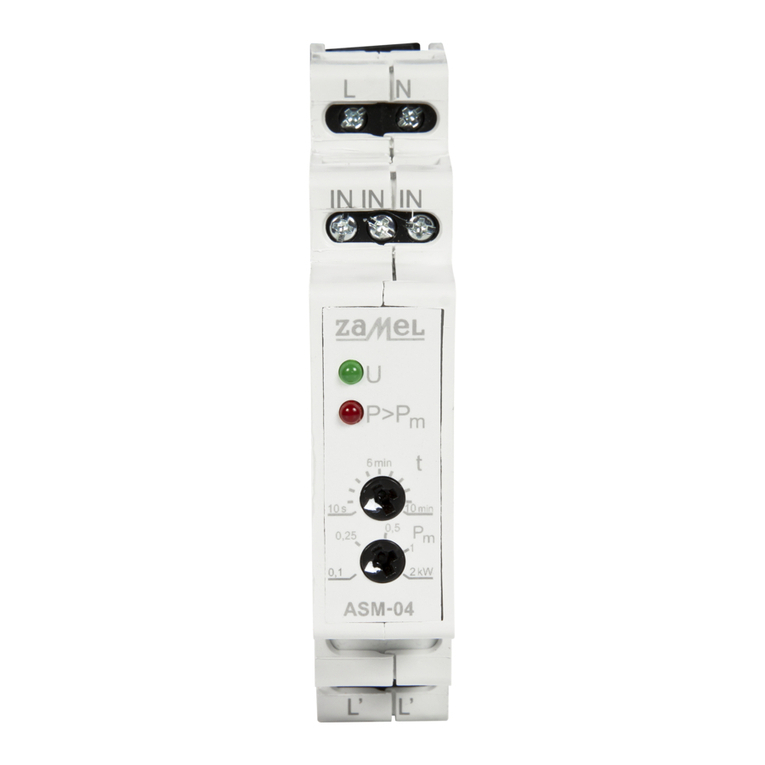
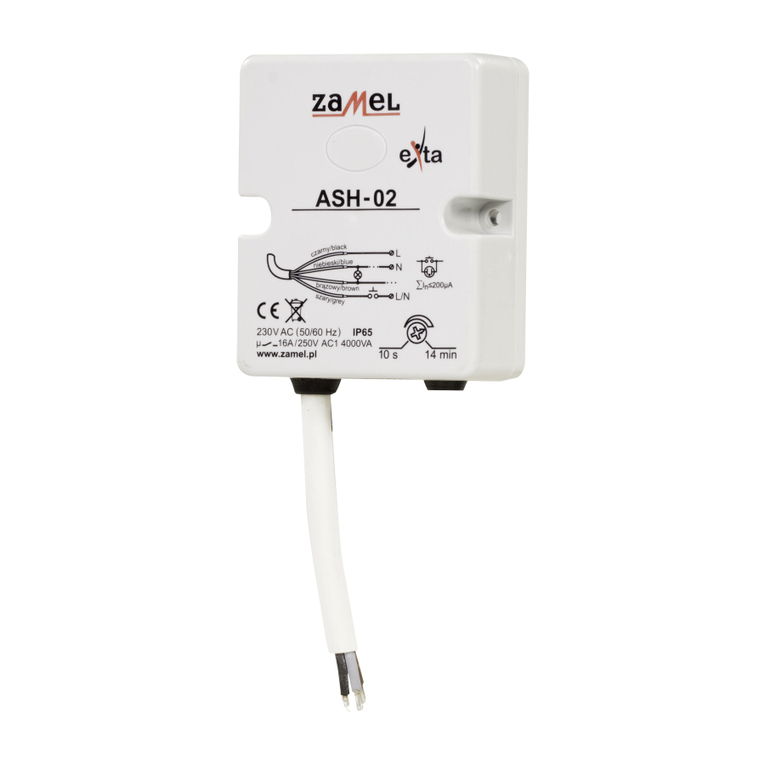
Zamel EXTA ASH-02 User manual

STAIRCASE LIGHTING TIMERy ASH-02 INSTRUCTION MANUAL
Zakład Mechaniki i Elektroniki
ZAMEL sp.j.
J.W. Dzida, K. Łodzińska
ul. Zielona 27, 43-200 Pszczyna, Poland
Tel. +48 (32) 210 46 65, Fax +48 (32) 210 80 04
www.zamelcet.com, e-mail: [email protected]
VER. 003_26.06.2009
APPEARANCE
b
l
a
c
k
b
r
o
w
n
g
r
e
y
b
l
u
e
FEATURES
DESCRIPTION
ی Staircase lighting control,
ی Continuous ON-time adjustment of
10 seconds to 14 minutes,
ی Applicable together with single pole
push buttons, illuminated,
ی Counter-interlock function,
ی Either three-conductor or four-con-
ductor wiring system possible,
ی 0.5 m cable terminal,
ی Hermetic IP65 casing,
ی Relay voltage output, 16 A load.
The ASH-02 staircase timer is desi-
gned for corridor and staircase lighting
control. After circuit trigger the timer keeps
the light ON for the preset time and then
switches it OFF. It has an adjustable ON-
time setting of 10 seconds to 14 minutes.
On-time may be adjusted by means of a
potentiometer. The timer is fitted with a
counter-interlock circuit. The ASH-02
staircase timer may be applied as a time
relay unit for delayed switch-OFF. The ti-
mer is placed within a hermetic IP65 ca-
sing which assures safe operating under
hard weather conditions.
The device is designed
for single-phase instal-
lation and must be in-
stalled in accordance
with standards valid in
a particular country. The
device should be con-
nected according to the details included
in this operating manual. Installation,
connection and control should be car-
ried out by a qualied electrician staff,
who act in accordance with the servi-
ce manual and the device functions.
Disassembling of the device is equal
with a loss of guarantee and can cause
electric shock. Before installation make
sure the connection cables are not un-
der voltage. The cruciform head screw-
driver 3,5 mm should be used to instal
the device. Improper transport, stora-
ge, and use of the device inuence its
wrong functioning. It is not advisable to
instal the device in the following cases:
if any device part is missing or the de-
vice is damaged or deformed. In case
of improper functioning of the device
contact the producer.
CAUTION
TECHNICAL PARAMETERS
ASH-02
Power supply cables: L (black), N (blue)
Input rated voltage: 230 V~
Input voltage tolerance: from -15 to +10 %
Nominal frequency: 50 / 60 Hz
Rated power consumption: 33 mA
Release cable:
grey
Output cable: brown
Time adjustment range: from 10 sec to 14 min
Time accuracy adjustment: ±10 %
Time repeatability adjustment: ±5 %
Time adjustment: continuous (rotational potentiometer)
Output relay parameters:
1NO-16 A / 250 V AC1 4000 VA (voltage contact)
Number of switch cables: 4
Section of connecting cables: 4x 1,50 mm2
Connecting cable length: 0,5 m
Ambient temperature range: from -20 to +45 oC
Operating position: vertical, pointed down
Mounting: 2x stretcher 5x(3x30)
Protection degree: IP65 (PN-EN 60529)
Protective class: II
Overvoltage category: II
Pollution degree: 2
Dimensions: 69 x 56 x 27 mm
Weight: 0,120 kg
Reference standards: PN-EN 60669-1
PN-EN 60669-2-1
PN-EN 61000-4-2,3,4,5,6,11
Time adjustment
Power supply cable (L)
Power supply cable (N)
Output cable
Release cable

VER. 003_26.06.2009
CONNECTINGMOUNTING
FUNCTIONING
EXAMPLE OF INSTALLATION
The timer is ready to work just right
after its appropriate connecting. The light
will be ON for the preset ON-time after
the timer is triggered by means of a single
pole push button. When the preset time
is over, the light will be OFF automatical-
ly until the timer is triggered once again.
The staircase timer may be connected
to either threeconductor or four-conduc-
tor wiring. Check carefully if the trigger
and load circuits have been connected
correctly. The timer may be damaged if
connected inappropriately. In case of the
trigger push button blocking the counter-
interlock circuit switches OFF the light.
1. Disconnect the power supply from the
mains by the phase fuse, the circuitbre-
aker or the switch-disconnector that are
joined to the proper circuit.
2. Check if there is no voltage on con-
nection cables by means of a special
measure equipment.
3. Fasten the ASH-02 to the base with the
screw.
NOTICE! It is forbidden to bore tting
holes in the cover! It may result in the
loss of containment of the cover and
by this – the loss of guarantee!
4. Connect the cables ASH-02 with the
hermetic installation junction box accor-
ding to installing diagram.
5. Switch on the power supply from the
mains.
6. Take out the rubber hole plug covering
the adjustment of the switch on thre-
shold potentiometer.
7. Adjust the demanded switch on time by
means of a potentiometer.
8. Put back the rubber hole plug covering
the potentiometer.
DIMENSIONS
INNER DIAGRAM
TIME COURSE PRODUCT FAMILY
The staircase timer controls the staircase lighting and operates in four-conductor
wiring conguration. It is possible to connect the single pole push buttons (e.g. illumi-
nated) in parallel.
RELAY CAPACITY
The ASH-02 is a member of the ASx
staircase timer family.
t
t t t
t
black blue
grey
brown
Device symbol
Type of casing:
M – monomodular
N – surface mounting
H – hermetical
P – for junction box mounting
Device version:
01 – three - or four-conductor
wiring
02 – anti-lock system
10 – dimmer function
Version 24 V AC/DC
for ASM-02 available
3 wire system 4 wire system
b
r
o
w
n
b
l
a
c
k
b
l
u
e
g
r
e
y
b
r
o
w
n
b
r
o
w
n
b
l
a
c
k
b
l
a
c
k
b
l
u
e
b
l
u
e
g
r
e
y
g
r
e
y
Other Zamel Timer manuals
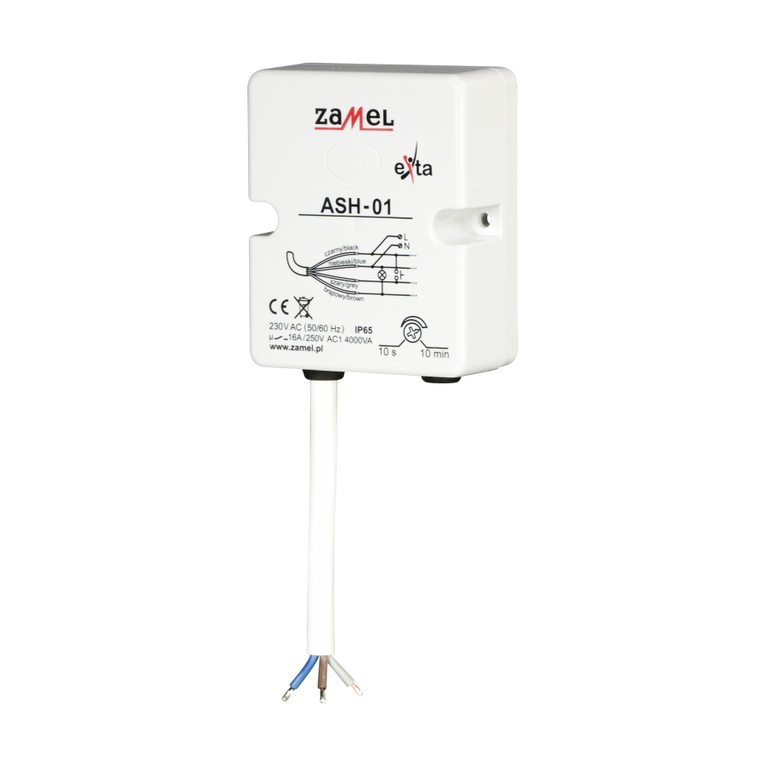
Zamel
Zamel EXTA ASH-01 User manual
Zamel
Zamel exta ZCM-12 User manual
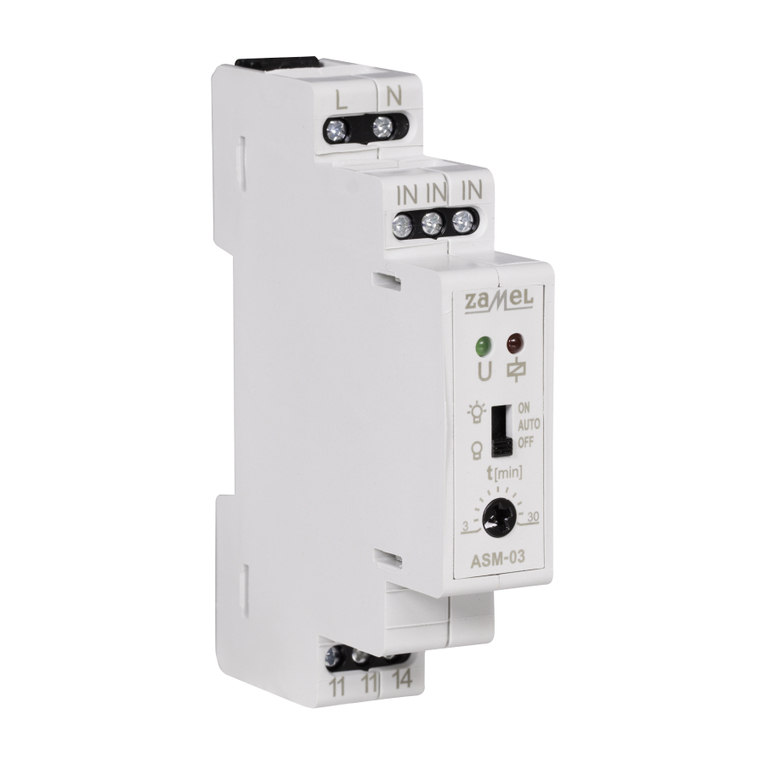
Zamel
Zamel EXTA ASM-03 User manual
Zamel
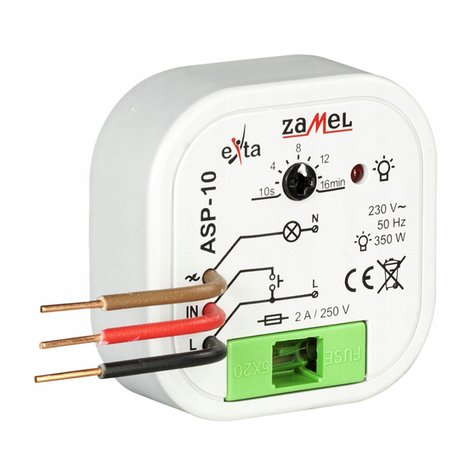
Zamel exta ASP - 10 User manual
Zamel
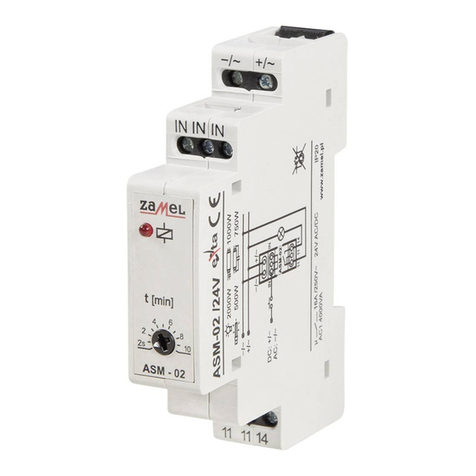
Zamel EXTA ASM-02 User manual
Zamel
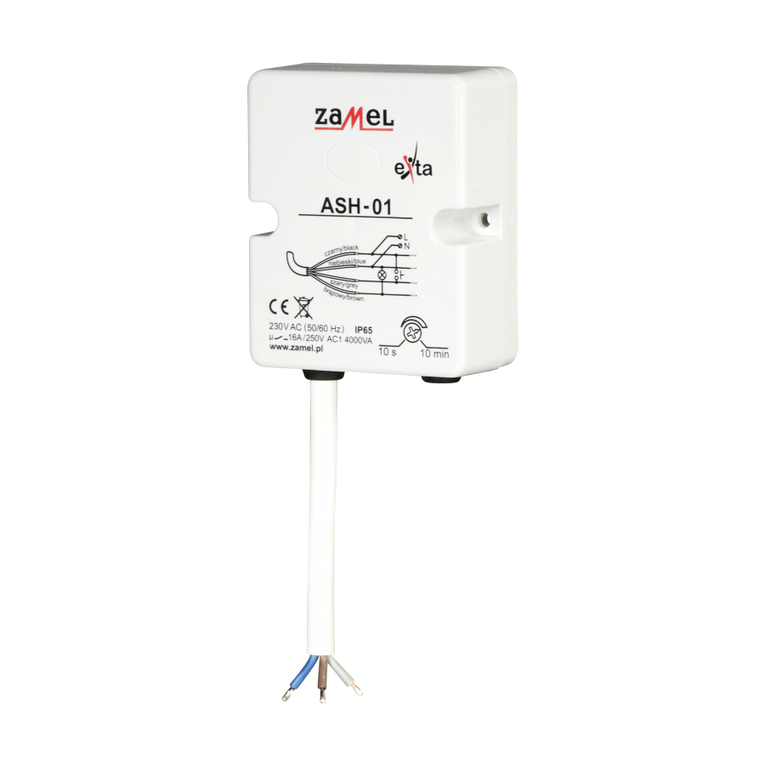
Zamel EXTA ASH-01 User manual
Zamel
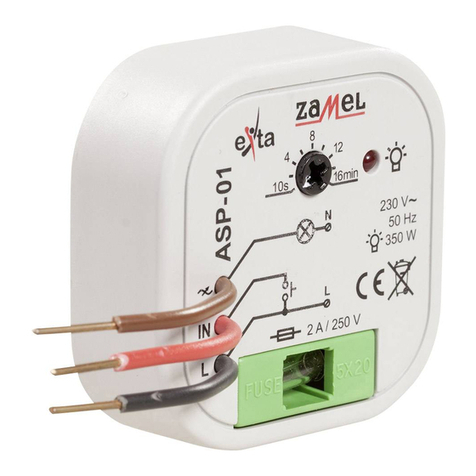
Zamel EXTA ASP-01 User manual
Zamel
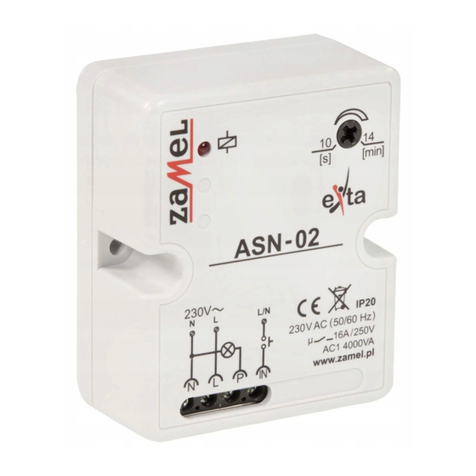
Zamel EXTA ASN-02 User manual
Zamel
Zamel EXTA ASH-02 User manual
Zamel
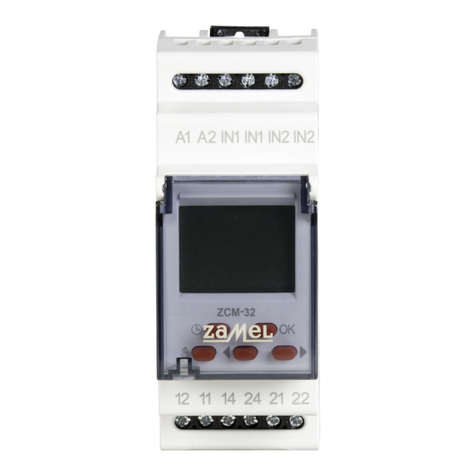
Zamel exta ZCM-32 User manual