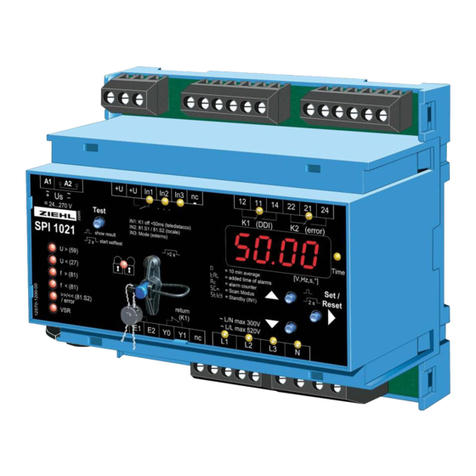
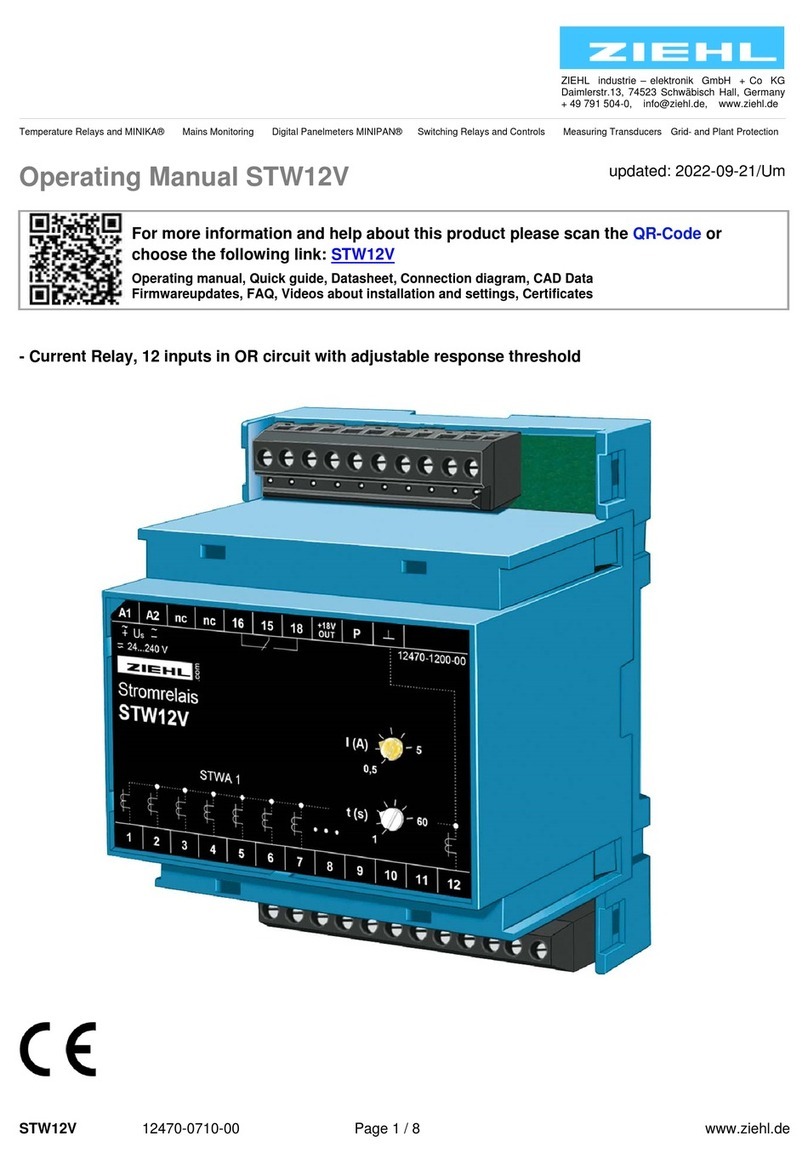
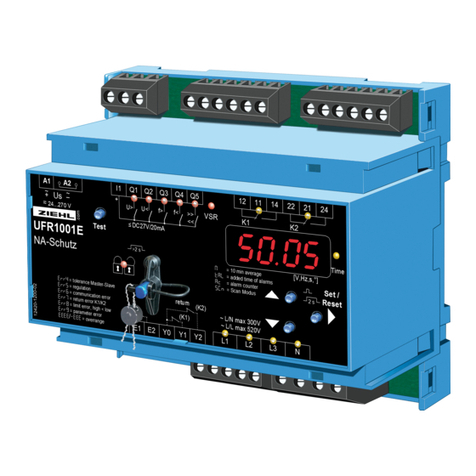
/ 18 www.ziehl.de
8 Installation
The unit can be installed as follows:
Installation in switchgear cabinet on 35 mm mounting rail according to EN 60715
With screws M4 for installation on walls or panel. (additional latch included in delivery)
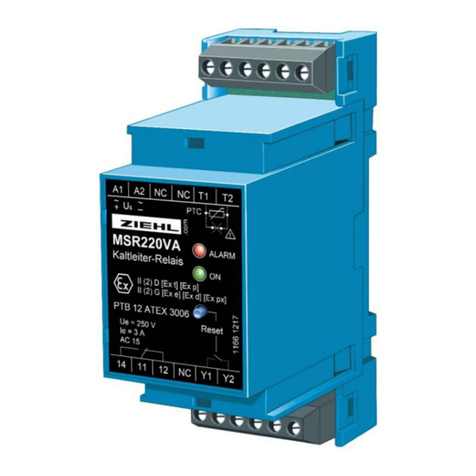
Connection according to connection plan or type plate.
A circuit-breaker or switch must be situated within easy reach of the
unit and fused. Installation excess current protection should be ≤ 10 A.
9 Putting into operation
9.1 Display Mode
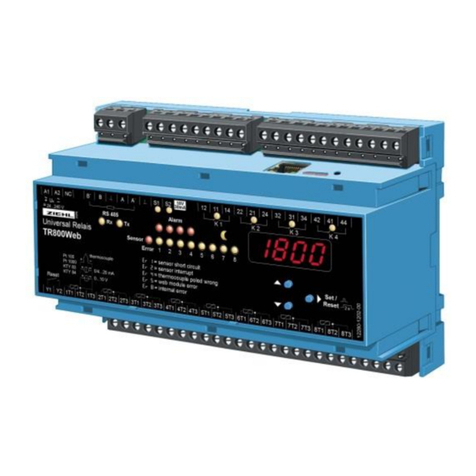
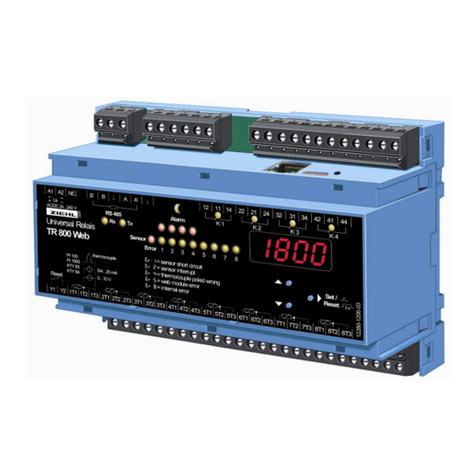
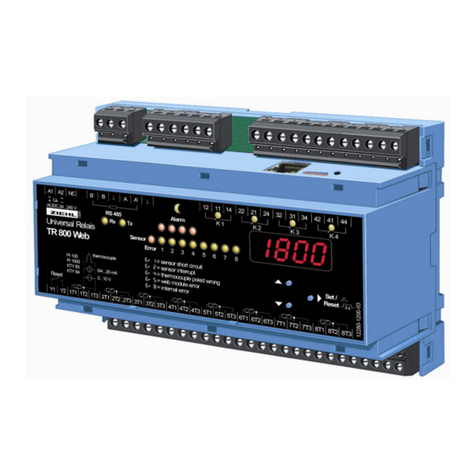
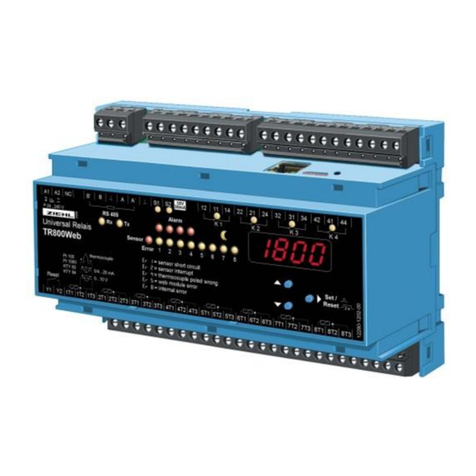
Indication of the actual temperature of the warmest sensor. LEDs (yellow) show, which sensor or group of
sensors is selected. Change with Set ►.
Indication of the stored minimum- resp. maximum-value: Press up ▲ or down ▼ for 2 s. Reset min/max with
Reset ►for 2 s.
Leave Display Mode with buttons ▲/▼.
Sensors type Pt ... resp. KTY ..: indication of temperature in °C (optional °F)
Sensor type PTC (thermistor): indication of resistance of sensor in kΩ
LEDs Sensor in Display Mode
ON Value of this sensor is being displayed
Flash Sensor Error
2 or more LEDs Sensor ON warmest of those sensors in display
Alternating illumination All sensor values are displayed for 2s each consecutively
LEDs Alarm in Display Mode
OFF Switching point not exceeded
ON Switching point exceeded, relay switches
Flash Switching delay time dAL runs
Flash Switching back delay time doF runs.
Flash Ready for Reset, switching interlocked.
Reset by button RESET ►or closing of a contact at terminals Y1-Y2.
A continuously closed contact at Y1-Y2 doesn’t result in a reset.
During periodical relay-test the appropriate LED lights up.
9.2 Programming Mode
Programming of sensors 1-3 (S1/S2/S3):
Select menu item with ▲/▼until S1 and type of sensor are alternating in the display, e.g. S1/100 for Pt 100.
Here it can be clearly read out, which type of sensor is selected and which alarms are affected by this
sensor (red LED Alarm on).
Enter into programming with Set ►.
Select type of sensor with ▲/▼ (diF can be selected at S3, if S1 and/or S2 are not PtC. with S3 =
diF it is handled as difference sensor 2 minus sensor 1).
Compensate line-resistance (enter value of resistance of line) or select 3-wire or nc (not connected,
if no sensor is connected to this input). At setting PtC no compensation of line-resistance is
necessary/possible.