manuals.online logo
Brands
  1. Home
  2. •
  3. Brands
  4. •
  5. ABB
  6. •
  7. Security Sensor
  8. •
  9. ABB 2CSYD0201B User manual

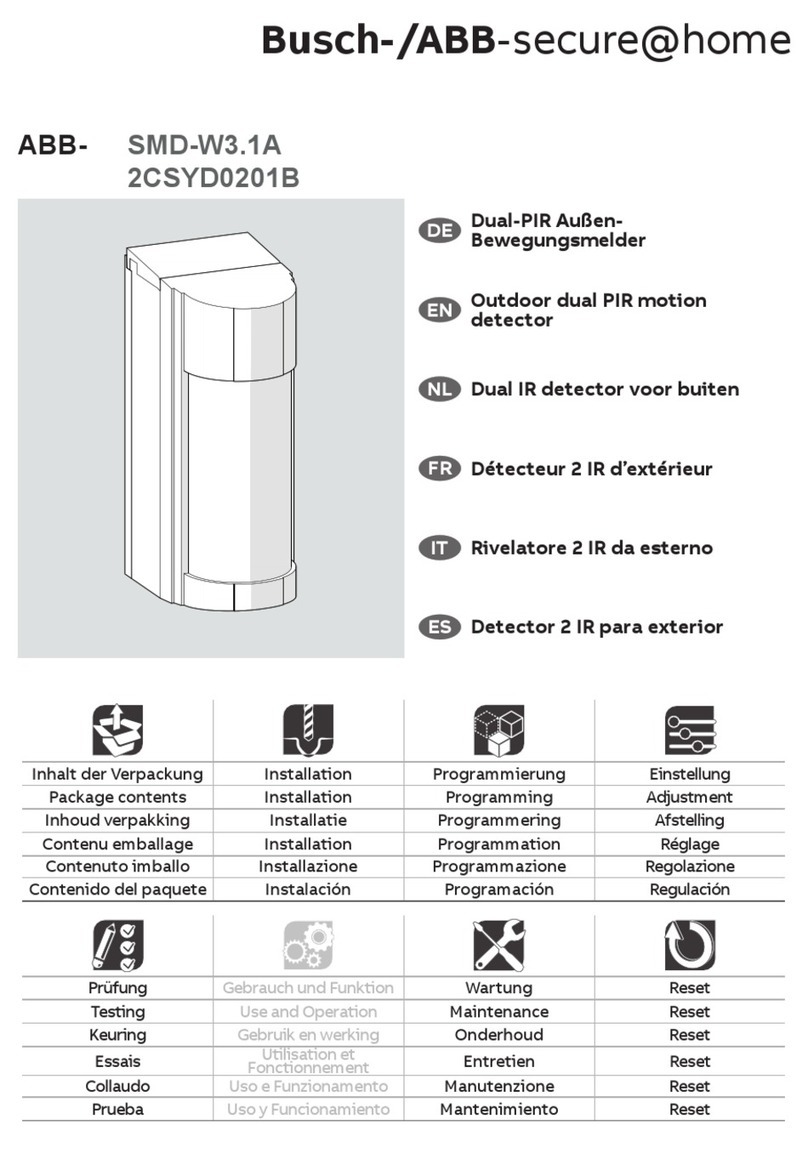
ABB 2CSYD0201B User manual

Other ABB Security Sensor manuals
ABB SMC-W1.11c User manual

ABB

ABB SMC-W1.11c User manual

ABB Orion1 Base User manual

ABB

ABB Orion1 Base User manual

ABB VD Series Guide

ABB

ABB VD Series Guide

ABB Orion3 Extended User manual

ABB

ABB Orion3 Extended User manual

ABB KPM KB2 User manual

ABB

ABB KPM KB2 User manual
ABB Busch-Wachter Presents 6131-74-101-500 User manual

ABB

ABB Busch-Wachter Presents 6131-74-101-500 User manual

ABB Elos Series User manual

ABB

ABB Elos Series User manual

ABB Stanilite Economy exit LED - slide connect... User manual

ABB

ABB Stanilite Economy exit LED - slide connect... User manual

ABB Eden User manual

ABB

ABB Eden User manual

ABB i-bus EIB Series User manual

ABB

ABB i-bus EIB Series User manual

ABB IR/KB Instruction manual

ABB

ABB IR/KB Instruction manual
ABB Busch Watchdog Alarmtech 220 User manual

ABB

ABB Busch Watchdog Alarmtech 220 User manual

ABB AquaProbe FEA200 User manual

ABB

ABB AquaProbe FEA200 User manual

ABB Adam DYN-Info M12-5 User manual

ABB

ABB Adam DYN-Info M12-5 User manual
ABB MSA-F-1.1.1-***-WL series Product manual

ABB

ABB MSA-F-1.1.1-***-WL series Product manual

ABB Orion3 Extended User manual

ABB

ABB Orion3 Extended User manual

ABB Busch Watchdog Prasenz EIB 6131-102-500... User manual

ABB

ABB Busch Watchdog Prasenz EIB 6131-102-500... User manual

ABB SMD-W3.1A User manual

ABB

ABB SMD-W3.1A User manual

ABB Stanilite Series User manual

ABB

ABB Stanilite Series User manual

ABB Orion1 Base User manual

ABB

ABB Orion1 Base User manual

ABB Busch E-contact User guide

ABB

ABB Busch E-contact User guide

ABB Busch-Watchdog 70 MasterLINE User manual
ABB

ABB Busch-Watchdog 70 MasterLINE User manual

ABB JSHD4 User manual

ABB

ABB JSHD4 User manual

ABB Eden OSSD User manual

ABB

ABB Eden OSSD User manual
Popular Security Sensor manuals by other brands

Honeywell Home PROSiXCOCN Installation and setup guide

Honeywell Home

Honeywell Home PROSiXCOCN Installation and setup guide

Duevi SIRPZ-RB-868 Operation

Duevi

Duevi SIRPZ-RB-868 Operation

RKI 65-2483RK Operator's manual

RKI

RKI 65-2483RK Operator's manual

Nortech PD160 Enhanced Series user manual

Nortech

Nortech PD160 Enhanced Series user manual

Omron K8AC-H2 manual

Omron

Omron K8AC-H2 manual

Agilent Technologies G8610 Series Quick reference card

Agilent Technologies

Agilent Technologies G8610 Series Quick reference card

Shinko SE2EA-1-0-0 instruction manual

Shinko

Shinko SE2EA-1-0-0 instruction manual

Det-Tronics X Series instructions

Det-Tronics

Det-Tronics X Series instructions

ACR Electronics COBHAM RCL-300A Product support manual

ACR Electronics

ACR Electronics COBHAM RCL-300A Product support manual

TOOLCRAFT 1712612 operating instructions

TOOLCRAFT

TOOLCRAFT 1712612 operating instructions

Elkron IM600 Installation, programming and functions manual

Elkron

Elkron IM600 Installation, programming and functions manual

Bosch WEU PDO 6 Original instructions

Bosch

Bosch WEU PDO 6 Original instructions

THORLABS PDA10JT user guide

THORLABS

THORLABS PDA10JT user guide

Waeco UV-DETECT operating manual

Waeco

Waeco UV-DETECT operating manual

Intermatic IOS-DSIMF manual

Intermatic

Intermatic IOS-DSIMF manual

Siemens AZL66 Series manual

Siemens

Siemens AZL66 Series manual

BTI Profiline Multi Finder operating instructions

BTI

BTI Profiline Multi Finder operating instructions

Challenger SL01 instruction manual

Challenger

Challenger SL01 instruction manual

manuals.online logo
manuals.online logoBrands
  • About & Mission
  • Contact us
  • Privacy Policy
  • Terms and Conditions

Copyright 2025 Manuals.Online. All Rights Reserved.

EN
2CSYD0201B
Outdoor dual IR detector
Installation manual
IT
2
2CSYD0201B
1 GENERAL INFORMATION
1.1 Disclaimer
All information in this document has been carefully selected and checked however
ABB S.p.A. is not liable for any printing errors or technical inaccuracy.
ABB S.p.A. reserves the right to improve or change the products described in this
user manual at any time and without any advanced notice.
Moreover, it is possible that this user manual encompasses references or information
about products and services not sold yet. Such references or information do not
mean in any way that ABB S.p.A. intends to sell such products or services.
WARNING! Installation must be carried out only by a qualified electrician.
1.2 EC Declaration of Conformity
ABB S.p.A., with registered office in Milan - via Vittor Pisani 16, declares under its own
responsibility that the device with product code 2CSYD0201B meets the essential
electromagnetic compatibility and security requirements contained in the Directive
R&TTE 1999/5/EC and in the EC Low Voltage Directive 2006/95/EC, as it was
designed and manufactured in compliance with the following harmonized standards:
EN 300 220, EN 50131-1, EN 50131-2-2, EN 50131-5-3.
1.3 Package contents
no. 1 Outdoor dual IR detector
no. 1 Lithium battery 3 V – 1.4 Ah (not connected)
no. 2 Wall fixing brackets
no. 2 Self-tapping cross-recessed screws 2.9 x 27 mm
no. 2 Screw anchors Ø 5 mm
no. 1 Manual
1.4 Trademarks and copyright
DomusTech Free is a trademark of ABB S.p.A.
All trademarks in the document belong to the relevant owners.
© Copyright ABB S.p.A. 2015 – All rights reserved.
IT
3
2CSYD0201B
2 GENERAL DESCRIPTION
The outdoor dual IR detector enables to control buildings and areas from outside,
and it can be installed both on a wall and on a pole.
Thanks to two IR sensors, of which one can be adjusted, it is possible to detect
people and to avoid false alarms caused by little animals or cars passing by.
The detector is equipped with the anti-masking function.
IT
4
2CSYD0201B
3 INSTALLATION
The installation procedure encompasses the following steps:
1) Device fixing.
2) Programming
3) Adjustment.
4) Completion and test.
3.1 Device fixing
INSTRUCTIONS RELEVANT TO POSITIONING
The device can be installed on a wall or on a pole, far from electromagnetic sources
(e.g. electricity meters, electric engines).
The detector shall be installed:
1) between 80 and 120 cm above the ground level (standard height 1 meter);
2) in a vertical position, otherwise its reliability will be lower;
3) in a way that the access is crosswise and not radial to the detector itself;
4) by avoiding to direct IR sensors towards moving objects (e.g. swaying
trees, bushes, flags, clothes hanging, etc.);
5) by avoiding to direct IR sensors towards reflecting objects (e.g. puddles,
windows, etc.).
6) Figure 1 graphically summarizes the above-mentioned indications.
Figure 1
IT
5
2CSYD0201B
The detection of an intrusion attempt occurs only when both IR sensors are
stimulated. Figure 2 graphically summarizes how the detector operates.
Figure 2
Sensors can be horizontally adjusted from 45 to 135 degrees. The detection area is
set to 90 degrees and it can be masked. The coverage area of the lower sensor can
be vertically adjusted.
Figure 3 shows the coverage diagram (side view) for the 5 sensor inclination
positions when the detector is positioned at 1 meter height.
WARNING!The coverage distance of the detector is defined by the
coverage provided by the lower IR sensor.
Detection distance (detection height: 1 m)
IR position
Standard
(m)
Actual, according to the thermal conditions of the
environment
(m)
1
12,0
10,0 … 17,0
2
8,5
7,0 … 12,0
3
6,0
5,0 … 8,5
4
3,5,0
3,0 … 6,0
5
2,5
2,0 … 3,5
IT
6
2CSYD0201B
Figure 3
Figure 4 shows the horizontal coverage diagrams according to the detector angular
position (A … G, D is a factory setting) of the sensor.
Figure 4
IT
7
2CSYD0201B
To fix the detector (figure 5):
1) Remove the upper cover.
2) Loosen the screw and remove the front cover. WARNING: do not touch
mirrors or IR sensors!
3) Loosen the two front screws and remove the sensors-electronic unit.
WARNING: do not touch IR sensors.
4) Loosen the two screws and remove the rear cover.
5) Fix the rear cover of the detector with screws and screw anchors.
6) If you want to fix the detector on a supporting pole, insert two metal bands
(not provided) in the prearranged slots to block the detector to the pole.
Figure 5
3.2 Programming
The device programming is carried out through the DIP switch and the detector
acquisition by the control unit.
To program the detector:
1) Power the detector with the provided battery. The LED flashes.
2) Prepare the control unit to acquire the detector and select the required
area and memory location.
3) Stimulate the detector by passing the hand in front of the sensors (the LED
will flash). The detector will transmit its code that will be acquired by the
IT
8
2CSYD0201B
control unit (for further information, refer to the control unit installation
manual).
3.3 Adjustment
It is possible to adjust the detection direction horizontally, the detection distance, the
masking of the detection area (to avoid possible obstacles) and the detection
sensitivity.
WARNING!Never touch mirrors or IR sensors with fingers!
To execute the adjustments (figure 6):
1) Refit the upper cover as well as the sensors-electronic unit
2) Rotate the mirrors-sensors set in order to direct the coverage area. Figure
4 shows the different coverages. In the positions A and G the detection
areas become 16.
3) Adjust the detection area by letting the lower sensor slide to the required
position 1, 2, 3, 4 or 5 (for the detection diagrams, refer to figure 3).
Figure 6
It is also possible to mask the detection area in order to change its range. To do that
(figure 7):
1) Remove the lens holder frame.
2) Remove the lens and apply the provided adhesive masking strips as
required.
3) Moreover, 5 adhesive sheets are provided for special masking ranges (the
coverage diagrams are printed on the adhesive sheets) by rotating the
mirrors-sensors set to the position A or G. In this case, it is necessary to
cut a piece of lens holder frame and to set the lower sensor to position 1.
IT
9
2CSYD0201B
Figure 7
3.4 Completion and test
Complete the installation and test the detector (figure 8):
IT
10
2CSYD0201B
Figure 8
1) Set the detector sensitivity (L = low, M = medium, H = high) with the proper
selector.
2) Set the DIP switch of the detector (see the following table).
3) Set the DIP switch 1 of the detector to ON (test mode).
4) Lay the front cover back on the device and walk in the area to be protected
to check if the detector signals possible intrusion attempts (the front LED
turns on). If there are no signals, try to adjust the detection area again or to
increase the sensitivity. Check if it works with the DomusLink3 control unit
(please read the installation and user manuals related to the control unit for
details about the detector test procedure).
5) Remove the front cover of the detector, set the DIP switch 1 to OFF
(standard operation), lay the cover back on the device and fix it with the
screw.
Switch
Function
1
ON
Test mode.
OFF *
Standard operation.
2 ON
Suppression: only one alarm every 5 seconds is
generated even if multiple detections occurred (the
battery duration is reduced).
OFF *
Idem, but every 120 seconds.
3
ON *
N.O. Contact (do not change)
OFF
N.C. Contact (do not change)
4 ON
Active LED (it turns on for each detection during the
standard operation).
OFF *
Inactive LED.
5 ON *
Anti-masking activated. The detector issues an hazard
signal after having detected a masking condition for
more than 3 minutes.
OFF
Antimasking deactivated.
* Factory configuration
IMPORTANT: if the anti-masking function is activated, when you refit the front cover,
the detector starts the self-recognition phase that lasts 1 minute.