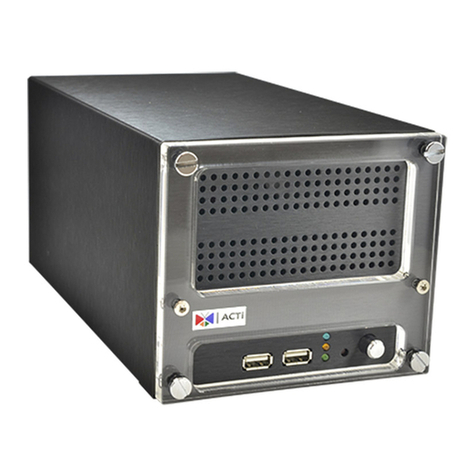
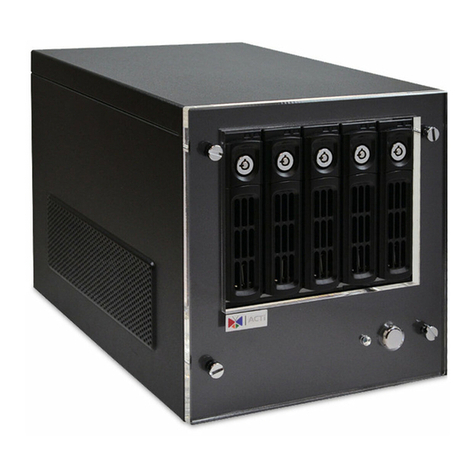
ENR-100 Series User’s Manual
6
Main Screen Introduction.............................................................16
Input Devices...............................................................................17
Monitoring .......................................................................................... 19
Live Screen Overview..................................................................19
DisplayYour Desired Camera View .............................................20
Apply a Customized View Layout ................................................21
Single Channel Operations..........................................................21
Take a Snapshot 22
Start / Stop Manual Recording 22
Digital PTZ Operations 22
Manipulate PTZ Devices on PTZ Panel 23
Manipulate PTZ Devices with Mouse Controls 25
Layout Patrol................................................................................26
Understand Channel Status ................................................................ 27
Channel Status............................................................................27
Understand Event Notifications .......................................................... 28
Playback………………………………………………………………………..29
Playback Screen Overview..........................................................29
Start Time Search........................................................................31
Event Search...............................................................................33
Play the Video Footage................................................................34
Add and Search Bookmarks........................................................35
Take a Snapshot..........................................................................36
Export Video................................................................................36
6Remote Client Operation 37
Access ENR Server................................................................................ 37
Log In...........................................................................................37
Enter Account & Password 38
Change UI language 38
Remember Login Information 38
Log Out........................................................................................38
Monitoring .......................................................................................... 39
Live Screen Overview..................................................................39
Select a Customized Layout........................................................40
Watch a Specific Camera View....................................................40
Take a Snapshot..........................................................................41
Manual record..............................................................................41