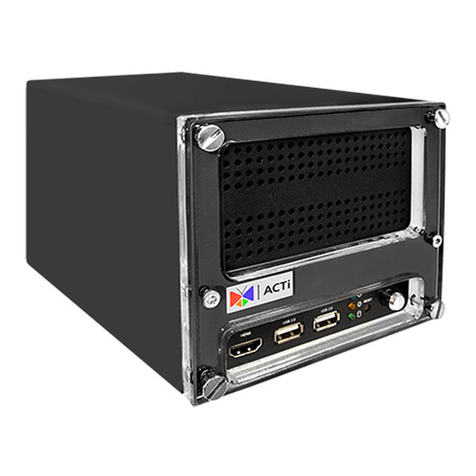
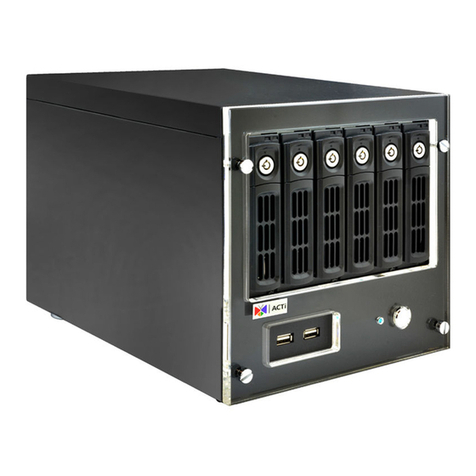
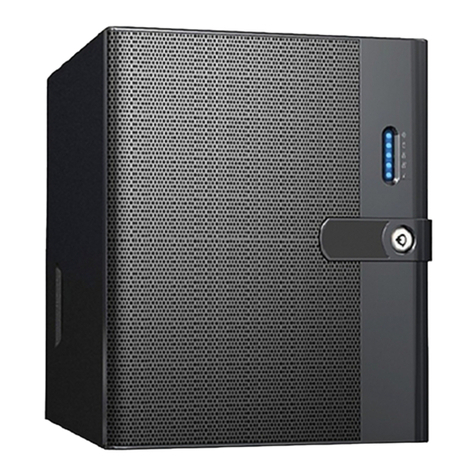
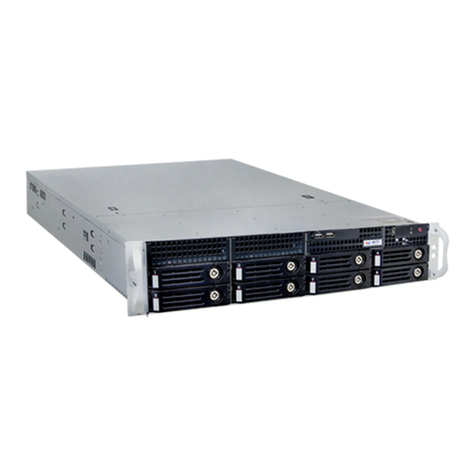
4 Standalone NVR Quick Installation Guide
RACKMOUNT THE UNIT
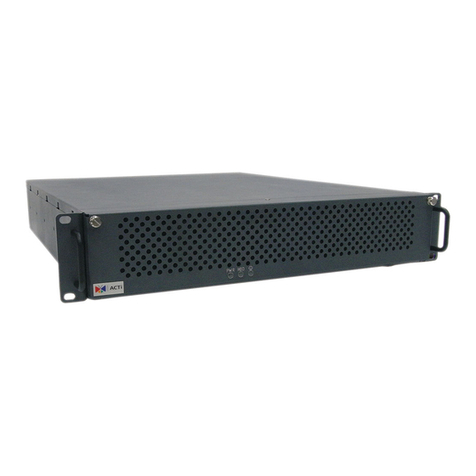
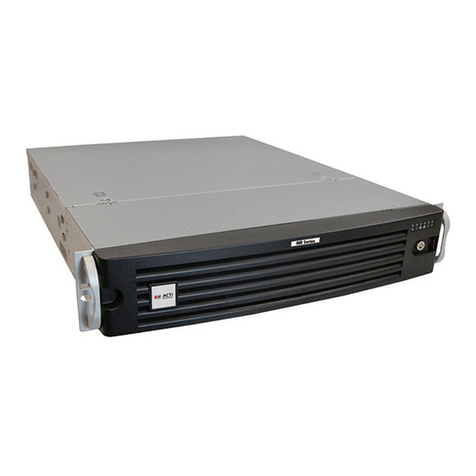
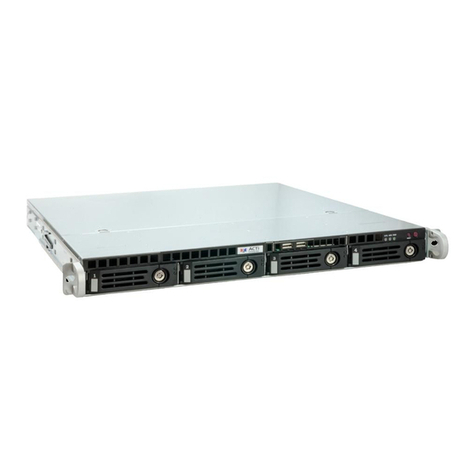
This unit is designed to be mounted on a standard server rack, which
occupies2U(3.5″)ofverticalspace.
INR Sliding Rail Kit
HARD DISK INSTALLATION
REMOVE THE TRAY
Step 1
Slide the lock tab aside,
and the hinge tab will
pop out by itself.
Step 2
Hold the tab lever and
pull out the tray.
INSTALL THE TRAY
Step 4
Place your thumb on
the lock to push the
tray into position in the
chassis.
Step 5
Press the hinge tab
until it clicks into place.
MOUNT THE DISK
Step 3
Loosen the two
screws on the tray to
remove the dummy
disk. Secure the hard
disk on the tray with
the provided disk
screws. Make sure the
disk connector faces
towards the SATA
contacts inside the unit.
Make sure this unit is turned off, and insert the hard disks into the disk bays
following the sequence of tray numbers.
1. Allowaminimumof5cmclearanceatthe
frontandtherearforfront-to-backairowof
the unit.
2. Use the bundled rail kit, and install that to
support the entire unit.
3.Secure the unit onto the rack.