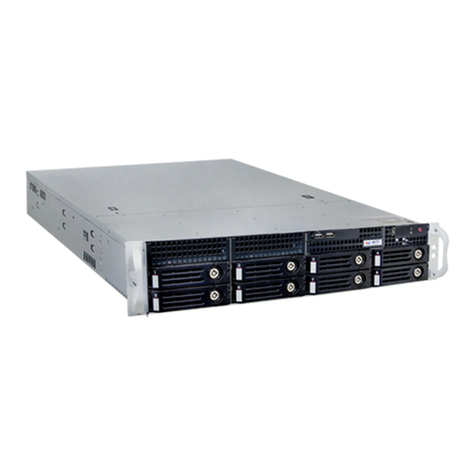
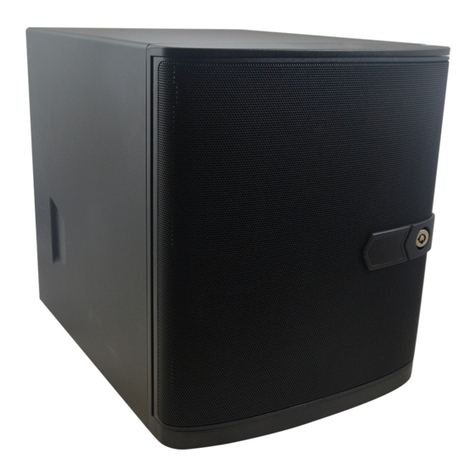
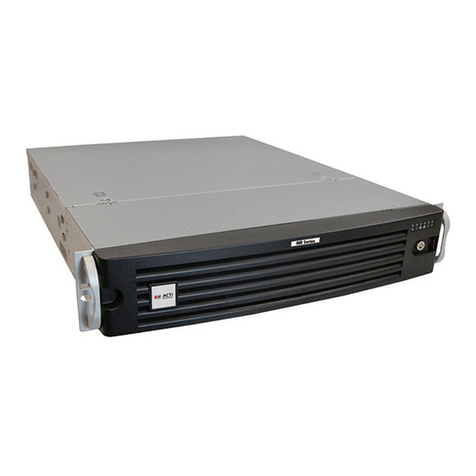
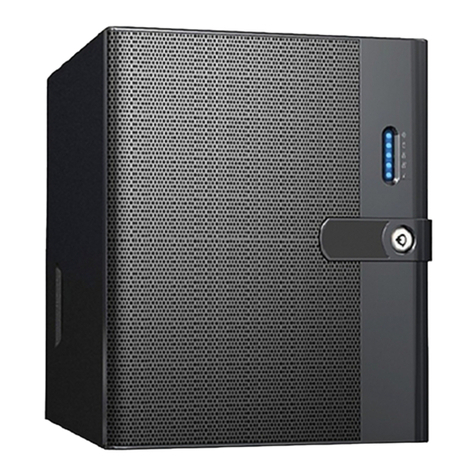
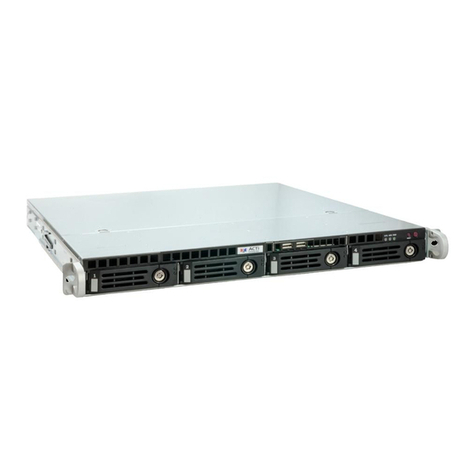
4 Standalone NVR Quick Installation Guide
RACKMOUNT THE UNIT
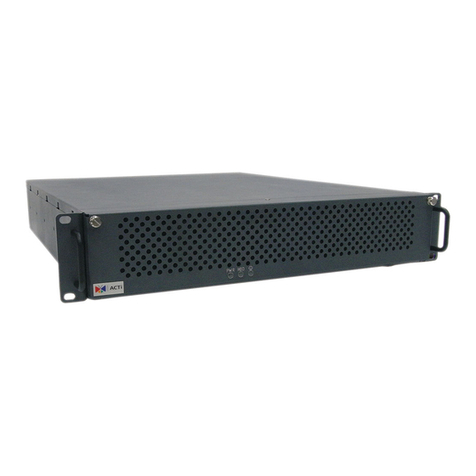
This unit is designed to be mounted on a standard server rack,
whichoccupies3U(5.25inches)ofverticalspace.
INR Rackmount Rails
HARD DISK INSTALLATION
REMOVE THE TRAY
Step 1
Press the tab, and the
hinge will pop out by
itself.
Step 2
Hold the lever and pull
out the tray.
INSTALL THE TRAY
Step 4
Push the tray into
position in the chassis.
Step 5
Press the hinge tab
until it clicks into place.
MOUNT THE DISK
Step 3
Align the hard disk on
the tray, and secure it
with the provided disk
screws. Make sure the
disk connector faces
towards the SATA
contacts inside the unit.
Makesurethisunitisturnedo,andinserttheharddisksintothediskbays
following the sequence of tray numbers.
1. Allowaminimumof5cmclearanceatthe
frontandtherearforfront-to-backairowof
the unit.
2. Use the bundled rackmount rails, and install
that to support the entire unit.
3.Secure the unit onto the rack.