6 Quick Installation Guide
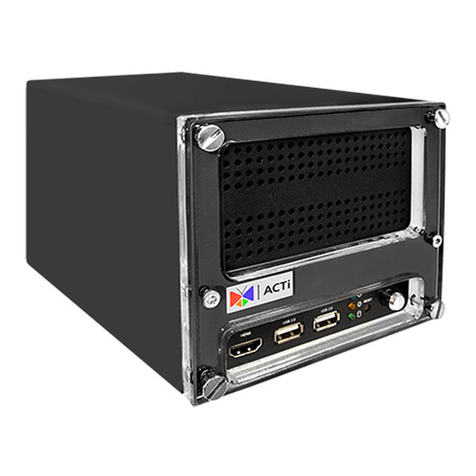
MOUNT THE ENR
4
Before you start, plan the installation. Determine how many cables will be
connected to the mainboard and where the cables will be routed.
Therearethree(3)allotedcableholesonthebottomoftheENR,andoneonthe
top.
After installing the hard disk drive, prepare to mount the ENR to the wall.
NOTE: Make sure the wall is strong enough to withstand the weight of the ENR and other connected
cables.
Step 1
Push to remove the temporary covers
of the cable holes, as needed.
Step 2
Align the ENR to the wall and mark
the position of the four (4) screw
holes.
Step 3
Install the ENR to the wall using four
(4) screws.
NOTE: The wall screws are not included in the
package. Use appropriate screws according
to the wall material where the ENR will be
installed.
Step 4
Route the cables through the cable
holes of the ENR.
Step 5
Connect the cables to the connectors
on the mainboard accordingly
(see “CONNECTIONS” on the next
page for more details).
Power
Network
PoE Device