Voice Mail
Log into Voice Mail
To log in from your own phone
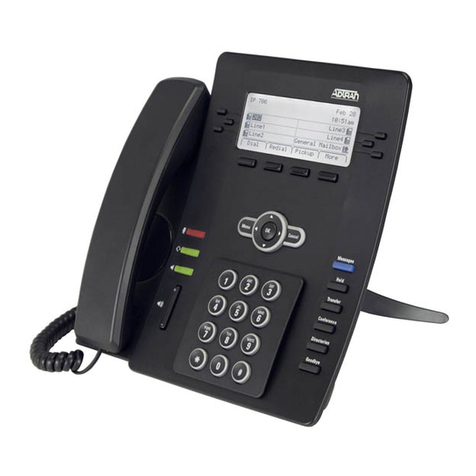
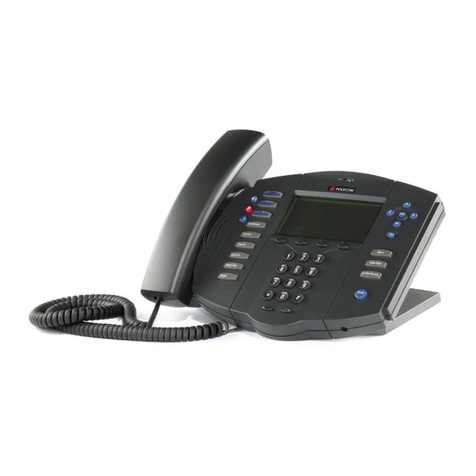
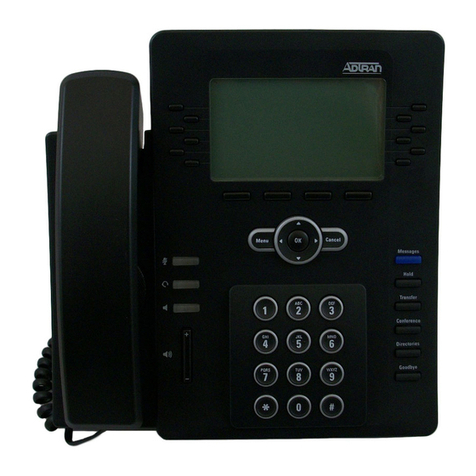
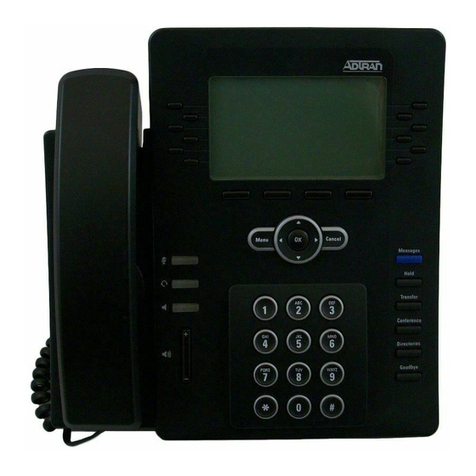
1. Press the Messages button on your phone.
2. Select Connect from the graphic display.
3. Enter your extension, then press #(or simply press #
when accessing voice mail from your extension).
4. Enter your password (default password is 1234),
then press #.
Voice Mail setup wizard
1. Log into your voice mail system and follow the
voice prompts.
2. Press 1 to record your full name (first name/last name).
To log in from another phone or check messages remotely
1. Dial your voice mail system access number.
Access number: _________________________
2. Enter your extension, then press #.
3. Enter your password, then press #.
Listen to Messages
1. Log into your voice mail system.
2. Press 1 to listen to your messages. (If Auto Play is
enabled on the system, the Main Menu options will
be skipped and messages will play based on the
date and time of arrival.)
3. Press 1 to skip the Date/Time and go direct to message.
4
Playback Options
1play message from beginning
4play previous message
5play envelope
6play next message
7delete or restore message
8forward message
9call sender
* return to Main Menu
Record Your Standard Greeting
1. Log into your voice mail system.
2. Press *to access the Main Menu.
3. Press 3to access the
Greetings Menu.
4. Press 1to access the Standard
Greetings options.
Standard Greetings Options
1enable standard greeting
2review greeting
3record greeting
4delete greeting
* return to Greetings Menu
Main Menu Options
1 listen to messages
3 record greetings
4 access mailbox options
5 check a different mailbox
* repeat these options
Change Your Password
1. Log into your voice mail
system
2. Press *to access the
Main Menu.
3. Press 4for Mailbox
Options.
4. Press 2for Administrative
Options.
5. Press 1to change
the password.
6. After the tone, enter your
new four-digit password
and press #.
7. Press *to return to
Mailbox Options.