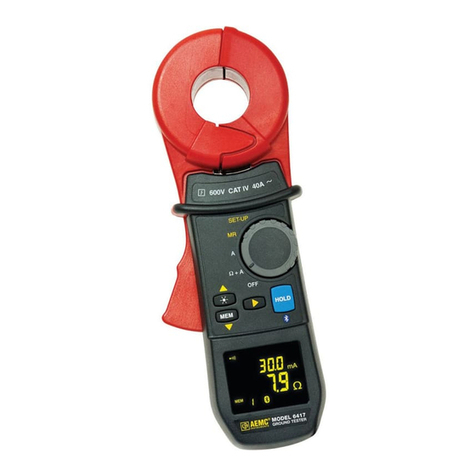
MODEL 6416/6417 SERVICE/CALIBRATION MANUAL CAT# 2141.01/2141.02
v1 – 11/23/15 - 9 -
MAINTENANCE
Disconnect everything connected to the device and set the switch to OFF.
Use a soft cloth, dampened with soapy water. Rinse with a damp cloth and dry rapidly
with a dry cloth or forced air. Do not use alcohol, solvents, or hydrocarbons.
Keep the air gap of the clamp perfectly clean.
REPLACEMENT OF THE BATTERIES
If the low battery symbol on the screen blinks, the batteries must be replaced promptly. Display
of the Lo bat message indicates that the batteries must be replaced for it to be possible once
again to use all functions of the clamp.
PROCEDURE
■ Disconnect everything connected to the device and set the switch to OFF.
■ Use a cross-headed or plain screwdriver to unscrew the 2 attachment screws and remove
the battery compartment cover.
■ Remove the old batteries and replace them with 4 new batteries having identical
characteristics (LR6, AA, 1.5V); observe the polarities.
Note: the alkaline batteries can be replaced by Cd-Ni or Ni-Mh rechargeable batteries (AA,
1.2V) having similar characteristics. However, the time between the low battery message
and the automatic switching off of the device will be shorter with the rechargeable batteries.
Spent batteries must not be treated as ordinary household waste.
Take them to the appropriate recycling collection point.
■ Close the battery compartment cover and screw the two screws back in.
■ Check the proper operation of the device.
PRESERVATION OF STORED DATA
When the batteries are removed, the data (recorded measurement values, alarm thresholds)
are preserved. The date and time must be reset if the batteries are out for more than 2
minutes.