EnglishDeutsch
 logo
Brands
  1. Home
  2. •
  3. Brands
  4. •
  5. Alpine
  6. •
  7. Automobile Accessories
  8. •
  9. Alpine KTX-WXE-CA8 User manual

Alpine KTX-WXE-CA8 User manual

Other Alpine Automobile Accessories manuals

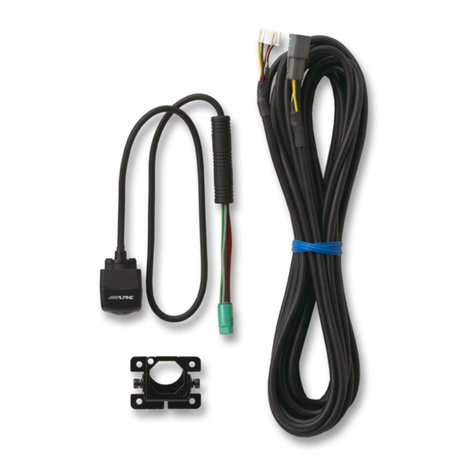
Alpine HCE-C157D User manual

Alpine

Alpine HCE-C157D User manual

Alpine RSE-K100TG User manual

Alpine

Alpine RSE-K100TG User manual

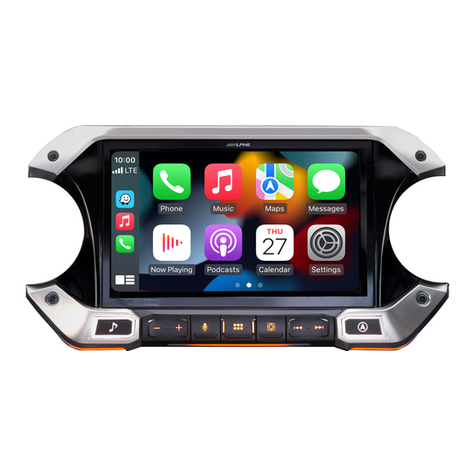
Alpine i509-WRA-JL User manual

Alpine

Alpine i509-WRA-JL User manual

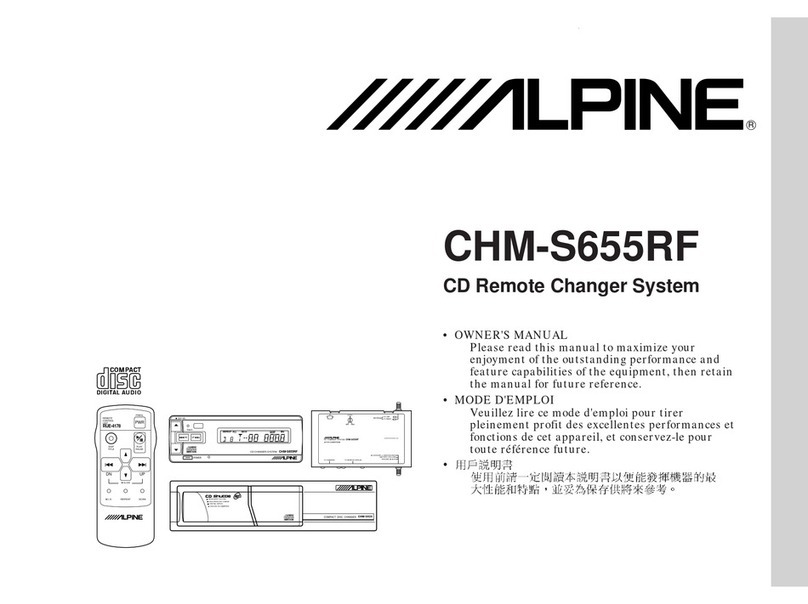
Alpine CHM-S655 User manual

Alpine

Alpine CHM-S655 User manual

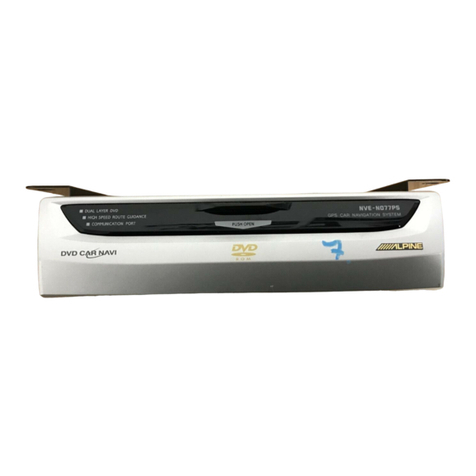
Alpine NVE-N077PS User manual

Alpine

Alpine NVE-N077PS User manual

Alpine KTX-GM8-O User manual

Alpine

Alpine KTX-GM8-O User manual

Alpine HCE-C105 - Rear View Camera System User manual

Alpine

Alpine HCE-C105 - Rear View Camera System User manual

Alpine HCE-C104 User manual

Alpine

Alpine HCE-C104 User manual

Alpine DME-R1200 User manual

Alpine

Alpine DME-R1200 User manual

Alpine HCE-C115 User manual

Alpine

Alpine HCE-C115 User manual

Alpine KCE-400BT User manual

Alpine

Alpine KCE-400BT User manual

Alpine ACTIVE VIEW HCE-C305R User manual

Alpine

Alpine ACTIVE VIEW HCE-C305R User manual

Alpine ACTIVE VIEW HCE-C305R User manual

Alpine

Alpine ACTIVE VIEW HCE-C305R User manual

Alpine HCE-C1100 User manual

Alpine

Alpine HCE-C1100 User manual

Alpine PSS-21WRA User manual

Alpine

Alpine PSS-21WRA User manual

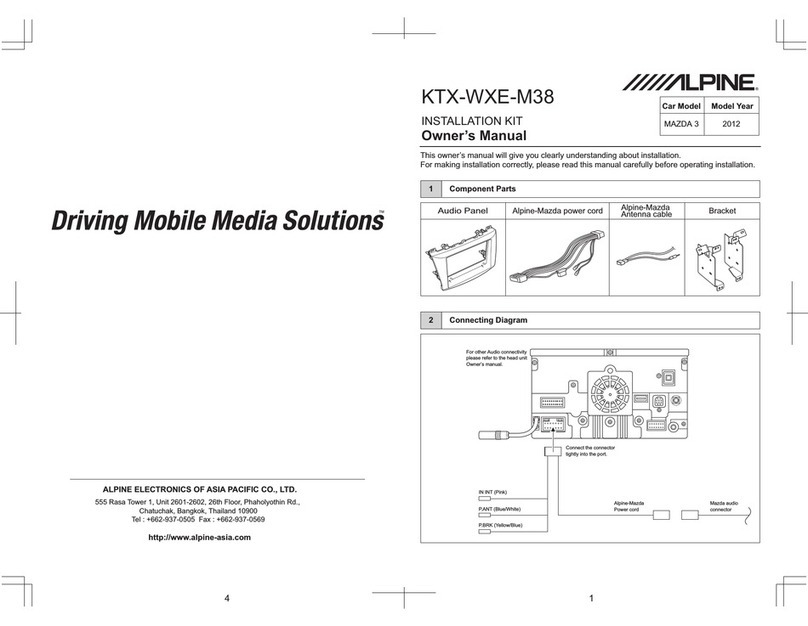
Alpine KTX-WXE-M38 User manual

Alpine

Alpine KTX-WXE-M38 User manual

Alpine HCE-C117D User manual

Alpine

Alpine HCE-C117D User manual

Alpine IVE-W530 User manual

Alpine

Alpine IVE-W530 User manual

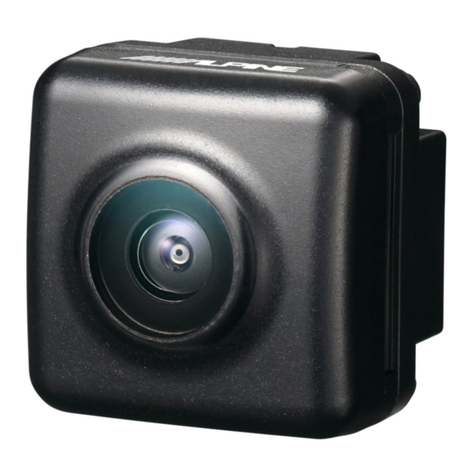
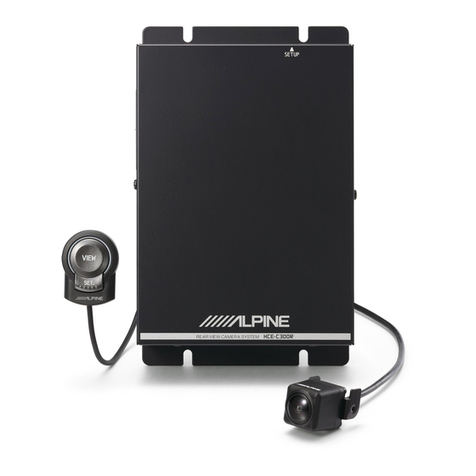
Alpine HCE-C300R User manual

Alpine

Alpine HCE-C300R User manual

Alpine APF-X300VW User manual

Alpine

Alpine APF-X300VW User manual

Alpine KTX-TCM8-S User manual

Alpine

Alpine KTX-TCM8-S User manual

Alpine HCE-C115 User manual

Alpine

Alpine HCE-C115 User manual

Alpine KCX-C2600B User manual

Alpine

Alpine KCX-C2600B User manual

Alpine HCE-C125 User manual

Alpine

Alpine HCE-C125 User manual

Popular Automobile Accessories manuals by other brands

James Baroud Odyssey user guide

James Baroud

James Baroud Odyssey user guide

Motorola i50sx owner's manual

Motorola

Motorola i50sx owner's manual

Yakima 9MM STANDARD BIKE MOUNT instructions

Yakima

Yakima 9MM STANDARD BIKE MOUNT instructions

Feniex T3 instruction manual

Feniex

Feniex T3 instruction manual

Kia E8300-4D000 manual

Kia

Kia E8300-4D000 manual

Brink 756843 installation instructions

Brink

Brink 756843 installation instructions

Whispbar K085W Fitting instructions

Whispbar

Whispbar K085W Fitting instructions

v.link CI-VL2-PC-HSD manual

v.link

v.link CI-VL2-PC-HSD manual

Viking Stack-Rack Assembly and use instructions

Viking

Viking Stack-Rack Assembly and use instructions

Aries 203015 installation manual

Aries

Aries 203015 installation manual

Choetech AT0005 user manual

Choetech

Choetech AT0005 user manual

ZZ2 ZZAIR-PRO instruction manual

ZZ2

ZZ2 ZZAIR-PRO instruction manual

Holman 4A80L installation guide

Holman

Holman 4A80L installation guide

Thule 2075 parts manual

Thule

Thule 2075 parts manual

Motorola T325 quick start guide

Motorola

Motorola T325 quick start guide

TAUBENREUTHER 16-3950 FITTING INSTRUCTION

TAUBENREUTHER

TAUBENREUTHER 16-3950 FITTING INSTRUCTION

DV8 FBJL-02 Product installation manual

DV8

DV8 FBJL-02 Product installation manual

Prorack K1163 manual

Prorack

Prorack K1163 manual

https://manuals.online logo
https://manuals.online logoBrands
  • About & Mission
  • Contact us
  • Privacy Policy
  • Terms and Conditions

Copyright 2026 Manuals.Online. All Rights Reserved.

Car Model Model Year
CAMRY
1 Component Parts
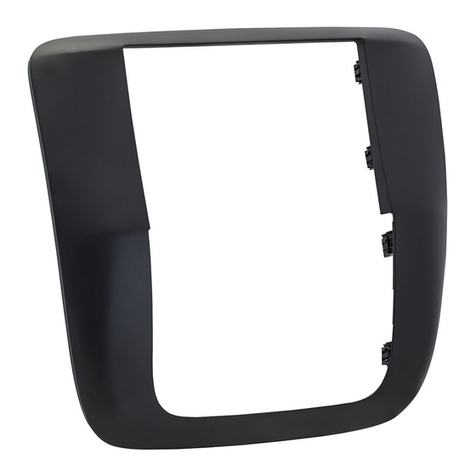
Audio Panel Alpine-Toyota power cord Bracket
2 Connecting Diagram
KTX-WXE-CA8
INSTALLATION KIT
Owner’s Manual
This owner’s manual will give you clearly understanding about installation.
For making installation correctly, please read this manual carefully before operating installation.
ALPINE ELECTRONICS OF ASIA PACIFIC CO., LTD.
555 Rasa Tower 1, Unit 2601-2602, 26th Floor, Phaholyothin Rd.,
Chatuchak, Bangkok, Thailand 10900
Tel : +662-937-0505 Fax : +662-937-0569
http://www.alpine-asia.com
2012
Alpine-Toyota
Antenna cable
For other Audio connectivity
please refer to the head unit
Owner’s manual.
Connect the connector
tightly into the port.
REMO (Blue)
P.ANT (Blue/White)
Alpine-Toyota
Power cord
10P 10P
6P 6P
Toyota audio
connector
P.BRK (Yellow/Blue)
IN INT (Pink/Black)
4 1
2 3
!!! Caution !!!
!!! Caution !!!
Remark
4 Harness Connection 6 Retracing Vehicle Parts
3 Removing Vehicle Parts 5 Bracket Assembly
1
3
Bracket
Screw 2 Pcs.
Screw 3 Pcs.
The head unit
1. Remove part no. 1by
removing all clips off.
2. Remove plastic cover 2by
removing all clips off.
3. Remove A/C console 3by
removing all clips off.
4. Remove A/C connector 4from
A/C console.
5. Remove audio panel 5by
removing all 4 screws.
6. Remove all connectors 6from
the head unit.
7. Remove all A/C control
connectors 7from A/C
controller 9
8. Remove bracket 8both left
and right sides of audio panel
by removing all 10 screws (5
screws each side).
9. Remove A/C controller 9from
audio panel by removing all
clips off.
Make sure that all the accessories are
off so that you do not cause a spark
1. Connect the Alpine-Toyota
power cord 1into the car
connectors both 10P and 6P.
2. Connect the Alpine-Toyota
antenna cable 2into the car
connectors.
Make connection between connectors
tightly (until you hear “Click”)
Screw
3 Pcs.
A/C Controller
2
Screw 2 Pcs.
1. Connect A/C controller 1with
audio panel by pressing all clips
tightly.
2. Install bracket 2with audio panel
both left and right sides by using 4
black screws (2 screws each side).
3. Install the head unit 3from rear
side into audio panel by using
6 screws (3 screws each side).
A/C Control
Connector
A/C Connector
5
32
Alpine-Toyota
power cord
1
8
Connect Alpine-Toyota
power cord into unit
7
4
6
Screw 4 Pcs.
Plastic cover
Perform full function checks for the
head unit. If no problem found
assemble back all the parts to their
original position.
1. Connect the Alpine-Toyota
connector 1and the Alpine-
toyota antenna cable 2into
the head unit tightly until you
hear “Click”.
2. Connect A/C Control connec-
tor 3into A/C control tightly
until you hear “Click”.
3. Drive 4 screws 4to make it
tight between the head unit
and console.
4. Connect A/C connector 5
with A/C console.
5. Connect A/C console 6into
car console by pressing all
clips to dash panel until you
hear “click”.
6. Install plastic cover 7by
pressing all clips tightly into
console.
7. Install part no. 8by pressing
all clips tightly into console.
Plastic Cover
2
A/C Console
3
5
1
Screws 4 Pcs.
6
7
Audio Connector
A/C Control
Connector
9
Audio panel
A/C Controller
Alpine-Toyota antenna cable
Antenna cable

2
1
Alpine-Toyota power cord
10P
6P
Connect these connectors firmly
4
A/C Connector 8
Bracket
A/C Console