TSL2541 EVM User Guide
Page 9
editor such as notepad to change the coefficients. Then go to File > Lux Coefficients > Load and
select the XML file that was updated.
The software can also automatically load new coefficients upon starting the GUI. To do this save the
XML file as TSL2541_luxeq.xml in the system documents directory
(%USERPROFILE%\Documents, also known as My Documents). Then restart the GUI and see a
dialog appear with the new coefficients displayed.
If you are experiencing trouble loading new coefficients, this may indicate a problem with the file
format. The XML file must contain all the required Lux equation elements to be loaded. The format
of the file follows the standard XML format and is as follows:
<?xml version="1.0" encoding="utf-8"?>
<!-- Device:TSL2541 Saved:5/17/2018 9:14:09 AM -->
<luxeq>
<eq_values>
<coef name="DGF" value="145.006" />
<coef name="CoefB" value="0.14" />
<coef name="CoefC" value="1.078" />
<coef name="CoefD" value="0.156" />
</eq_values>
</luxeq>
4.7.3 ALS Output Data
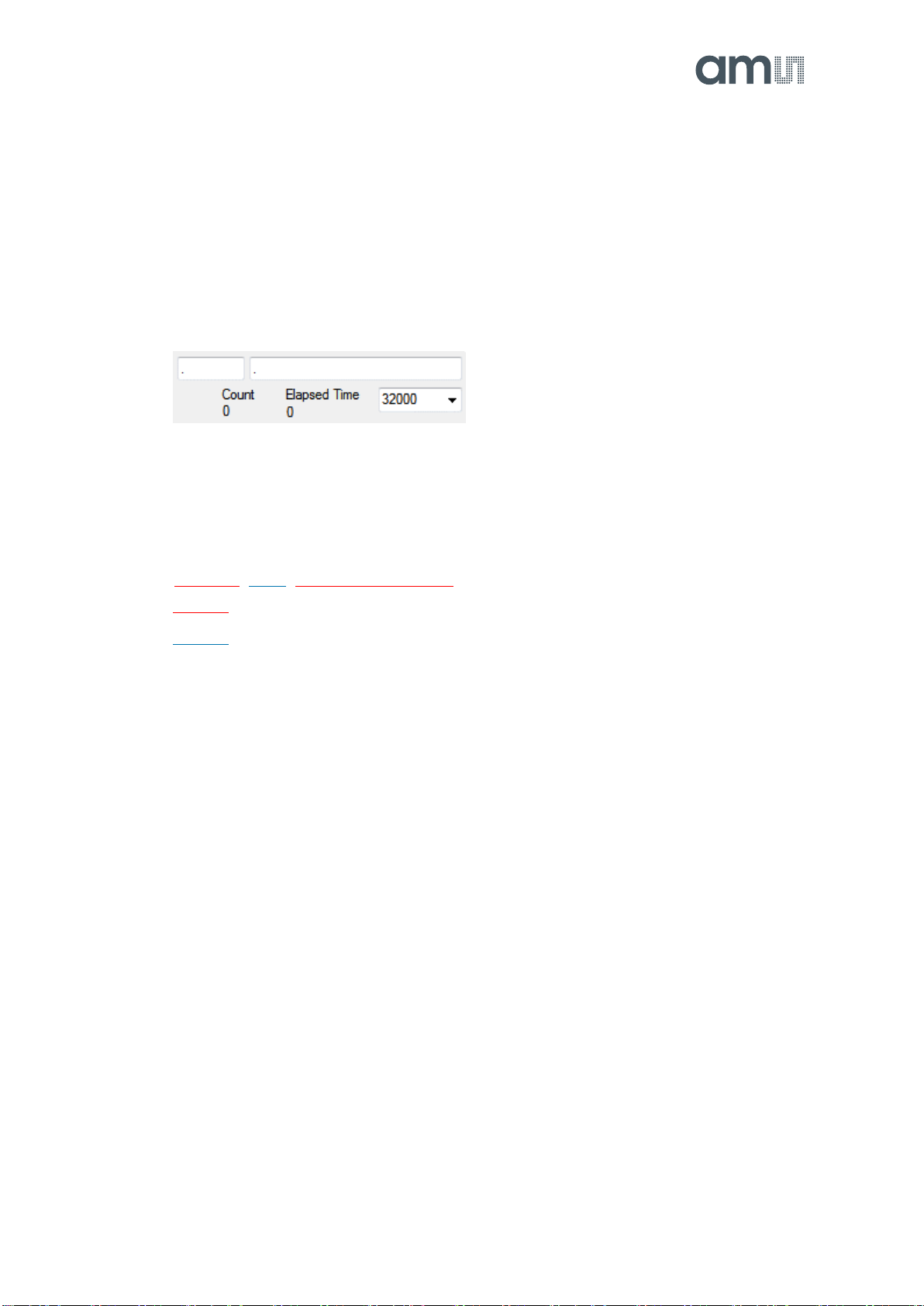
The top right corner of the ALS tab displays the output data. This data is continuously read. The
polling interval is shown above the tab.
Visible displays the data counts for the Visible channel multiplied by the adjustment factor
IR displays the data counts for the IR channel
Lux displays the calculated lux based upon the channel counts and lux coefficients
Note: The lux equation uses the adjusted visible channel counts displayed on the GUI. See VISADJ
register in datasheet for more details.
4.7.4 ALS Data Plot
The remaining portion of the ALS tab is used to display a running plot of the collected ALS values
and calculated Lux. The last 350 values are collected and plotted on the graph. As additional values
are added, the old values will be deleted from the left side of the graph. To start the plotting
function, check the Enable Plot checkbox and select the Visible, IR, or Lux checkbox.