manuals.online logo
Brands
  1. Home
  2. •
  3. Brands
  4. •
  5. Animas
  6. •
  7. Medical Equipment
  8. •
  9. Animas inset II User manual

Animas inset II User manual

This manual suits for next models

8

Other Animas Medical Equipment manuals

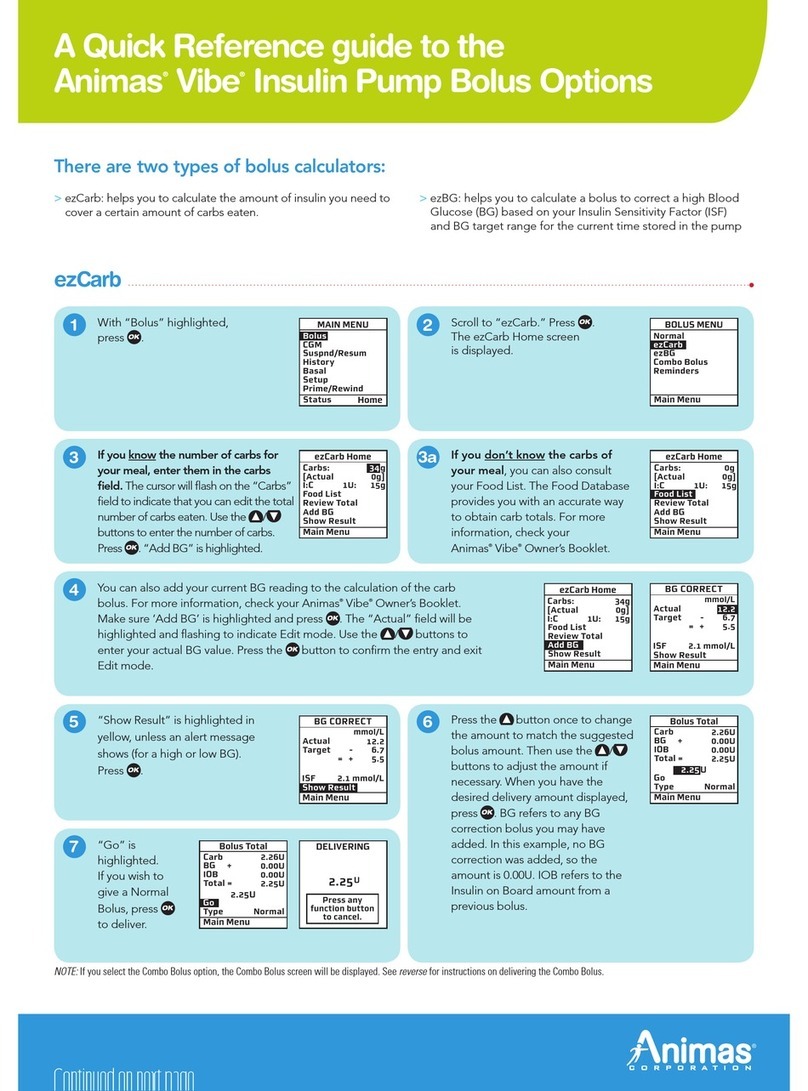
Animas vibe User manual

Animas

Animas vibe User manual

Animas IR 1200 User manual

Animas

Animas IR 1200 User manual

Animas vibe User manual

Animas

Animas vibe User manual

Animas vibe User manual

Animas

Animas vibe User manual

Animas vibe User manual

Animas

Animas vibe User manual

Animas vibe User manual

Animas

Animas vibe User manual

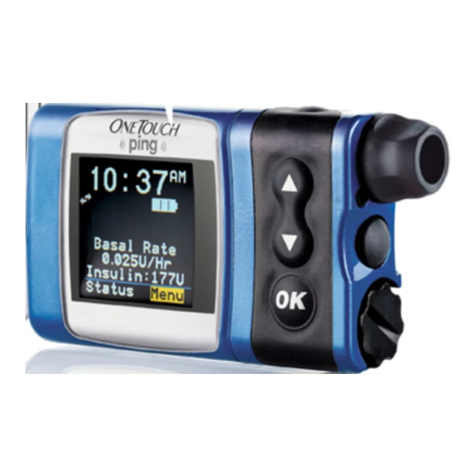
Animas OneTouch Ping User manual

Animas

Animas OneTouch Ping User manual

Animas vibe User manual

Animas

Animas vibe User manual

Animas 2020 User manual

Animas

Animas 2020 User manual

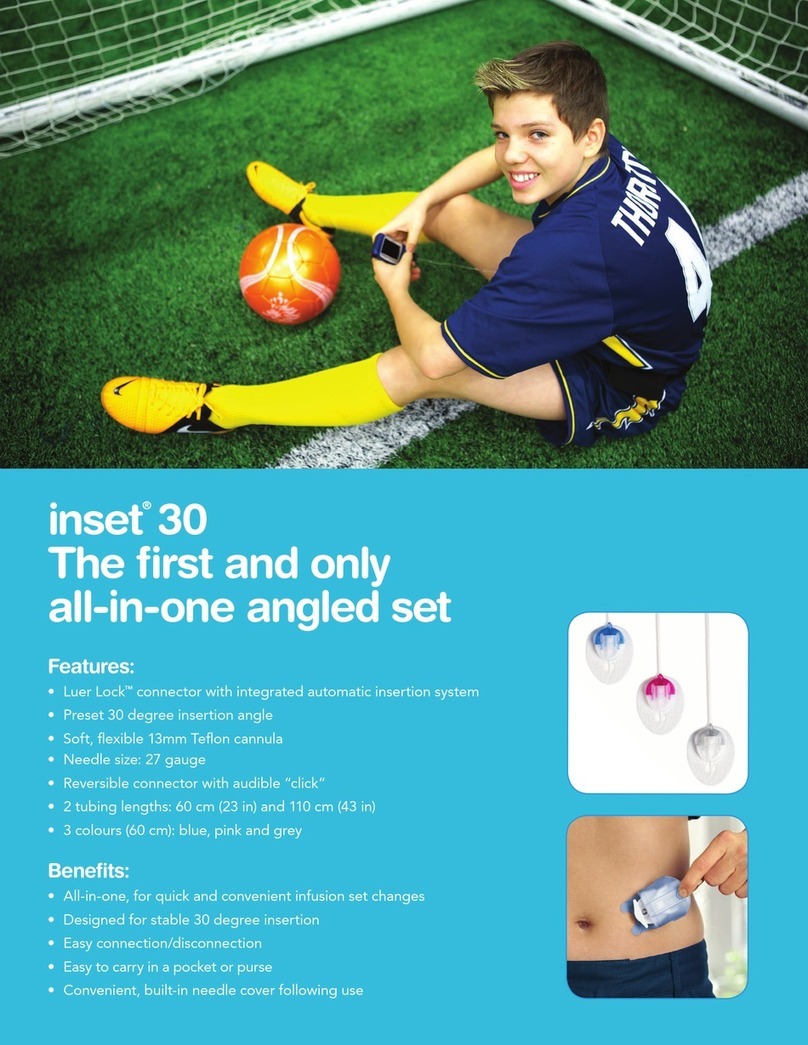
Animas inset 30 User manual

Animas

Animas inset 30 User manual

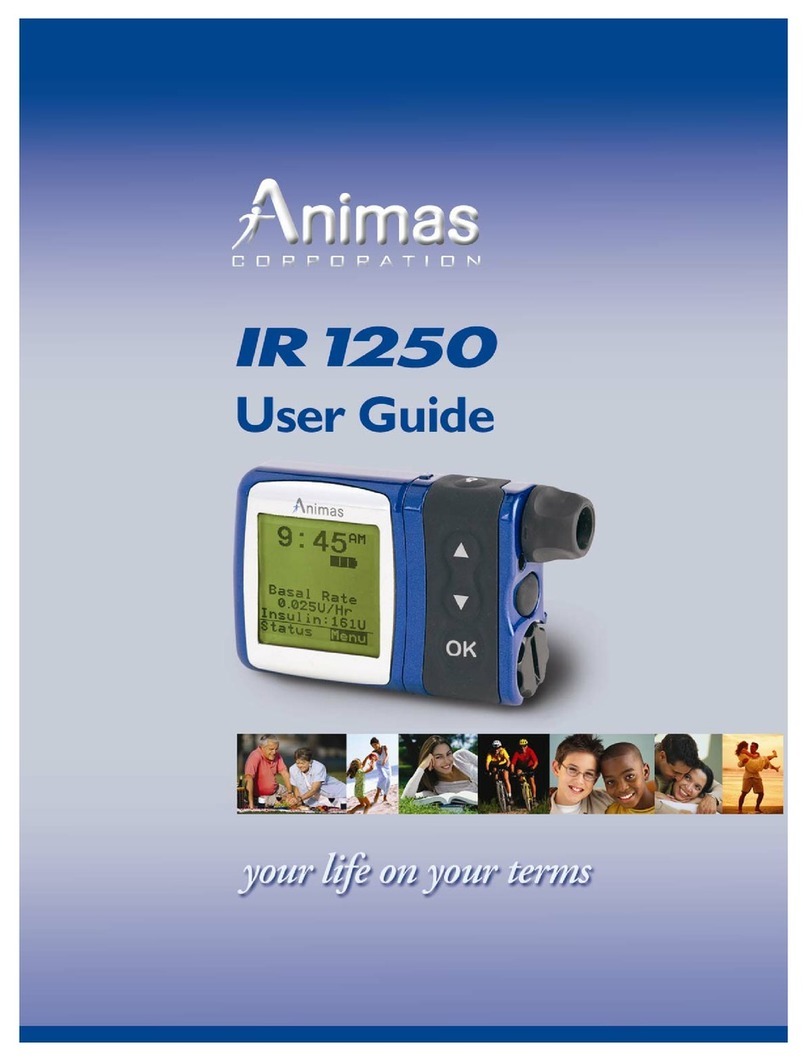
Animas IR 1250 User manual

Animas

Animas IR 1250 User manual

Popular Medical Equipment manuals by other brands

Itamar Medical WatchPAT Operation manual

Itamar Medical

Itamar Medical WatchPAT Operation manual

PROTEOR 1P650 KNEE Assembling and adjustment instructions

PROTEOR

PROTEOR 1P650 KNEE Assembling and adjustment instructions

Liberate Medical VentFree user manual

Liberate Medical

Liberate Medical VentFree user manual

Dicarre DA20 user guide

Dicarre

Dicarre DA20 user guide

Stryker Medical M Series Operation manual

Stryker Medical

Stryker Medical M Series Operation manual

Invacare ScanBed 750 user manual

Invacare

Invacare ScanBed 750 user manual

Getinge Arjohuntleigh Nimbus 3 Professional Instructions for use

Getinge

Getinge Arjohuntleigh Nimbus 3 Professional Instructions for use

Mettler Electronics Sonicator 730 Maintenance manual

Mettler Electronics

Mettler Electronics Sonicator 730 Maintenance manual

Pressalit Care R1100 Mounting instruction

Pressalit Care

Pressalit Care R1100 Mounting instruction

Denas MS DENAS-T operating manual

Denas MS

Denas MS DENAS-T operating manual

bort medical ActiveColor quick guide

bort medical

bort medical ActiveColor quick guide

AccuVein AV400 user manual

AccuVein

AccuVein AV400 user manual

agiliti NP Trio user manual

agiliti

agiliti NP Trio user manual

Rocket Medical Rocket Digital Oocyte Aspiration Pump Service manual

Rocket Medical

Rocket Medical Rocket Digital Oocyte Aspiration Pump Service manual

Monteris Medical Neuroblate Instructions for use

Monteris Medical

Monteris Medical Neuroblate Instructions for use

Otto Block 8E33 7 manual

Otto Block

Otto Block 8E33 7 manual

ADVANCED HOME CARE Helios Guide

ADVANCED HOME CARE

ADVANCED HOME CARE Helios Guide

NeuLog NUL-208 Guide

NeuLog

NeuLog NUL-208 Guide

manuals.online logo
manuals.online logoBrands
  • About & Mission
  • Contact us
  • Privacy Policy
  • Terms and Conditions

Copyright 2025 Manuals.Online. All Rights Reserved.

Features:
• Luer Lock™connector with integrated automatic insertion system
•Straight 90 degree insertion
•Soft, flexible 6mm or 9mm Teflon cannula
• Needle size: 27 gauge
•Reversible connector with audible “click”
•2 tubing lengths: 60 cm (23 in) and 110 cm (43 in)
•3 colours (60 cm): blue, pink and grey
Benefits:
• All-in-one, for quick and convenient infusion set changes
• One-handed insertion to reach more infusion sites*
• Easy connection/disconnection
• Easy to carry in a pocket or purse
• Convenient, built-in needle cover following use
inset® II
The first all-in-one
straight set
*Placement and insertion of inset®II can be done one-handed.
Animas®is a registered trademark used under licence by LifeScan Canada Ltd.
All other trademarks are property of their respective owners.
© 2014 LifeScan Canada Ltd., Burnaby, BC V5C 6S7 AW103-263A 06/2014
1
2
57
3
1
2
57
3
12
57
3
Pull the red tape to remove the seal. Remove
the sterile paper. Press the three raised dots
on each side of the lid firmly with one hand
and lift up with the other hand.
CAUTION: Be careful not to bend or touch the
inset®II introducer needle when preparing the
inserter and infusion set.
Carefully twist the beginning of the tubing out of
the slot. Pull up gently. Now unwind the tubing
from the insertion device by pulling it carefully
upwards. Pull up gently to remove the adhesive
backing paper.
CAUTION: Do not touch the inset®II introducer
needle when unwinding the tubing. Be careful
not to pull too hard when the tubing is fully
released. You could accidentally remove the
infusion set from the introducer needle.
Place fingers on lined indentations. Press
lined indentations on each side. Pull spring up
until you hear a “click”.
4
6
4
6
Carefully remove the needle guard by gently
twisting and then pulling it.
CAUTION: Before positioning inset®II over clean
insertion site, place the tubing in the slot to
ensure that the tubing is not caught underneath
the device during insertion.
Push gently on the center of the inserter to
secure the adhesive on the skin.
Position inset®II over the insertion site.
Simultaneously press the round indentations
on either side of the insertion device to insert
inset®II.
12
5
7
3
5
Remove the inserter/introducer needle by
grasping the center and pulling it gently back.
Massage the tape thoroughly into the skin.
12
5
7
3
7
1 2 3
45 6
7 8 9
FRONT BACK
Recommended
insertion sites
Item No. :
10041000 inset®II, 60 cm (23 in), 6 mm, grey
10041001 inset®II, 60 cm (23 in), 6 mm, blue
10041002 inset®II, 60 cm (23 in), 6 mm, pink
10041100 inset®II, 60 cm (23 in), 9 mm, grey
10041101 inset®II, 60 cm (23 in), 9 mm, blue
10041102 inset®II, 60 cm (23 in), 9 mm, pink
10041200 inset®II, 110 cm (43 in), 6 mm, grey
10041300 inset®II, 110 cm (43 in), 9 mm, grey
Cannula fill amount
6mm cannula = 0.30 units
9mm cannula = 0.50 units
200 Whitehall Drive
Markham (Ontario) L3R 0T5
Phone: 1-866-406-4844
Email: CustomerCare@Animas.ca
Web: www.Animas.ca
Distributed in Canada by
inset®II
All-in-one straight infusion set
To order inset®II, call Animas
Canada at 1-866-406-4844.
NOTE: This guide only illustrates some of the steps to follow when inserting inset®II and is not a substitute for reading the instructions for
use that come with the product.