manuals.online logo
Brands
  1. Home
  2. •
  3. Brands
  4. •
  5. AnyTone
  6. •
  7. Radio
  8. •
  9. AnyTone 868 User manual

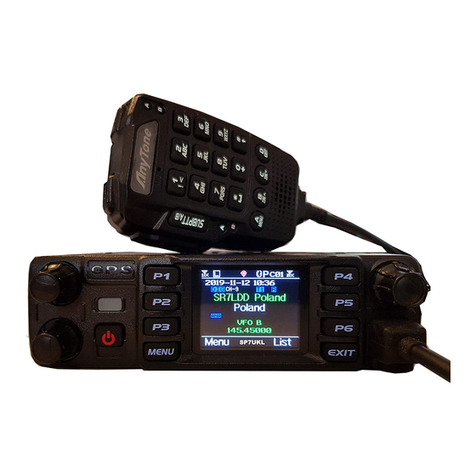
AnyTone 868 User manual

This manual suits for next models

2

Other AnyTone Radio manuals

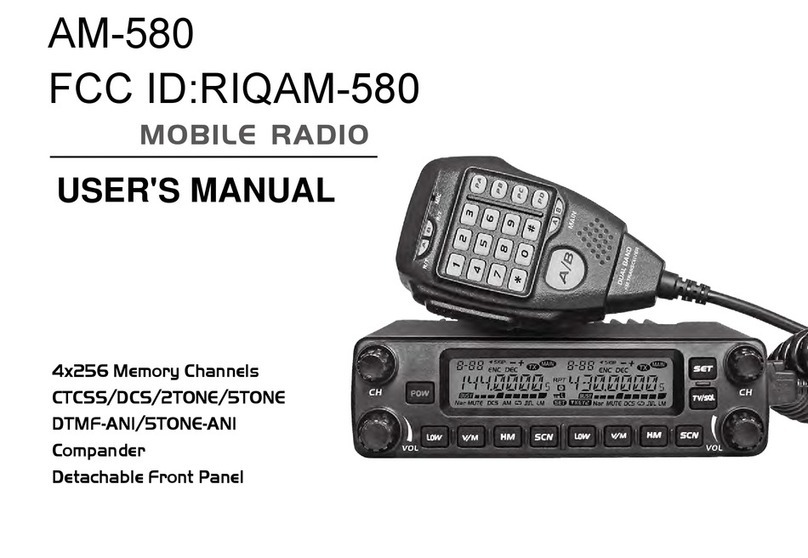
AnyTone AM-580 User manual

AnyTone

AnyTone AM-580 User manual

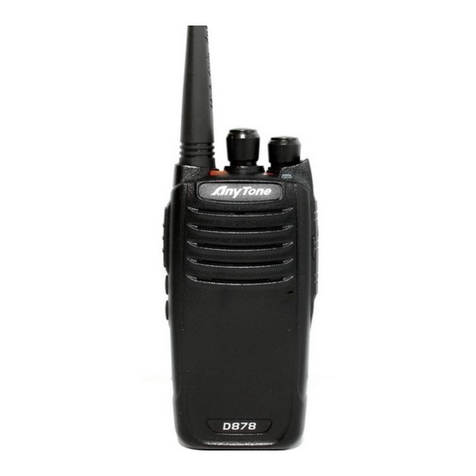
AnyTone DMR AT-D878U User manual

AnyTone

AnyTone DMR AT-D878U User manual
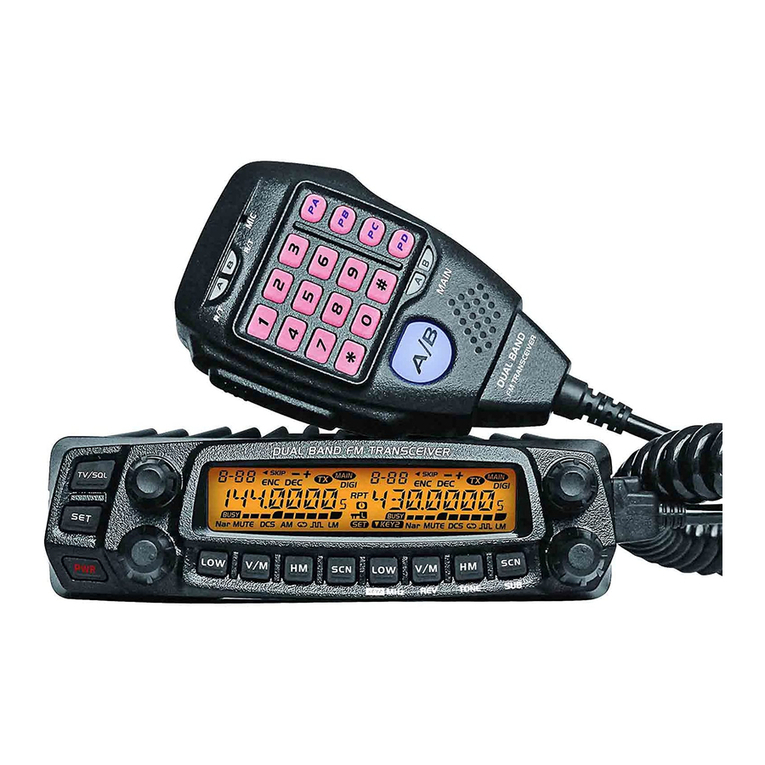
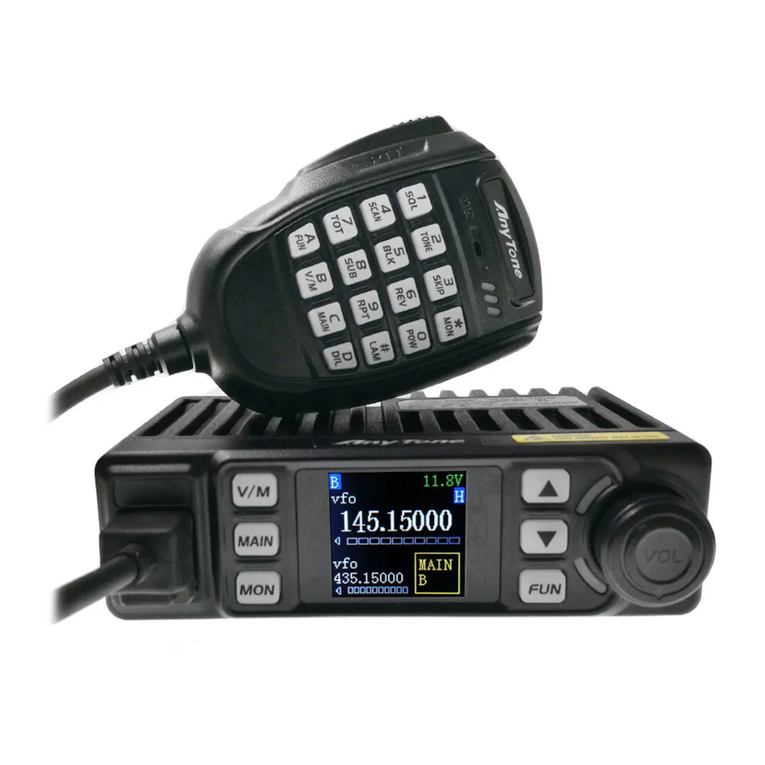
AnyTone AT-588UV User manual

AnyTone

AnyTone AT-588UV User manual
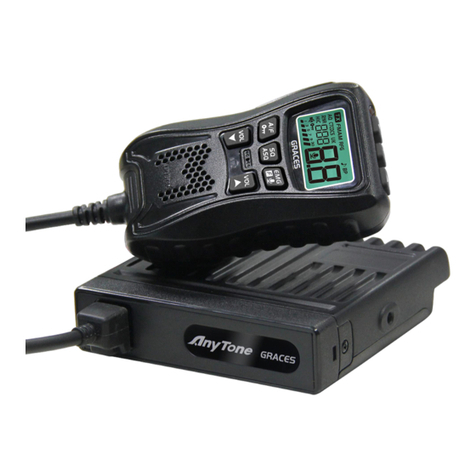
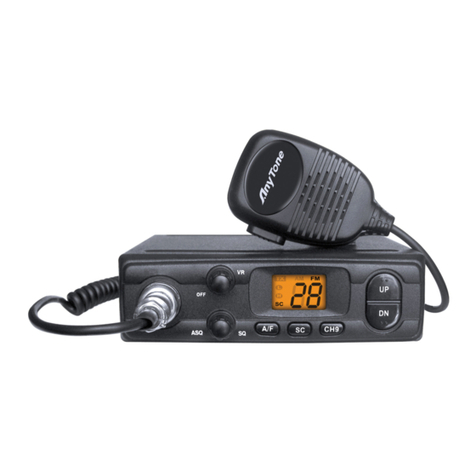
AnyTone GRACES User manual

AnyTone

AnyTone GRACES User manual
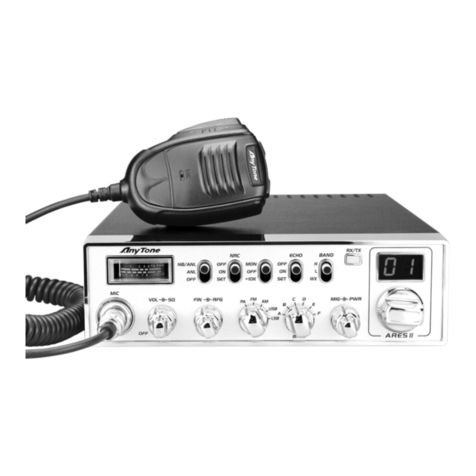
AnyTone ARES II User manual

AnyTone

AnyTone ARES II User manual
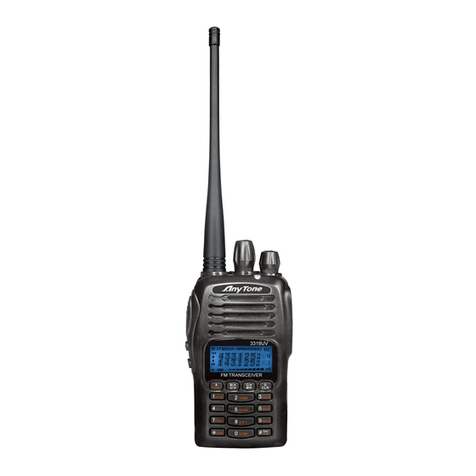
AnyTone AT-3318UV User manual

AnyTone

AnyTone AT-3318UV User manual
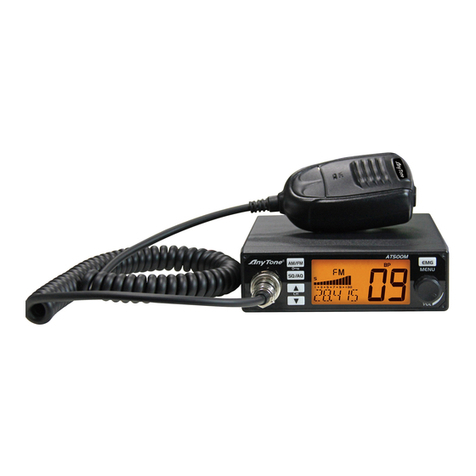
AnyTone AT-500M User manual

AnyTone

AnyTone AT-500M User manual
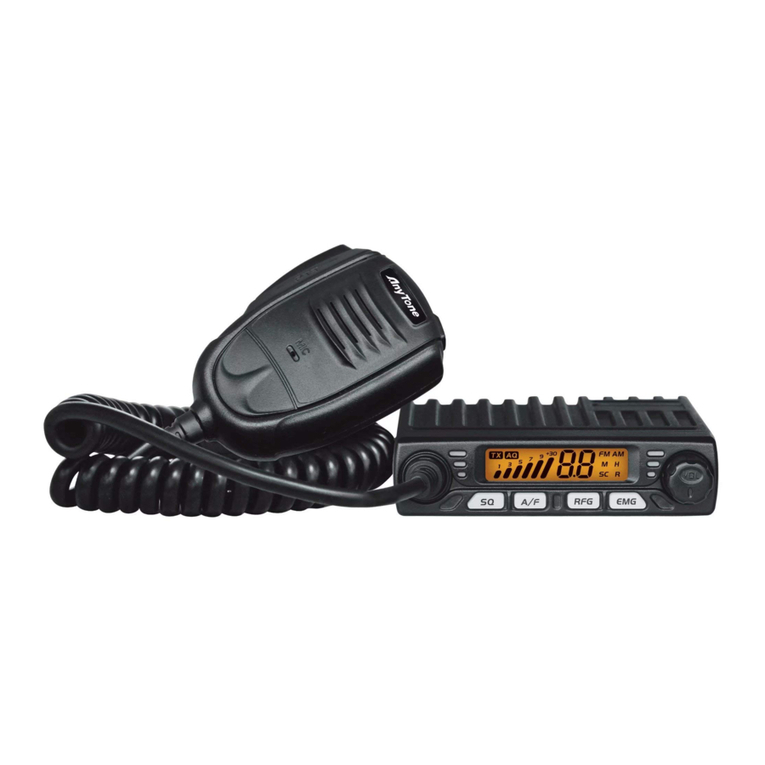
AnyTone SMART User manual

AnyTone

AnyTone SMART User manual
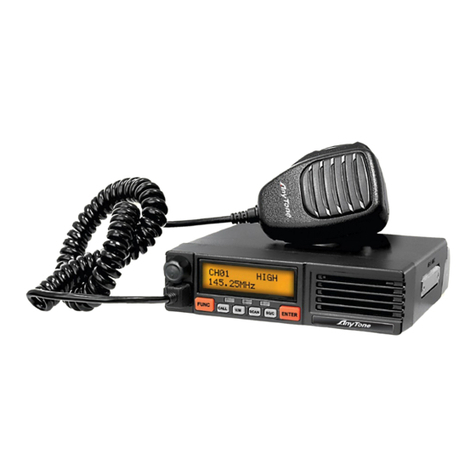
AnyTone AT-5189 User manual

AnyTone

AnyTone AT-5189 User manual
AnyTone AT-D578UV User manual

AnyTone

AnyTone AT-D578UV User manual

AnyTone AT 778 User manual

AnyTone

AnyTone AT 778 User manual
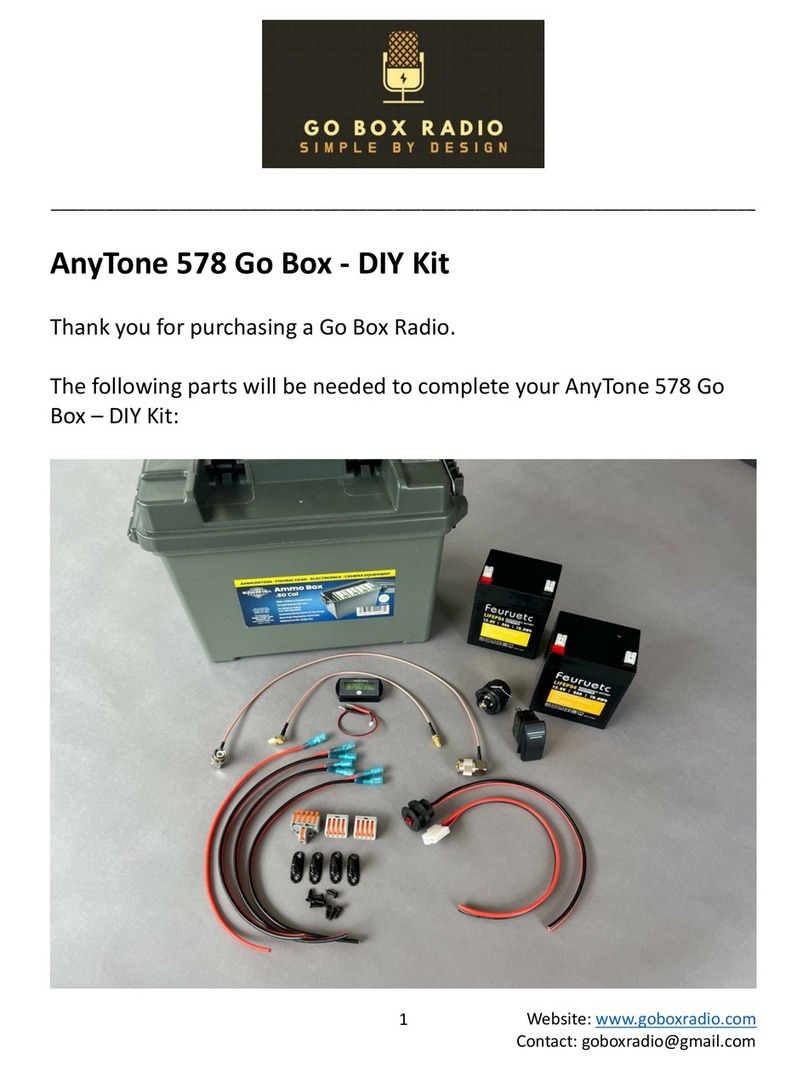
AnyTone 578 Go Box DIY Kit User manual
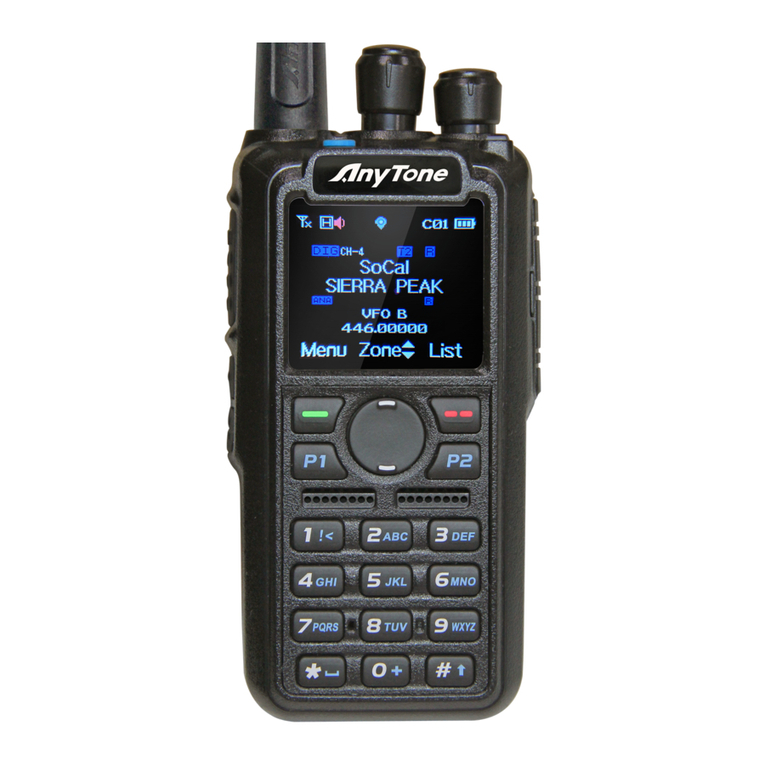
AnyTone

AnyTone 578 Go Box DIY Kit User manual

AnyTone AT-D868UV Operating instructions
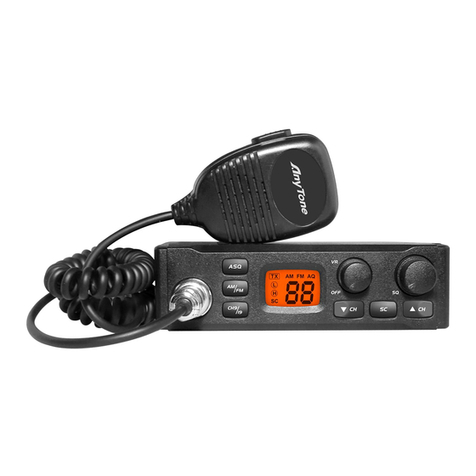
AnyTone

AnyTone AT-D868UV Operating instructions

AnyTone AT-310M User manual

AnyTone

AnyTone AT-310M User manual

AnyTone AT-779UV User manual

AnyTone

AnyTone AT-779UV User manual
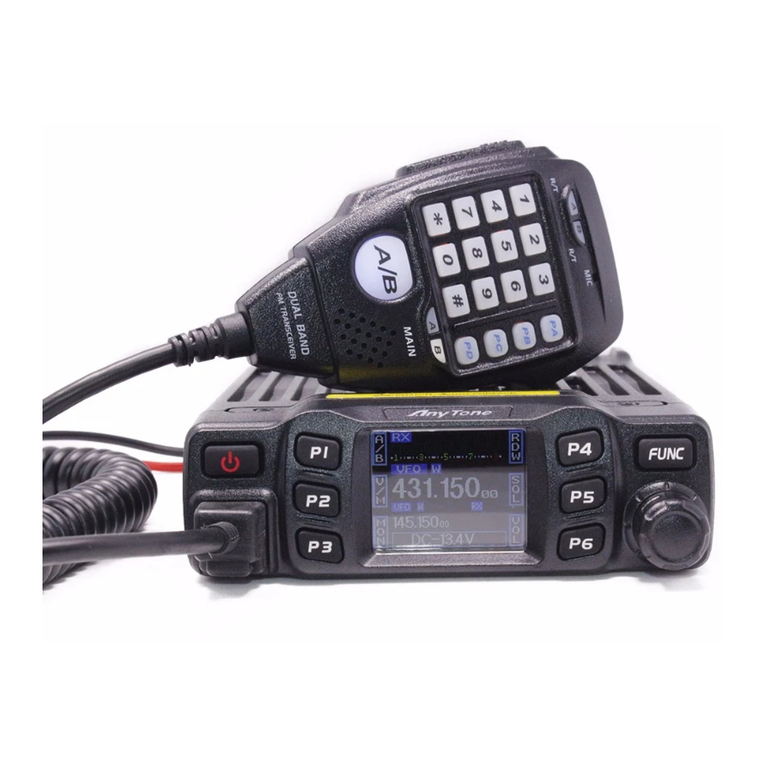
AnyTone AT- 778UV User manual

AnyTone

AnyTone AT- 778UV User manual

AnyTone AT-398UV User manual

AnyTone

AnyTone AT-398UV User manual
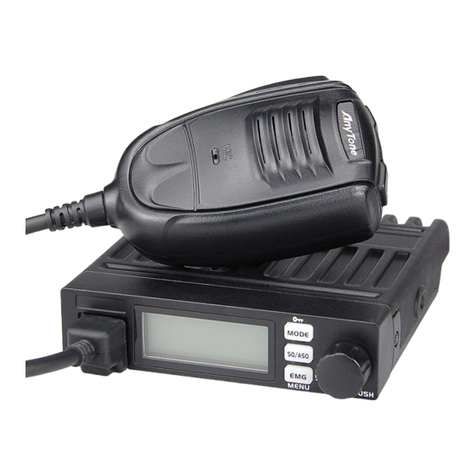
AnyTone SMART II User manual

AnyTone

AnyTone SMART II User manual
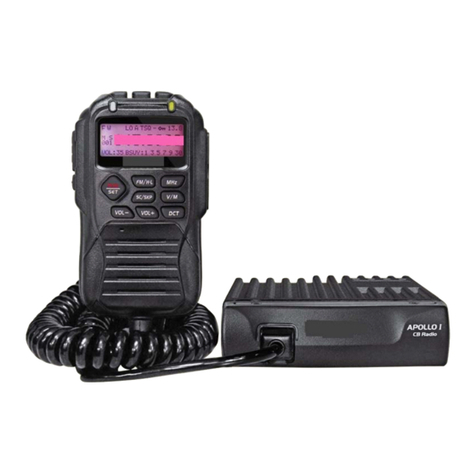
AnyTone AT 778 User manual

AnyTone

AnyTone AT 778 User manual
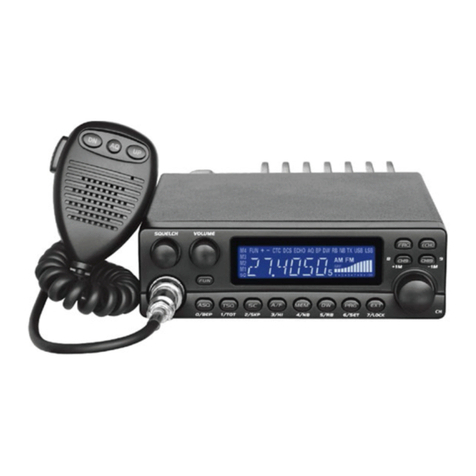
AnyTone AT-5289 User manual

AnyTone

AnyTone AT-5289 User manual
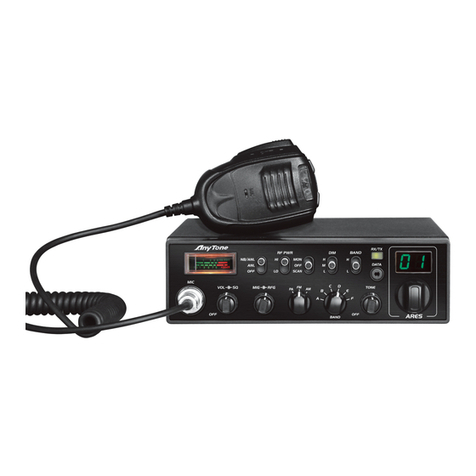
AnyTone Ares User manual

AnyTone

AnyTone Ares User manual

AnyTone AT-300M User manual

AnyTone

AnyTone AT-300M User manual

AnyTone D578UV Use and care manual

AnyTone

AnyTone D578UV Use and care manual

AnyTone AT-318UV User manual

AnyTone

AnyTone AT-318UV User manual

Popular Radio manuals by other brands

Grundig G6 AVIATOR owner's manual

Grundig

Grundig G6 AVIATOR owner's manual

Makita DMR114 instruction manual

Makita

Makita DMR114 instruction manual

PURE Move R3 manual

PURE

PURE Move R3 manual

Motorola CP040 Detailed service manual

Motorola

Motorola CP040 Detailed service manual

Bosch GPB18V-5C Operating/safety instructions

Bosch

Bosch GPB18V-5C Operating/safety instructions

Ocean Digital WR-230 user manual

Ocean Digital

Ocean Digital WR-230 user manual

Realistic TRC-457 owner's manual

Realistic

Realistic TRC-457 owner's manual

Uniden AX 144 owner's manual

Uniden

Uniden AX 144 owner's manual

SIGNIFY EA2173 instruction manual

SIGNIFY

SIGNIFY EA2173 instruction manual

auna multimedia 10026443 user manual

auna multimedia

auna multimedia 10026443 user manual

GME TX680 instruction manual

GME

GME TX680 instruction manual

Motorola MTM5 00 Series Basic service manual

Motorola

Motorola MTM5 00 Series Basic service manual

Tivoli Audio ONE+ owner's manual

Tivoli Audio

Tivoli Audio ONE+ owner's manual

Sirius Satellite Radio SDVK1 installation guide

Sirius Satellite Radio

Sirius Satellite Radio SDVK1 installation guide

Sirius XM RAdio EDGE user guide

Sirius XM RAdio

Sirius XM RAdio EDGE user guide

Trevi XF 100 user guide

Trevi

Trevi XF 100 user guide

EisSound KBSound iSelect user manual

EisSound

EisSound KBSound iSelect user manual

Kirisun DM588-02 user manual

Kirisun

Kirisun DM588-02 user manual

manuals.online logo
manuals.online logoBrands
  • About & Mission
  • Contact us
  • Privacy Policy
  • Terms and Conditions

Copyright 2025 Manuals.Online. All Rights Reserved.

Quick
Start
uide
Quick
Start
uide
*
For
AnyTone
868,
878,
and
PLUS
1. Connect
the
battery
to
your
radio
and
attach
the
antenna
Antenna
Battery
2. Turn
your
radio
on
and
then
press
confirm
Turn
on
Confirm
It
may
take
a
few
seconds
before
the
screen
will
turn
on.
3.
Next,
you
will
need
to
download
the
programming
software.
Programming
o
to:
bridgecomsystems.com
Click
on
the
support
tab
Select
your
radio
1.
2.
3.
4. Scroll
down
to
the
downloads
section
and
download
the
CPS
that
matches
your
firmware
version
Your
radio
'
s
firmware
version
is
listed
on
the
front
of
the
box
or
on
the
"
READ
THIS
FIRST
"
slip.
5. Install
the
CPS
After
it
'
s
installed,
you
can
either
build
a
codeplug
from
scratch
or
find
one
for
your
area.
We
have
a
codeplug
bank
with
user
submitted
codeplugs
for
most
areas
and
states.
You
will
find
this
on
our
website
in
the
top
menu
bar.
o
to:
bridgecomsystems.com
5. Next
Step
Take
advantage
of
your
FREE
access
code
for
the
AnyTone
course
on
BridgeCom
University.
This
course
will
walk
you
step
-
by
-
step
through
programming
and
setting
up
your
new
radio
o
to:
bridgecomuniversity.com
<<
FREE
with
this
coupon
code:
atd868878bcs
Enjoy!
Enjoy!
*AnyTone
AT
-
D878UV
PLUS
Pictured.
If
this
guide
was
included
with
your
radio,
the
same
process
should
apply.