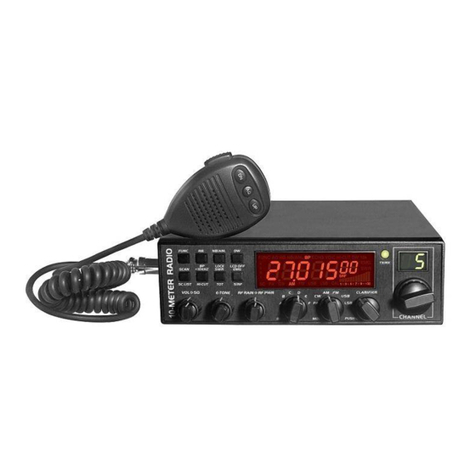
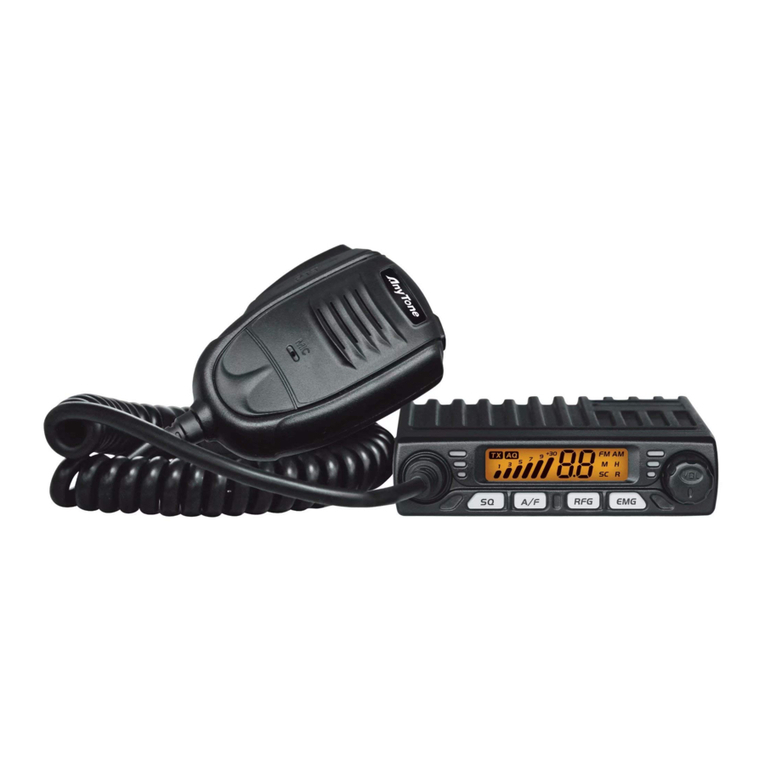
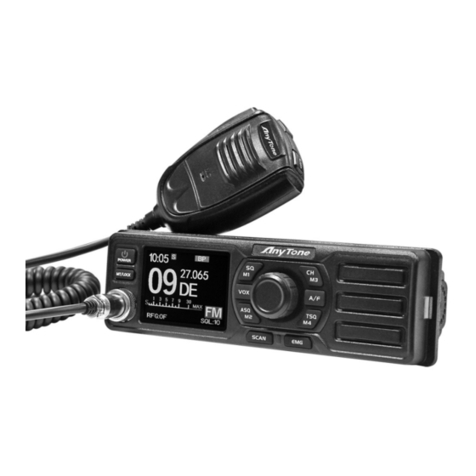
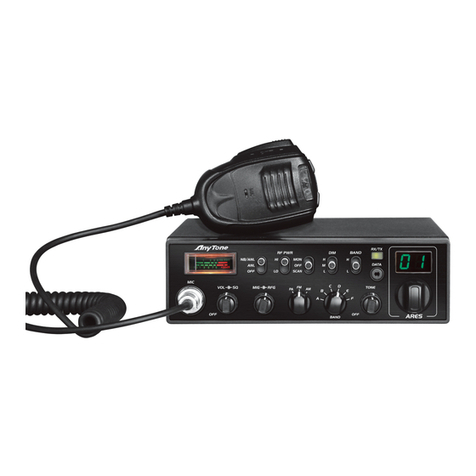
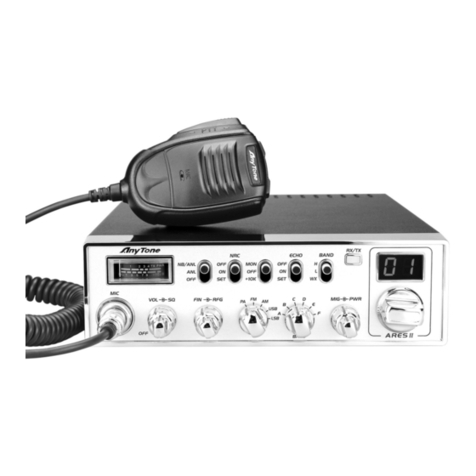
This switch is for adjusting sensitivity during reception. For long distance communications
RF GAIN should be set to maximum. RF GAIN can be reduced to avoid distortion, when
your correspondent is close by and when he does not have RF POWER. The normal
setting of this function is on maximum (fully clockwise).
6. RF POWER (Outer Dual Concentric)
Adjustment of the output power is for AM and FM mode only. Reducing the power is
allowed when communicating with a person who has no RF GAIN. The normal position of
this function is set to maximum, fully clockwise.
7. BAND SELECTOR
Rotate this switch to select A, B, C, D, E, F band of operation
8. MODE(PA/CW/AM/FM/USB/LSB)
This switch allows selecting the modulation mode PA, CW, AM, FM, LSB or USB. Your
modulation mode has to correspond with the one of your correspondent. The mode
selector changes the mode of operation of both transmitter and receiver simultaneously.
Frequency Modulation / FM: for nearby communications on a flat open field.
Amplitude Modulation / AM: Communication on a field with relief and obstacles in
middle distance (the most used).
Upper and Lower Side Band / USB-LSB: Used for long distance communications
(according to the propagation conditions).
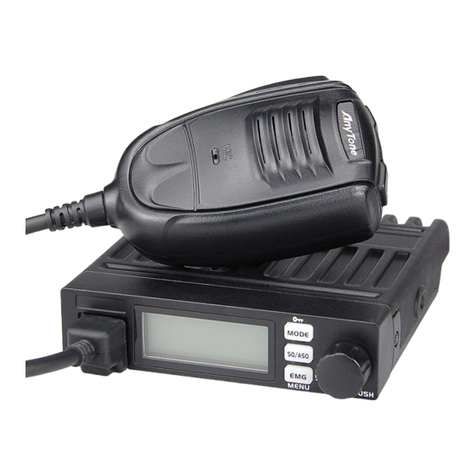
9. CLARIFIERThis is frequency tuning knob which can be set as different modes (refer to CLA
Specifications in Functions Menu for more details)
10. PUSHThis is PUSH Key which can be set as different modes (refer to PSH specifications under
Functions Menu for more details)
11. CHANNEL SELECTOR
Rotate this switch to select any desired channel from forty citizens band channels. The
selected channel appears on the LED directly above the channel selector knob.
12. CHANNEL INDICATOR
Numbered LED indicates the selected channel you wish to operate on.