3DORIS CB Radio
3. HOW TO USE THIS RADIO
3.1 Power On/Off the Radio ....................................................................
3.3 Quick Mute Setting ...........................................................................
3.4 Enter Stored Memory Channel and Exit Out .......................................
3.5 Store Memory Channel .....................................................................
3.6 Delete Memory Channel ...................................................................
3.2 Volume Adjustment ..........................................................................
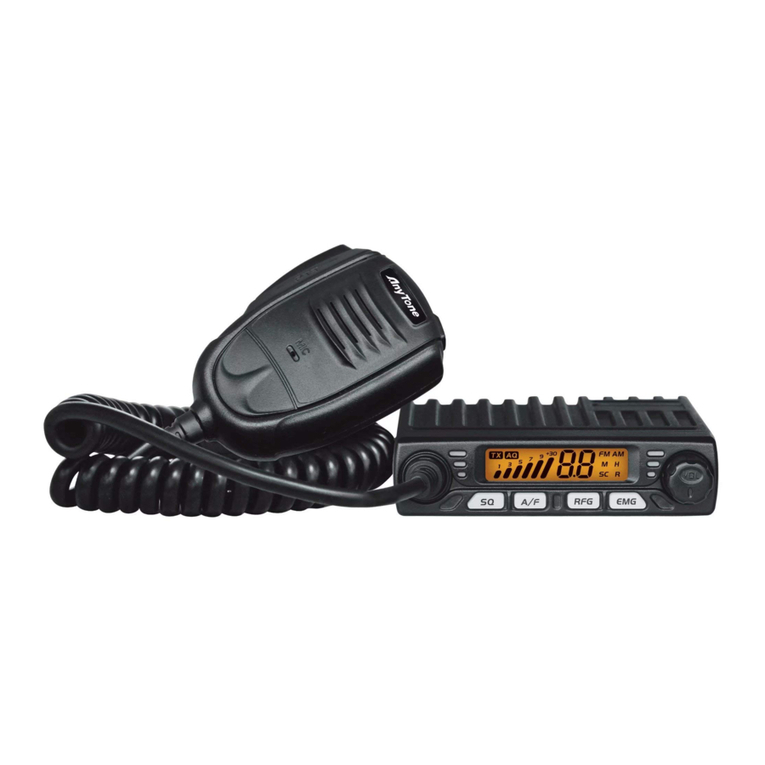
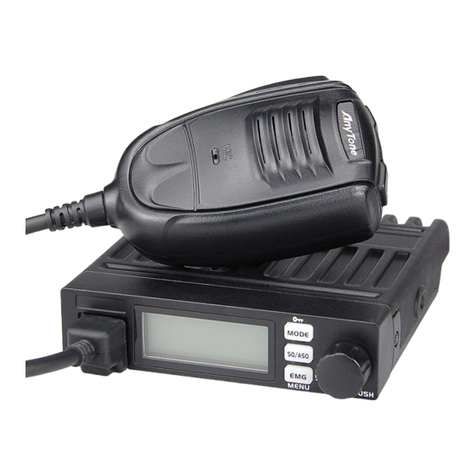
(1) Power On the radio: Press the button, the screen will light up and display
"WELCOME", then the radios will show the current frequency or channel, it's on.
(2) Power Off the radio: Press the button for 2 seconds, the screen will display
“CLOSING”, then all the display will disappear, it's off.
Note: Set the volume level during a call to adjust the desired volume more accurately.
When the radio is under standby, turn the VOL knob to adjust the volume, turn it
clockwise to increase the volume, and turn it counterclockwise to decrease the
volume.
Under standby state, short press the key, the screen will display the mute icon
to enter mute mode; Short press the key again or turn the VOL knob, the screen
displays the volume level to exit the mute mode.
Enter Stored Memory Channel: Short press the [PUSH] button, the screen will
displays the “FUNC” icon, then press the corresponding M1-M4 to enter the
memory channel mode; Short press the CH/M3 button when the channel number is
blue, and then turn the VOL knob to exit the memory channel mode out.
In the non-storage channel, select the channel you want to store, and hold on press
the corresponding M1-M4 button until the screen displays the storage channel
number and emits a "DiDi" sound, and the storage is completed.
Under the storage channel, hold on press the corresponding M1-M4 button until
the storage channel number displayed on the screen disappears and a "DiDi" beep
sounds, and the storage channel deletion is completed.