Frequently Asked Questions (FAQs)
The client cannot establish a wireless connection with the router.
Out of Range:
• Put the router closer to the wireless client.
• Try to change the channel settings.
Authentication:
• Use wired connection to connect to the router.
• Check the wireless security settings.
• Press the Reset button at the rear panel for more than ve seconds.
Cannot nd the router:
• Press the Reset button at the rear panel for more than ve seconds.
• Check the setting in the wireless adapter such as SSID and encryption settings.
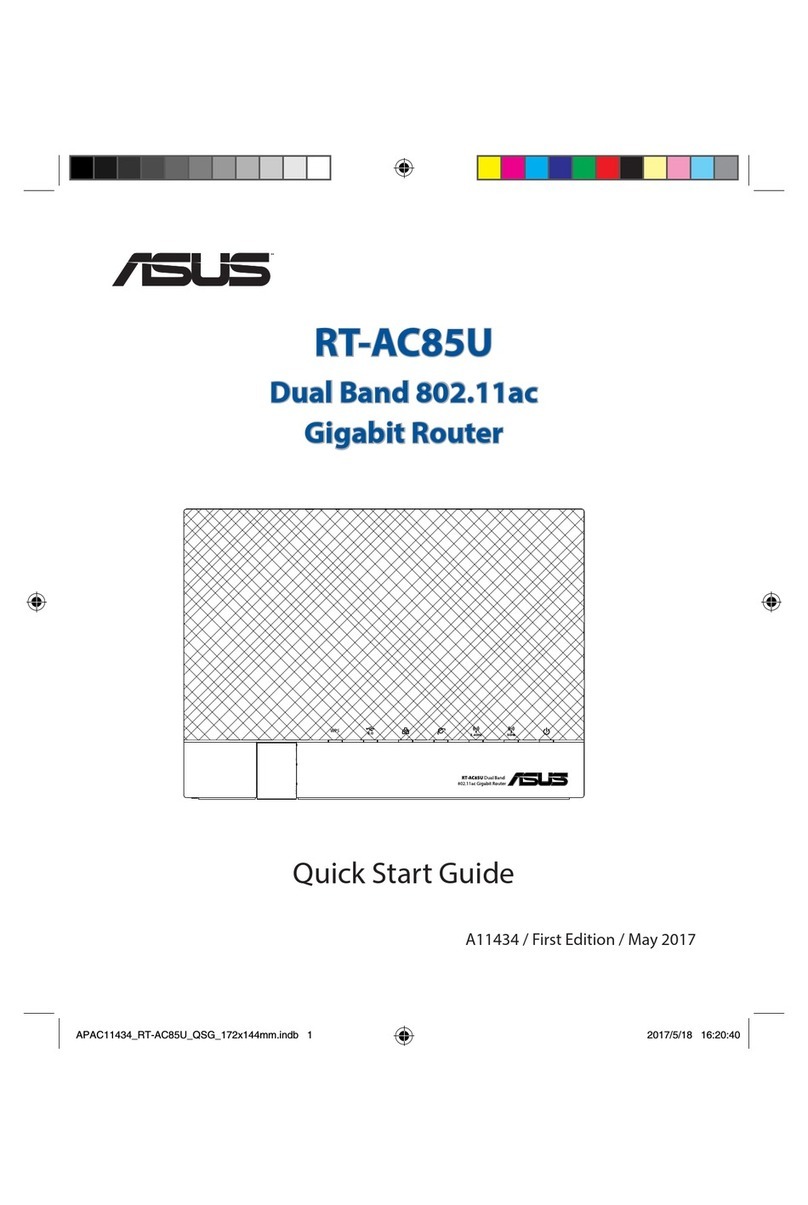
* You can nd the SSID and Password that are shown on the bottom of your router.
Cannot access the Internet via wireless LAN adapter.
• Move the router closer to the wireless client.
• Check whether the wireless adapter is connected to the correct wireless router.
• Check whether the wireless channel in use conforms to the channels available in your
country/area.
• Check the encryption settings.
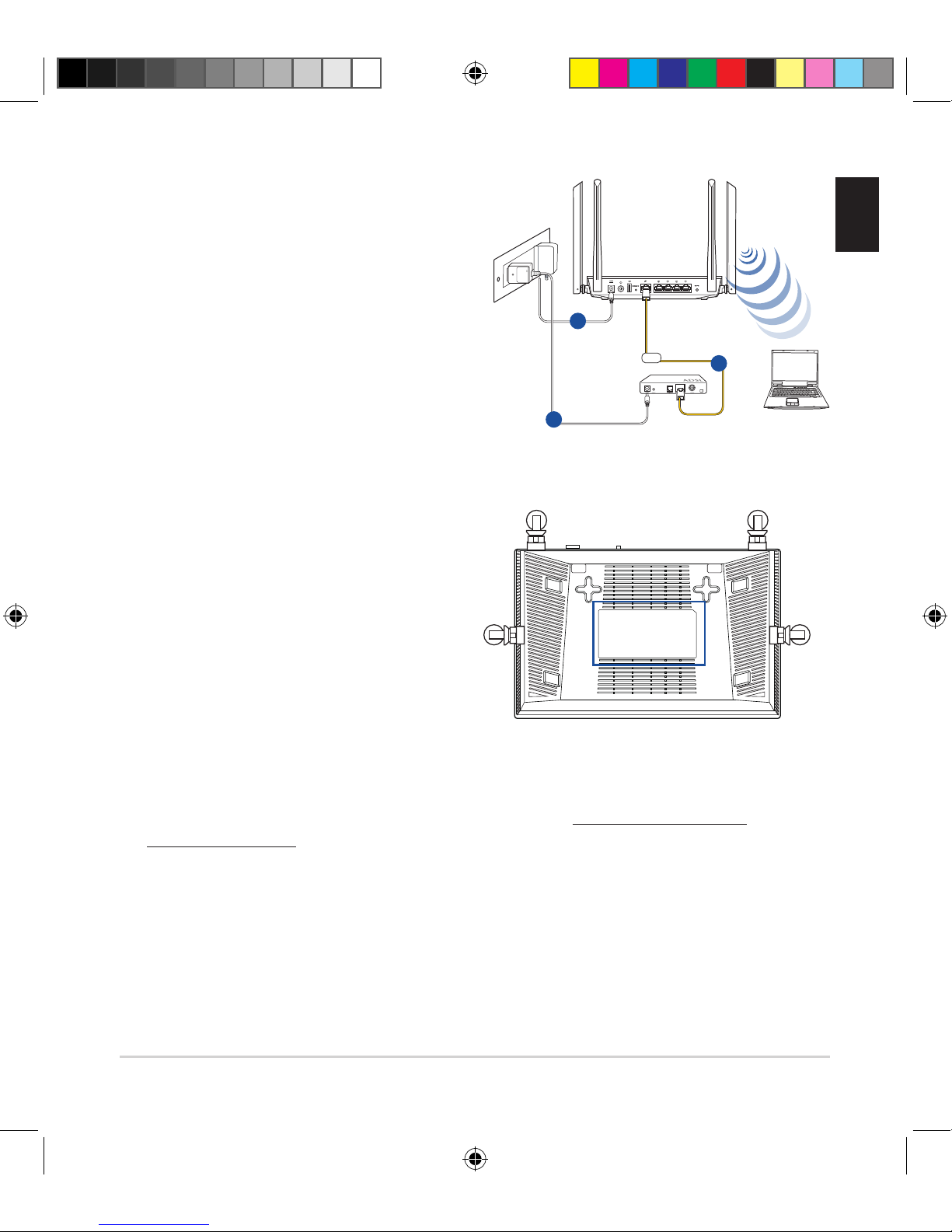
• Check if the ADSL or Cable connection is correct.
• Retry using another Ethernet cable.
Network name or encryption keys are forgotten.
• Try setting up the wired connection and conguring the wireless encryption again.
• Press the Reset button of the wireless router for more than ve seconds.
• Factory default settings:
User name / Password:
admin / admin
IP address:
http:// router.asus.com or http://192.168.50.1
English
na10334_rt_ac1200_qsg_aci.indb 5 2015/6/9 16:40:47