manuals.online logo
Brands
  1. Home
  2. •
  3. Brands
  4. •
  5. Atdec
  6. •
  7. TV Mount
  8. •
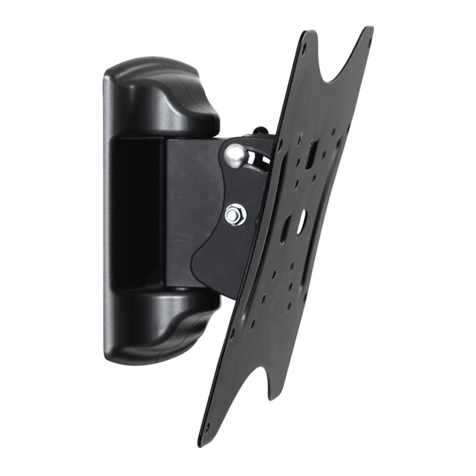
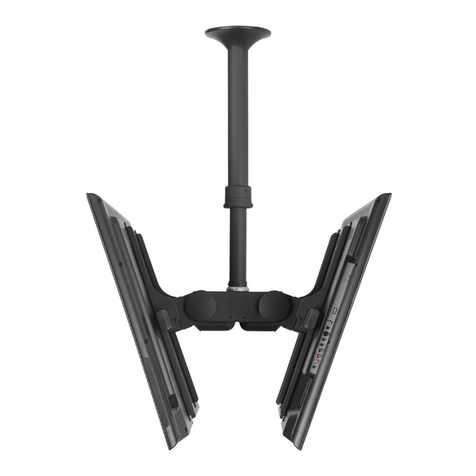
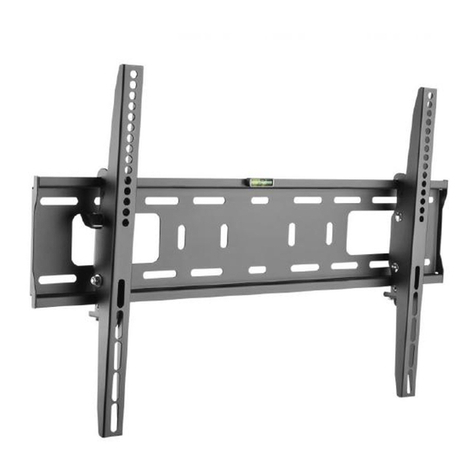
  9. Atdec AD-WT-5040 User manual

Atdec AD-WT-5040 User manual

This manual suits for next models

1

Other Atdec TV Mount manuals

Atdec Telehook TH-3070-CTW User manual

Atdec

Atdec Telehook TH-3070-CTW User manual

Atdec VF-AT-W User manual

Atdec

Atdec VF-AT-W User manual

Atdec TH-3270-UFM User manual

Atdec

Atdec TH-3270-UFM User manual

Atdec telehook TH-2050-VFM User manual

Atdec

Atdec telehook TH-2050-VFM User manual

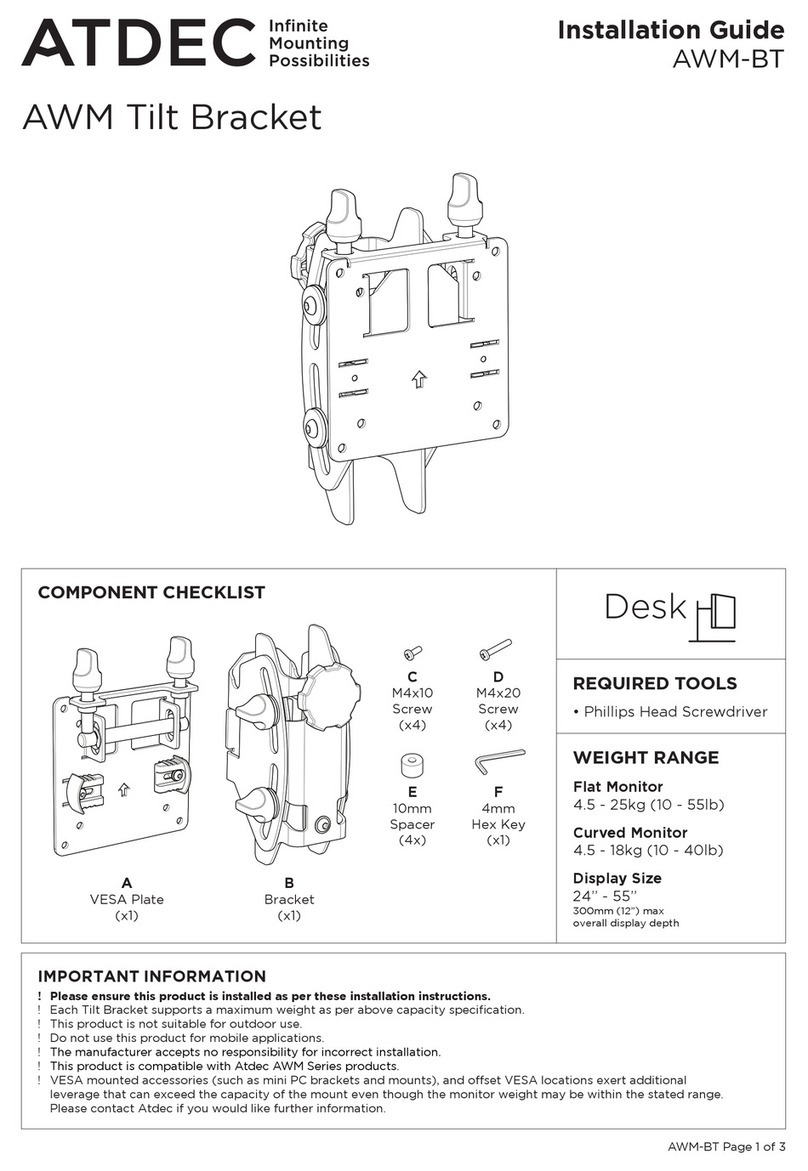
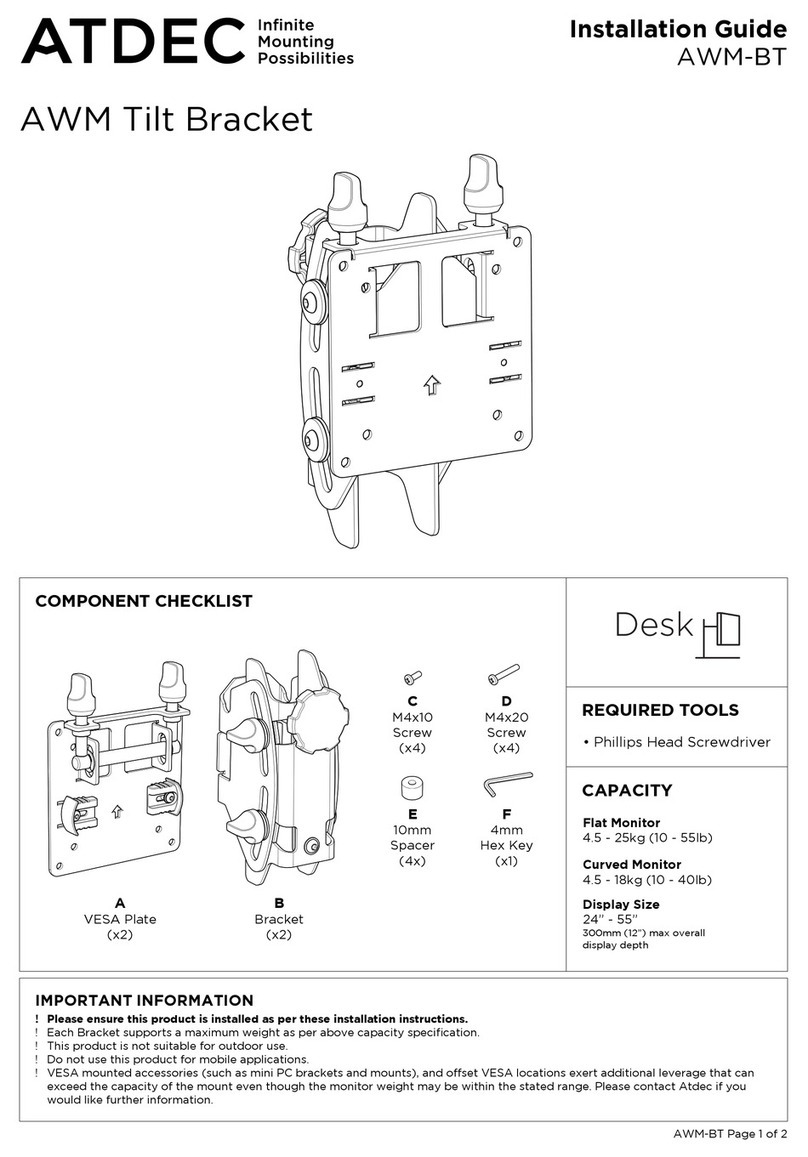
Atdec AWM-BT User manual

Atdec

Atdec AWM-BT User manual

Atdec spacedec SD-DP-420 User manual

Atdec

Atdec spacedec SD-DP-420 User manual

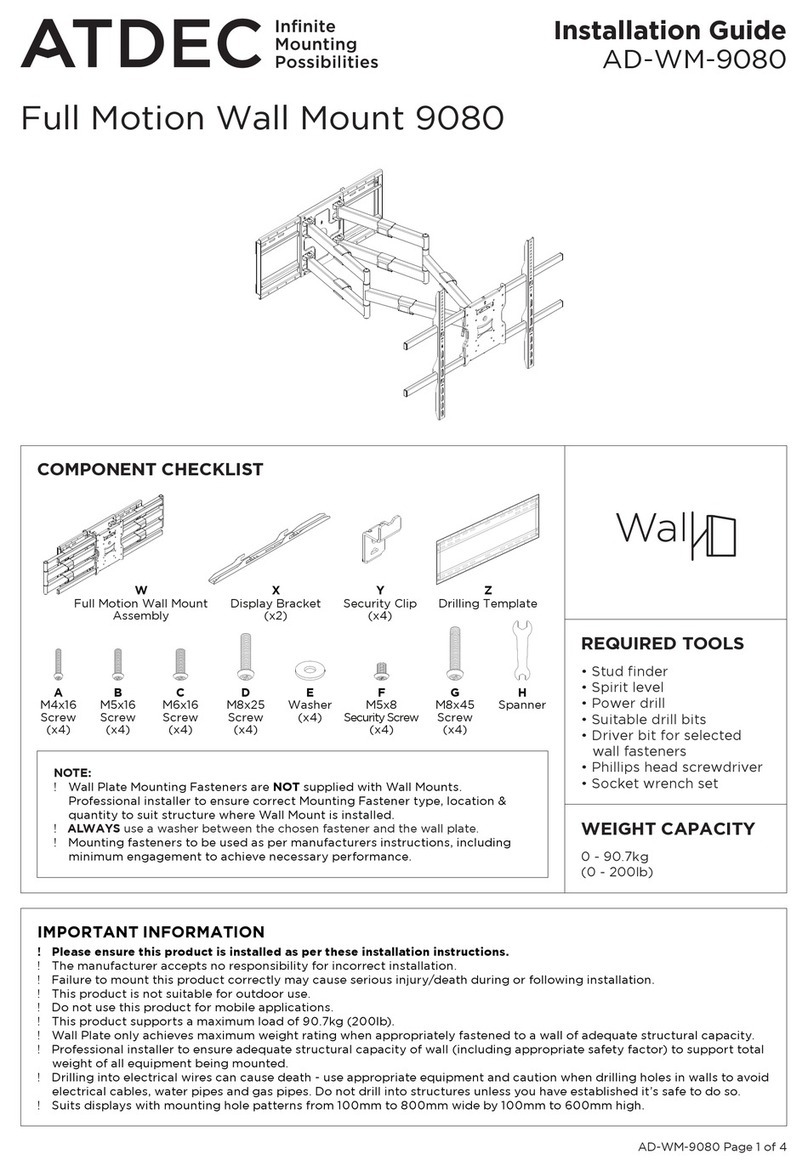
Atdec AD-WM-9080 User manual

Atdec

Atdec AD-WM-9080 User manual

Atdec telehook TH-2250-VTP User manual

Atdec

Atdec telehook TH-2250-VTP User manual

Atdec TH-VA-2X2-NEC X463 User manual

Atdec

Atdec TH-VA-2X2-NEC X463 User manual

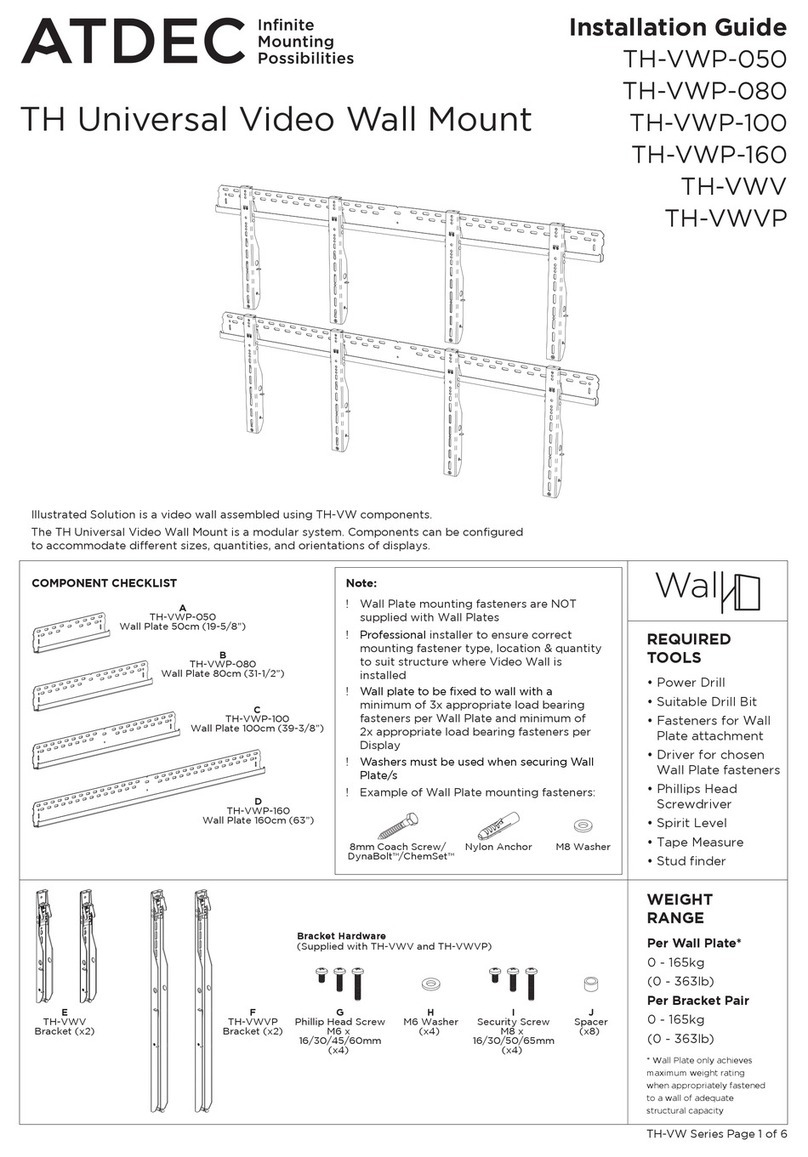
Atdec TH-VWP-050 User manual

Atdec

Atdec TH-VWP-050 User manual

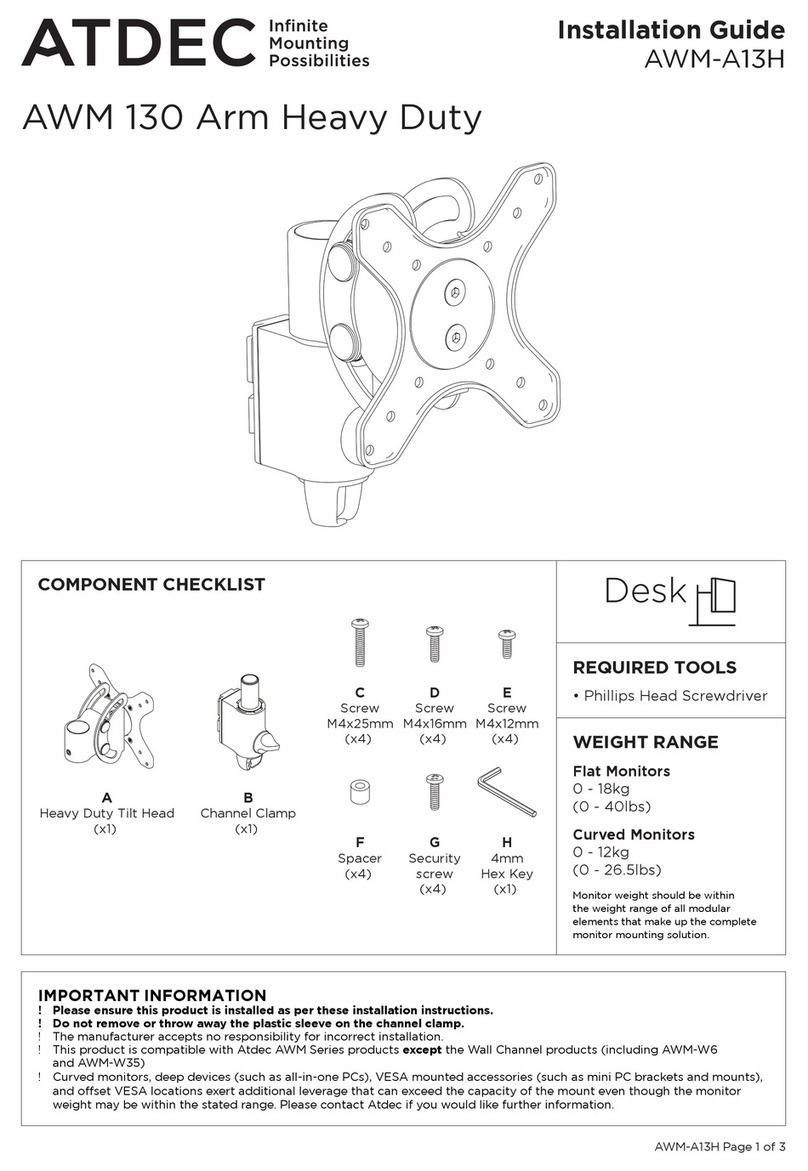
Atdec AWM-A13H User manual

Atdec

Atdec AWM-A13H User manual

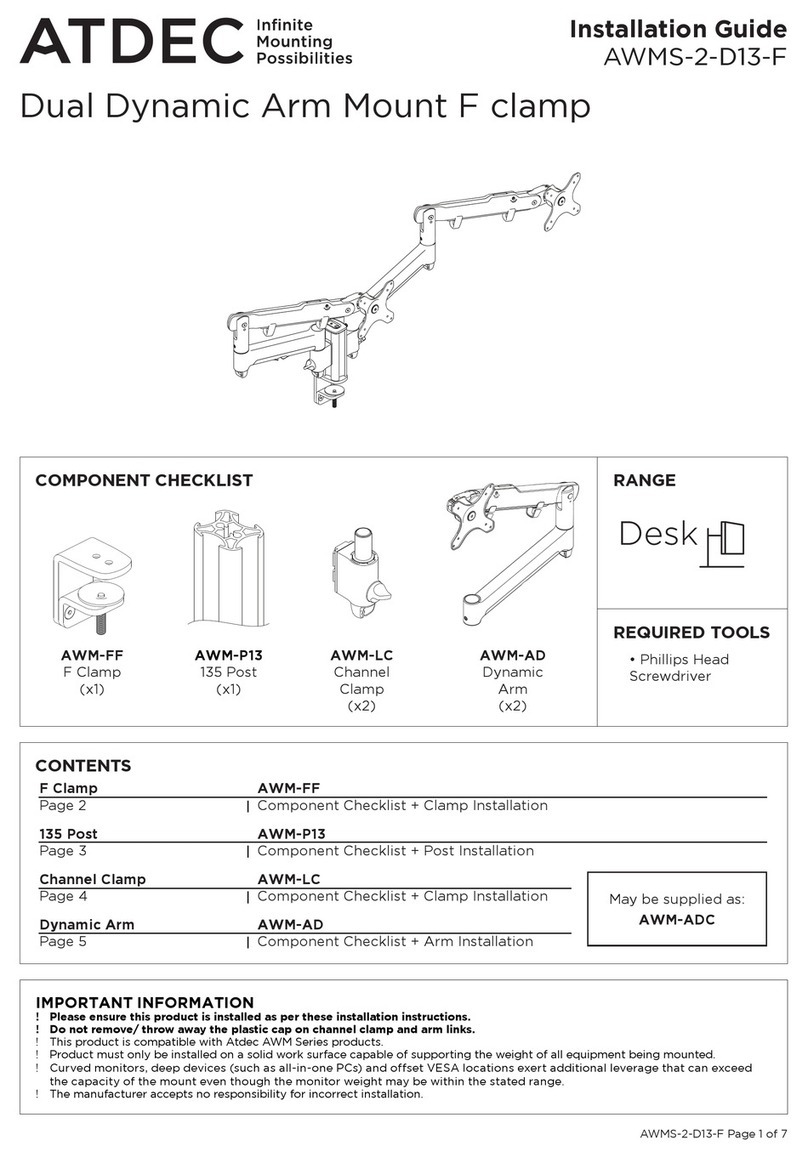
Atdec AWMS-2-D13-F User manual

Atdec

Atdec AWMS-2-D13-F User manual

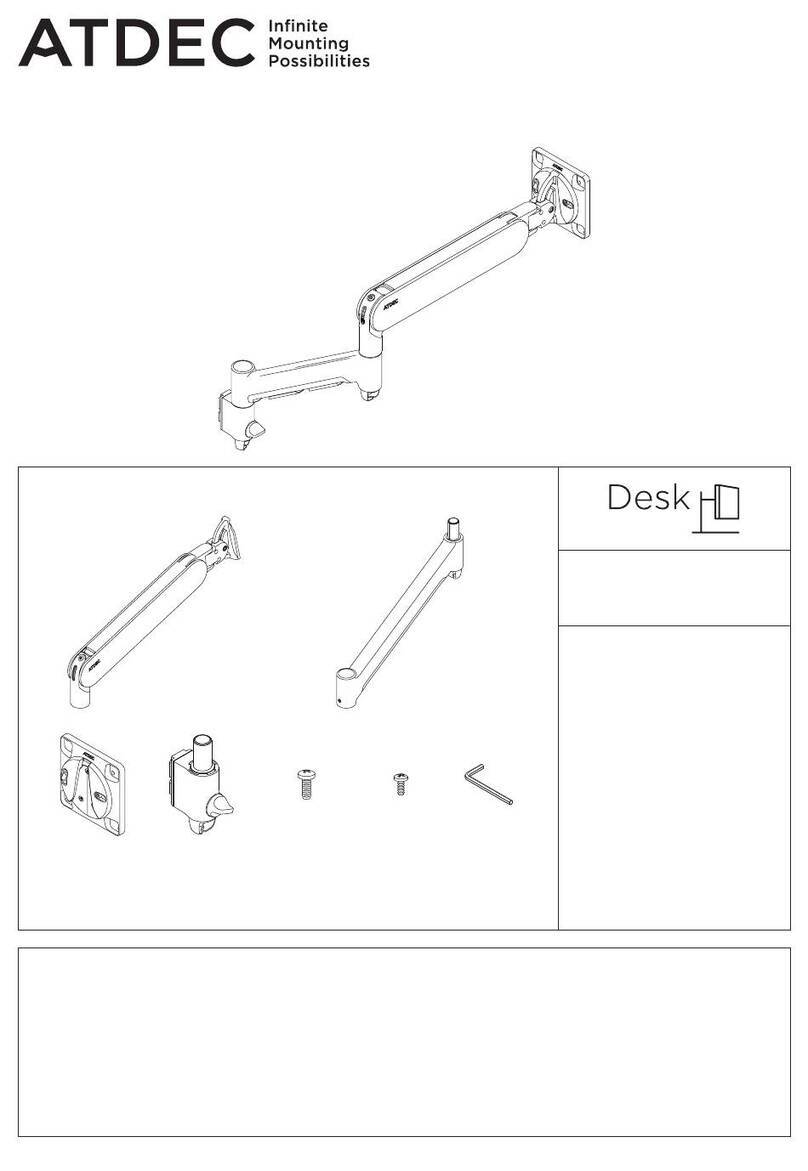
Atdec AWM-ADTC User manual

Atdec

Atdec AWM-ADTC User manual

Atdec telehook TH-3070-CTL User manual

Atdec

Atdec telehook TH-3070-CTL User manual

Atdec 5060 User manual

Atdec

Atdec 5060 User manual

Atdec AW-ORA-F User manual

Atdec

Atdec AW-ORA-F User manual

Atdec AWM-BT User manual

Atdec

Atdec AWM-BT User manual

Atdec VTB-FD User manual

Atdec

Atdec VTB-FD User manual

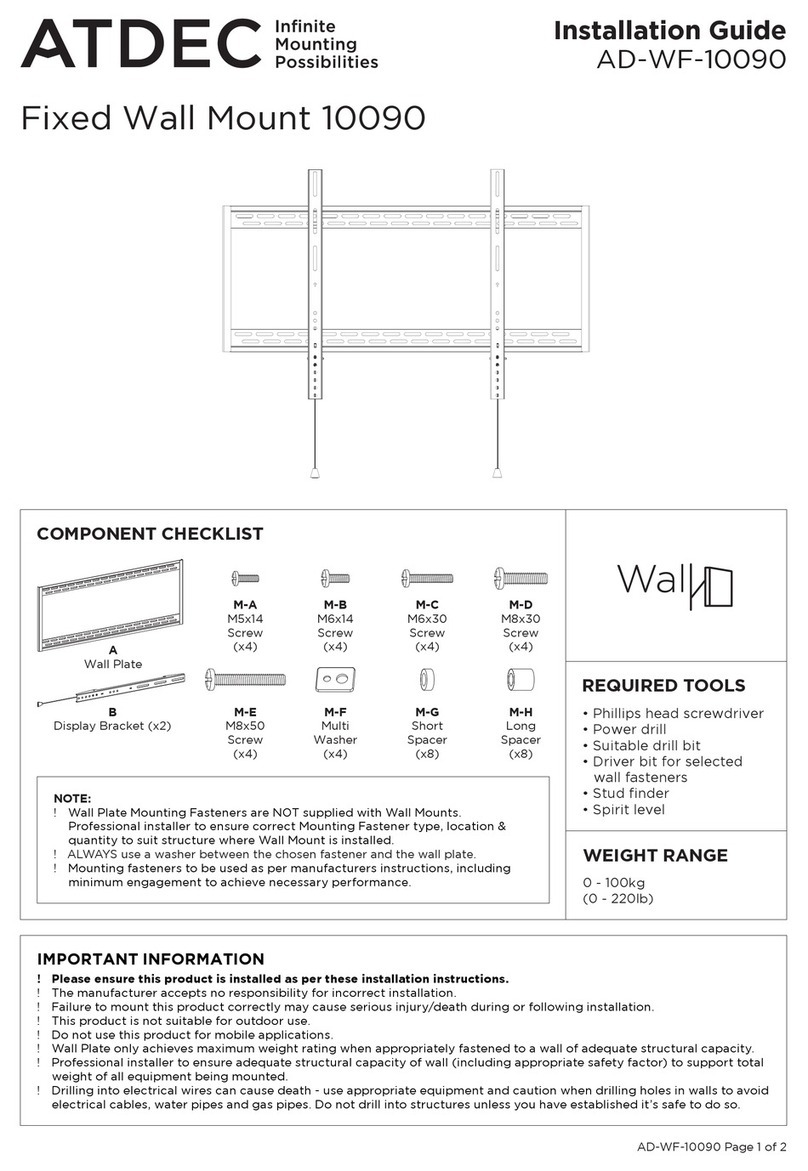
Atdec AD-WF-10090 User manual

Atdec

Atdec AD-WF-10090 User manual

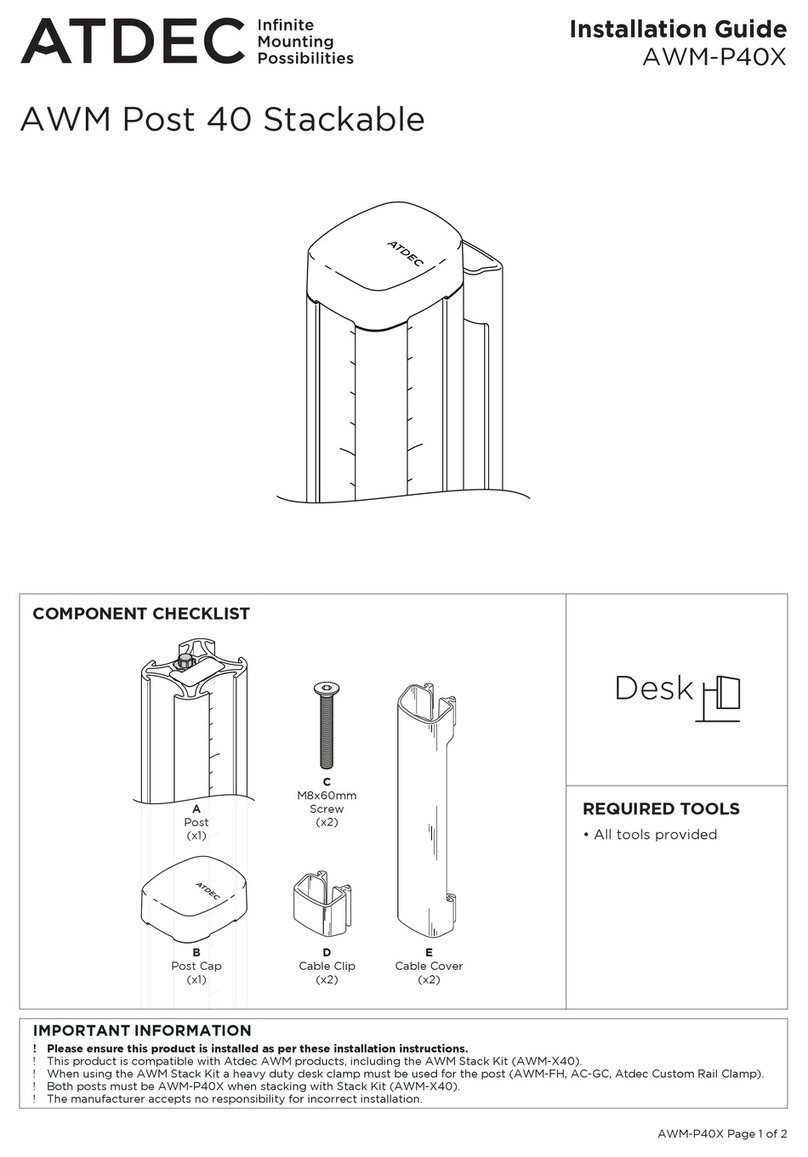
Atdec AWM-P40X User manual

Atdec

Atdec AWM-P40X User manual

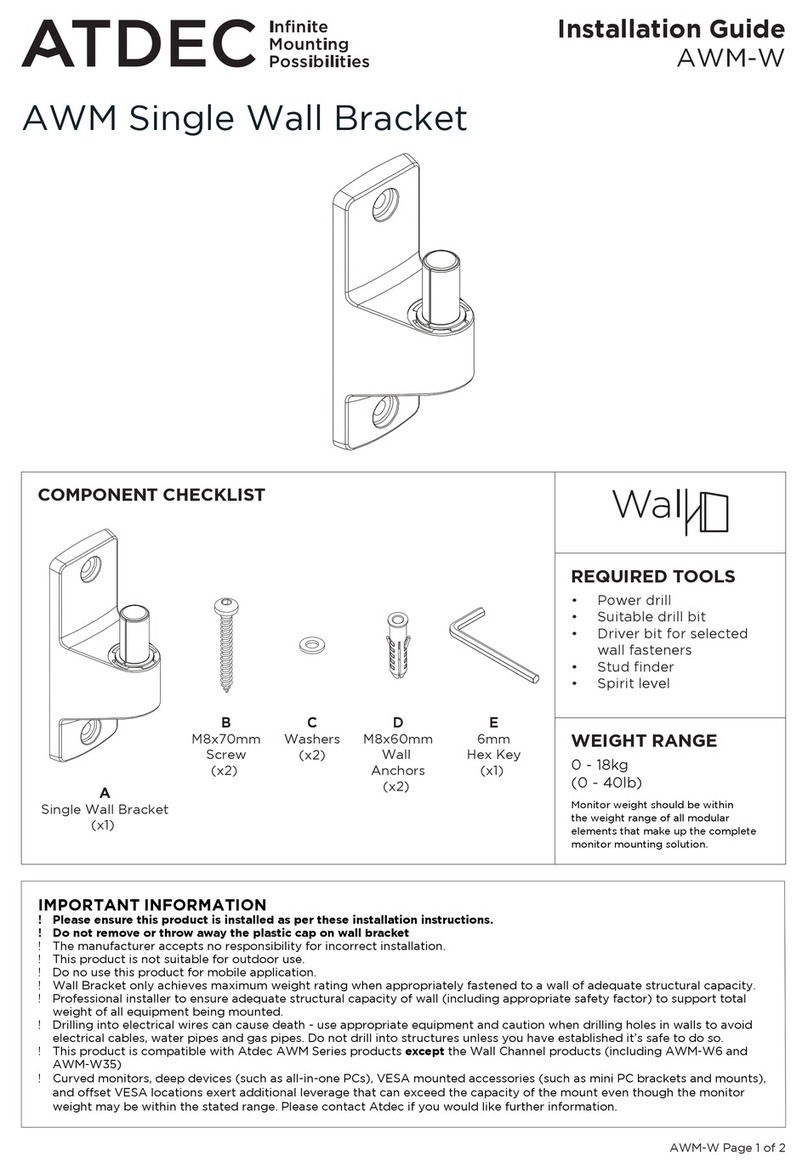
Atdec AWM-W User manual

Atdec

Atdec AWM-W User manual

Atdec AD-TVC User manual

Atdec

Atdec AD-TVC User manual

Atdec 5060 User manual

Atdec

Atdec 5060 User manual

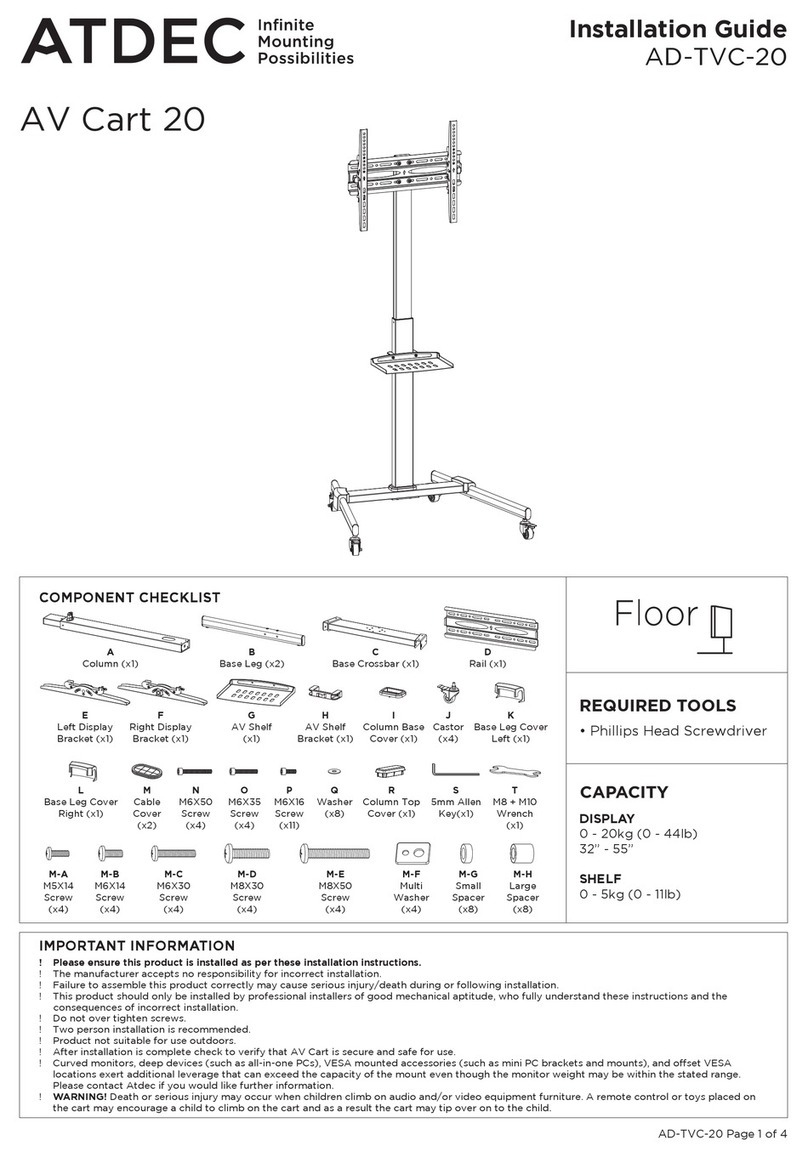
Atdec AV Cart 20 User manual

Atdec

Atdec AV Cart 20 User manual

Popular TV Mount manuals by other brands

Ergotron Neo Flex Cantilever UHD user guide

Ergotron

Ergotron Neo Flex Cantilever UHD user guide

StarTech.com FPCEILBTB user manual

StarTech.com

StarTech.com FPCEILBTB user manual

VonHaus 05/038 instruction manual

VonHaus

VonHaus 05/038 instruction manual

Techlink ECHO TV manual

Techlink

Techlink ECHO TV manual

Sandstrom SSTVMC12X instruction manual

Sandstrom

Sandstrom SSTVMC12X instruction manual

Sony SU-WL700 Additional information for Using

Sony

Sony SU-WL700 Additional information for Using

ICW SCACC18 installation instructions

ICW

ICW SCACC18 installation instructions

LG WM-L640V owner's manual

LG

LG WM-L640V owner's manual

Gembird WM-65ST-01 user manual

Gembird

Gembird WM-65ST-01 user manual

ERARD FiTUP XXL 035320 quick start guide

ERARD

ERARD FiTUP XXL 035320 quick start guide

PEERLESS PLCK-1 Installation and assembly

PEERLESS

PEERLESS PLCK-1 Installation and assembly

Kanto RCF180 user manual

Kanto

Kanto RCF180 user manual

GEM GEM GP001 instructions

GEM

GEM GEM GP001 instructions

Gladiator Joe GJ0A0053 quick start guide

Gladiator Joe

Gladiator Joe GJ0A0053 quick start guide

Vivotek AM-105 installation guide

Vivotek

Vivotek AM-105 installation guide

Vivo VESA STAND-VAD1B instruction manual

Vivo

Vivo VESA STAND-VAD1B instruction manual

AmazonBasics B07QG3LMG4 manual

AmazonBasics

AmazonBasics B07QG3LMG4 manual

Secura QLF210 instruction manual

Secura

Secura QLF210 instruction manual

manuals.online logo
manuals.online logoBrands
  • About & Mission
  • Contact us
  • Privacy Policy
  • Terms and Conditions

Copyright 2025 Manuals.Online. All Rights Reserved.

AD-WT-5040 Page 1 of 2
Installation Guide
AD-WT-5040
Tilt Wall Mount 5040
H
XX (x4)
I
XX (x4)
G
XX (x4)
A
M5x14 (x4)
Screw
D
Multi
Washer
(x4)
G
Spirit
Level
(x1)
E
Short
Spacer
(x8)
F
Long
Spacer
(x8)
B
M6x14 (x4)
M6x30 (x4)
Screw
C
M8x30 (x4)
M8x50 (x4)
Screw
H
Wall Plate
I
Display Bracket (left)
J
Display Bracket (right)
REQUIRED TOOLS
• Phillips head screwdriver
• Power drill
• Suitable drill bit
• Driver bit for selected
wall fasteners
• Stud nder
• Spirit level
IMPORTANT INFORMATION
! Please ensure this product is installed as per these installation instructions.
! The manufacturer accepts no responsibility for incorrect installation.
! Failure to mount this product correctly may cause serious injury/death during or following installation.
! This product is not suitable for outdoor use.
! Do not use this product for mobile applications.
! This product supports a maximum load of 50kg (110lb).
! Wall Plate only achieves maximum weight rating when appropriately fastened to a wall of adequate structural capacity.
! Professional installer to ensure adequate structural capacity of wall (including appropriate safety factor) to support total
weight of all equipment being mounted.
! Drilling into electrical wires can cause death - use appropriate equipment and caution when drilling holes in walls to avoid
electrical cables, water pipes and gas pipes. Do not drill into structures unless you have established it’s safe to do so.
! Suits displays with mounting hole patterns from 75mm to 420mm wide by 70mm to 405mm high.
COMPONENT CHECKLIST
0 - 50kg
(0 - 110lb)
WEIGHT RANGE
NOTE:
! Wall Plate Mounting Fasteners are NOT supplied with Wall Mounts. Professional
installer to ensure correct Mounting Fastener type, location & quantity to suit
structure where Wall Mount is installed.
! ALWAYS use a washer between the chosen fastener and the wall plate.
! Mounting fasteners to be used as per manufacturers instructions, including
minimum engagement to achieve necessary performance.
AD-WT-5040 Page 2 of 2
J
G
Slot Dimension
Ø8 x 40mm
12 3
*Fasteners shown are not included
B (M6X30) /
C (M8X30)
B (M6X30) /
C (M8X30)
D
E
D
F
F
E
D D
F
F
EE
D
F
D
B (M6X30) /
C (M8X30)
C (M8X50) C (M8X50) C (M8X50)
A (M5X14) /
B (M6X14)
D
3. Hook the Display onto the Wall Plate 4. Secure the Display and Lock Tilt Angle

-5°
+10°
-5°
+10°
No portion of this document or any artwork contained herein should be reproduced in any way without
the express written consent of Atdec Pty Ltd. Due to continuing product development, the manufacturer
reserves the right to alter specications without notice. ©20210813
1. Mount the Wall Plate to the Wall
NOTE:
Ensure security screw is loosened before attempting to
mount display.
3.1. Angle the display and hook the Display
Brackets over the top of the Wall Plate. This
should be completed by two people.
NOTE:
Support display whilst tightening security screws and
adjusting tilt.
4.1. Use a Phillips head screwdriver to tighten the security
screw on each Display Bracket, ensuring the screw sits to
the rear of the Wall Plate and the display cannot be lifted
up and off the Wall Plate.
4.2. Tilt the display to the desired viewing angle and tighten
the screw knob to lock the angle in place.
NOTE:
• Choice and supply of appropriate wall plate fasteners is the
responsibility of the installer.
• Consult a preferred fastener supplier or a structural engineer to
select fasteners which are most appropriate for the weight of
the display and wall construction method.
• Wall plate must be level. Verify using a quality spirit level tool
or the included spirit level G.
• On a Stud Wall or Drywall use a good quality Stud Finder to
position mounting fasteners in the centre of studs.
• On a Masonry Wall avoid positioning Wall Plate mounting
fasteners in a mortar join.
NOTE:
• Always use multi-washers D.
• Use the shortest combination of spacers (if necessary) ensuring the
display is not loose and screws are not forced too deep into the display.
2. Attach the Display Brackets to the Display