manuals.online logo
Brands
  1. Home
  2. •
  3. Brands
  4. •
  5. Atdec
  6. •
  7. TV Mount
  8. •
  9. Atdec AWM-BT User manual

Atdec AWM-BT User manual

Other Atdec TV Mount manuals

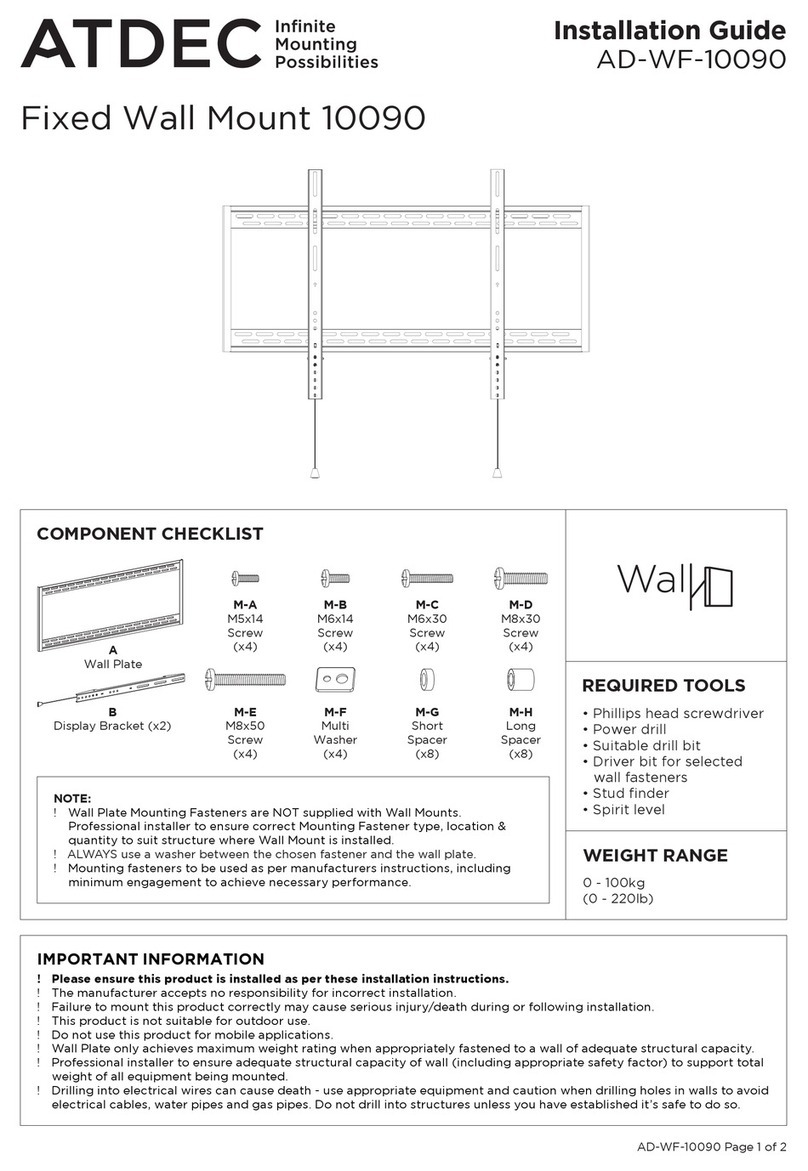
Atdec AD-WF-10090 User manual

Atdec

Atdec AD-WF-10090 User manual

Atdec VTB-FD User manual

Atdec

Atdec VTB-FD User manual

Atdec spacedec SD-DP-420 User manual

Atdec

Atdec spacedec SD-DP-420 User manual

Atdec AWM-BT User manual

Atdec

Atdec AWM-BT User manual

Atdec TH-VA-2X2-NEC X463 User manual

Atdec

Atdec TH-VA-2X2-NEC X463 User manual

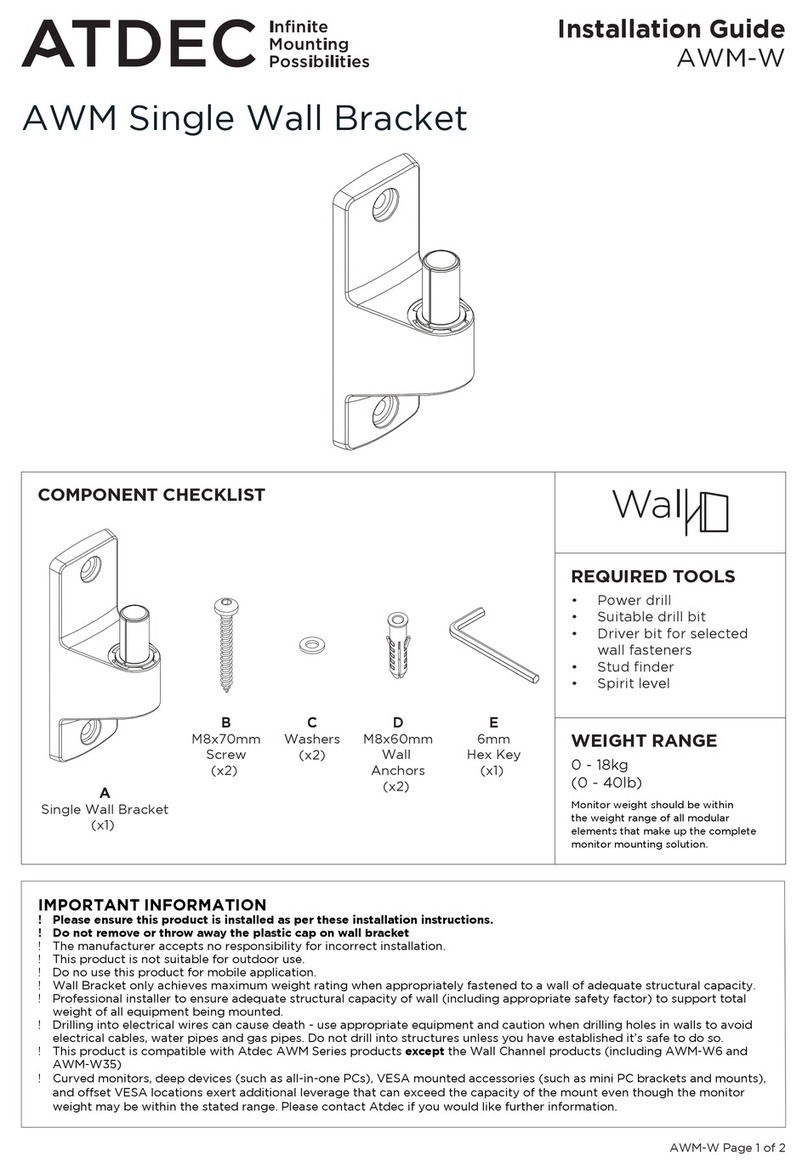
Atdec AWM-W User manual

Atdec

Atdec AWM-W User manual

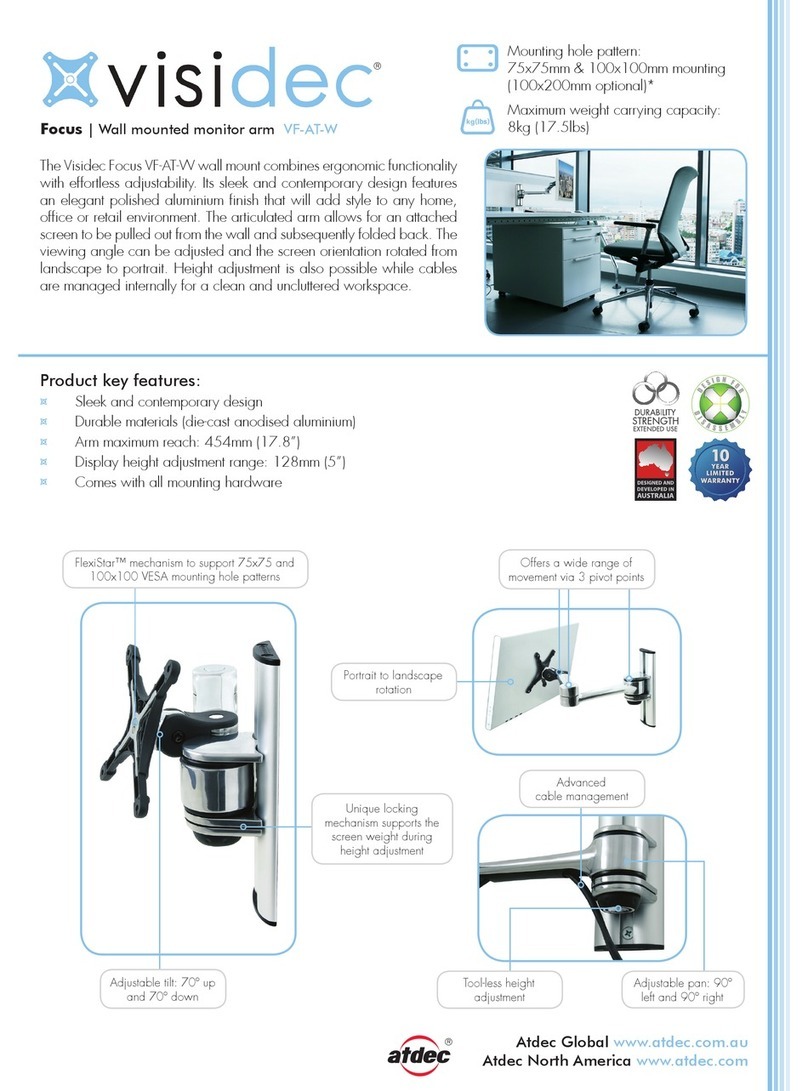
Atdec VF-AT-W User manual

Atdec

Atdec VF-AT-W User manual

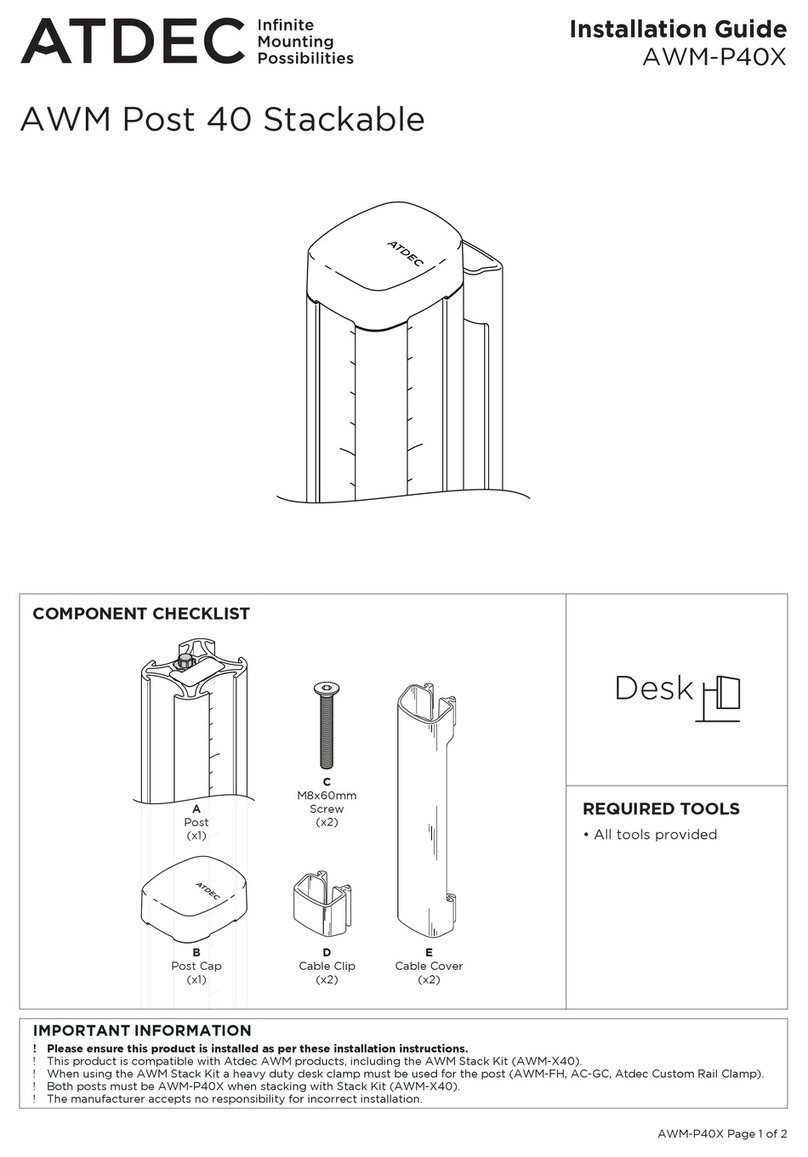
Atdec AWM-P40X User manual

Atdec

Atdec AWM-P40X User manual

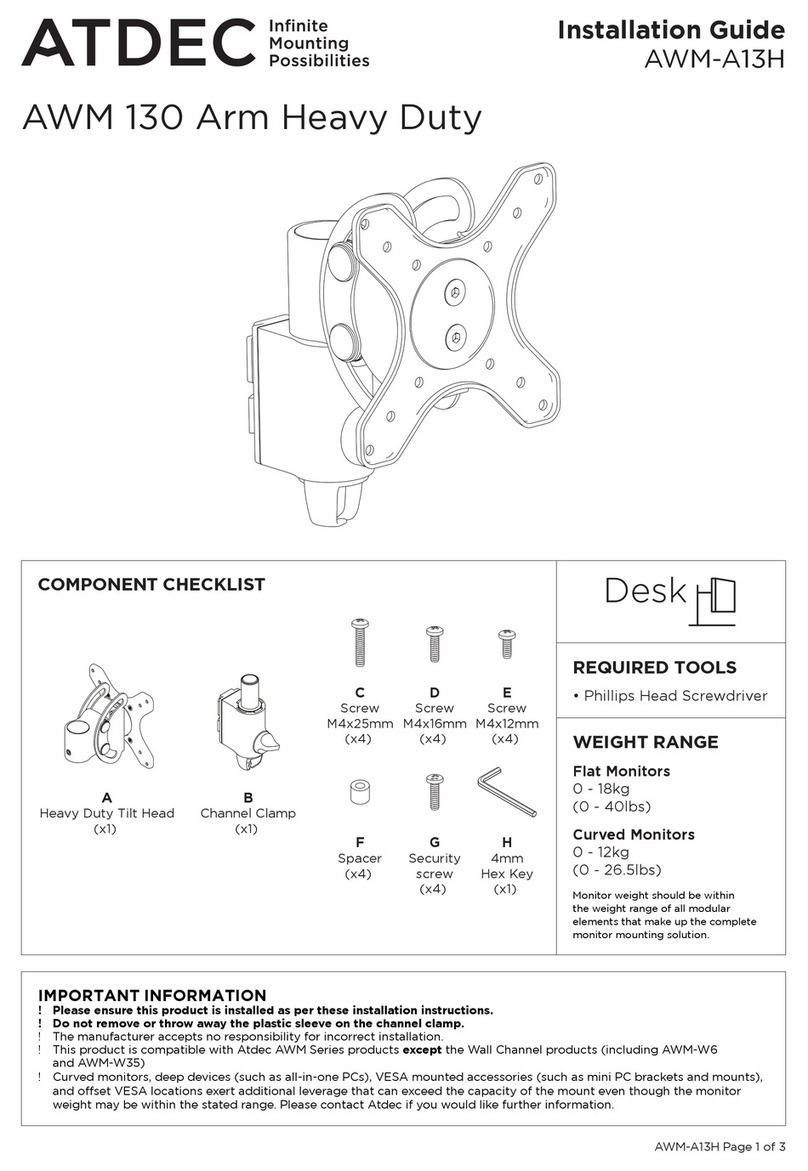
Atdec AWM-A13H User manual

Atdec

Atdec AWM-A13H User manual

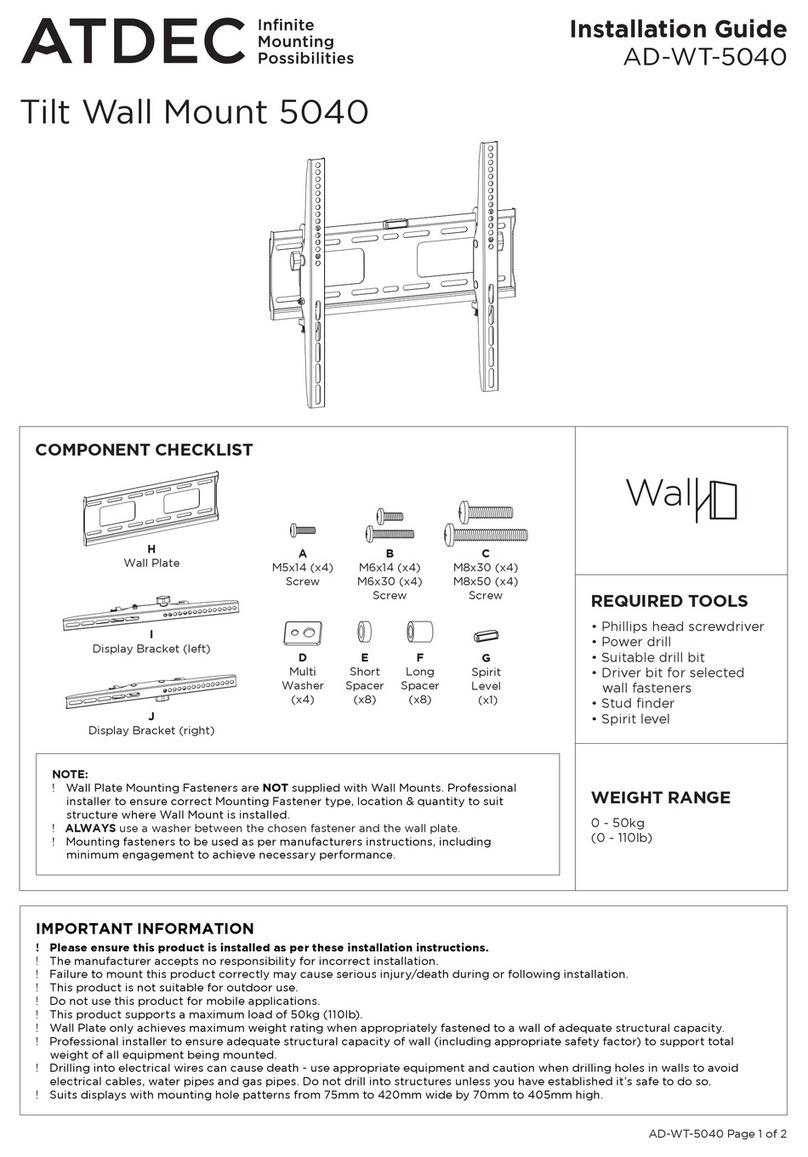
Atdec AD-WT-5040 User manual

Atdec

Atdec AD-WT-5040 User manual

Atdec AW-ORA-F User manual

Atdec

Atdec AW-ORA-F User manual

Atdec TH-3270-UFM User manual

Atdec

Atdec TH-3270-UFM User manual

Atdec AWM-ADTC User manual

Atdec

Atdec AWM-ADTC User manual

Atdec 5060 User manual

Atdec

Atdec 5060 User manual

Atdec telehook TH-3070-CTL User manual

Atdec

Atdec telehook TH-3070-CTL User manual

Atdec 5060 User manual

Atdec

Atdec 5060 User manual

Atdec AD-TVC User manual

Atdec

Atdec AD-TVC User manual

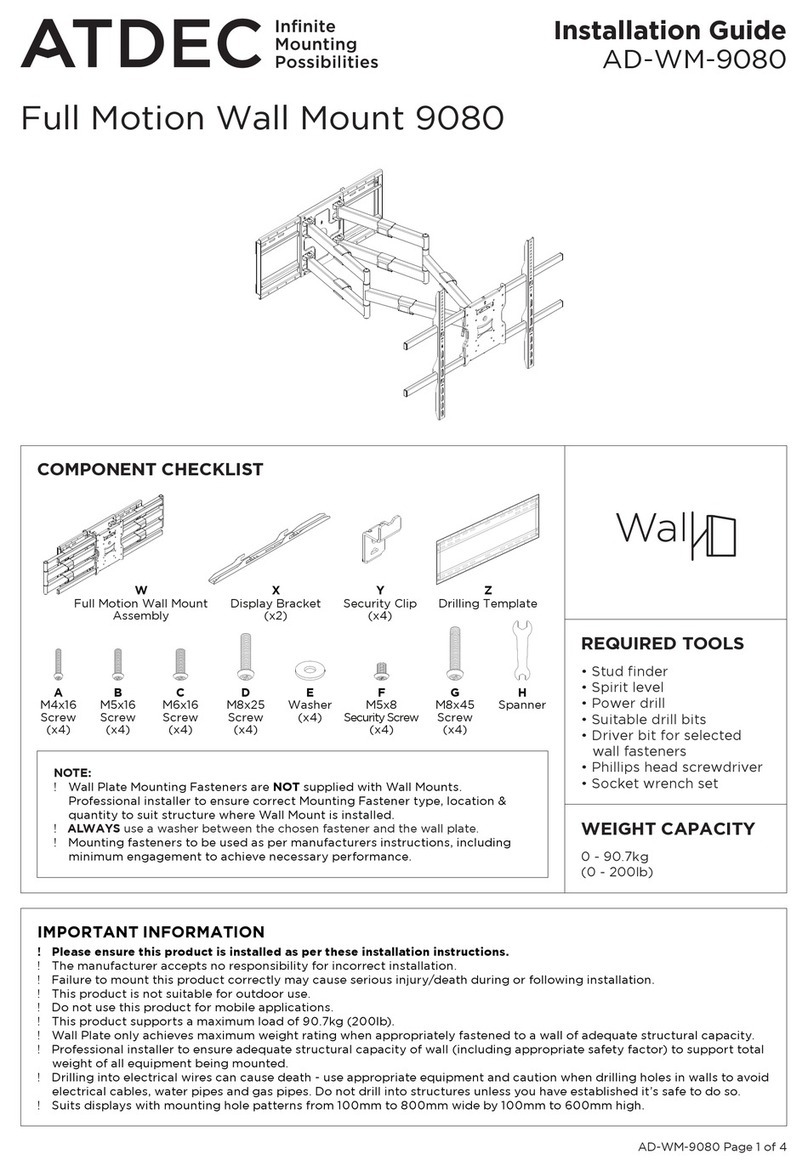
Atdec AD-WM-9080 User manual

Atdec

Atdec AD-WM-9080 User manual

Atdec telehook TH-2050-VFM User manual

Atdec

Atdec telehook TH-2050-VFM User manual

Atdec telehook TH-2250-VTP User manual

Atdec

Atdec telehook TH-2250-VTP User manual

Atdec AD-WF-5040 User manual

Atdec

Atdec AD-WF-5040 User manual

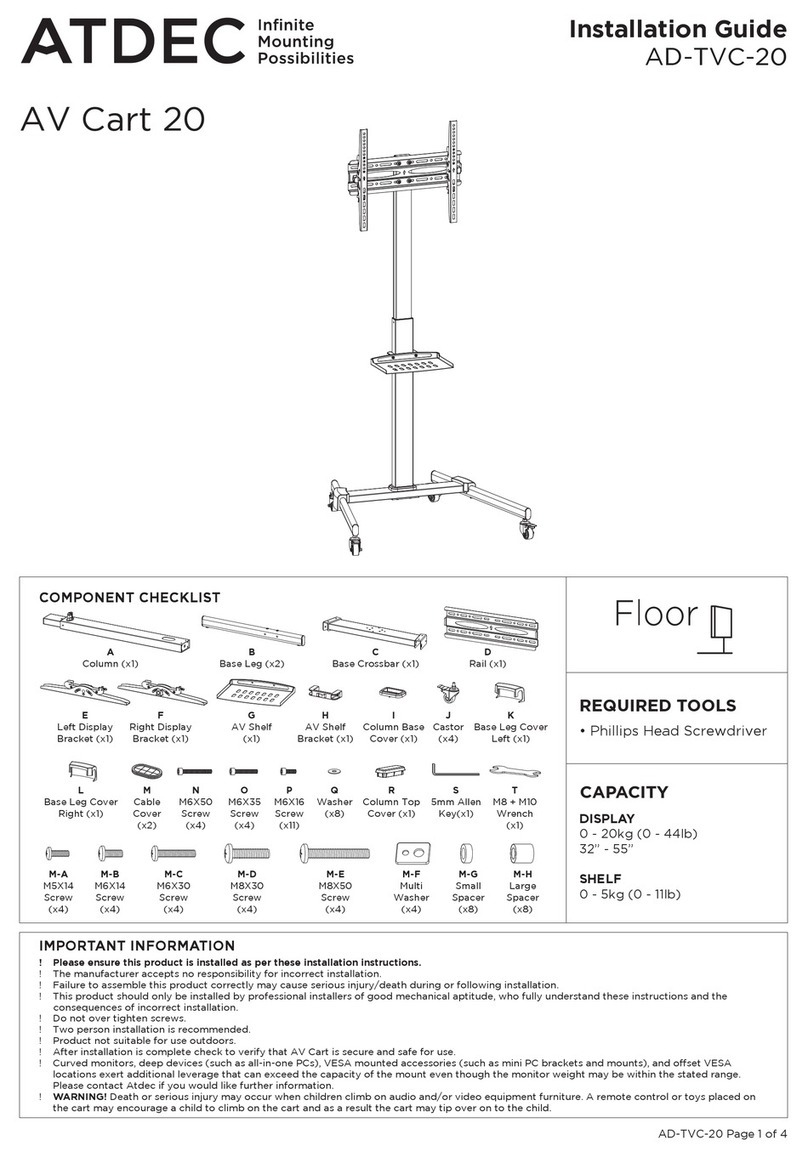
Atdec AV Cart 20 User manual

Atdec

Atdec AV Cart 20 User manual

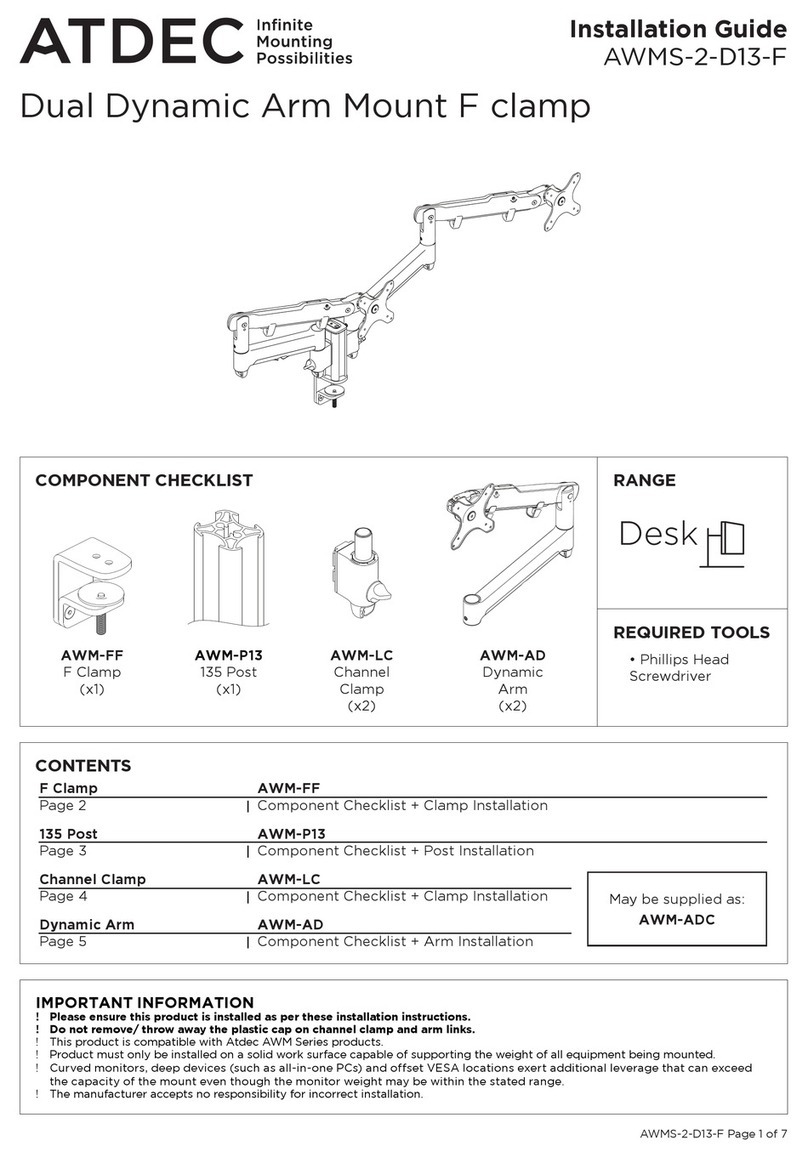
Atdec AWMS-2-D13-F User manual

Atdec

Atdec AWMS-2-D13-F User manual

Atdec Telehook TH-3070-CTW User manual

Atdec

Atdec Telehook TH-3070-CTW User manual

Popular TV Mount manuals by other brands

Ergotron Neo Flex Cantilever UHD user guide

Ergotron

Ergotron Neo Flex Cantilever UHD user guide

StarTech.com FPCEILBTB user manual

StarTech.com

StarTech.com FPCEILBTB user manual

VonHaus 05/038 instruction manual

VonHaus

VonHaus 05/038 instruction manual

Techlink ECHO TV manual

Techlink

Techlink ECHO TV manual

Sandstrom SSTVMC12X instruction manual

Sandstrom

Sandstrom SSTVMC12X instruction manual

Sony SU-WL700 Additional information for Using

Sony

Sony SU-WL700 Additional information for Using

ICW SCACC18 installation instructions

ICW

ICW SCACC18 installation instructions

LG WM-L640V owner's manual

LG

LG WM-L640V owner's manual

Gembird WM-65ST-01 user manual

Gembird

Gembird WM-65ST-01 user manual

ERARD FiTUP XXL 035320 quick start guide

ERARD

ERARD FiTUP XXL 035320 quick start guide

PEERLESS PLCK-1 Installation and assembly

PEERLESS

PEERLESS PLCK-1 Installation and assembly

Kanto RCF180 user manual

Kanto

Kanto RCF180 user manual

GEM GEM GP001 instructions

GEM

GEM GEM GP001 instructions

Gladiator Joe GJ0A0053 quick start guide

Gladiator Joe

Gladiator Joe GJ0A0053 quick start guide

Vivotek AM-105 installation guide

Vivotek

Vivotek AM-105 installation guide

Vivo VESA STAND-VAD1B instruction manual

Vivo

Vivo VESA STAND-VAD1B instruction manual

AmazonBasics B07QG3LMG4 manual

AmazonBasics

AmazonBasics B07QG3LMG4 manual

Secura QLF210 instruction manual

Secura

Secura QLF210 instruction manual

manuals.online logo
manuals.online logoBrands
  • About & Mission
  • Contact us
  • Privacy Policy
  • Terms and Conditions

Copyright 2025 Manuals.Online. All Rights Reserved.

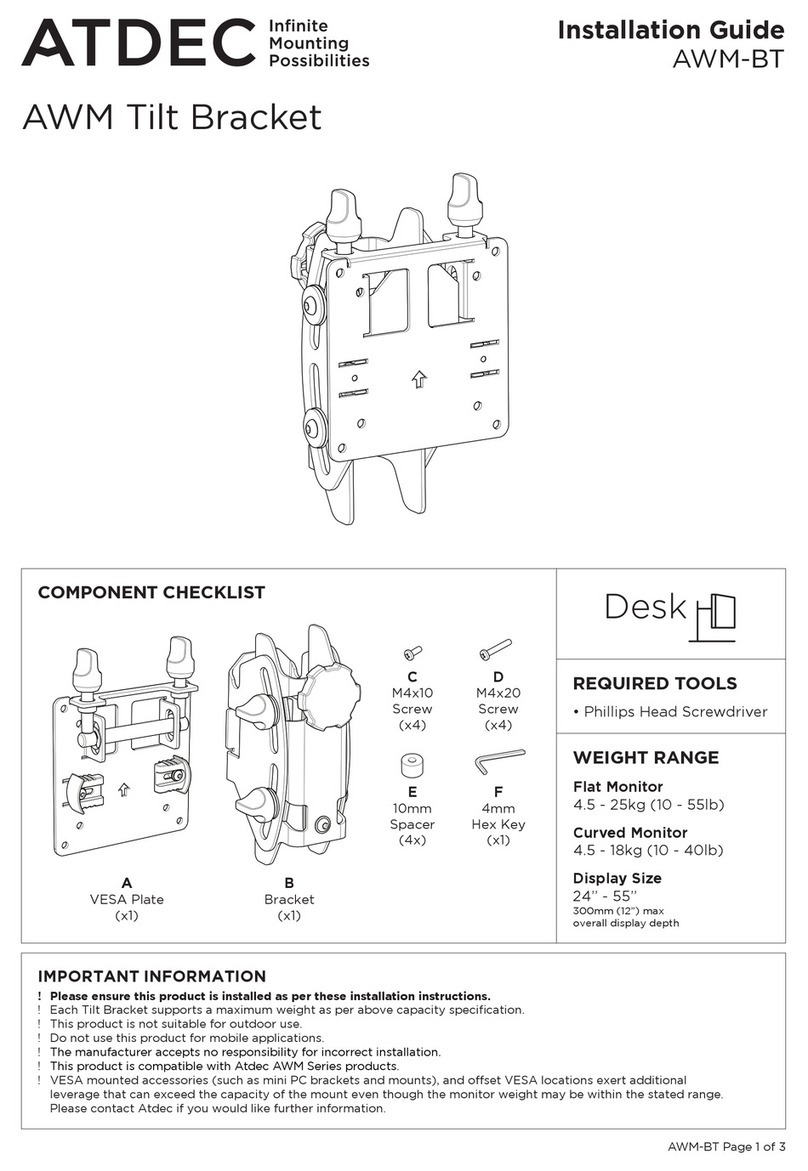
AWM-BT Page 1 of 2
Installation Guide
AWM-BT
COMPONENT CHECKLIST
B
Bracket
(x2)
A
VESA Plate
(x2)
C
M4x10
Screw
(x4)
D
M4x20
Screw
(x4)
E
10mm
Spacer
(4x)
F
4mm
Hex Key
(x1)
IMPORTANT INFORMATION
! Please ensure this product is installed as per these installation instructions.
! EachBracketsupportsamaximumweightasperabovecapacityspecication.
! Thisproductisnotsuitableforoutdooruse.
! Donotusethisproductformobileapplications.
! VESAmountedaccessories(suchasminiPCbracketsandmounts),andoffsetVESAlocationsexertadditionalleveragethatcan
exceedthecapacityofthemounteventhoughthemonitorweightmaybewithinthestatedrange.PleasecontactAtdecifyou
wouldlikefurtherinformation.
AWMTiltBracket
REQUIRED TOOLS
•PhillipsHeadScrewdriver
CAPACITY
Flat Monitor
4.5-25kg(10-55lb)
Curved Monitor
4.5-18kg(10-40lb)
300mm(12”)maxoverall
displaydepth
Display Size
24”-55”
AWM-BT Page 2 of 2
2. SlideBracketontoPost,SetHeightandMountDisplay
1.1 VESAcompatibility
1. AttachVESAPlatetoDisplay
75mm
100mm
75mm
100mm
For 75mm VESA unscrew
5mm to access top
holes.
A
D
E
1.2 AttachVESAPlatewith
M4x10Screws.
A
C
TOP
WARNING:
Do not loosen
hand knob once
display mounted�

2.3 SetVESAPlateto
openposition.
2.4 LiftdisplayuntilVESA
Plateisabovetheheightof
theBracket.
2.5 WithPostcentered,
slowlylowerdisplayuntil
baronVESAPlatesitsin
saddleinBracket.
2.6SetVESAPlate
to closedposition
byslidingclipson
bothsidesinwards.
3. FineAdjustment
Noportionofthisdocumentoranyartworkcontainedhereinshouldbereproducedinanywaywithout
theexpresswrittenconsentofAtdecPtyLtd.Duetocontinuingproductdevelopment,themanufacturer
reservestherighttoalterspecicationswithoutnotice.©20221101
2.2Firmlytighten
handknobatchosen
height.
B
AWM POST
(not supplied)
Arrow side
towards user
TIGHTEN
OPEN
2.7Adjustdisplay
tiltanglebygripping
edgesofscreenand
rollingupordownto
desiredposition.
2.8Tightentiltknobs
tosetdisplayangle.
1.2 ForrecessedVESAuse10mm
SpacersandM4x20Screws.
OR
B
AWM POST
(not supplied)
Arrow side
towards user
OPEN
CLOSED
3.1Tocorrecthorizontalangleof
display+/-3°:
Turnasingleneadjustmentknob
toadjustangleofdisplay.
3.2Toclosesmallgapbetweendisplays
+/-6mm(1/4”):
Turnbothneadjustmentknobs-
alternatingsidesafewrotationsatatime.
Clockwise=Higher
Anti-clockwise=Lower
FINE HEIGHT ADJUST
FINE ADJUSTMENT
KNOBS
NOTE:
Ensure slide clips in
CLOSED position after
fine adjustment complete
2.1Lineuptheinnerguide
onrearofBracketwith
rearchannelonPost.
Slideinnerguideinto
channeland
lowerBracket.
Clockwise = More friction
Anti-clockwise = Less friction
OPTIONAL ADJUSTMENT
- TILT FRICTION
4mm Hex Key can be used
to reduce tilt friction (for
light screen) or increase tilt
friction (for heavy screen).
F
TILT
KNOBS
CLOSED
NOTE:
Somedisplaysrequire
the use of a VESA
adapter before
attachingtheVESA
Plate.ThisVESA
adapter may ship

intheboxwiththe
display.Consultyour
display’sinstallation
guide for further
information.
WARNING:
Usetwopeopleto
installdisplay