manuals.online logo
Brands
  1. Home
  2. •
  3. Brands
  4. •
  5. ATOMI
  6. •
  7. Batteries Charger
  8. •
  9. ATOMI Power Pad Qi User manual

ATOMI Power Pad Qi User manual

Other ATOMI Batteries Charger manuals
ATOMI MagSafe Charge Station User manual
ATOMI

ATOMI MagSafe Charge Station User manual

ATOMI Charge Station Signal User manual
ATOMI

ATOMI Charge Station Signal User manual

ATOMI MagSafe User manual

ATOMI

ATOMI MagSafe User manual
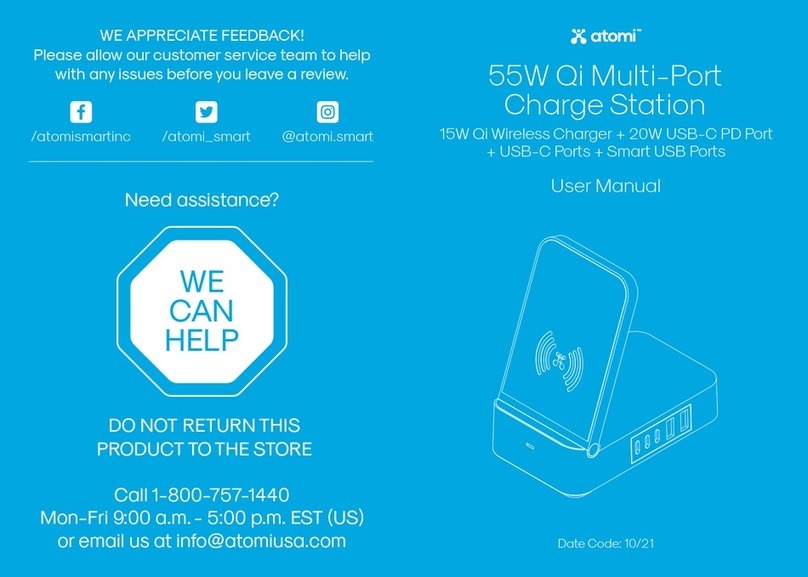
ATOMI AT1705 User manual

ATOMI

ATOMI AT1705 User manual
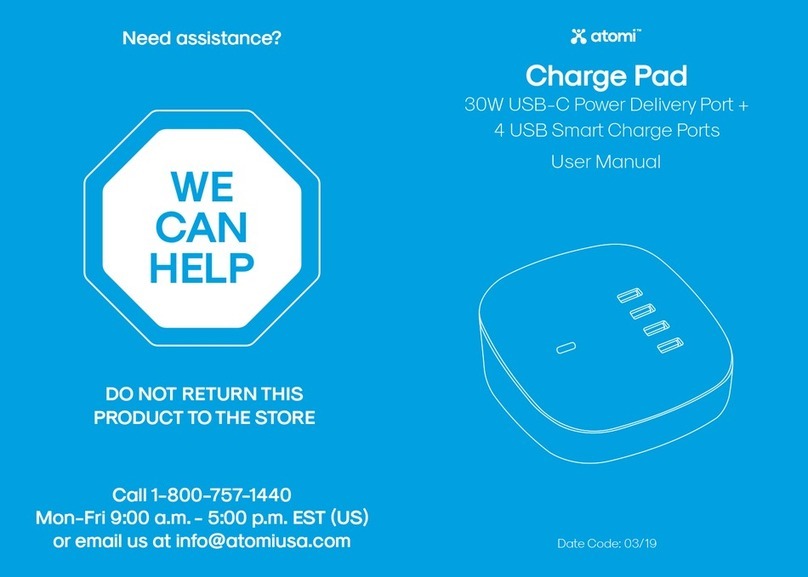
ATOMI Charge Pad User manual

ATOMI

ATOMI Charge Pad User manual
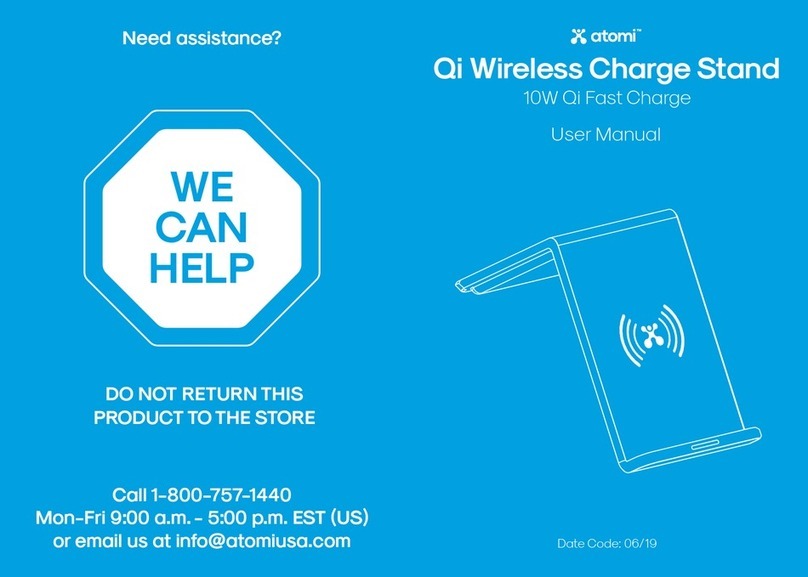
ATOMI Qi Wireless Charge Stand User manual

ATOMI

ATOMI Qi Wireless Charge Stand User manual

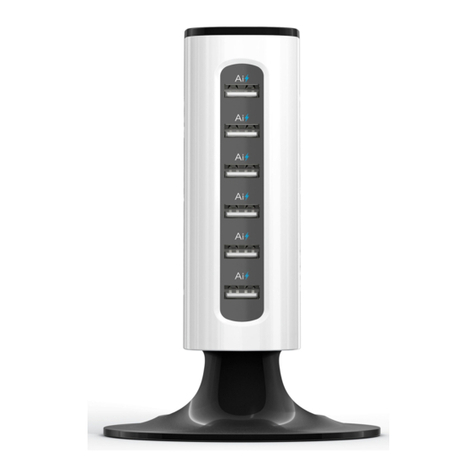
ATOMI 40W Multi-Port Car Charger User manual
ATOMI

ATOMI 40W Multi-Port Car Charger User manual

ATOMI AT799 User manual

ATOMI

ATOMI AT799 User manual

ATOMI Charge Tower Prime User manual

ATOMI

ATOMI Charge Tower Prime User manual
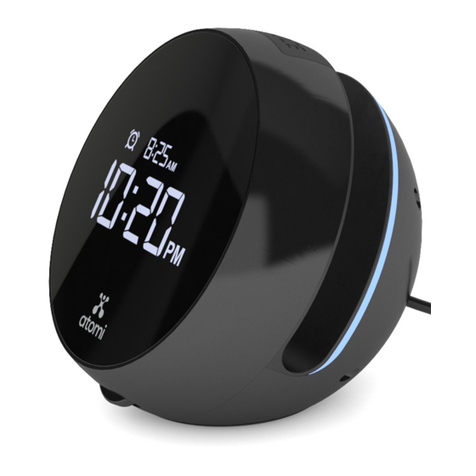
ATOMI Qi Wireless Wake Operating and safety instructions
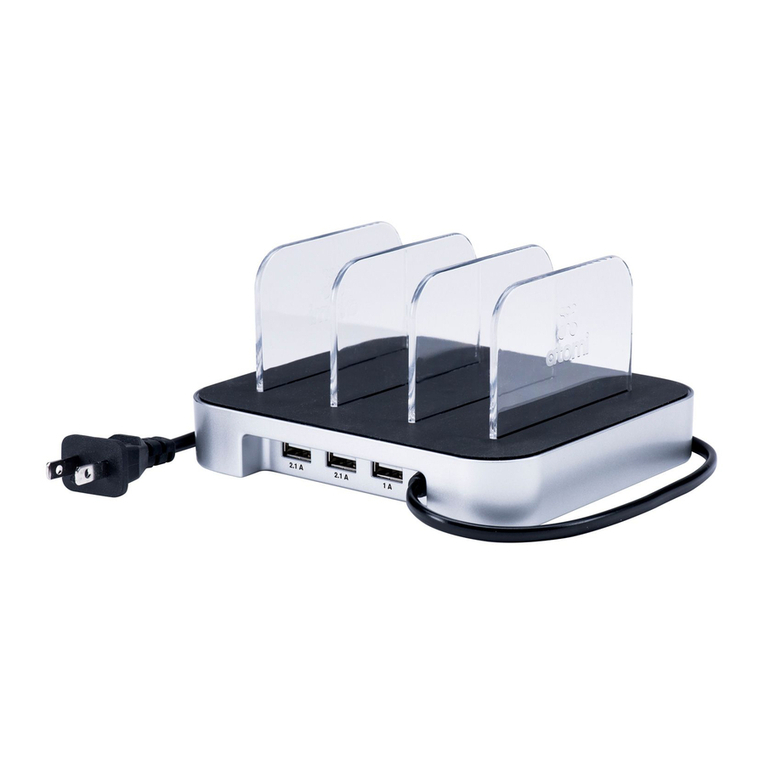
ATOMI

ATOMI Qi Wireless Wake Operating and safety instructions

ATOMI AT740 User manual

ATOMI

ATOMI AT740 User manual

ATOMI Power Tower Plus Operating and safety instructions
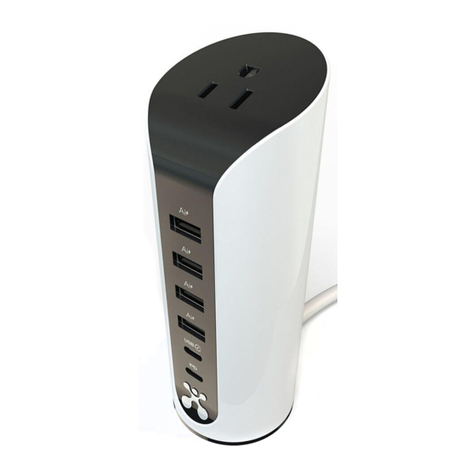
ATOMI

ATOMI Power Tower Plus Operating and safety instructions

ATOMI AT1931 User manual

ATOMI

ATOMI AT1931 User manual

ATOMI Qi Wireless Charger Operating and safety instructions
ATOMI

ATOMI Qi Wireless Charger Operating and safety instructions

ATOMI AT1893 User manual

ATOMI

ATOMI AT1893 User manual

ATOMI Power Tower Plus User manual

ATOMI

ATOMI Power Tower Plus User manual
ATOMI Portable Charging Table User manual
ATOMI

ATOMI Portable Charging Table User manual

ATOMI Premium Fast Charge Car Kit User manual

ATOMI

ATOMI Premium Fast Charge Car Kit User manual

ATOMI AT1204 Operating and safety instructions

ATOMI

ATOMI AT1204 Operating and safety instructions

ATOMI Qi Wireless Charger User manual

ATOMI

ATOMI Qi Wireless Charger User manual

ATOMI AT1871 User manual

ATOMI

ATOMI AT1871 User manual

ATOMI CHARGE STATION Operating and safety instructions

ATOMI

ATOMI CHARGE STATION Operating and safety instructions

ATOMI Charge Tower Pro2 User manual

ATOMI

ATOMI Charge Tower Pro2 User manual

ATOMI Charge Tower Pro Operating and safety instructions

ATOMI

ATOMI Charge Tower Pro Operating and safety instructions

Popular Batteries Charger manuals by other brands

EVBox BusinessLine manual

EVBox

EVBox BusinessLine manual

Goobay 71808 user manual

Goobay

Goobay 71808 user manual

Kogan KACRDQIS4XA user manual

Kogan

Kogan KACRDQIS4XA user manual

Sealey WCB3 quick start guide

Sealey

Sealey WCB3 quick start guide

Vanner SP00143/181 owner's manual

Vanner

Vanner SP00143/181 owner's manual

KeyOuest KO037515 quick start guide

KeyOuest

KeyOuest KO037515 quick start guide

Enplus Silk Series user manual

Enplus

Enplus Silk Series user manual

Intermec SF51 user guide

Intermec

Intermec SF51 user guide

Colorovo PowerBox 6800 user guide

Colorovo

Colorovo PowerBox 6800 user guide

Smartech WBC-250 Operator's manual

Smartech

Smartech WBC-250 Operator's manual

PIXO C-USB instruction manual

PIXO

PIXO C-USB instruction manual

Gunson G4104 quick start guide

Gunson

Gunson G4104 quick start guide

Dometic NDS SCE320 Short Operating Manual

Dometic

Dometic NDS SCE320 Short Operating Manual

ABB HT572708 Operation manual

ABB

ABB HT572708 Operation manual

EVOline Square80 manual

EVOline

EVOline Square80 manual

Redarc SBC24025 Operating instructions and owner's manual

Redarc

Redarc SBC24025 Operating instructions and owner's manual

Absaar HV04 manual

Absaar

Absaar HV04 manual

DazeTechnology Cover Dazebox Home installation manual

DazeTechnology

DazeTechnology Cover Dazebox Home installation manual

manuals.online logo
manuals.online logoBrands
  • About & Mission
  • Contact us
  • Privacy Policy
  • Terms and Conditions

Copyright 2025 Manuals.Online. All Rights Reserved.

Power Pad Qi
30W Wireless Charge Pad
Date Code: 06/19
User Manual
Need assistance?
WE
CAN
HELP
DO NOT RETURN THIS
PRODUCT TO THE STORE
Call 1-800-757-1440
Mon-Fri 9:00 a.m. - 5:00 p.m. EST (U.S.)
or email us at info@atomiusa.com
WE APPRECIATE FEEDBACK!
Please allow our customer service team to help
with any issues before you leave a review.
/atomismainc /atomi_sma @atomi.sma
Thankyou for purchasing
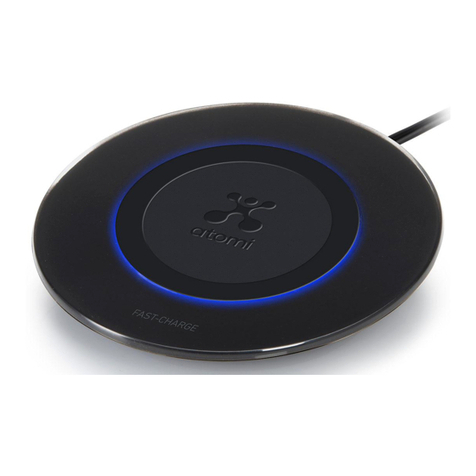
the atomi Power Pad Qi
The atomi Power Pad Qi is optimized to work with iPhone®8,
iPhone®8 Plus and iPhone®X, but it also charges any
devices with Qi wireless charging.
Featuring Qi charging technology, you can charge up to
three Qi suppoed devices quickly and wirelessly at the
same time.
NOTE: If a device is not Qi compatible, you will need a Qi
receiver to charge the device.
What’s Inside
1. Power Pad Qi
2. 5 power supply
3. User guide
Specifications
Input: 9V 3.5A
Output A: 5V1A, 9V1A
Output B: 5V1A, 9V1A
Output C: 5V1A, 9V 1A
Each charging pad provides 10W of power
1
2
Charging Your
Wireless Device
Connect the power supply to the wall outlet
and to the charging base.
Place the devices on the center of your Power Pad Qi.
Make sure the device is aligned over the center of
the charging base. Charging will begin on contact.
Compatible with any Qi-enabled device
The Power Pad Qi can provide a charge to anydevice with integrated Qi
functionality, including the iPhone®11/11 Pro/11 Pro Max, iPhone®XS, iPhone®XS
Max, iPhone®XR, iPhone®X, iPhone®8, 8 Plus, Galaxy®S10e/S10/S10+, Galaxy®
S9/S9+, Galaxy®S8/S8+, Galaxy®Note10/10+, Galaxy®Note9, Galaxy®Note8,
LG®G8 ThinQ™, LG®G7 ThinQ, LG®V30 ThinQ.
Watches are not recommended to be charged on this item as the charger may
get hot and damage the watch.
For questions or concerns, email us at info@atomiusa.com
Manufactured and marketed byAtomi, Inc.
10 West 33rd St., New York, NY 10001
atomi™ is a trademark of Atomi, Inc.
Designed by atomi in New York. Made in China
One-year limited warranty from date of purchase against
defects in material and workmanship.
Safety Information
Taking care of your Power Pad Qi will protect your warranty
coverage. Here is how to properly care foryour atomi Power
Pad Qi:
• Keep it dry—any moisture, including humidity, can
corrode electronic circuits.
• Do not use your Power Pad Qi if it gets wet.
Wait until it dries.
• If the Power Pad Qi is damaged in anyway, do not use it.
• Keep it free from dust—dust can damage pas and
electronic components.
• Do not store in cold temperatures as moisture can form
inside the pad when it warms up to room
temperature/charge.
• Do not modify the Power Pad Qi in anyway.
• Never drop, knockor shake the Power Pad Qi. This could
break internal circuit boards and mechanics.
• Always clean your pad with a so, clean dry cloth.
Indicator lights and what they mean
Blue light:
Your device is charging.
Green light:
Your device is fully charged
and is in standby mode.
NOTE: For iOS devices, the green light indicating a full charge will not turn on.
Aention
Pas of the Power Pad Qi are magnetized.
Do not put credit cards or other magnetic storage devices
near the Power Pad Qi as information may be erased.
Caution: If you have an implanted medical device,
including pacemaker, implanted cardioveer defibrillator,
etc., you should:
• Keep the Power Pad Qi more than 6 inches away from
the medical device.
• Unplug the Power Pad Qi if you think it is inteering with
your medical device.
• Follow the directions that came with your medical
device.