
AUTLED LC-004-914 User manual

LED DALI Controller Touch RGBW DT8 - 1 Zone (Group)
User Manual
Item no.: LC-004-914
1. Product Description
The DALI controller is a touch panel and sends DALI signals to DALI actors. This controller is
suitable for RGB and RGBW LED lights. It has a high sensitive glass touch panel with which you
can adjust any desired colour. The touch panel can control 1 DALI group and 4 DALI scenes.
The DALI Device Type (DT) 8 device can be supplied passive via DALI bus or activ supplied
with 230VAC. Mounting on a commercially available 68mm flush-mounted box.
2. Specifications
Power Supply 100-240VAC oder DALI Bus
Operation current 230VAC: <15mA | DALI consumption: 4mA
DALI Bus Output max. 100mA
Output Signal DALI
Max. wire-cross section 1,5mm²
dimensions 86 x 86 x 41,6 mm
3. Operation Manual
ON/OFF button
When switched on, a blue LED lights up above the colour wheel.
Brightness
Press and hold down to increase / decrease the light intensity.
Play/Pause button
First short keystroke: Starting the 8 permanently stored color gradients.
Repeated short press: Pause the color gradient.
Long press of the button: The color speed is increased or slowed down.

4. Operation
Colour wheel
At the colour wheel you can choose the desired colour or the colour mix.
scene buttons
These keys can be used to recall and store moods. To save a scene, proceed as follows:
Press a scene button for 3 seconds until the connected LED lights up, the set scene has now
been saved. To call up a saved scene, briefly press the appropriate scene button.
R G B W - buttons
If you press shortly, you can switch between the individual channels.
First long press - brightness is increased, second long press - brightness is dimmed down.
Briefly press the button - channel is switched on, - or switched off.
1. Assignment of the DALI - Group:
The rear rotary switch determines which DALI group and scenes are controlled or stored
by the touch panel. A total of 15 groups + 1x broadcast can be selected.
If you set the rotary switch to position „0“ at Group, the commands Broadcast will be sent.
For positions „1“ to „F“, groups 0-14 are addressed directly. The 16th DALI Group
which is designated 15, can not be addressed directly.
Note: For a group-wise control, it is necessary to assign the DALI actors to one or more
DALI groups. The DALI Touch Panel can not perform a group assignment.
Please note the detailed group setting:
Rotary Switch
Position 0 1 2 3 4 5 6 7 8 9 A B C D E F
DALI Group
for button 1 Broadcast 0 1 2 3 4 5 6 7 8 9 10 11 12 13 14
2. Setting the scene number:
The touch panel allows scene selection of upto 4 scenes.
A rotary switch on the back serves to select the scenes you want to control and to set
the starting scenes. Here you can choose between 16 scenes (0-15).

If you set the rotary switch to position „0“ in Scene, the 4 possible scenes become (S1-S4)
stored in the DALI actors under scene 0 to scene 3.
If you set the rotary switch, e.g. at position „7“, scenes 7-10 are occupied and at position „F“
scenes 15, 0, 1 and 2 are occupied.
Please note the detailed setting table for scenes as follows:
Rotary Switch
Position 0123456789ABCDEF
Scene assigned
to S1 0 1 2 3 4 5 6 7 8 9 10 11 12 13 14 15
Scene assigned
to S2 1 2 3 4 5 6 7 8 9 10 11 12 13 14 15 0
Scene assigned
to S3 2 3 4 5 6 7 8 9 10 11 12 13 14 15 0 1
Scene assigned
to S4 3 4 5 6 7 8 9 10 11 12 13 14 15 0 1 2
4. Dimensions and Wiring
DALI signal 230VAC
Rotary switch
for scenes
Rotary switch
for groups

5. Installation
6. Wiring Diagram
Passiv: Supply via external DALI bus power supply

Active: Connection via 230VAC
Active: If supply is with 230VAC, the touch panel provides a
bus supply (100mA) to control 50 DALI actors. In broadcast
mode, a maximum of 2 active panels and 2 passive panels
for controlling 100 DALI actors can be connected to a DALI
line.
Table of contents
Other AUTLED Controllers manuals
AUTLED
AUTLED LC-012-004 User manual
AUTLED
AUTLED LC-004-942 User manual
AUTLED
AUTLED LC-002-014 User manual
AUTLED
AUTLED LC-002-017 User manual

AUTLED
AUTLED LC-004-944 User manual
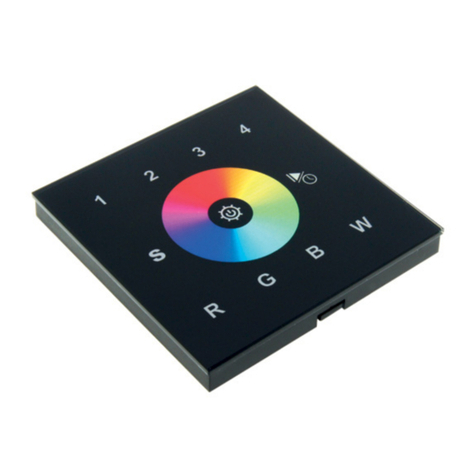
AUTLED
AUTLED LC-012-014 User manual
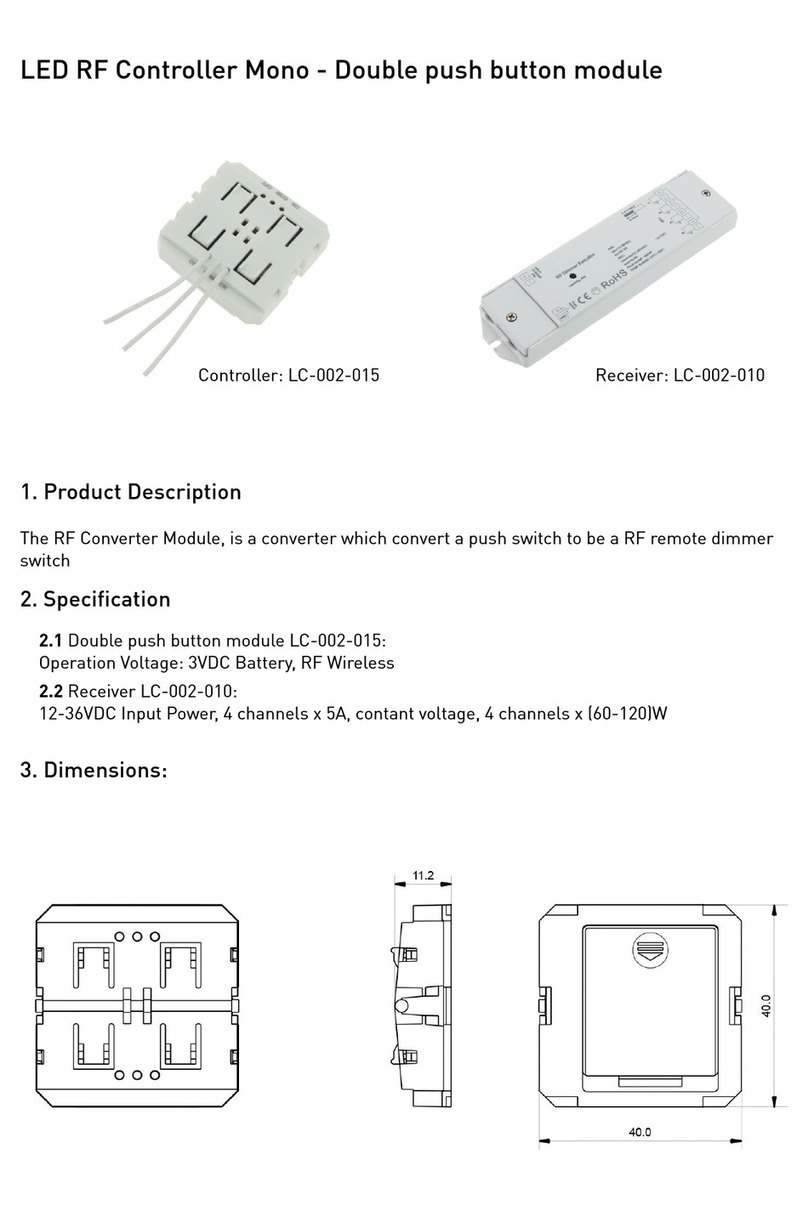
AUTLED
AUTLED LC-002-015 User manual
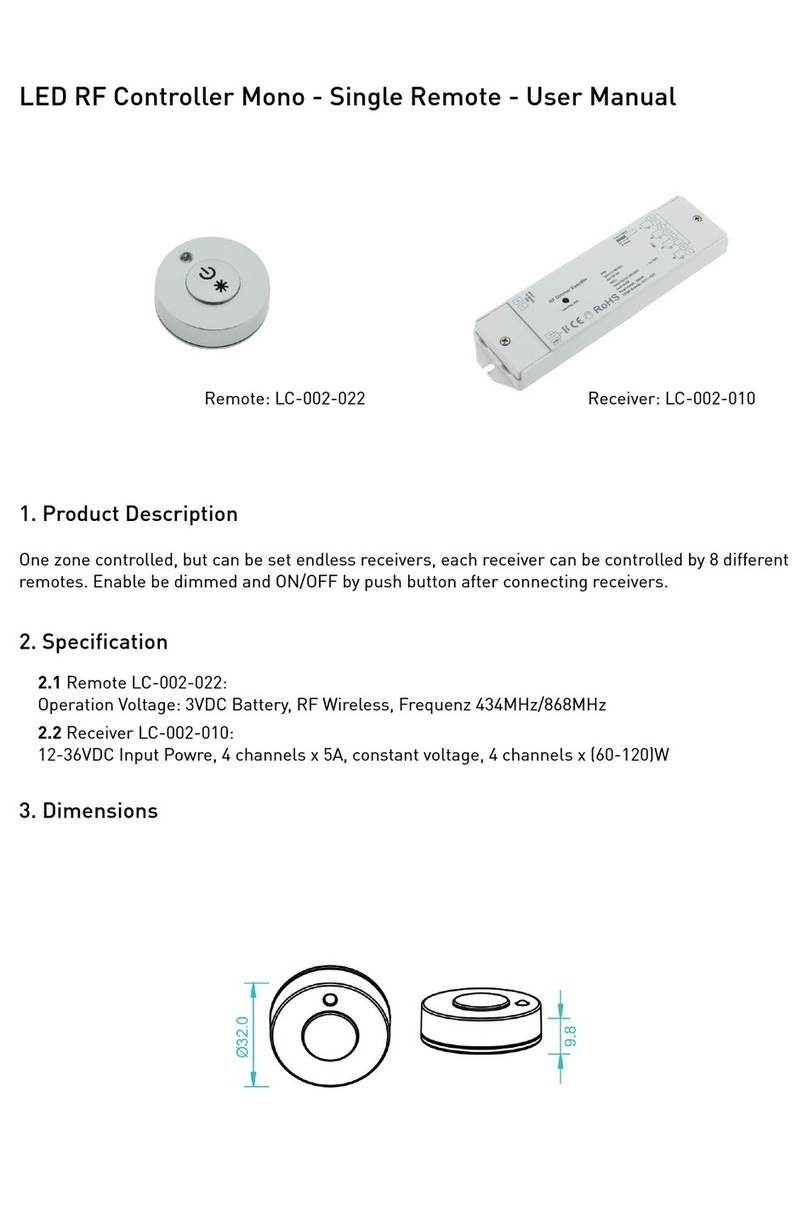
AUTLED
AUTLED LC-002-022 User manual
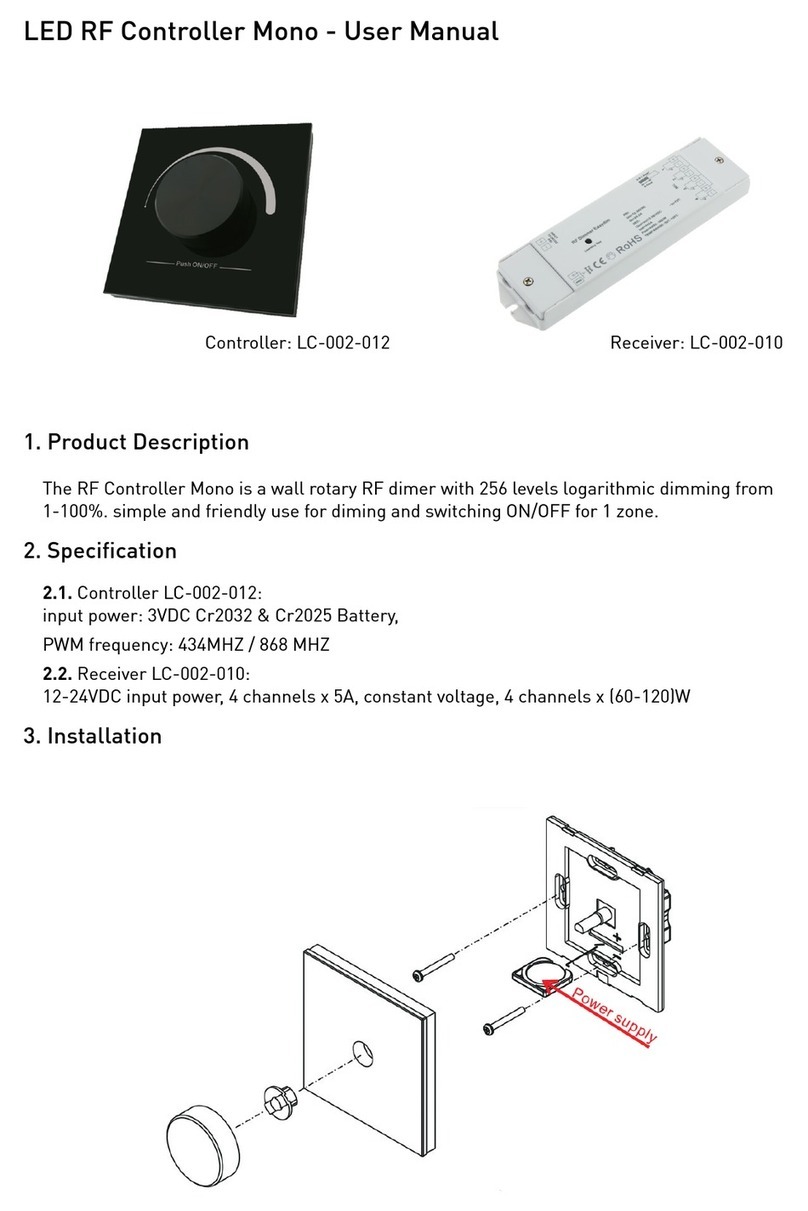
AUTLED
AUTLED LC-002-012 User manual
AUTLED
AUTLED LC-002-060 User manual
Popular Controllers manuals by other brands

Digiplex
Digiplex DGP-848 Programming guide

YASKAWA
YASKAWA SGM series user manual

Sinope
Sinope Calypso RM3500ZB installation guide

Isimet
Isimet DLA Series Style 2 Installation, Operations, Start-up and Maintenance Instructions

LSIS
LSIS sv-ip5a user manual

Rockwell Automation
Rockwell Automation 1769-L31 installation instructions










