manuals.online logo
Brands
  1. Home
  2. •
  3. Brands
  4. •
  5. Avaya
  6. •
  7. Headset
  8. •
  9. Avaya L119 User manual

Avaya L119 User manual

Other Avaya Headset manuals
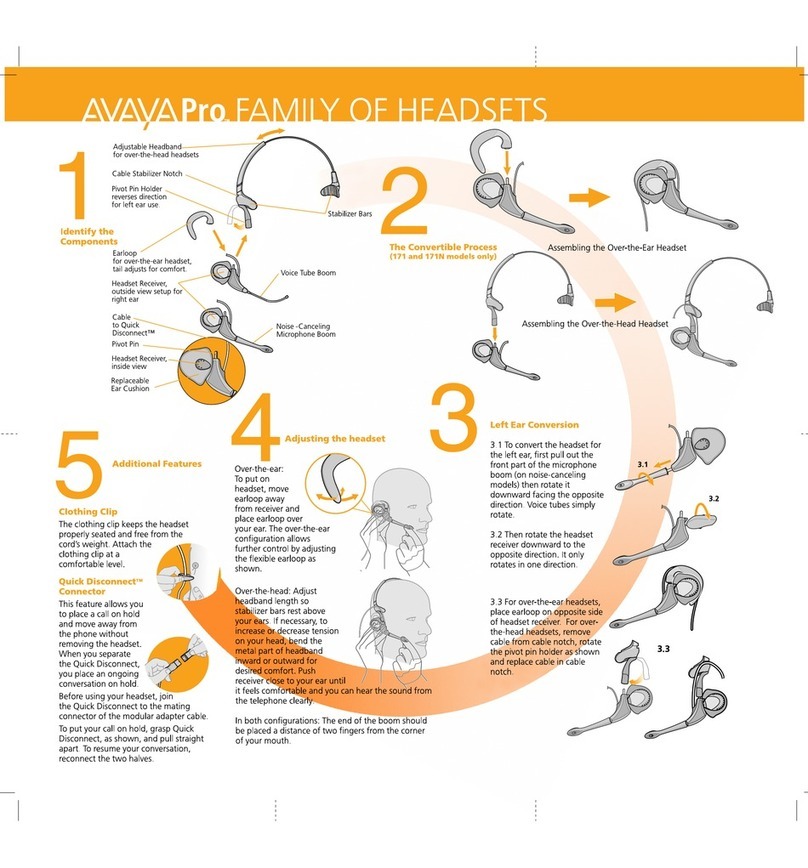
Avaya H171N User manual

Avaya

Avaya H171N User manual

Avaya AWH75N User manual

Avaya

Avaya AWH75N User manual
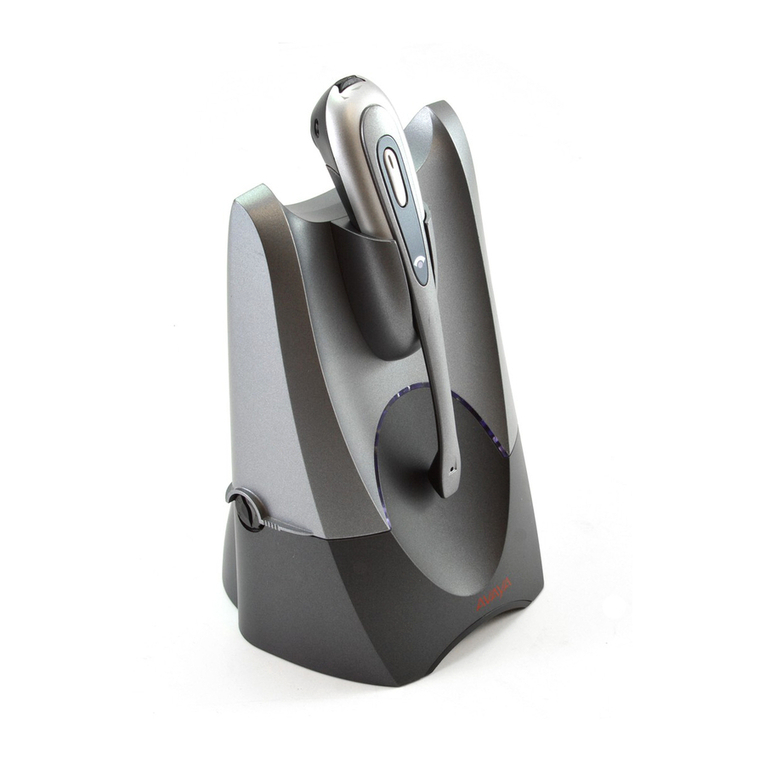
Avaya AWH-55 User manual

Avaya

Avaya AWH-55 User manual
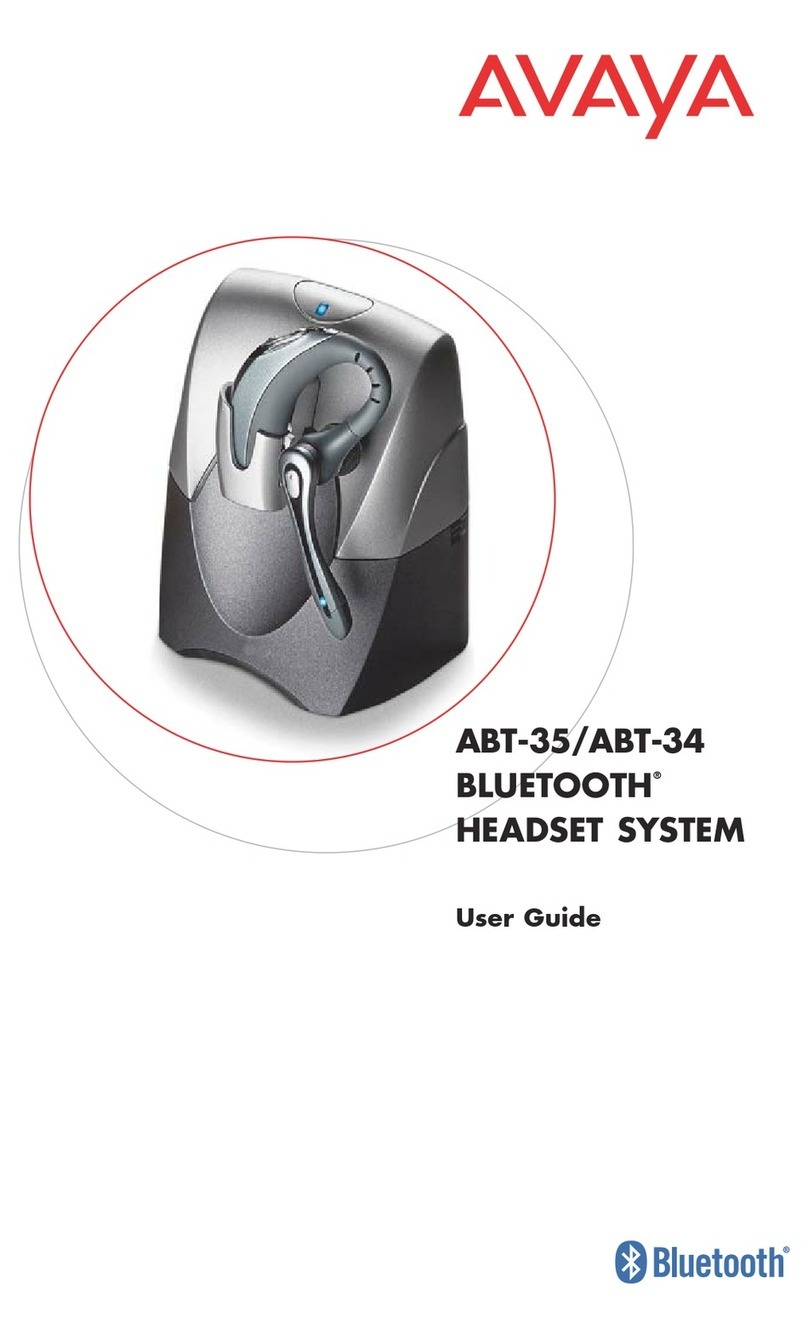
Avaya ABT-35S User manual

Avaya

Avaya ABT-35S User manual
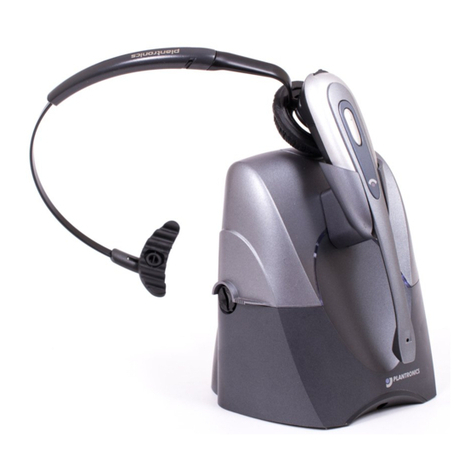
Avaya AWH65+ User manual

Avaya

Avaya AWH65+ User manual

Avaya L149 User manual

Avaya

Avaya L149 User manual

Avaya Ultra Ultra User manual

Avaya

Avaya Ultra Ultra User manual
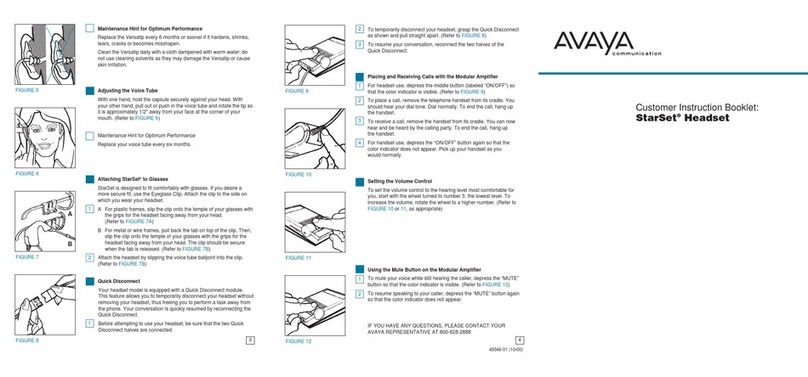
Avaya Starset User manual

Avaya

Avaya Starset User manual
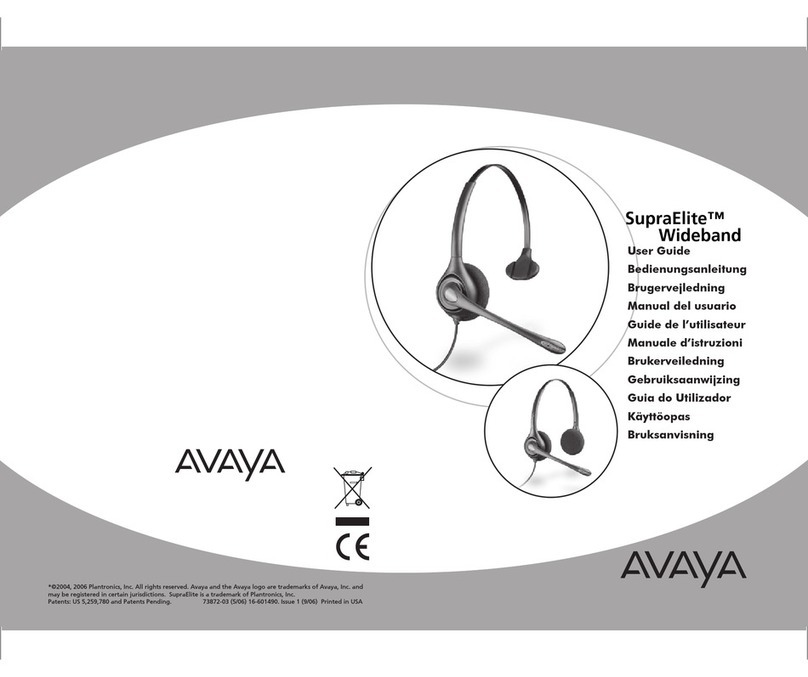
Avaya SupraElite W450N User manual

Avaya

Avaya SupraElite W450N User manual

Avaya AWH54 User manual

Avaya

Avaya AWH54 User manual
Avaya LKA10 User manual

Avaya

Avaya LKA10 User manual
Avaya Headset CAT132 MX User manual

Avaya

Avaya Headset CAT132 MX User manual
Avaya ABT-35+ User manual

Avaya

Avaya ABT-35+ User manual

Avaya L129 User manual

Avaya

Avaya L129 User manual

Avaya L139 User manual

Avaya

Avaya L139 User manual
Avaya L159 User manual

Avaya

Avaya L159 User manual
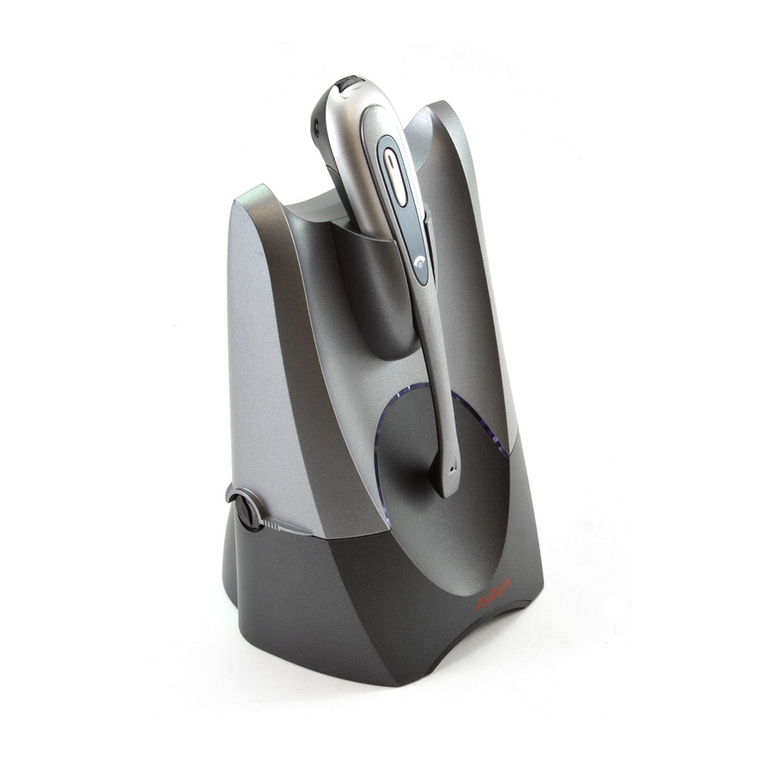
Avaya AWH-55 User manual

Avaya

Avaya AWH-55 User manual
Avaya PhoneTech P20USBM Supplement

Avaya

Avaya PhoneTech P20USBM Supplement
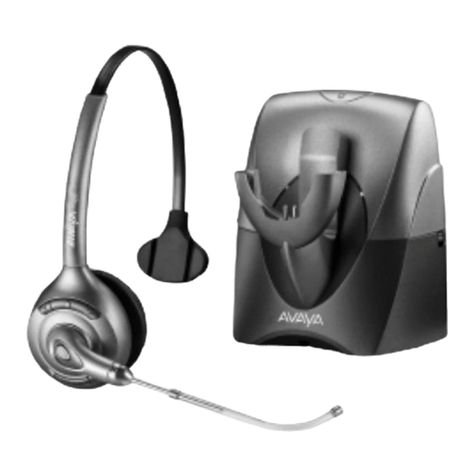
Avaya SupraElite User manual

Avaya

Avaya SupraElite User manual

Avaya ABT-35H User manual

Avaya

Avaya ABT-35H User manual
Avaya AWH75 User manual

Avaya

Avaya AWH75 User manual

Avaya IX L100 Series User manual

Avaya

Avaya IX L100 Series User manual

Avaya Supra User manual

Avaya

Avaya Supra User manual

Avaya Headsets DA55 User manual

Avaya

Avaya Headsets DA55 User manual

Popular Headset manuals by other brands

Sony WI-SP510 Help guide

Sony

Sony WI-SP510 Help guide

LYSAR INDUSTRIES EQ1 manual

LYSAR INDUSTRIES

LYSAR INDUSTRIES EQ1 manual

Nacon RIG 500 PRO Series user guide

Nacon

Nacon RIG 500 PRO Series user guide

HUHD HW-933M instruction manual

HUHD

HUHD HW-933M instruction manual

H2O Audio Natalie Coughlin Signature Series iSH2-5A1 user guide

H2O Audio

H2O Audio Natalie Coughlin Signature Series iSH2-5A1 user guide

Bose IN-EAR HEADPHONES owner's guide

Bose

Bose IN-EAR HEADPHONES owner's guide

Intaride S-3 manual

Intaride

Intaride S-3 manual

Jabra Elite 7 Pro How do

Jabra

Jabra Elite 7 Pro How do

Sena SMH10 quick start guide

Sena

Sena SMH10 quick start guide

IASUS Stealth  IA-NT4-BASIC-BT manual

IASUS

IASUS Stealth IA-NT4-BASIC-BT manual

Sennheiser EPOS ADAPT 230 user guide

Sennheiser

Sennheiser EPOS ADAPT 230 user guide

Anycom PAROS-10 user manual

Anycom

Anycom PAROS-10 user manual

GE 98971 datasheet

GE

GE 98971 datasheet

Jabra PRO 9460 - PRO 9460-DUO user manual

Jabra

Jabra PRO 9460 - PRO 9460-DUO user manual

Hama 00184070 quick start guide

Hama

Hama 00184070 quick start guide

Plantronics Blackwire 3200 Series user guide

Plantronics

Plantronics Blackwire 3200 Series user guide

Blue Tiger Advantage PLUS user manual

Blue Tiger

Blue Tiger Advantage PLUS user manual

Jabra FR 20 user guide

Jabra

Jabra FR 20 user guide

manuals.online logo
manuals.online logoBrands
  • About & Mission
  • Contact us
  • Privacy Policy
  • Terms and Conditions

Copyright 2025 Manuals.Online. All Rights Reserved.

Avaya L119 Headset Quick
Reference Guide
Release 1
Issue 1
December 2018
© 2018, Avaya Inc.
All Rights Reserved.
Avaya L119 Headset
Thank you for purchasing the Avaya L119 Headset. Read
the instructions carefully before using this product, and
retain them for future reference.
Part overview
1
2
3
4
1– Headband
2– Speaker
3– Microphone
4– RJ9 Connector
Features
• Rotating microphone boom arm that can be worn on
the left or right side
• Adjustable headband and microphone that provides
a customized fit
• High resolution audio
Connecting the headset to a phone
Plug the RJ9 connector into the phone.
Wearing the headset
For best audio experience, place the headset on your
left ear.
Adjusting the headband
All Avaya corded headsets have a flexible and adjustable
headband.
1. Place the headband on your head.
You can place the speaker with microphone on your
left or right ear as per your own comfort.
2. Adjust the headband for a comfortable fit.
Positioning the microphone
For optimal sound quality, position the bendable boom
arm in front of your mouth at a distance of 2–3 cms.
1
Rotating the bendable boom arm
Rotate the boom arm as required up to maximum
270°.
Headset compatibility
To check the compatibility of the headset with other
products, see http://support.avaya.com/
CompatibilityMatrix/Index.aspx.
Care and safety information
• To avoid damage to hearing, do not listen at high
volume for a prolonged period.
• Clean the headset only with a dry and soft cloth.
• Always keep the headset dry and do not expose it to
low and extreme temperatures.
• Not for domestic use.
2