manuals.online logo
Brands
  1. Home
  2. •
  3. Brands
  4. •
  5. Avery Weigh-Tronix
  6. •
  7. Measuring Instrument
  8. •
  9. Avery Weigh-Tronix CUBETAPE PRO User manual

Avery Weigh-Tronix CUBETAPE PRO User manual

Other Avery Weigh-Tronix Measuring Instrument manuals
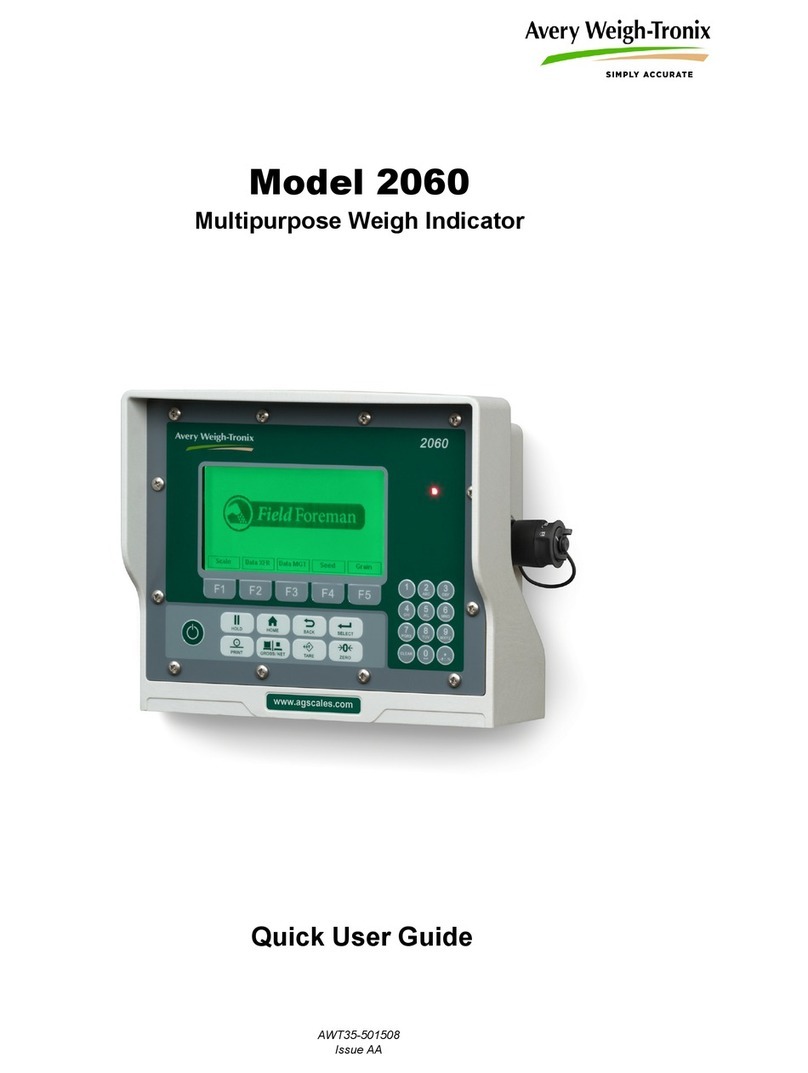
Avery Weigh-Tronix 2060 Instruction manual
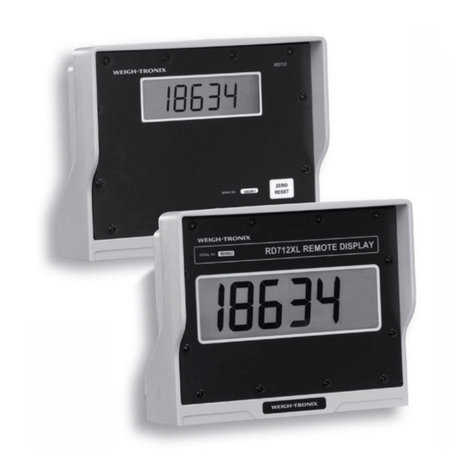
Avery Weigh-Tronix

Avery Weigh-Tronix 2060 Instruction manual

Avery Weigh-Tronix 615XL User manual

Avery Weigh-Tronix

Avery Weigh-Tronix 615XL User manual
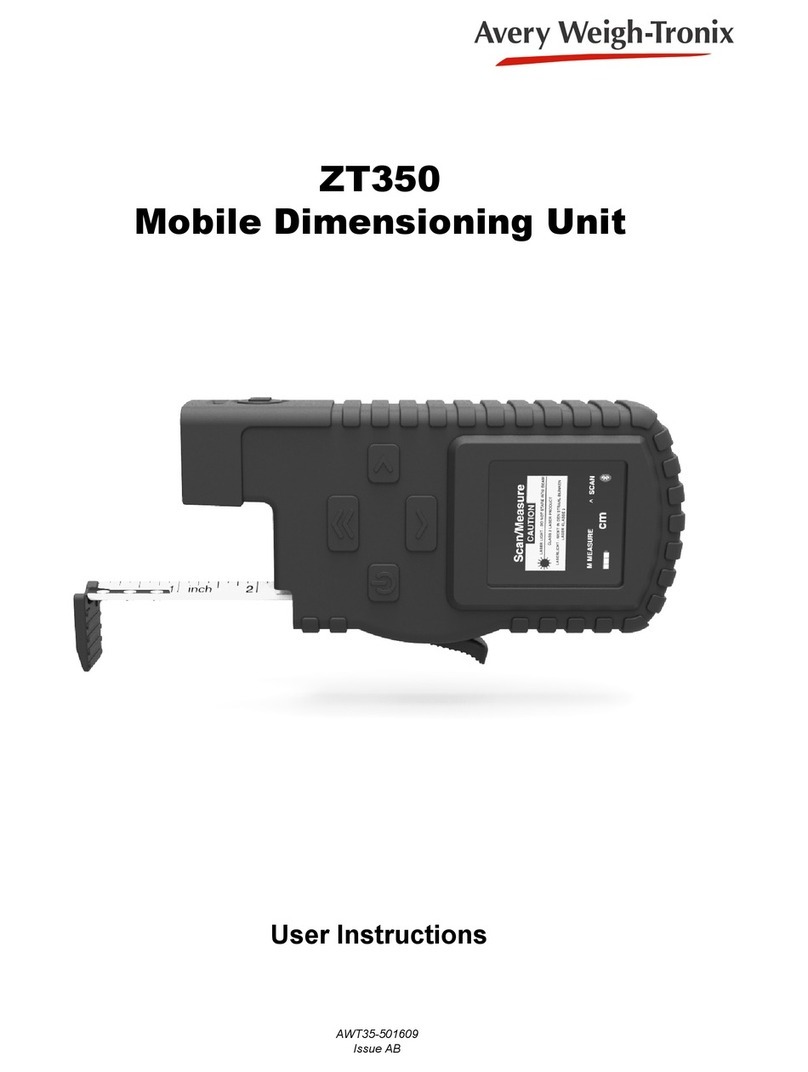
Avery Weigh-Tronix ZT350 User manual

Avery Weigh-Tronix

Avery Weigh-Tronix ZT350 User manual
Avery Weigh-Tronix ZM205 User manual

Avery Weigh-Tronix

Avery Weigh-Tronix ZM205 User manual
Avery Weigh-Tronix WI-125 User manual

Avery Weigh-Tronix

Avery Weigh-Tronix WI-125 User manual
Avery Weigh-Tronix E1010 User manual

Avery Weigh-Tronix

Avery Weigh-Tronix E1010 User manual
Avery Weigh-Tronix evolution Series User manual
Avery Weigh-Tronix

Avery Weigh-Tronix evolution Series User manual

Avery Weigh-Tronix M3060 User manual

Avery Weigh-Tronix

Avery Weigh-Tronix M3060 User manual
Avery Weigh-Tronix ZM510 User manual

Avery Weigh-Tronix

Avery Weigh-Tronix ZM510 User manual
Avery Weigh-Tronix ZM301 User manual

Avery Weigh-Tronix

Avery Weigh-Tronix ZM301 User manual
Avery Weigh-Tronix E1070 User manual

Avery Weigh-Tronix

Avery Weigh-Tronix E1070 User manual

Avery Weigh-Tronix WPI-135 User manual

Avery Weigh-Tronix

Avery Weigh-Tronix WPI-135 User manual

Popular Measuring Instrument manuals by other brands

Powerfix Profi 278296 Operation and safety notes

Powerfix Profi

Powerfix Profi 278296 Operation and safety notes

Test Equipment Depot GVT-427B user manual

Test Equipment Depot

Test Equipment Depot GVT-427B user manual

Fieldpiece ACH Operator's manual

Fieldpiece

Fieldpiece ACH Operator's manual

FLYSURFER VIRON3 user manual

FLYSURFER

FLYSURFER VIRON3 user manual

GMW TG uni 1 operating manual

GMW

GMW TG uni 1 operating manual

Downeaster Wind & Weather Medallion Series instruction manual

Downeaster

Downeaster Wind & Weather Medallion Series instruction manual

Hanna Instruments HI96725C instruction manual

Hanna Instruments

Hanna Instruments HI96725C instruction manual

Nokeval KMR260 quick guide

Nokeval

Nokeval KMR260 quick guide

HOKUYO AUTOMATIC UBG-05LN instruction manual

HOKUYO AUTOMATIC

HOKUYO AUTOMATIC UBG-05LN instruction manual

Fluke 96000 Series Operator's manual

Fluke

Fluke 96000 Series Operator's manual

Test Products International SP565 user manual

Test Products International

Test Products International SP565 user manual

General Sleep Zmachine Insight+ DT-200 Service manual

General Sleep

General Sleep Zmachine Insight+ DT-200 Service manual

Sensa Core Lacto Spark user manual

Sensa Core

Sensa Core Lacto Spark user manual

VOLTCRAFT UTS-1980 operating instructions

VOLTCRAFT

VOLTCRAFT UTS-1980 operating instructions

EBCHQ 94915 Operation manual

EBCHQ

EBCHQ 94915 Operation manual

Balluff BIP LD2-T017-01-EP-S4 Series user guide

Balluff

Balluff BIP LD2-T017-01-EP-S4 Series user guide

Pulsar IMP Lite Series instruction manual

Pulsar

Pulsar IMP Lite Series instruction manual

ETCR 6800 user manual

ETCR

ETCR 6800 user manual

manuals.online logo
manuals.online logoBrands
  • About & Mission
  • Contact us
  • Privacy Policy
  • Terms and Conditions

Copyright 2025 Manuals.Online. All Rights Reserved.

1
www.averyweigh-tronix.com/cubetape
Press to record measure
Scan barcode
Send data record
Append; save data
Backspace; power on/off
All buttons can be used for navigation
under menu mode except for
Exterior Overview
LED
Battery Compartment
Tape Tip
USB Port Charge Light
Rubber Boot Tape Cassette
Tape Tip
Cubetape PRO Quickstart Guide
Return to Last Recorded Data
Press several times until the cursor is in the length field;
Press this will display the last recorded measurement on screen.
Power On/O
To turn on the device, press once.
To shut down the device, press for approximately 3 seconds, then release when “power off” is indicated
on screen (or 5 beeps are heard).
Taking Measurements
While the cursor is in the length field, extend the blade and take the measurement (L, W or H), press or
to capture the measurement.
2
Battery Charging and Feedback
A battery indicator symbol appears at the left bottom of the screen.
The symbol displays the percentage of battery life remaining.
To charge the battery, connect Cubetape PRO to a PC or power adaptor via the USB cable.
The charge light remains on during the charging process.
When charging is finished, the charge light will go off.
If the remaining battery life drops below 10%, the symbol turns red and alerts the operator.
Cleaning and Maintenance Process
On a daily basis, clean the system including the maintenance port using an air duster.
(Note, the maintenance port is concealed beneath the rugged cover). Please make sure the equipment
is powered off before cleaning.
Regularly wipe the tape blade with a non-solvent cleaner.
Safety Instruction
Caution: Class 2 Laser Product, do not stare into beam.
Do not use this device in a hazardous environment.
To ensure the safety of this device it must be operated in accordance with these instructions.
Use storage batteries from the manufacturer only.
Do not charge the battery in humid or dusty rooms or below 0°C (32°F) ambient temperature.
Avoid falling, shaking and other types of strong mechanical impact.
Cubetape PRO Quickstart Guide
AWT35-000502_quick_user_guide
Tape Cassette and Battery Replacement
For information on replacement batteries and tape cassettes please contact Avery Weigh-Tronix
on 0845 900 2244.
For re-verification please contact Avery Weigh-Tronix on 0845 900 2244.
Disposal of Electrical and Electronic Equipment
In conformance with the European Directive 2012/19/EU on Waste Electrical and
Electronic Equipment (WEEE) this device may not be disposed of in domestic waste.
This also applies to countries outside the EU, per their specific requirements.
Please dispose of this product in accordance with local regulations at the collecting point
specified for electrical and electronic equipment.
If you have any questions, please contact the responsible authority or the distributor from which
you purchased this device.
Should this device be passed on to other parties (for private or professional use), the content of
this regulation must also be related. Thank you for your contribution to environmental protection.