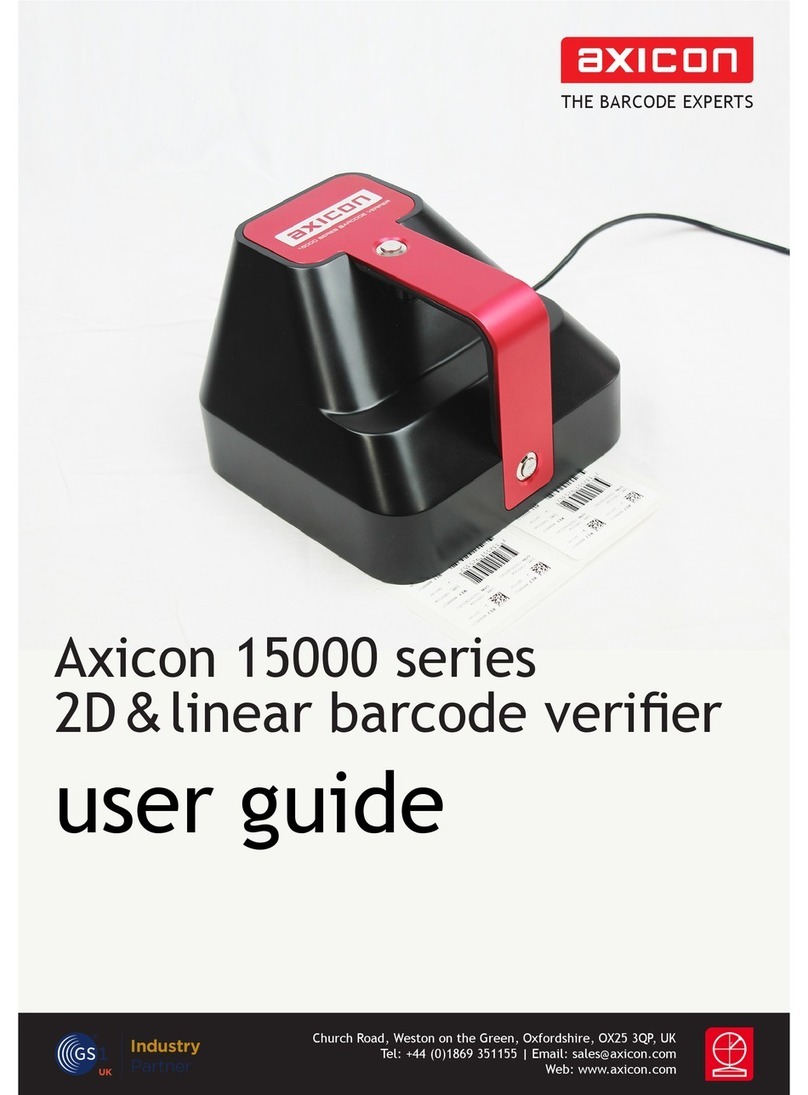
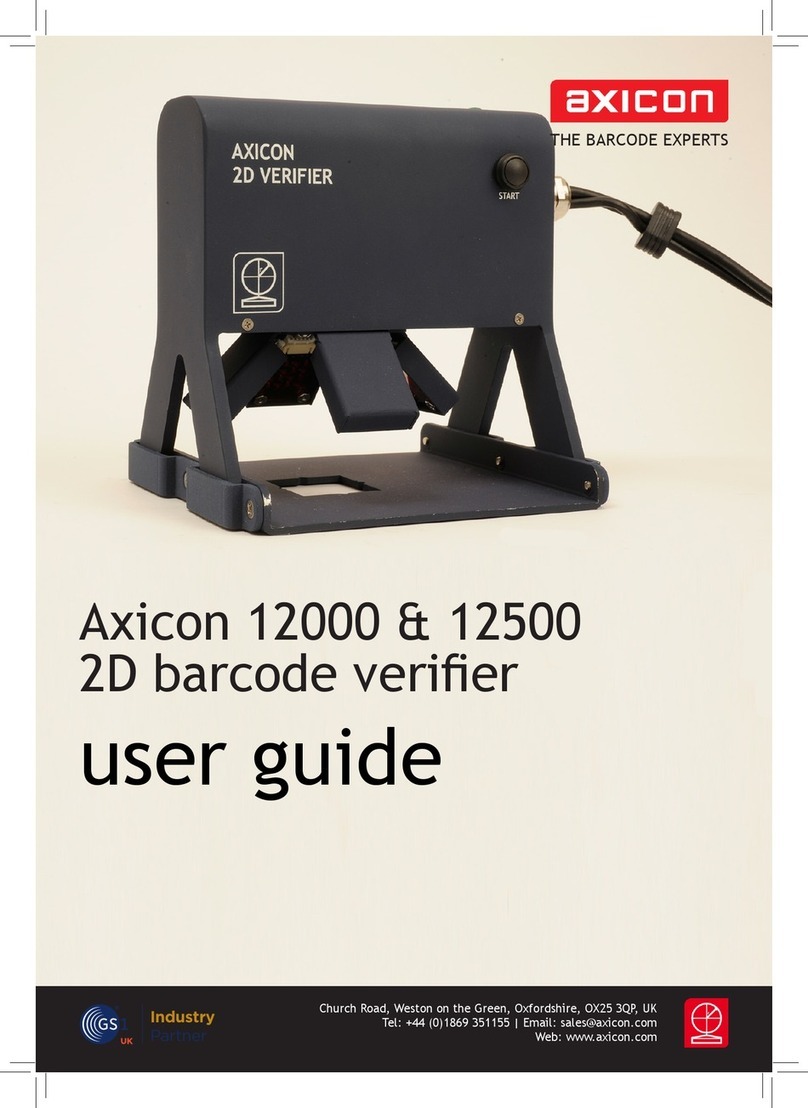
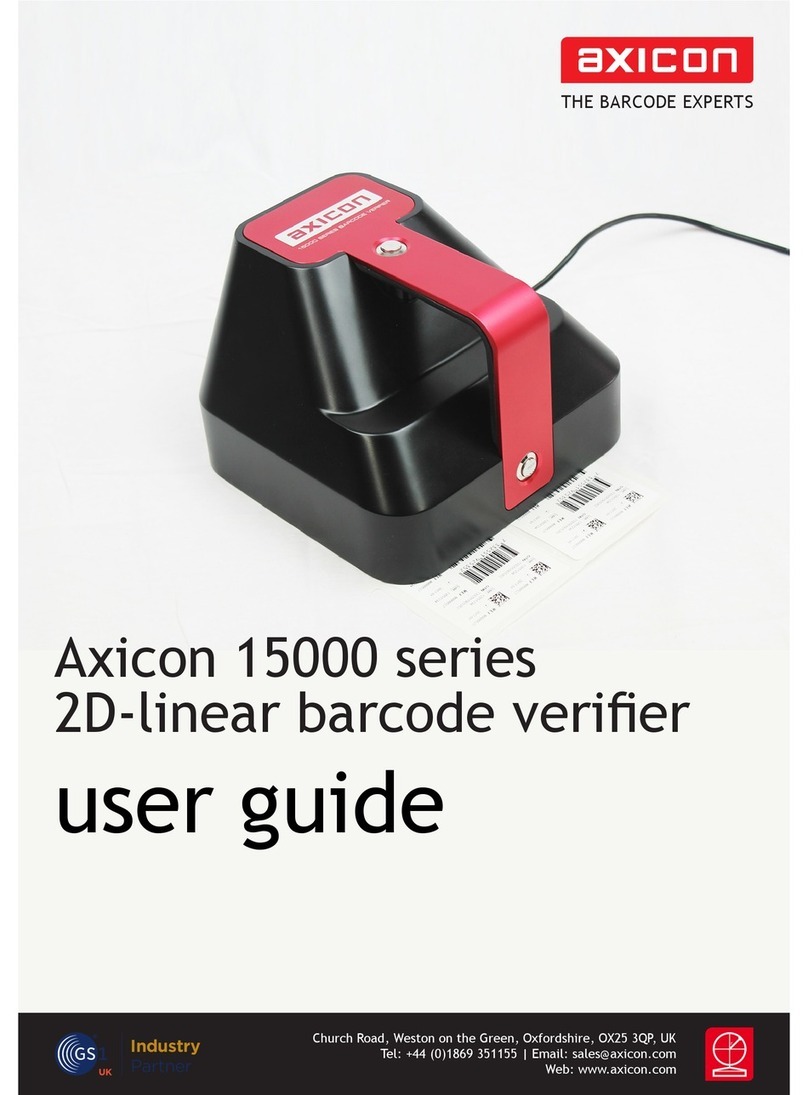
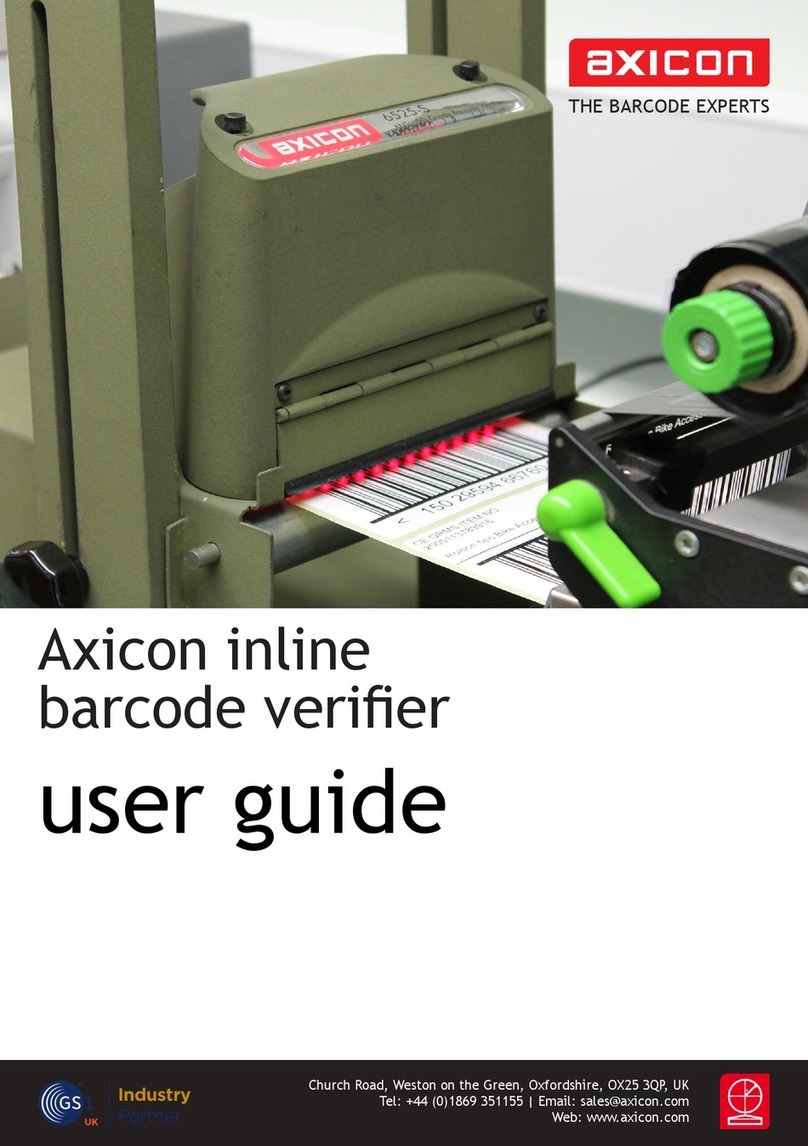
Axicon 12000 User manual

THE BARCODE EXPERTS
Church Road, Weston on the Green, Oxfordshire, OX25 3QP, UK
Web: www.axicon.com
user guide
Axicon 12600-12900 range
2D barcode veriers
Industry
Partner

www.axicon.com
Page 2 of 24
Axicon Auto ID Limited | 12600 - 12900 user guide | June 2017

Contents
Introduction 5
Installation 6
Software (1D) 8
Software (2D) 10
Using the verier 12
Calibration 13
Verication results 14
Using the 12800 - 12900 16
Software licence agreement 19
Annual servicing 20
Axicon Warranty 21
Certicate of conformance 23
Contact us 24
www.axicon.com
Page 3 of 24
Axicon Auto ID Limited | 12600 - 12900 user guide | June 2017

Introduction
An Axicon verier is a high-precision quality control device and should be handled
with due care.
Only use power and data cables supplied by Axicon. Use of non-approved
accessories will invalidate the warranty.
If the verier is dropped (or subjected to similar misuse) the accuracy of the results
may be aected. The unit should be returned to Axicon immediately for servicing.
Axicon recommends that the verier is factory re-calibrated annually. The unit
should be returned to Axicon or to your approved Axicon reseller for this servicing.
The following table shows the various models in the Axicon 12000 series which can
be used in conjunction with this software – and their typical applications:
www.axicon.com
Model Field of view Application
12000 24 x 18mm High resolution 2D codes
12500 40 x 24mm High to medium resolution 2D
codes
12600 51 x 38mm EAN/UPC and 2D codes
12700 70 x 51mm EAN/UPC and large 2D codes
12800 34 x 25.5mm Direct part marked (DPM) items
12900 34 x 25.5mm Direct part marked (DPM) items
Page 4 of 24
Axicon Auto ID Limited | 12600 - 12900 user guide | June 2017

What is in the case
• Axicon 12600, 12700, 12800 or 12900 2D verier.
• Power supply and y lead.
• Mains lead.
• Wallet containing this documentation booklet, software CD and the calibration
card.
Optional extras
Axicon also oer the following optional extras to be used in conjunction with the
system:
• Installation qualication and operational qualication procedural
documentation.
• Performance Qualication Test Kit – Comprising a set of test cards traceable to
international standards and full procedural instructions.
• Set of Reference Test Cards – traceable to international standards.
www.axicon.com
Page 5 of 24
Axicon Auto ID Limited | 12600 - 12900 user guide | June 2017

Installation
System requirements
A Microsoft-supported version of Windows (32 or 64 bit)
512 MB of RAM (Minimum)
A USB 2.0 port
Microsoft .NET Framework Version 3.5 SP1 or later
Please do not connect the verier to your PC before the software has been
installed. If the software has not been installed, Microsoft Windows will attempt
to nd the appropriate drivers for the verier online, and the wrong ones will be
installed.
The Webscan TruCheck software requires the .NET Framework version 3.5 to be
installed. The software installation process will check whether the .NET framework
is present, and install it if necessary.
Insert the software CD into an appropriate drive and the Install program should
start automatically. If not run Setup.exe. Set the location where you would like the
software installed, and specify whether the installation should be for a single user
or all users. You will be asked to conrm the installation before it takes place, and
it will then be conrmed. The software will then ask you if you want to install the
USB drivers.
After the software installation has been completed, please connect the verier to
install the USB drivers prior to running the software.
www.axicon.com
Page 6 of 24
Axicon Auto ID Limited | 12600 - 12900 user guide | June 2017

Hardware installation
Connect the metal connector on the end of the verier y-lead to the metal
connector on the power supply lead. Plug the mains lead into the power supply
module, and connect the mains lead to the power supply.
Plug the USB lead from the verier into a USB2 port on the computer. The USB2
drivers that are needed will be installed automatically.
Running the software for the rst time
When running the software for the rst time, you will be asked to specify certain
application options.
The application mode ‘UDI/HIBC’ relates to requirements of the Health Industry
Barcode Standard, so choose this if necessary. Most users choose the “Don’t print
report after each scan” option. You can always change these later if you need to.
www.axicon.com
Page 7 of 24
Axicon Auto ID Limited | 12600 - 12900 user guide | June 2017

The Webscan TruCheck software will enable you to verify both 1D (linear) and
2D barcodes. The software can be congured to meet your requirements when
verifying both types of barcode.
Conguration of the 1D mode
Double click on the 1D icon to display the conguration screen.
Software (1D)
www.axicon.com
Page 8 of 24
Axicon Auto ID Limited | 12600 - 12900 user guide | June 2017

If you are using the verier to check GS1 barcodes, make sure that the GS1 option
is selected in the top right of this window. This will automatically set the correct
pass grade for the symbols. In the Decode Options section you can choose how
many scans are to be used for each verication (ISO/IEC 15416 species 10), the
size of aperture to be used if you do not want this to be decided automatically, and
whether to use the general ITF (Standard I25) or GS1 ITF-14 decode algorithm.
The Report Options section allows you to decide how much information you would
like included in the verication report. You will need to have ISO 15416/5 selected.
If you choose Quality Parameters, more information about each parameter will be
provided. If you also choose Per Scan Details, information relating to each of the
scans will be provided individually. To include an image of the barcode that has
been veried, select Image of Symbol.
The Report and Print Options section allows you to choose in which format
the verication reports should be produced, and where they will be saved
automatically. Select Metric Units at the right of this section if you would like
measurements in µm or leave blank if you would like measurements in mils
(thousandths of an inch). It is not possible to save verication reports manually, so
it is important to choose a le directory where they can be easily accessed. The
reports will be named in the format decoded data in the symbol_DD_MM_YY HH_
MM_SS., for example 12345678_25_12_16 13_45_20.
Having saved the verication reports automatically, you will be able to rename
them manually using the normal Save as option.
www.axicon.com
Page 9 of 24
Axicon Auto ID Limited | 12600 - 12900 user guide | June 2017

Conguration of the 2D mode
Double click on the 2D icon to display the conguration screen.
Software (2D)
www.axicon.com
Page 10 of 24
Axicon Auto ID Limited | 12600 - 12900 user guide | June 2017
Other manuals for 12000
1
This manual suits for next models
5
Table of contents
Other Axicon Barcode Reader manuals

Axicon
Axicon PV-1072 User manual
Axicon
Axicon 6000 series User manual
Axicon
Axicon 12000 Operator's manual
Axicon
Axicon 6025-S Operator's manual
Axicon
Axicon 6000-W User manual
Axicon
Axicon 6000 series User manual
Axicon
Axicon PV-1072 User manual
Axicon
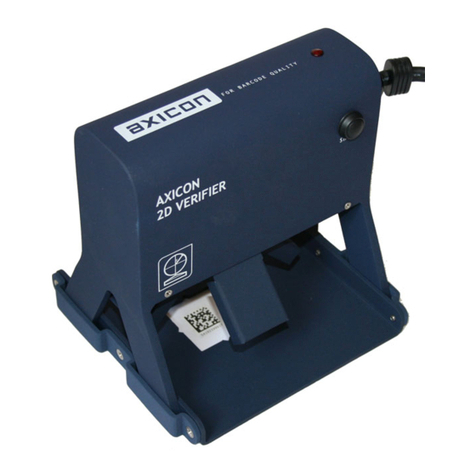
Axicon 12600 Operator's manual

Axicon
Axicon PV-1072 User manual
Axicon
Axicon PV-1000 User manual