EnglishDeutsch
 logo
Brands
  1. Home
  2. •
  3. Brands
  4. •
  5. Barco
  6. •
  7. Projector Accessories
  8. •
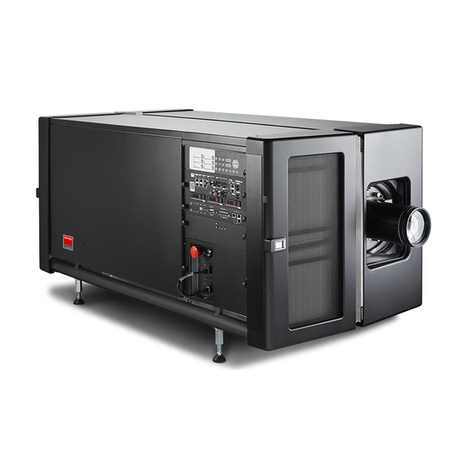
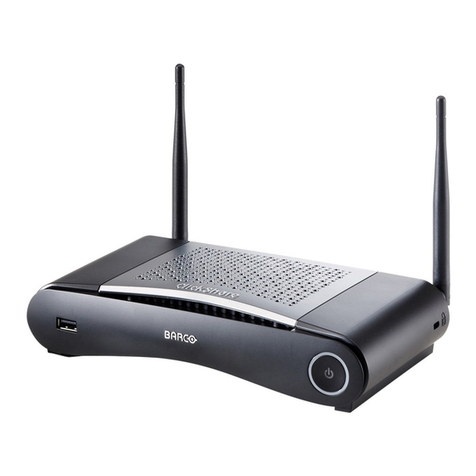
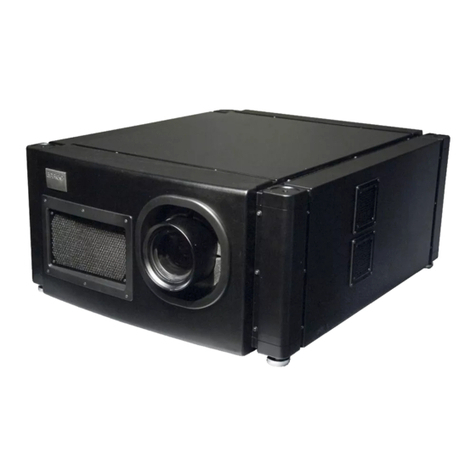
  9. Barco R9840100 User manual

Barco R9840100 User manual

Other Barco Projector Accessories manuals

Barco Thor Series User manual

Barco

Barco Thor Series User manual

Barco TLD(2.8-5.0):1 User manual

Barco

Barco TLD(2.8-5.0):1 User manual

Barco CM 100 User manual

Barco

Barco CM 100 User manual

Barco R9802352 User manual

Barco

Barco R9802352 User manual

Barco Graphics 6300 User manual

Barco

Barco Graphics 6300 User manual

Barco R9841550 Quick start guide

Barco

Barco R9841550 Quick start guide

Barco ClickShare CSE-200 User manual

Barco

Barco ClickShare CSE-200 User manual

Barco R9841550 User manual

Barco

Barco R9841550 User manual

Barco PreCa 1280i User manual

Barco

Barco PreCa 1280i User manual

Barco R9829335 Instruction sheet

Barco

Barco R9829335 Instruction sheet

Barco R762120 User manual

Barco

Barco R762120 User manual

Barco ClickShare CSE-200+ Series User guide

Barco

Barco ClickShare CSE-200+ Series User guide

Barco FLM lamp house User manual

Barco

Barco FLM lamp house User manual

Barco R764081-K User manual

Barco

Barco R764081-K User manual

Barco ClickShare CS-100 User guide

Barco

Barco ClickShare CS-100 User guide

Barco R812302K User manual

Barco

Barco R812302K User manual

Barco R767302K User manual

Barco

Barco R767302K User manual

Barco Preca 1280 User manual

Barco

Barco Preca 1280 User manual

Barco LX-5 SERIES User manual

Barco

Barco LX-5 SERIES User manual

Barco DC2K User manual

Barco

Barco DC2K User manual

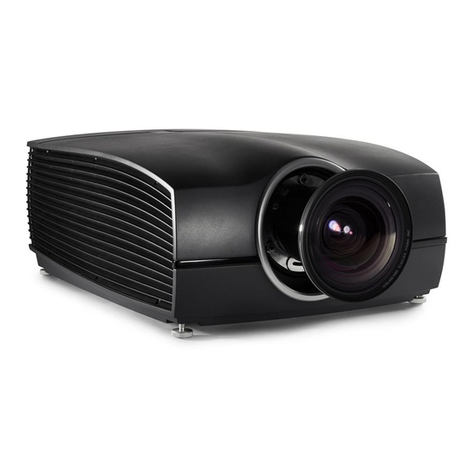
Barco F90 series Instruction Manual

Barco

Barco F90 series Instruction Manual

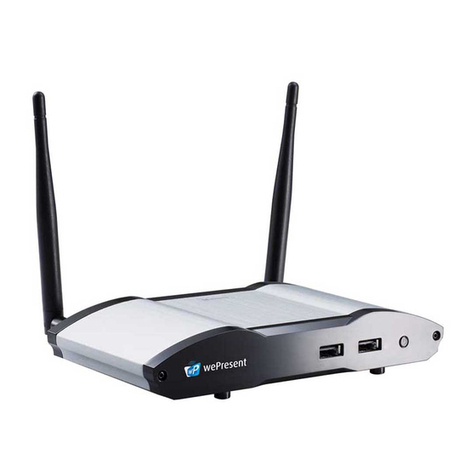
Barco wePresent WiPG 1600 User manual

Barco

Barco wePresent WiPG 1600 User manual

Barco R9827880 User manual

Barco

Barco R9827880 User manual

Barco R9841770 User manual

Barco

Barco R9841770 User manual

Popular Projector Accessories manuals by other brands

Optoma BX-AL133B datasheet

Optoma

Optoma BX-AL133B datasheet

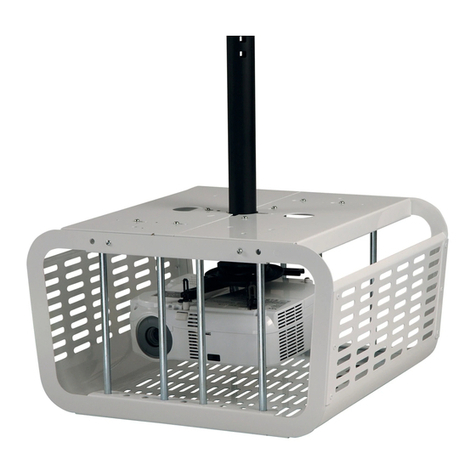
PEERLESS PE 1120 Installation and assembly

PEERLESS

PEERLESS PE 1120 Installation and assembly

Osram SIRIUS HRI Series Directions for use

Osram

Osram SIRIUS HRI Series Directions for use

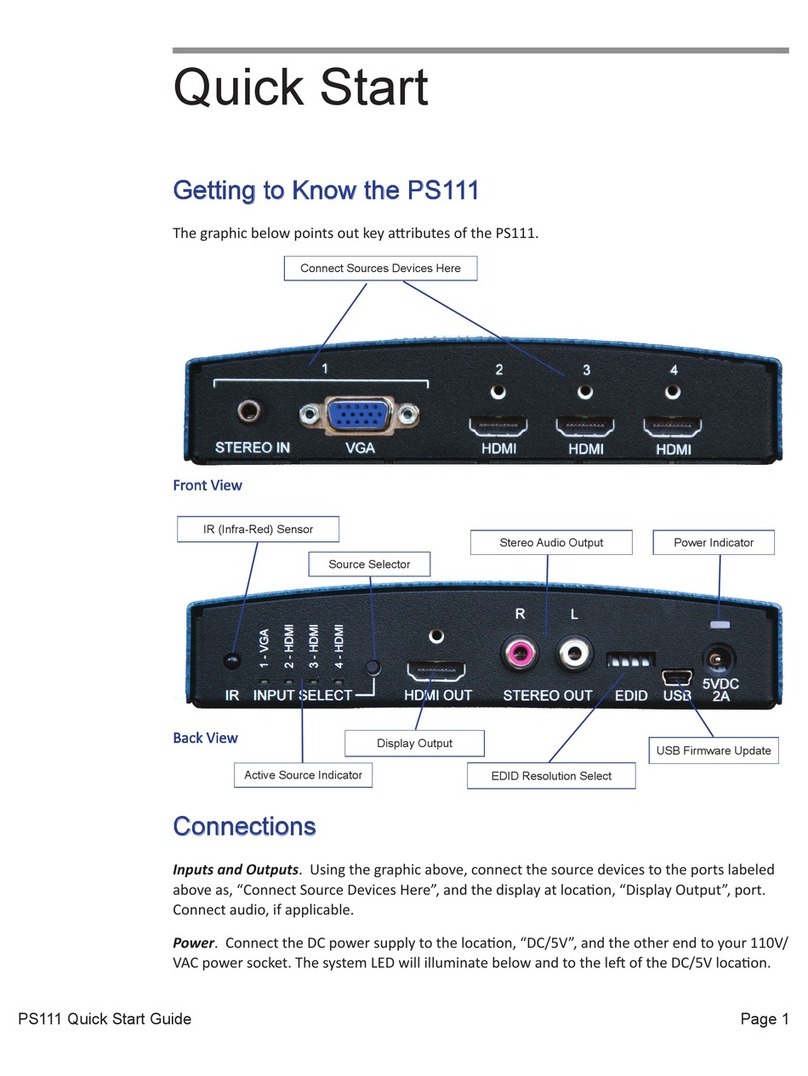
Presentation Switchers PS111 quick start

Presentation Switchers

Presentation Switchers PS111 quick start

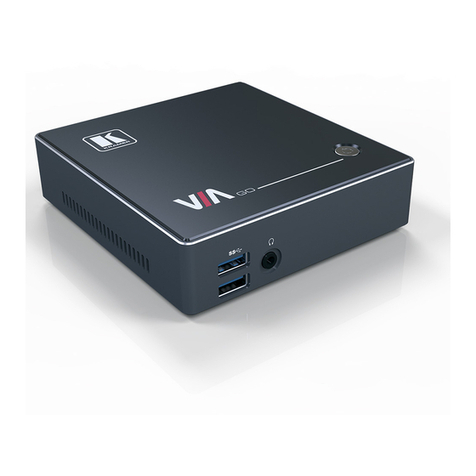
Kramer VIA GO user manual

Kramer

Kramer VIA GO user manual

Yamaha PJL-112 Replacement guide

Yamaha

Yamaha PJL-112 Replacement guide

Mitsubishi Electric 236CB Features

Mitsubishi Electric

Mitsubishi Electric 236CB Features

Epson BrightLink 475Wi user guide

Epson

Epson BrightLink 475Wi user guide

Acer WP100 quick guide

Acer

Acer WP100 quick guide

i3 i3board user manual

i3

i3 i3board user manual

CHIEF HB-43E installation instructions

CHIEF

CHIEF HB-43E installation instructions

Biamp Modena Hub Network administrator's guide

Biamp

Biamp Modena Hub Network administrator's guide

NEC MP10RX Quick setup guide

NEC

NEC MP10RX Quick setup guide

Panamorph DCR-S3 installation guide

Panamorph

Panamorph DCR-S3 installation guide

Exact solutions FRAME-EVO-P10 manual

Exact solutions

Exact solutions FRAME-EVO-P10 manual

CHIEF VCM103S installation instructions

CHIEF

CHIEF VCM103S installation instructions

InFocus LP70+ Replacement instructions

InFocus

InFocus LP70+ Replacement instructions

Sharp AN-PH20EZ Operation manual

Sharp

Sharp AN-PH20EZ Operation manual

https://manuals.online logo
https://manuals.online logoBrands
  • About & Mission
  • Contact us
  • Privacy Policy
  • Terms and Conditions

Copyright 2026 Manuals.Online. All Rights Reserved.

BARCOPROJECTIONSYSTEMS
Date :
21062000
INSTALLATION MANUAL
LENS QFD(4.5-6:1) FOR 6000 SERIES
R9840100
Art. No. :
R5976095
Rev :
1
QFD(4.5-6:1)
Kit
BARCO  1  Projection Systems
QFD(4.5-6:1) Lens R9840100
What has to be
done
This new lens has to be installed on a 6000 series projector
Necessary Tools no tool necessary
Installing the
Lens
To install the lens follow the next procedure or look into the owners manual :
1
2
3
4
5
6
7
1
2
2
3
Take the lens out of its packing material.
Open the lens cover of the projector.
Open both lens locks (B) by pulling them backwards.
Unlock first by pulling clip (A) forwards.
Put the lens on the lens holder.
Fix the lens by closing both locks (B) until they are secured.
Plug the wires of motor unit into the connector (C).
Re-install the lens cover.
Step Action Image
Warning ! Risk of personal injury. Instructions for lens installation must be followed thoroughly.
To be continued on next page.
Lens
QGD(4.5-6 1)
Image 1 Image 2
Image 3
BARCO  2  Projection Systems
QFD(4.5-6:1) Lens R9840100 (Continued)
Press the selection key on the RCU to display the zoom/focus menu on the screen.
To focus or zoom the image :
1 Push the cursor keys é or ê to zoom and ç or è to focus the image.
2 When finished press exit key.
See also owners manual of the projector chapter Controlling item The selection key.
Adjusting the
Lens
Lens Formula To calculate the distance (range) between the projector frontside and the screen (PD)
for a given screen width (SW) use the following formula for
BarcoGraphics 6300 & BarcoGraphics 6400 :
Metric system (PD and SW in meter) :
PDmin = 4.29 x SW - 0.02 + 0.0009/SW
PDmax = 5.86 x SW + 0.15 + 0.0121/SW
Inch system (PD and SW in inch) :
PDmin = 4.29 x SW - 0.79 + 1.395/SW
PDmax = 5.86 x SW + 5.91 + 18.755/SW
BarcoReality 6300 & BarcoReality 6400 :
Metric system (PD and SW in meter) :
PDmin = 4.39 x SW - 0.02 + 0.0008/SW
PDmax = 6.00 x SW + 0.15 + 0.0029/SW
Inch system (PD and SW in inch) :
PDmin = 4.39 x SW - 0.79 + 1.24/SW
PDmax = 6.00 x SW +5.91 + 4.495/SW
Lens Cleaning
Procedure
To minimize the possibility of damaging the optical coating or scratching exposed lens
surface we have developed recommendations for cleaning the lens.
FIRST we recommend you try to remove any material from the lens by blowing it off
with clean dry deionized air. DO NOT use any liquid to clean the lenses.
A TorayseeTM cloth is included with the lens kit.
Proceed as follows :
1
2
3
5
5
6
Always wipe lenses with a CLEAN TorayseeTM cloth.
Always wipe lenses in a single direction. Do not wipe back and for-
wards across the lens surface as this tends to grind dirt into the coating.
Do not leave cleaning cloth in either an open room or lab coat pocket
as doing so can contaminate the cloth.
If smears occur when cleaning lenses replace the cloth. Smears are
the first indication of a dirty cloth.
Do not use fabric softener when washing the cleaning cloth or softener
sheets when drying the cloth.
Do not use liquid cleaners on the cloth as doing so will contaminate the
cloth.
Step Action
Order number for a new TorayseeTM cloth : R379058.
Toraysee Cloth
Order Number