1Welcome..................................................................................................................................................................................................................7
1.1 About this manual................................................................................................................................................................................8
2Safety Information............................................................................................................................................................................................9
2.1 General considerations .................................................................................................................................................................10
2.2 Safety training to be provided by the installer...................................................................................................................10
2.3 Important safety instructions ...................................................................................................................................................... 11
2.4 Safety precautions Hazardous Chemicals .........................................................................................................................14
2.5 Product safety labels.......................................................................................................................................................................15
2.6 High Brightness precautions: Hazard Distance (HD) ...................................................................................................16
2.7 HD for fully enclosed projection systems ............................................................................................................................19
2.8 HD in function of modifying optics ...........................................................................................................................................20
3Lenses & Lens selection...........................................................................................................................................................................21
3.1 Available lenses.................................................................................................................................................................................22
3.2 Lens selection.....................................................................................................................................................................................22
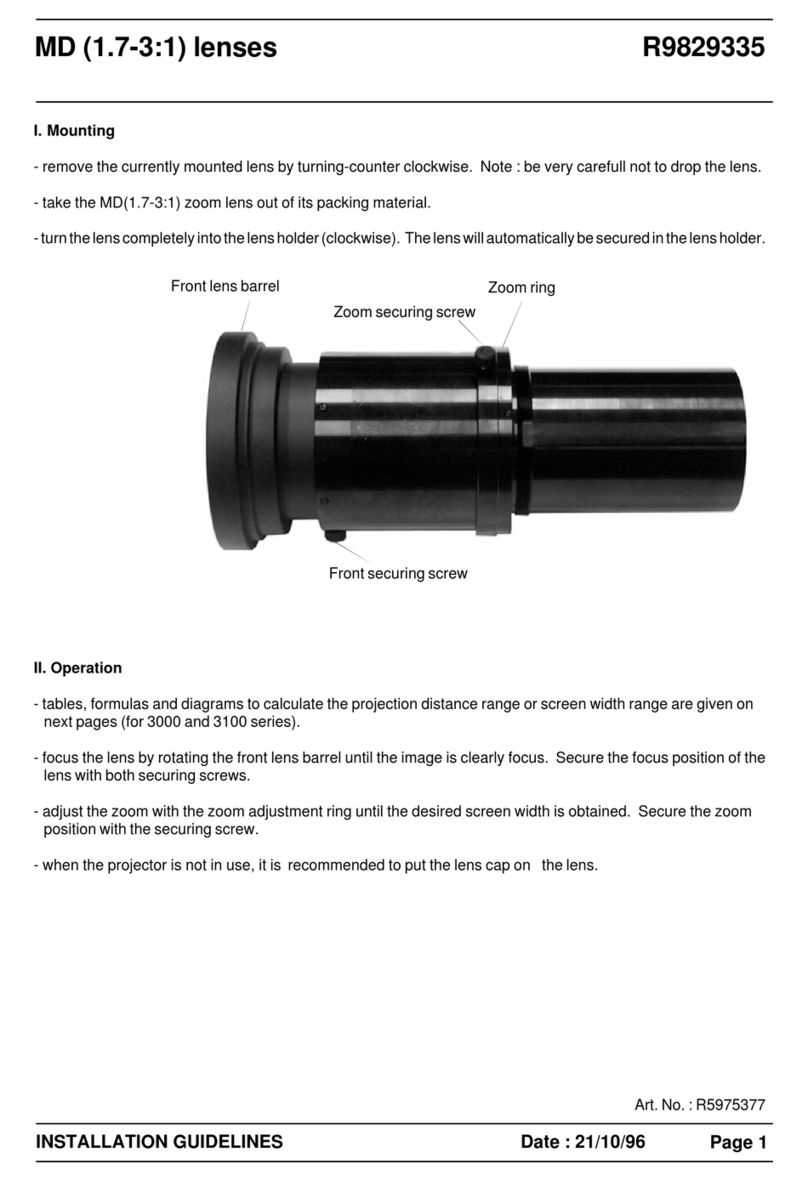
3.3 Lens installation.................................................................................................................................................................................23
3.4 Lens removal.......................................................................................................................................................................................25
3.5 Lens shift, zoom & focus...............................................................................................................................................................26
4Input & Communication.............................................................................................................................................................................29
4.1 Introduction...........................................................................................................................................................................................30
4.2 Projector Status .................................................................................................................................................................................30
4.3 Laser Status.........................................................................................................................................................................................31
4.4 Local Keypad.......................................................................................................................................................................................32
4.5 Cinema Controller.............................................................................................................................................................................34
5ICMP(-X)................................................................................................................................................................................................................37
5.1 ICMP(-X) introduction.....................................................................................................................................................................39
5.2 ICMP(-X) HDD....................................................................................................................................................................................41
5.3 What are the possible HDD swaps ........................................................................................................................................43
5.4 Installing a HDD into the ICMP(-X) .........................................................................................................................................44
5.5 Removing a HDD from the ICMP(-X).....................................................................................................................................46
5.6 HDD status LEDs..............................................................................................................................................................................47
5.7 ICMP(-X) status LEDs....................................................................................................................................................................48
5.8 ICMP(-X) device certificate..........................................................................................................................................................49
5.9 Obtaining the Barco ICMP(-X) certificate............................................................................................................................51
5.10 ICMP(-X) configuration via Communicator.........................................................................................................................52
5.11 ICMP(-X) communication ports.................................................................................................................................................53
5.12 ICMP(-X) source input ports .......................................................................................................................................................54
5.13 ICMP(-X) network streaming (Live IP) specifications...................................................................................................56
R5906787 /04 Thor series 5
Table of contents