manuals.online logo
Brands
  1. Home
  2. •
  3. Brands
  4. •
  5. Behringer
  6. •
  7. Control Unit
  8. •
  9. Behringer 923 FILTERS User manual

Behringer 923 FILTERS User manual

Other manuals for 923 FILTERS

2

Other Behringer Control Unit manuals

Behringer 173 QUAD GATE/MULTIPLES User manual

Behringer

Behringer 173 QUAD GATE/MULTIPLES User manual

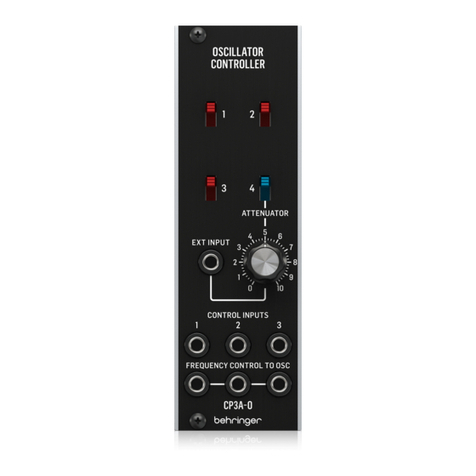
Behringer CP3A-O User manual

Behringer

Behringer CP3A-O User manual

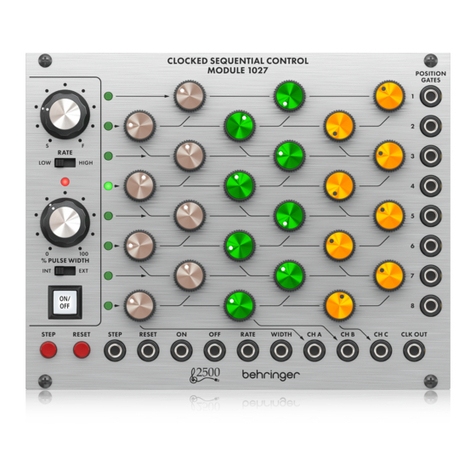
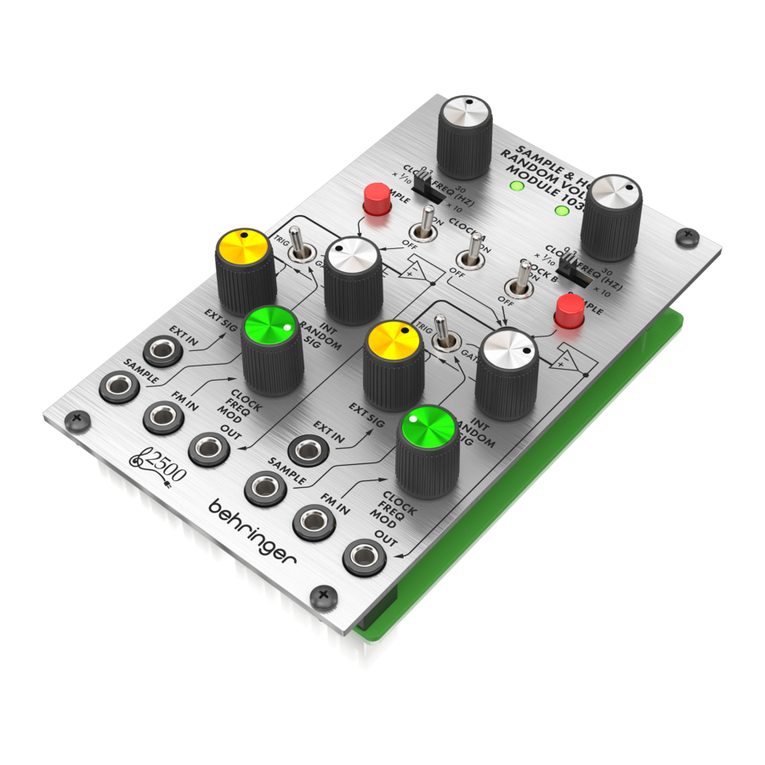
Behringer 2500 Series User manual

Behringer

Behringer 2500 Series User manual

Behringer 960 SEQUENTIAL CONTROLLER User manual

Behringer

Behringer 960 SEQUENTIAL CONTROLLER User manual

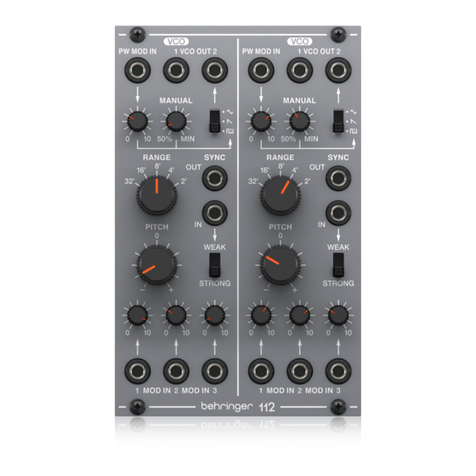
Behringer 112 DUAL VCO User manual

Behringer

Behringer 112 DUAL VCO User manual

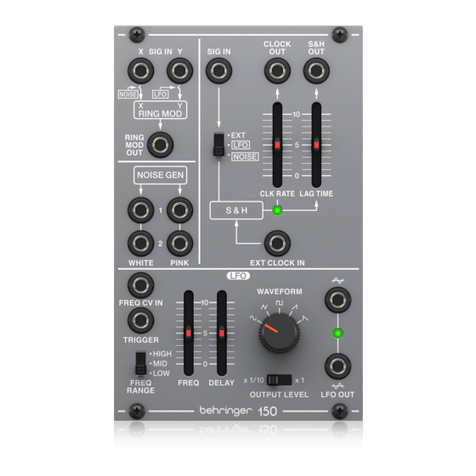
Behringer 150 RING MOD/NOISE/S&H/LFO User manual

Behringer

Behringer 150 RING MOD/NOISE/S&H/LFO User manual

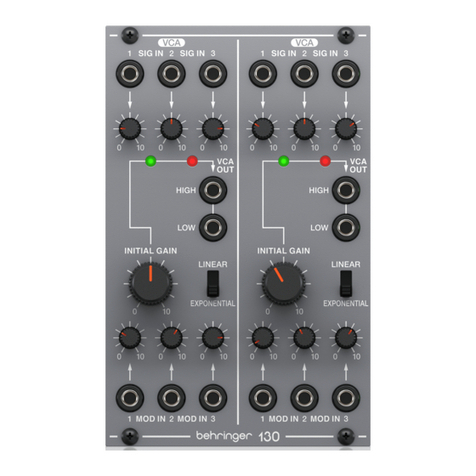
Behringer 130 DUAL VCA User manual

Behringer

Behringer 130 DUAL VCA User manual

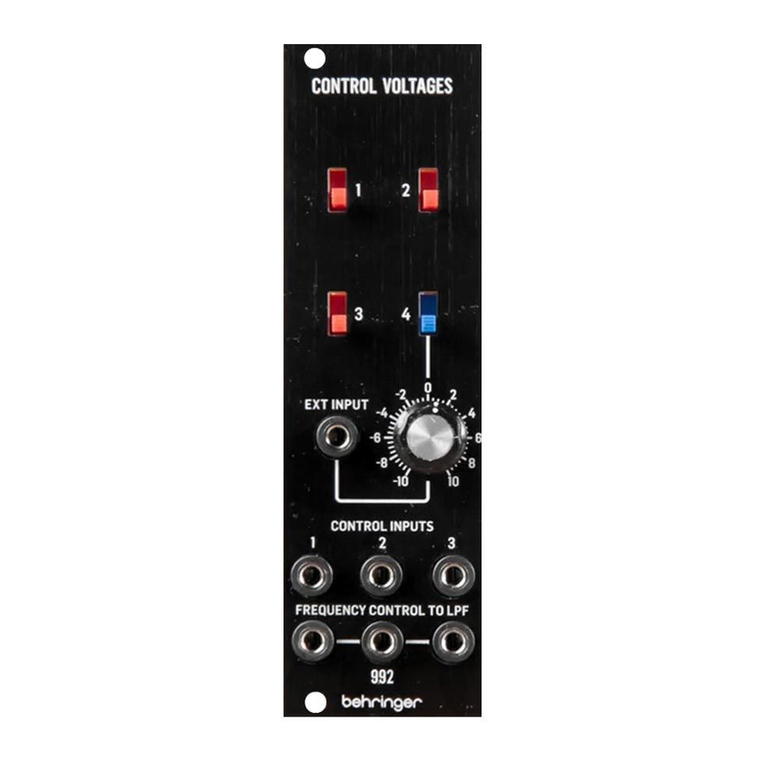
Behringer 992 CONTROL VOLTAGES User manual

Behringer

Behringer 992 CONTROL VOLTAGES User manual

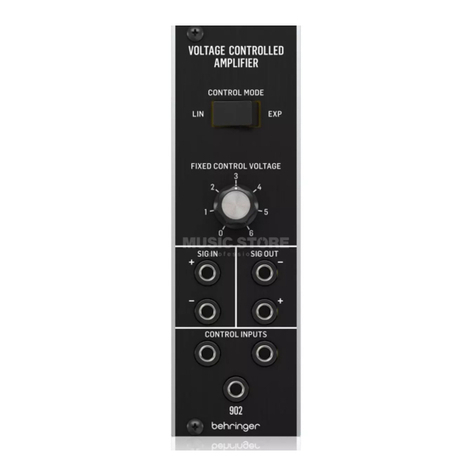
Behringer 902 User manual

Behringer

Behringer 902 User manual

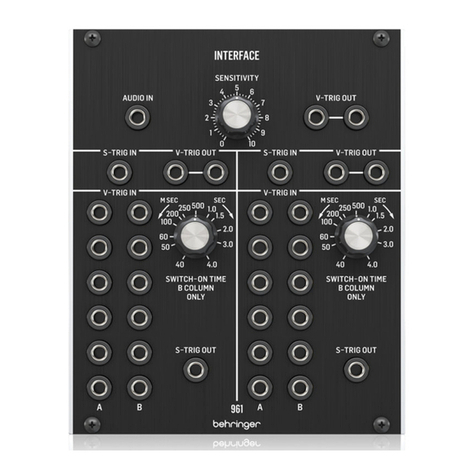
Behringer 961 Interface User manual

Behringer

Behringer 961 Interface User manual

Behringer 1027 User manual

Behringer

Behringer 1027 User manual

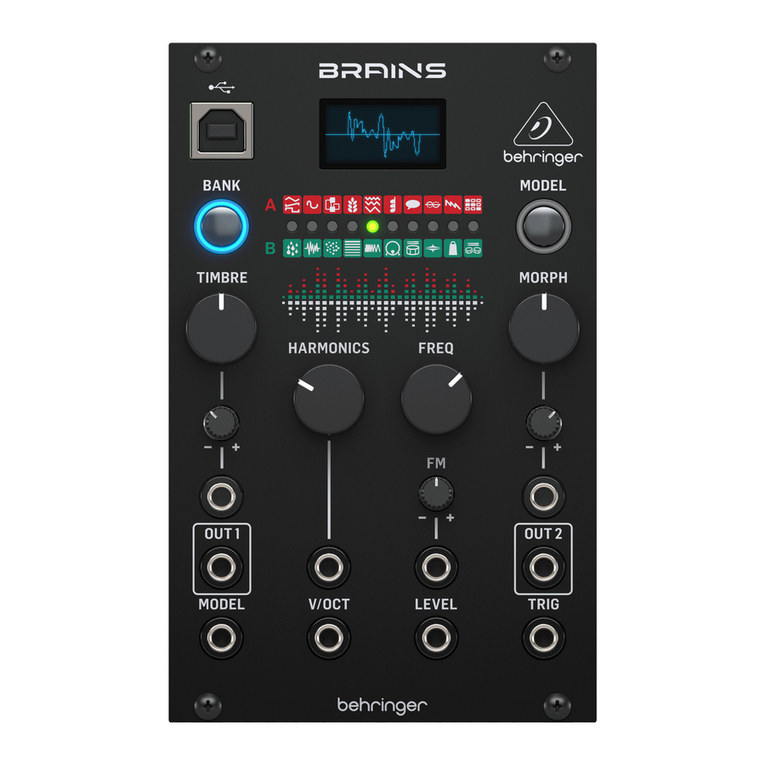
Behringer BRAINS User manual

Behringer

Behringer BRAINS User manual

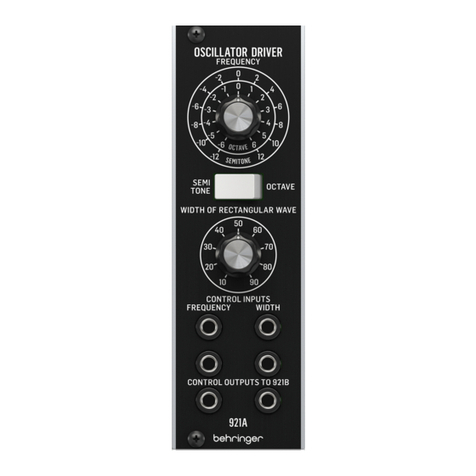
Behringer 921A Oscillator Driver User manual

Behringer

Behringer 921A Oscillator Driver User manual

Behringer 121 DUAL VCF User manual

Behringer

Behringer 121 DUAL VCF User manual

Behringer DUAL ENVELOPE GENERATOR MODULE 1003 User manual

Behringer

Behringer DUAL ENVELOPE GENERATOR MODULE 1003 User manual

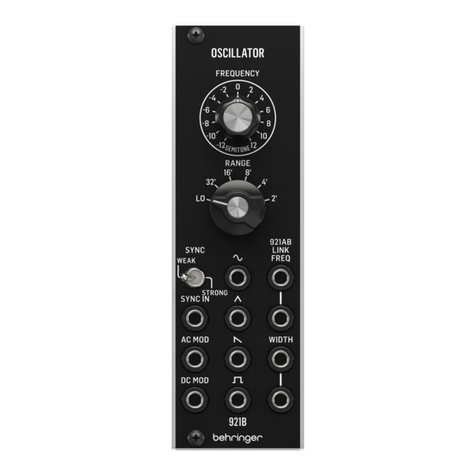
Behringer 921B OSCILLATOR User manual

Behringer

Behringer 921B OSCILLATOR User manual

Behringer 140 DUAL ENVELOPE/ LFO User manual
Behringer

Behringer 140 DUAL ENVELOPE/ LFO User manual

Behringer 2500 Series User manual

Behringer

Behringer 2500 Series User manual

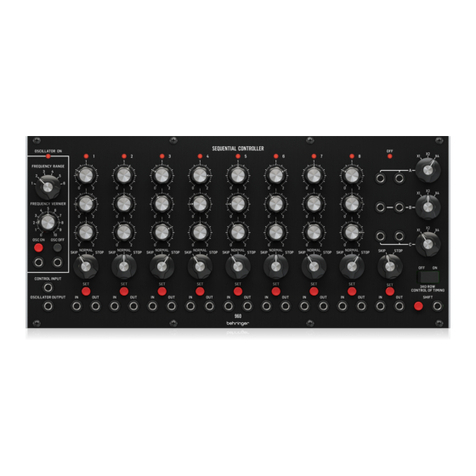
Behringer MIX-SEQUENCER MODULE 1050 User manual
Behringer

Behringer MIX-SEQUENCER MODULE 1050 User manual

Behringer 2500 Series User manual

Behringer

Behringer 2500 Series User manual

Behringer CP35 Attenuators User manual

Behringer

Behringer CP35 Attenuators User manual

Behringer MODAMP 2500 Series User manual

Behringer

Behringer MODAMP 2500 Series User manual

Behringer 994 MULTIPLES User manual

Behringer

Behringer 994 MULTIPLES User manual

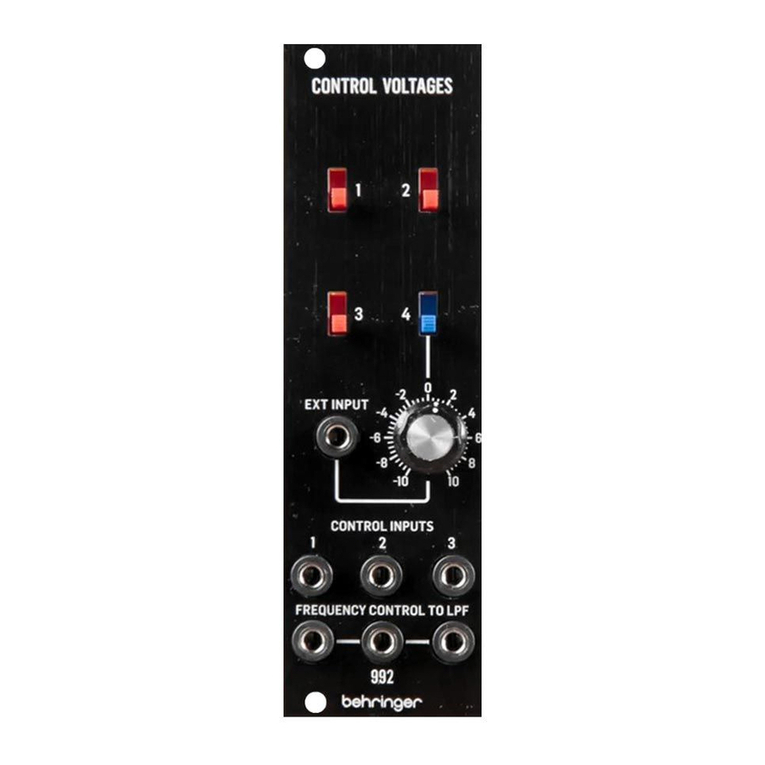
Behringer 992 CONTROL VOLTAGES User manual
Behringer

Behringer 992 CONTROL VOLTAGES User manual
Popular Control Unit manuals by other brands

Seitz 14A80 user manual

Seitz

Seitz 14A80 user manual

Wilo RS485 Installation and operating instructions

Wilo

Wilo RS485 Installation and operating instructions

Becker CentralControl CC41 Commissioning Instruction

Becker

Becker CentralControl CC41 Commissioning Instruction

SICK CDB650 operating instructions

SICK

SICK CDB650 operating instructions

Panduit NetKey NKP5E88M Series installation instructions

Panduit

Panduit NetKey NKP5E88M Series installation instructions

MX Options Concentric Petite Fitting instructions

MX

MX Options Concentric Petite Fitting instructions

Clean Water Systems Fleck 2510 Installation & start?up guide

Clean Water Systems

Clean Water Systems Fleck 2510 Installation & start?up guide

Fairchild FSB44104A user guide

Fairchild

Fairchild FSB44104A user guide

LEGRAND Wattstopper LMIN-104 installation instructions

LEGRAND

LEGRAND Wattstopper LMIN-104 installation instructions

PMK ATT10BNCS instruction manual

PMK

PMK ATT10BNCS instruction manual

Tektronix TDS3FFT user manual

Tektronix

Tektronix TDS3FFT user manual

Woodward easYgen Technical manual

Woodward

Woodward easYgen Technical manual

Balluff BNI EIP-502-105-R015 user guide

Balluff

Balluff BNI EIP-502-105-R015 user guide

NXP Semiconductors TWR-LS1021A Getting started

NXP Semiconductors

NXP Semiconductors TWR-LS1021A Getting started

Advantech PCM-3117 Startup manual

Advantech

Advantech PCM-3117 Startup manual

Danfoss MCO 101 manual

Danfoss

Danfoss MCO 101 manual

Moons' Lin Engineering R701P user manual

Moons'

Moons' Lin Engineering R701P user manual

Aventics RV1 operating instructions

Aventics

Aventics RV1 operating instructions

manuals.online logo
manuals.online logoBrands
  • About & Mission
  • Contact us
  • Privacy Policy
  • Terms and Conditions

Copyright 2025 Manuals.Online. All Rights Reserved.

Quick Start Guide
923 FILTERS
Legendary Analog Dual Filter Module
for Eurorack
Controls
(1) LOW PASS – This knob controls the threshold or “cuto”
frequency for the low pass lter. The low pass lter will
roll o all frequencies above this threshold frequency.
(2) LOW PASS IN/OUT – Route the incoming signal into the
low pass lter via the IN jack, and then send the outgoing,
ltered signal back out via the OUT jack. Connect the
incoming and outgoing signals by using cables with
3.5 mm TS connectors.
(3) HIGH PASS – This knob controls the threshold or “cuto”
frequency for the high pass lter. The high pass lter will
roll o all frequencies below this threshold frequency.
(4) HIGH PASS IN/OUT – Route the incoming signal into the
high pass lter via the IN jack, and then send the outgoing,
ltered signal back out via the OUT jack. Connect the
incoming and outgoing signals by using cables with
3.5 mm TS connectors.
(5) NOISE SOURCE/WHITE – Use these parallel jacks to
send out a white noise signal via cables with 3.5 mm
TS connectors.
(6) NOISE SOURCE/PINK – Use these parallel jacks to
send out a pink noise signal via cables with 3.5 mm
TS connectors.
Power Connection
The 923 FILTERS module comes with the required power cable
for connecting to a standard Eurorack power supply system.
Follow these steps to connect power to the module. It is easier to
make these connections before the module has been mounted
into a rack case.
1. Turn the power supply or rack case power o and
disconnect the power cable.
2. Insert the 16-pin connector on the power cable into the
socket on the power supply or rack case. The connector has
a tab that will align with the gap in the socket, so it cannot
be inserted incorrectly. If the power supply does not have
a keyed socket, be sure to orient pin 1 (-12 V) with the red
stripe on the cable.
3. Insert the 10-pin connector into the socket on the back of
the module. The connector has a tab that will align with the
socket for correct orientation.
4. After both ends of the power cable have been
securely attached, you may mount the module in a case and
turn on the power supply.
Installation
The necessary screws are included with the module for mounting
in a Eurorack case. Connect the power cable before mounting.
Depending on the rack case, there may be a series of xed holes
spaced 2 HP apart along the length of the case, or a track that
allows individual threaded plates to slide along the length
of the case. The free-moving threaded plates allow precise
positioning of the module, but each plate should be positioned
in the approximate relation to the mounting holes in your module
before attaching the screws.
Hold the module against the Eurorack rails so that each of the
mounting holes are aligned with a threaded rail or threaded plate.
Attach the screws part way to start, which will allow small
adjustments to the positioning while you get them all aligned.
After the nal position has been established, tighten the
screws down.
(1)
(2)
(3)
(4)
(5)
(6)
Controls
Low pass 1 x rotary knob
10 Hz to 10 kHz frequency range
High pass 1 x rotary knob
10 Hz to 10 kHz frequency range
Signal Connections
Low pass in / out 2 x 3.5 mm jack, DC coupled
Impedance input /
output
22 kΩ / 470 Ω, unbalanced
Maximum input /
output level
+19 dBu
Filter slope 6 dB / oct.
Noise -100 dBu, 22 Hz - 22 kHz
High pass in / out 2 x 3.5 mm jack, DC coupled
Impedance input /
output
22 kΩ / 470 Ω, unbalanced
Maximum input /
output level
+19 dBu
Filter slope 6 dB/oct.
Noise -90 dBu , 22 Hz -22 kHz
Noise source, white 2 x 3.5 mm jack, AC coupled
Impedance 700 Ω unbalanced
Output level 0 dBu, 22 Hz - 22 kHz
Noise source, pink 2 x 3.5 mm jack, AC coupled
Impedance 700 Ω unbalanced
Output level +4 dBu, 22 Hz - 22 kHz
Power
Power supply Eurorack
Current draw 35 mA (+12 V), 45 mA (-12 V)
Physical
Dimensions 35 x 40 x 129 mm
(1.4 x 1.6 x 5.1")
Rack units 8 HP
Weight 0.09 kg (0.20 lbs)
LEGAL DISCLAIMER
Music Tribe accepts no liability for any loss which may be suered by any person who relies either wholly or in part upon any description, photograph,
or statement contained herein. Technical specications, appearances and other information are subject to change without notice. All trademarks are the property
of their respective owners. Midas, Klark Teknik, Lab Gruppen, Lake,Tannoy, Turbosound, TC Electronic,TC Helicon, Behringer, Bugera, Auratone and Coolaudio are
trademarks or registered trademarks of Music Tribe Global Brands Ltd. © Music Tribe Global Brands Ltd. 2019 All rights reserved.
LIMITED WARRANTY
For the applicable warranty terms and conditions and additional information regarding MusicTribe’s LimitedWarranty, please see complete details online at
musictribe.com/warranty.
Zhongshan Eurotec Electronics Limited
No. 10 Wanmei Road, South China Modern Chinese Medicine Park, Nanlang Town, 528451, Zhongshan City, Guangdong Province, China
Specications