English–7
1 270 U20 XBP | (23.5.17) Bosch eBike Systems
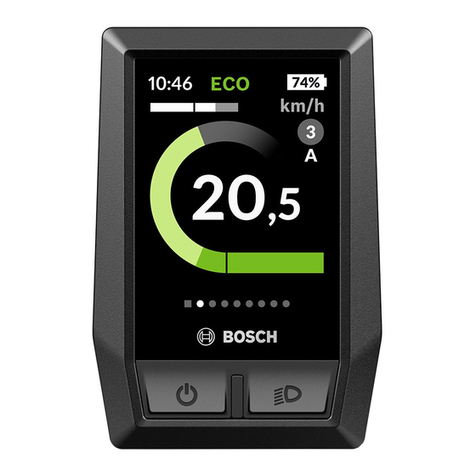
Setting the Assistance Level
On the on-board computer you can set how much the eBike
drive assists you while pedaling. The assistance level can
be changed at any time, even while cycling.
Note: For individual versions, it is possible that the assis-
tance level is preset and cannot be changed. It is also
possible that fewer assistance levels are available for
selection than listed here.
Once it is switched on, the eBike system is in the “OFF”
mode.
When the eBike is configured in “eMTB Mode” by the
manufacturer, the assistance level “SPORT” is replaced by
“eMTB”. In “eMTB Mode”, the assistance factor and
torque are dynamically adjusted as a function of the force
you exert on the pedals. “eMTB Mode” is only available for
Performance Line CX drives.
The following assistance levels (max.) are available:
–“OFF”: The motor assistance is switched off, the eBike
can be operated as a normal bicycle through pedaling.
–“ECO”: Effective assistance at maximum efficiency for
maximum cruising range
–“TOUR”: Uniform assistance, for touring with long
cruising range
–“SPORT”/“eMTB”:
“SPORT”: Powerful assistance for sporty off-road
riding, as well as for urban traffic
“eMTB”:Optimalassistance whateverthe terrain,rapid
acceleration when starting from a standstill, improved
dynamics and top performance.
–“TURBO”:Maximum assistance, supporting thehighest
speed for sporty riding
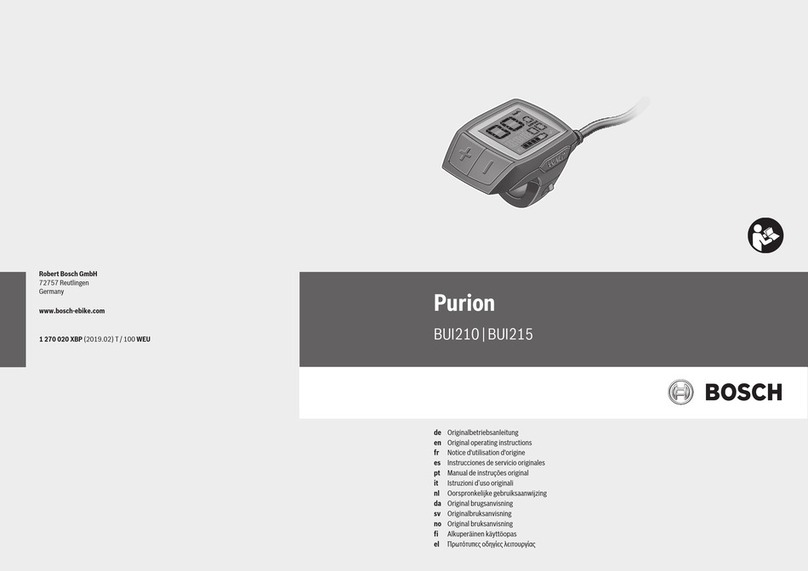
To increase the assistance level, short-press the button
“+” 6on the on-board computer repeatedly until the re-
quired assistance level appears in indicator i. To decrease
the assistance level, short-press the button “–”5.
Switching bike lights On/Off
In the version which has the bike lights powered by the
eBike system, medium-press the button “+” to switch
on the front and rear lights at the same time. To switch off
the bike lights, long-press the button “+”.
The lighting symbol his displayed when the light is on.
Switching the driving light on and off has no effect on the
backlightingforthedisplay. Thebacklightingforthedisplay
isactive as soon asthesystemor thedisplayis switched on.
Speed and Distance Indicator
The speed indicator aalways displays the current speed.
Indicator ialways displays the last setting as standard. Re-
peatedly medium-press the button “–” to display the
trip distance “TRIP”, the total distance “TOTAL” and the
range of the battery pack “RANGE” one after the other.
(Short-pressing the button “–” will decrease the assis-
tance level!)
The trip distance “TRIP” is reset by simultaneously long-
pressing the buttons “+” and “–”. The display will initial-
lyshow“RESET”.Ifyoucontinuetopressbothbuttons,the
trip distance “TRIP” will be set to “0”.
You can switch the displayed values from kilometers to
miles by holding down button “–” and briefly pressing
the On/Off button 1.
The versions of the subsystems can be displayed for the
purposes of servicing. With the system switched off,
simultaneously press buttons “–” and “+” and then press
the On/Off button 1.
OBJ_BUCH-2840-002.book Page 7 Tuesday, May 23, 2017 10:15 AM