
EnglishDeutsch
 logo
Brands
  1. Home
  2. •
  3. Brands
  4. •
  5. Canon
  6. •
  7. Toy
  8. •
  9. Canon Paper Craft Circus strongman User manual

Canon Paper Craft Circus strongman User manual

Other Canon Toy manuals

Canon Creative Park Marine iguana User manual
Canon

Canon Creative Park Marine iguana User manual

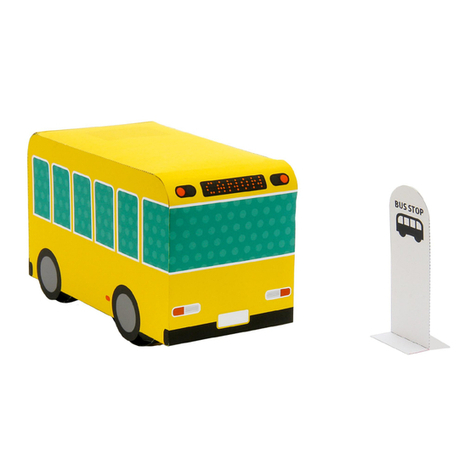
Canon Creative Park Elastic-powered Bus Quick start guide

Canon

Canon Creative Park Elastic-powered Bus Quick start guide

Canon PAPER CRAFT Pop-up Card Birdcage User manual

Canon

Canon PAPER CRAFT Pop-up Card Birdcage User manual

Canon Paper Craft Tower Bridge England User manual

Canon

Canon Paper Craft Tower Bridge England User manual

Canon Creative Park Pomeranian User manual

Canon

Canon Creative Park Pomeranian User manual

Canon Paper Craft Special Vehicle 01 Series User manual

Canon

Canon Paper Craft Special Vehicle 01 Series User manual

Canon CREATIVE PARK Bird Cage Canary User manual

Canon

Canon CREATIVE PARK Bird Cage Canary User manual

Canon Creative Park Crocodile User manual

Canon

Canon Creative Park Crocodile User manual

Canon Paper Craft Castel Sant'Angelo Italy User manual
Canon

Canon Paper Craft Castel Sant'Angelo Italy User manual

Canon Creative Park Toy Poodle User manual

Canon

Canon Creative Park Toy Poodle User manual

Canon Creative Park Performing white horses User manual

Canon

Canon Creative Park Performing white horses User manual

Canon Science Papercraft Biology Series User manual

Canon

Canon Science Papercraft Biology Series User manual

Canon CREATIVE PARK French Bulldog User manual

Canon

Canon CREATIVE PARK French Bulldog User manual

Canon Creative Park Articulated Ladder Truck User manual

Canon

Canon Creative Park Articulated Ladder Truck User manual

Canon PAPER CRAFT Pop-up Card Teacup User manual

Canon

Canon PAPER CRAFT Pop-up Card Teacup User manual

Canon Racer 539 Hawk User manual

Canon

Canon Racer 539 Hawk User manual
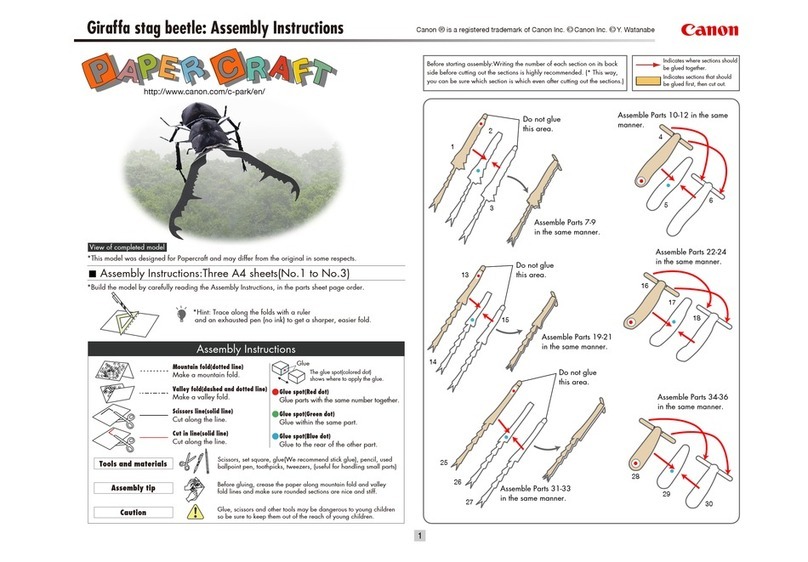
Canon PAPER CRAFT Giraffa stag beetle User manual

Canon

Canon PAPER CRAFT Giraffa stag beetle User manual

Canon PaperCraft Gift Box E User manual

Canon

Canon PaperCraft Gift Box E User manual

Canon Creativ Park User manual

Canon

Canon Creativ Park User manual
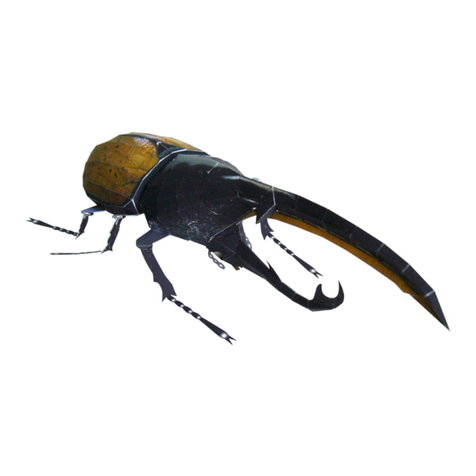
Canon Paper Craft Hercules Beetle User manual

Canon

Canon Paper Craft Hercules Beetle User manual
Canon CREATIVE PARK Falcon User manual

Canon

Canon CREATIVE PARK Falcon User manual

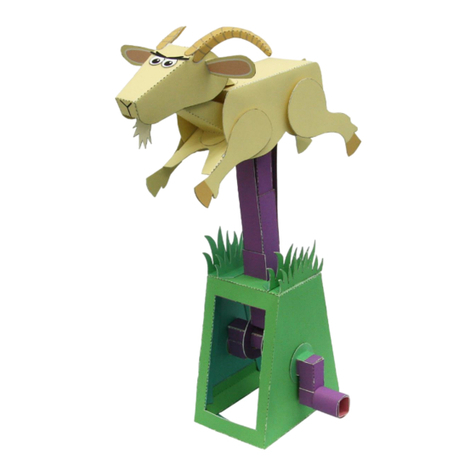
Canon Creative Park Leaping Goat Pattern User manual

Canon

Canon Creative Park Leaping Goat Pattern User manual

Canon CREATIVE PARK Pop-up Card User manual

Canon

Canon CREATIVE PARK Pop-up Card User manual

Canon Paper Craft Sydney Opera House(Australia) User manual

Canon

Canon Paper Craft Sydney Opera House(Australia) User manual

Popular Toy manuals by other brands

marklin 37321 instruction manual

marklin

marklin 37321 instruction manual

GREAT PLANES Pitts M-12S instruction manual

GREAT PLANES

GREAT PLANES Pitts M-12S instruction manual

NOCH 14261 manual

NOCH

NOCH 14261 manual

Hausler 450 SE V2 quick start

Hausler

Hausler 450 SE V2 quick start

Dynaflite Daydream instruction manual

Dynaflite

Dynaflite Daydream instruction manual

Kenner Batman 63651 instructions

Kenner

Kenner Batman 63651 instructions

LEGO 8527 instructions

LEGO

LEGO 8527 instructions

Multiplex EasyStar II Building instructions

Multiplex

Multiplex EasyStar II Building instructions

iKarus ECO 8 Assembly instruction

iKarus

iKarus ECO 8 Assembly instruction

Walkera 38 User handbook

Walkera

Walkera 38 User handbook

Hasbro TRANSFORMERS BUMBLEBEE manual

Hasbro

Hasbro TRANSFORMERS BUMBLEBEE manual

MD MXION SWD user manual

MD

MD MXION SWD user manual

Mattel Disney Pixar Cars Cozy Cone Spiral Rampway instructions

Mattel

Mattel Disney Pixar Cars Cozy Cone Spiral Rampway instructions

marklin 39671 user manual

marklin

marklin 39671 user manual

LEGO TECHNIC 8735 instructions

LEGO

LEGO TECHNIC 8735 instructions

Mattel HOTWHEELS DWL04 instructions

Mattel

Mattel HOTWHEELS DWL04 instructions

REVELL Bristol Beaufighter TF.X Assembly manual

REVELL

REVELL Bristol Beaufighter TF.X Assembly manual

Ravensburger 3D Puzzle La Tour Eiffel manual

Ravensburger

Ravensburger 3D Puzzle La Tour Eiffel manual

https://manuals.online logo
https://manuals.online logoBrands
  • About & Mission
  • Contact us
  • Privacy Policy
  • Terms and Conditions

Copyright 2026 Manuals.Online. All Rights Reserved.

(Moving) Circus strongman : Assembly Instructions ©Canon Inc. ©Hideharu Naitoh & unity design
Assembly Instructions
Mountain fold(dotted line)
Make a mountain fold.
Valley fold(dashed and dotted line)
Make a valley fold.
Scissors line(solid line)
Cut along the line.
Cut in line(solid line)
Cut along the line.
Glue spot(Red dot)
Glue parts with the same number together.
Glue spot(Green dot)
Glue within the same part.
Glue spot(Blue dot)
Glue to the rear of the other part.
Glue
The glue spot(colored dot)
shows where to apply the glue.
Tools and materials
Assembly tip
Caution
Scissors, set square, glue(We recommend stick glue), pencil, used
ballpoint pen, toothpicks, tweezers, (useful for handling small parts)
Before gluing, crease the paper along mountain fold and valley
fold lines and make sure rounded sections are nice and stiff.
Glue, scissors and other tools may be dangerous to young children
so be sure to keep them out of the reach of young children.
View of completed model
Assembly Instructions : Five A4 sheets (No. 1 to No. 5)
* The circus strongman
puts on an entertaining
performance,
raising and lowering
his arms when you move
the lever beneath the
frame up and down.
*Hint: Trace along the folds with a ruler
and an exhausted pen (no ink) to get a sharper, easier fold.
* Build the model by carefully reading the Assembly Instructions , in the parts sheet page order.
http://www.canon.com/c-park/en/
Before starting assembly : Writing the number of each section on its back side
before cutting out the sections is highly recommended.
(* This way, you can be sure which section is which even after cutting out
the sections.)
Indicates where sections should
be glued together.
Indicates where to insert sections.
Do not glue the sections together.
Round bar : Use to give parts a curved surface.
Tweezers : Useful in working with fine parts.
Be sure to build this model
carefully.
Glue the entire reverse sides of part 1 and
part 4 to each other, as shown in this illustration.
Take care in positioning and direction of
the parts when gluing them.
Caution : Spread the glue in a thin layer,
to prevent these parts from
warping after you glue them
together.
Glue part 2 to the remaining
uncovered area of part 4.
Glue the rear sides of part 2
and part 3 to each other,
lining these parts up.
(Moving) Circus strongman : Assembly Instructions ©Canon Inc. ©Hideharu Naitoh & unity design
Build two identical parts and use these as
the left and right sides of the frame.
Parts to
Parts to
Front corner Rear corner
(Moving) Circus strongman : Assembly Instructions ©Canon Inc. ©Hideharu Naitoh & unity design
Glue part 29 together in the same way.
Parts
and
Move the lever up and down to
check the movement of the arms.
Parts and
Parts to
Parts
to and
After assembling all the parts, glue the indicated
glue spots of part 31 to the glue spots indicated
as 1d on background parts 1 and 2.
Caution : Avoid gluing the
entire area of the surfaces
together, since this could
cause them to warp.
(Moving) Circus strongman : Assembly Instructions ©Canon Inc. ©Hideharu Naitoh & unity design
Assemble part 39 in
the same way as part 40.
(Moving) Circus strongman : Assembly Instructions ©Canon Inc. ©Hideharu Naitoh & unity design
With the model in a vertical position,
such as leaning against a wall,
check the overall movement of the parts.
Finished!













