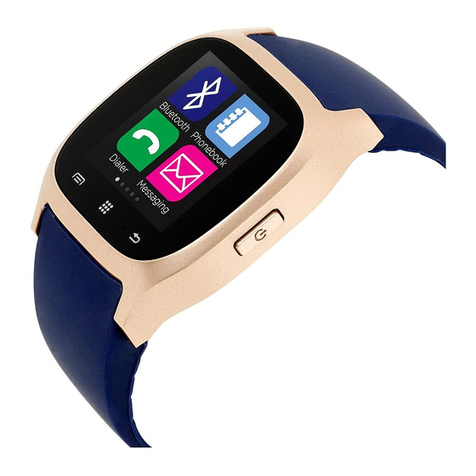
Your smartwatch
isn’t detected by a
smartphone
Make sure that Bluetooth,
GPS Location
Services with high precision
are active on
your smartphone
Your smartwatch
is detected by a
smartphone, but
fails to connect
Turn the smartwatch off
and then turn it back on
The smartwatch
is connected,
but many of the
functions are not
working.
(Android only) Make sure
that the smartwatch is
connected to the smartphone
via the Canyon Life app only,
and not paired via Android
Bluetooth setting
The smartphone
constantly
disconnects from
the app.
You must give a permission
for the application to run
in the background on your
phone. Read the detailed
instructions on the ofcial
Canyon website.
If the actions from above-mentioned list do not help,
please contact support service at Canyon web-site:
SAFETY INSTRUCTIONS
Read and follow all instructions before
usage of this device.
EN EN
1. Protect the device from excessive amount of
water: this smartwatch can be immersed in water for
up to a maximum depth of 1.5m underwater for up to
thirty minutes. It’s forbidden to use it for diving.
2. Protect the device from heat: do not place heating
devices near it, and do not expose to direct sunlight
during hot season for a long time.
3. Protect the device from breaking: avoid dropping
the device from over 0,5m to hard surfaces.
Do not use in hot water. This can lead to
damage to the device! Avoid contact between the
magnetic charger and other metal objects (i.e the
metal strap when charging).
WARRANTY LIABILITIES
Warranty period starts from the date of the device’s
purchase from the Seller, authorized by Canyon.
The date of purchase is indicated in your sales
receipt or a waybill. During warranty period, a repair,
replacement or refund of payment for goods are
performed on discretion.
Asbisc Enterprises PLC, 43, Diamond
Court, Kolonakiou Str, 4303, Limassol, Cyprus, Agios
Athanasios,