manuals.online logo
Brands
  1. Home
  2. •
  3. Brands
  4. •
  5. ComNav
  6. •
  7. Marine Equipment
  8. •
  9. ComNav 1101 User manual

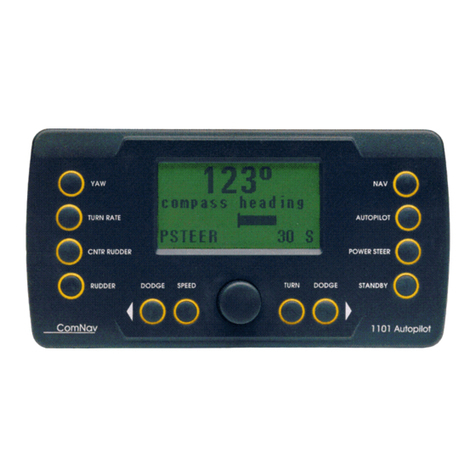
ComNav 1101 User manual

Other manuals for 1101

1

Other ComNav Marine Equipment manuals

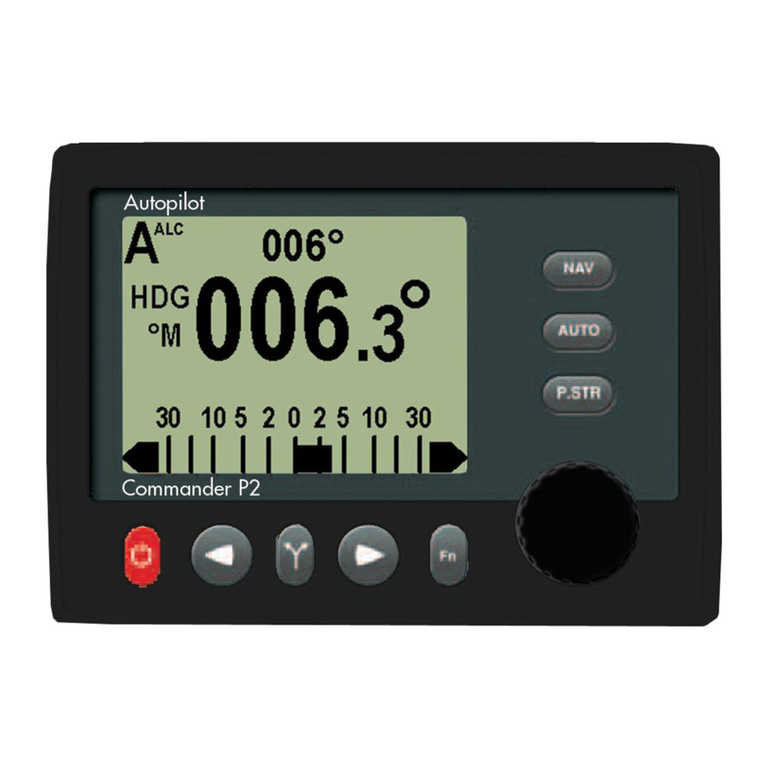
ComNav Commander P2 User manual

ComNav

ComNav Commander P2 User manual

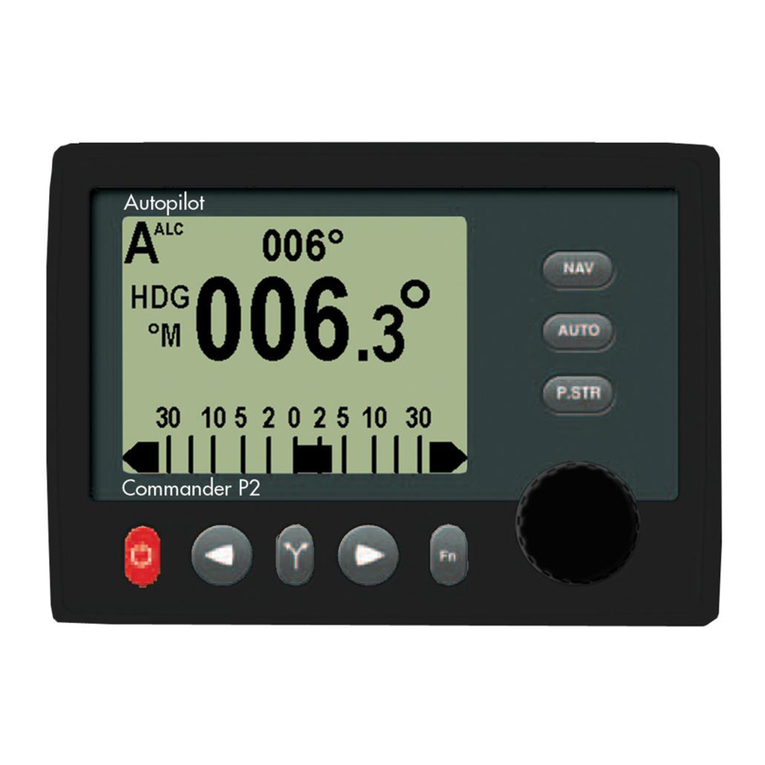
ComNav Commander P2 User manual

ComNav

ComNav Commander P2 User manual

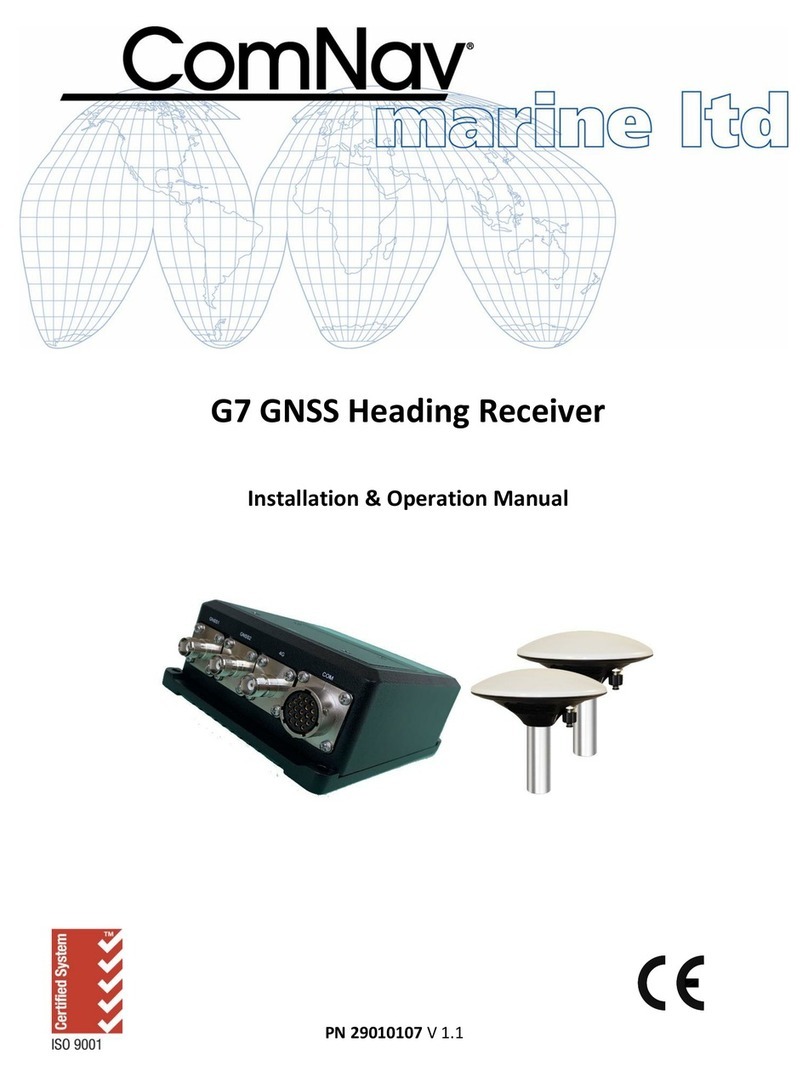
ComNav G7 User manual

ComNav

ComNav G7 User manual

ComNav 11101 User manual

ComNav

ComNav 11101 User manual

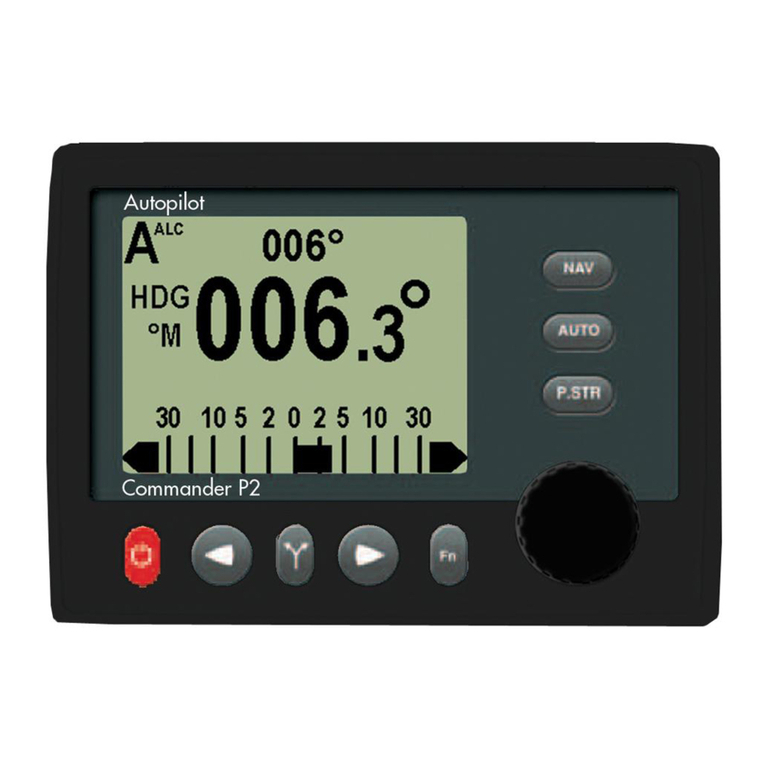
ComNav Commander P2 User manual

ComNav

ComNav Commander P2 User manual

Popular Marine Equipment manuals by other brands

POWERWINCH 825 Operation manual

POWERWINCH

POWERWINCH 825 Operation manual

JRC JLN-628 brochure

JRC

JRC JLN-628 brochure

DIGITAL YACHT PilotLink2 Product handbook

DIGITAL YACHT

DIGITAL YACHT PilotLink2 Product handbook

Clarion CMS2 Owner's manual & installation manual

Clarion

Clarion CMS2 Owner's manual & installation manual

EBS M7000 installation manual

EBS

EBS M7000 installation manual

Kongsberg M3 Bathy installation manual

Kongsberg

Kongsberg M3 Bathy installation manual

NPK SCS-1002 operating manual

NPK

NPK SCS-1002 operating manual

Furuno FE-800 installation manual

Furuno

Furuno FE-800 installation manual

Harken 1561 instructions

Harken

Harken 1561 instructions

Simrad DD15 manual

Simrad

Simrad DD15 manual

Notifier FS-BSO Installation and maintenance instructions

Notifier

Notifier FS-BSO Installation and maintenance instructions

Raymarine ST40 Quick reference guide

Raymarine

Raymarine ST40 Quick reference guide

Raymarine Maxiview ST80 Owner's handbook

Raymarine

Raymarine Maxiview ST80 Owner's handbook

E2S E2XS112UL Instructions/service manual

E2S

E2S E2XS112UL Instructions/service manual

GUIDANCE MARINE 20- Series Installer's guide

GUIDANCE MARINE

GUIDANCE MARINE 20- Series Installer's guide

R2Sonic 2026 Operation manual

R2Sonic

R2Sonic 2026 Operation manual

COBHAM SAILOR 6000 installation manual

COBHAM

COBHAM SAILOR 6000 installation manual

Raymarine ST60 Tridata Owner's handbook

Raymarine

Raymarine ST60 Tridata Owner's handbook

manuals.online logo
manuals.online logoBrands
  • About & Mission
  • Contact us
  • Privacy Policy
  • Terms and Conditions

Copyright 2025 Manuals.Online. All Rights Reserved.

ComNav 1101 Autopilot
NOTE: In the case of differences of interpretation as regards the terms used in various translations of this manual,
the English version shall be regarded as correct and shall supersede all other versions.
Copyright © 2002 by ComNav Marine Ltd.
This manual may not be reproduced in whole or in part without written permission from ComNav Marine Ltd.
Printed in Canada
1101 Autopilot System
Installation and Operation Manual
Version 5.0
Serial #
ComNav Marine Ltd.
15 - 13511 Crestwood Place, Richmond, BC, Canada V6V 2G1
Phone: (604) 207-1600 Fax: (604) 207-8008
Internet: www.comnavmarine.com e-mail: [email protected] Document PN 81313
06/11/02
ComNav 1101 Autopilot
Welcome
Congratulations on your purchase of ComNav Marines 1101
Autopilot System! At ComNav, we are proud of our prominence as a
leader in the design and manufacture of marine autopilot systems.
Our dedication to performance and reliability will ensure your
satisfaction with the ComNav 1101. Developed as a result of
ComNavs many years of experience in autopilot design, the 1101
system provides better performance and more features than any
other autopilot in its class.
Yours truly,
Richard Summers
Vice President Operations
ComNav Marine Ltd.
ComNav 1101 Autopilot
Warranty Notice
Prior to the installation and/or operation of the Equipment,
ensure that you read, understand and accept the condi-
tions of the warranties as detailed in Section 10 of this
manual.
Operators Warning
This Autopilot will automatically steer your vessel, however
it is only an aid to navigation. Its performance can be
affected by many factors including equipment failure,
environmental conditions and improper handling or use.
This system does not reduce your responsibility for the
control of the vessel when underway. You must always be
in a position to monitor the course, supervise the Autopi-
lot, and resume manual control if the need to do so arises.
Whenever underway, your vessel must be under the control
of a qualified and alert person.
ComNav 1101 Autopilot
Table of Contents
About This Manual - Section 1
- Important Terms in this Manual .....................................................................................................
How Autopilots Work - Section 2
- Basic Autopilot System .................................................................................................................
- Basic Operation ............................................................................................................................
- Tide, Wind and Current ..................................................................................................................
- Following a Track With an Autopilot .......................................................................................... ......
- Power Steer ..................................................................................................................................
System Overview - Section 3
- Control Head ................................................................................................................................
- Signal Processing Unit ..................................................................................................................
- Compasses ..................................................................................................................................
- Fluxgate Compass .....................................................................................................................
- Magnetic Compass ....................................................................................................................
- Magnetic Compass Sensor ........................................................................................................
- Other Compasses ......................................................................................................................
- Rudder Follower ............................................................................................................................
- Distribution Box ............................................................................................................................
- Optional Equipment .......................................................................................................................
- Heading Rate Stabilizer ..............................................................................................................
- Rudder Angle Indicator (RAI) 3 ..................................................................................................
- Secondary Control Heads ..........................................................................................................
- Auxiliary Station ........................................................................................................................
- Remote Controls .....................................................................................................................
Installation - Section 4
- Technical Requirements ................................................................................................................
- Control Head ................................................................................................................................
- Surface Mounting ......................................................................................................................
- Angle Bracket Mounting..............................................................................................................
- Signal Processing Unit ..................................................................................................................
- Distribution Box ............................................................................................................................
- Distribution Box Connections .........................................................................................................
- Autopilot Power .........................................................................................................................
- Unswitched Power .....................................................................................................................
- Port/Stbd Out ...........................................................................................................................
- Switched Power .........................................................................................................................
- Speed Control ...........................................................................................................................
- +5 VDC/Common ......................................................................................................................
- Motor Monitor .........................................................................................................................
- Jog Switch Inputs ....................................................................................................................
- Rudder Follower .............................................................................................................. .........
- Nav Signal/Return ...................................................................................................................
- RAI Signal/Return ....................................................................................................................
1- 1
1
2- 1
1
2
3
4
4
3- 1
3
5
6
6
6
6
6
7
7
8
8
9
9
9
10
4- 1
1
2
2
3
4
5
8
8
8
9
9
9
9
10
10
10
10
11
ComNav 1101 Autopilot
Table of Contents (continued)
- Compass Installation ..................................................................................................................
- ComNav Fluxgate Compass .....................................................................................................
- Magnetic Compasses ..............................................................................................................
- Mounting ComNav Compass Sensor .........................................................................................
- Rudder Follower ..........................................................................................................................
- Other Rudder Followers ............................................................................................................
- Heading Output Interface ............................................................................................................
- NMEA 0183 Output .................................................................................................................
- AD-10S Output ........................................................................................................................
- Post-Installation Checks ..............................................................................................................
- Hydraulic Checks .....................................................................................................................
- Electrical Checklist ..................................................................................................................
Getting Started - Section 5
- Introduction...................................................................................................................................
-STANDBY Mode ...........................................................................................................................
- On ............................................................................................................................................
- Off ............................................................................................................................................
- Changing Modes .......................................................................................................................
- Menu ......................................................................................................................... ...............
- Brightness ................................................................................................................................
- Contrast ...................................................................................................................................
- Battery Voltage .........................................................................................................................
-POWER STEER Mode ...................................................................................................................
- Menu ......................................................................................................................... ...............
- Dockside Setup ............................................................................................................................
- To per form a normal Reset .....................................................................................................
- To per form a Full Reset ..........................................................................................................
- Rudder Drive Test ......................................................................................................................
- Compass Configuration .............................................................................................................
- Rudder Hard-Over to Hard-over time ...........................................................................................
- Digital Rudder Angle Indicator (RAI) Adjustment .........................................................................
- Check External Rudder Angle Indicators (RAI) ............................................................................
- Sea Trials ...................................................................................................................................
- Fluxgate Compass Compensation .............................................................................................
- Compass Readout ...................................................................................................................
- Test POWER STEER Mode .......................................................................................................
Basic Operation - Section 6
- Introduction ..................................................................................................................................
-AUTOPILOT Mode ........................................................................................................................
- Dodge Function ............................................................................................................................
- Special Turns ...............................................................................................................................
- Emergency Turn ........................................................................................................................
- U Turn ......................................................................................................................................
- Continuous Circle Turn ..............................................................................................................
12
12
13
15
16
17
18
18
19
19
19
20
5- 1
1
2
2
2
2
2
3
3
3
3
4
4
4
5
6
8
9
11
11
12
12
14
15
6- 1
1
1
2
3
3
4
4

ComNav 1101 Autopilot
- Steering Response .......................................................................................................................
- Rudder .....................................................................................................................................
- Counter Rudder .........................................................................................................................
- Turn Rate ..................................................................................................................................
- Yaw ...........................................................................................................................................
- Fast/Slow Speed .......................................................................................................................
- Transfer to Aux/Remote Control .....................................................................................................
- Sea Trials in AUTOPILOT Mode ......................................................................................................
- Effects of Speed on Turning Performance ...................................................................................
- Set Speed Trip Point ..................................................................................................................
- Steering Parameters Menu .......................................................................................................
- Slow Settings ..........................................................................................................................
- Fast Settings ...........................................................................................................................
- Yaw .........................................................................................................................................
- Test Dodge Function ................................................................................................................
- Setup and Trial Special Turns ...................................................................................................
- Adjusting for Special Conditions ...................................................................................................
- Wave Action .................................................................................................................. ..........
- Very Slow Speed .....................................................................................................................
- Following Seas ........................................................................................................................
- Current, Wind and Tide ............................................................................................................
Advanced Operations - Section 7
- Introduction ..................................................................................................................................
- Navigation Interface ......................................................................................................................
- Steering Along a Track ..................................................................................................................
- Steering a Direct Bearing ..............................................................................................................
- Problems in NAV Mode .................................................................................................................
Setup & Sea Trials Checklist - Section 8 ......................................................................................
Problem Solving - Section 9
- Problems in DOCKSIDE SETUP Mode ............................................................................................
- Problems During Normal Operation of the Autopilot .........................................................................
- Error Messages ............................................................................................................................
Warranty Information - Section 10 ..............................................................................................
Specifications - Section 11
- General ........................................................................................................................................
- CE Compliance .............................................................................................................................
Users Notes and Settings - Section 12 ......................................................................................
5
5
5
5
6
6
8
8
8
9
10
10
12
15
15
16
17
17
17
18
18
7- 1
1
1
3
6
6
8- 1
9- 1
1
3
6
10 - 1
11 - 1
1
2
12 - 1
Table of Contents (continued)
ComNav 1101 Autopilot
List of Figures and Tables
Figure 1Basic Autopilot System ................................................................................................
Figure 2Heading change in PILOT mode .....................................................................................
Figure 31101 Autopilot System .................................................................................................
Table 1ComNav Remote Controls for use with 1101 Autopilot ...................................................
Figure 4Flush Mount Diagram ....................................................................................................
Figure 71101 Distribution Box Connections ...............................................................................
Table 2Minimum Recommended Wiring Gauges ..........................................................................
Figure 81101 Drive System Options & Interconnections .............................................................
Figure 5Angle Bracket Mounting Diagram ...................................................................................
Figure 6SPU Mounting Diagram .................................................................................................
Figure 9Magnetic Compass Sensor Installation ........................................................................
Figure 11DODGE Maneuver .......................................................................................................
Figure 12Emergency Turn ..........................................................................................................
Figure 13U-Turn ........................................................................................................................
Figure 14Continuous Circle Turn ................................................................................................
Table 5Turn Rate Correlation Table .............................................................................................
Figure 10Rudder Follower Linkage Detail ..................................................................................
Figure 15Vessel Responses ....................................................................................................
Table 3Rudder Follower Cable Connections ..............................................................................
Table 4Connections for Heading Output Cable ..........................................................................
Figure 16Representation of Track and Bearing to Destination ......................................................
Figure 17Response of Vessel to Cross-Track Error ......................................................................
2 - 1
4 - 6
4 - 4
4 - 3
3 - 2
2 - 3
4 - 2
4 - 7
6 - 4
6 - 3
4 - 17
4 - 15
6 - 2
6 - 4
7 - 3
6 - 15
7 - 4
3 - 10
6 - 6
4 - 17
4 - 5
4 - 18
ComNav 1101 Autopilot1- 1 ABOUT THIS MANUAL
1. About This Manual
This manual provides essential information for the safe and reliable
operation of the 1101 Autopilot System. You are urged to read this
manual in its entirety before you use your Autopilot for the first time,
and to keep it handy until you become thoroughly familiar with the
operation of your Autopilot.
Throughout this manual, you will see a number of different typefaces
used, as well as some distinct phrases, or jargon. Please take a
moment to become familiar with the following terms:
Important Terms in this Manual
Modes of Operation
Specific modes of operation are placed in bold uppercase lettering.
Example: POWER STEER mode.
Button
1101 Control Head buttons and controls are placed in uppercase lettering.
Example: the COUNTER RUDDER button.
System Component
Specific system components are capitalized.
Example: the 1101 Control Head, or a Handheld Remote Control.
LCD Display
Text that appears in the LCD display is in quotation marks.
Example: E-Turn
press
A button press refers to a single momentary activation of a particular button.
double-press
Press and release the indicated button twice in rapid succession.
Although this sounds a little complicated, it is actually very easy to do. Many users familiar with
desktop computers perform a similar function when they double-click their mouse pointer.
press and hold
Press and hold the indicated button for a minimum of one-half of a second.
This time delay is purposely programmed for the operation of some buttons to prevent casual or
accidental activation of the button function. For example, pressing the SPEED button can, depend-
ing on system configuration, drastically alter the steering performance of the Autopilot.
maintain
Hold the indicated button for as long as required to achieve a given result.
For example, to dodge, press either the PORT DODGE or STARBOARD DODGE button, and maintain
it in that position until the vessel has dodged clear of any obstructions in its path.
ComNav 1101 Autopilot
2. How Autopilots Work
The purpose of this section is to briefly describe in general terms what
an Autopilot does and some of the things you should expect when
using an Autopilot with your boat. As well as this section, you must
carefully read all the operating instructions in other parts of this manual
before operating your autopilot.
Basic Autopilot System
Figure 1 is a block diagram of the major components of an Autopilot
system.
The Compass indicates the direction in which the boat is pointed,
called the actual heading. Depending on the type of boat, you may
be using a magnetic compass, an electronic fluxgate compass or a
gyroscopic compass. A reliable Compass is absolutely vital to the
autopilot because without a compass the pilot has no way of know-
ing which way the boat is headed.
Figure 1Basic Autopilot System
HOW AUTOPILOTS WORK 2 - 1
ComNav 1101 Autopilot2- 2 HOW AUTOPILOTS WORK
The actual heading is fed electronically from the Compass to the Pro-
cessor, which is the heart of the Autopilot. The Processor contains
the microprocessors, electronic hardware and sophisticated control
software necessary to steer the boat.
The Control Head, normally located in the wheelhouse, is the inter-
face between the user (thats you) and the Autopilot. The Control
Head displays information about what the Autopilot is doing. It has
various controls (buttons or knobs) which allow the user to give com-
mands to the Autopilot.
The final part of the picture is the steering system. In order for the
Autopilot to steer the boat, there must be some sor t of steering actua-
tor capable of moving the rudder independently of the ships wheel.
This might be a hydraulic steering ram which acts on the tiller or an
electric motor connected to the steering cables. Electronic signals
from the Processor signal the Steering Actuator to move the rudder.
Your Autopilot also will have a Rudder Feedback, a device which tells
the Processor what position the rudder is in at any given time.
Basic Operation
Say, for example, the Autopilot was steering your boat northwest and
you wished to change direction to nor theast. To initiate the turn you
would turn the knob on the Control Head to set the desired heading to
450(i.e. northeast). The Processor would compare this to the boats
actual heading of 3150(northwest), as indicated by the Compass, and
calculate a difference of 900. This in turn would cause the Processor
to send a signal to the steering system to move the Rudder to star-
board so that the boat turns to the right. The Processor verifies that
the Rudder has moved by reading its position from the Rudder Feed-
back.
As the boat turns, the difference between the desired heading and the
actual heading gets smaller and the Processor starts to back off the
rudder so that the boat does not overshoot the desired heading. Even-
tually, the actual heading will match the desired heading. The Proces-
sor will keep steering the boat on a heading of 450, plus or minus 1/20,
until new instructions are received from the Control Head.
Figure 2 shows a vessel turning in AUTOPILOT mode.
Your ComNav Autopilot maintains a desired heading when it is in
AUTOPILOT mode. When the user first selects AUTOPILOT mode, the
Autopilot will use the current actual heading as the desired heading.
This important feature prevents the Autopilot from executing an unex-
pected turn when you first select AUTOPILOT mode.