manuals.online logo
Brands
  1. Home
  2. •
  3. Brands
  4. •
  5. Contro l4
  6. •
  7. Keypad
  8. •
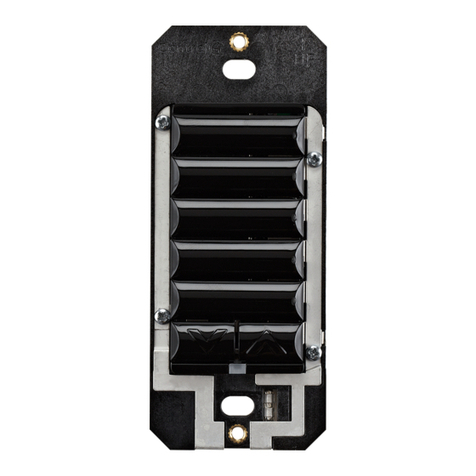
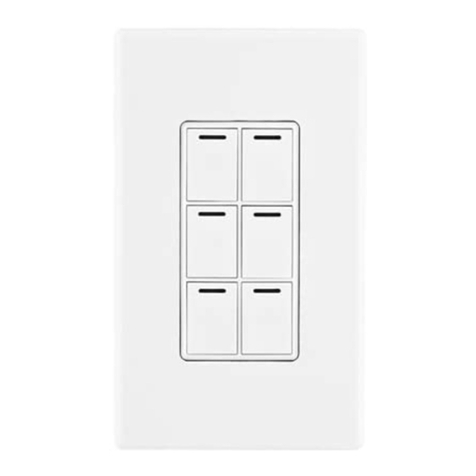
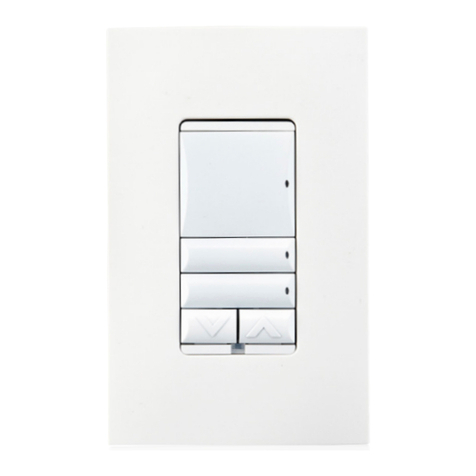
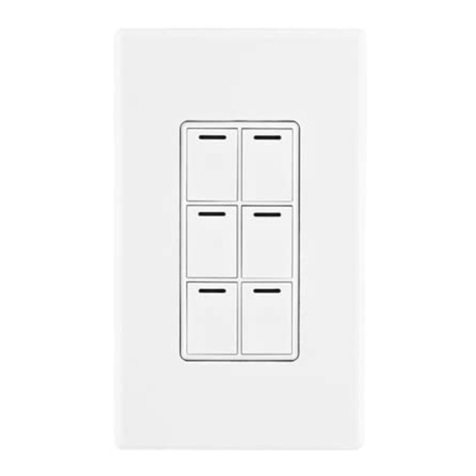
  9. Contro l4 Decora C4-KCB Series User manual

Contro l4 Decora C4-KCB Series User manual

Other Contro l4 Keypad manuals

Contro l4 C4-KD120 User manual

Contro l4

Contro l4 C4-KD120 User manual

Contro l4 C4-KP2-Z-W User manual

Contro l4

Contro l4 C4-KP2-Z-W User manual

Contro l4 C4-KA Series User manual

Contro l4

Contro l4 C4-KA Series User manual

Contro l4 C4-KA User manual

Contro l4

Contro l4 C4-KA User manual

Contro l4 C4-KC120277 User manual

Contro l4

Contro l4 C4-KC120277 User manual

Contro l4 C4-KA User manual

Contro l4

Contro l4 C4-KA User manual

Contro l4 C4-KA Series User manual

Contro l4

Contro l4 C4-KA Series User manual

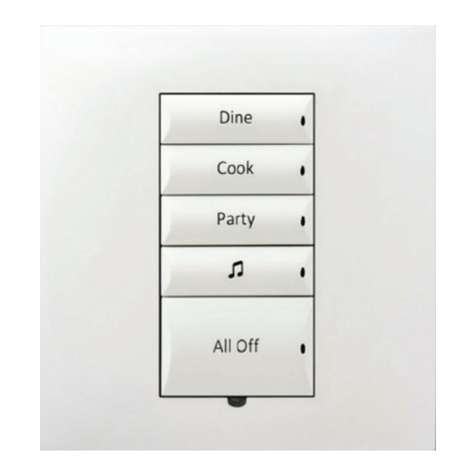
Contro l4 Decora C4-KCB-XX User manual

Contro l4

Contro l4 Decora C4-KCB-XX User manual

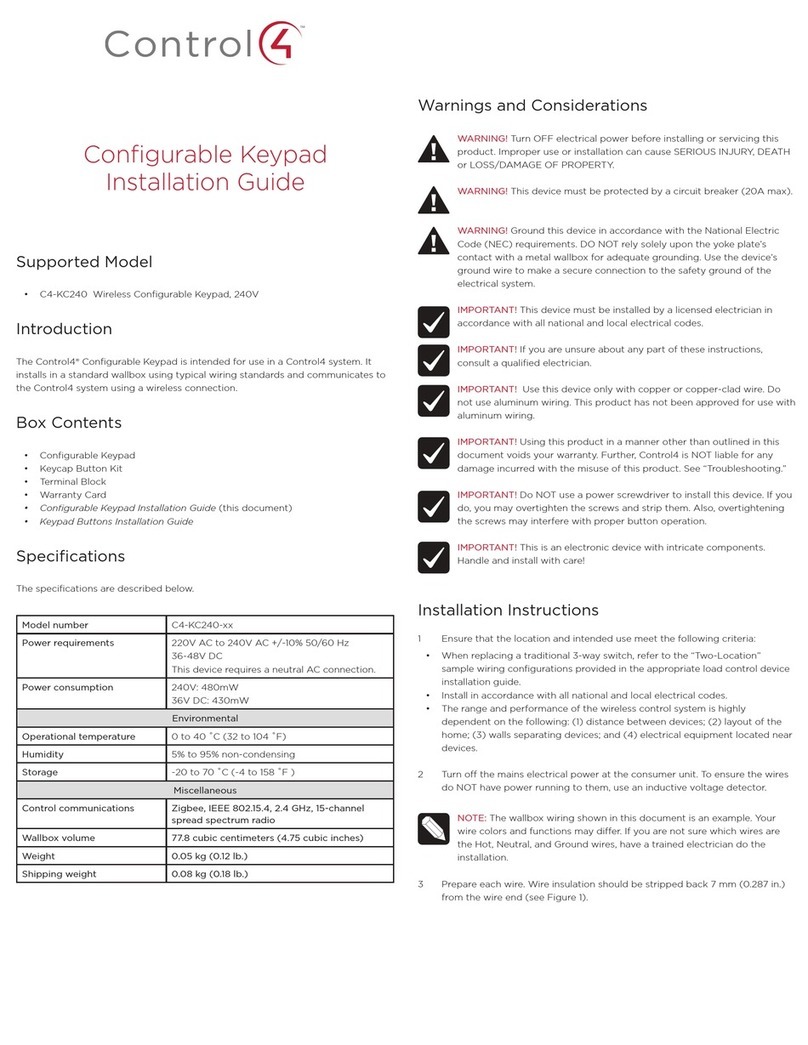
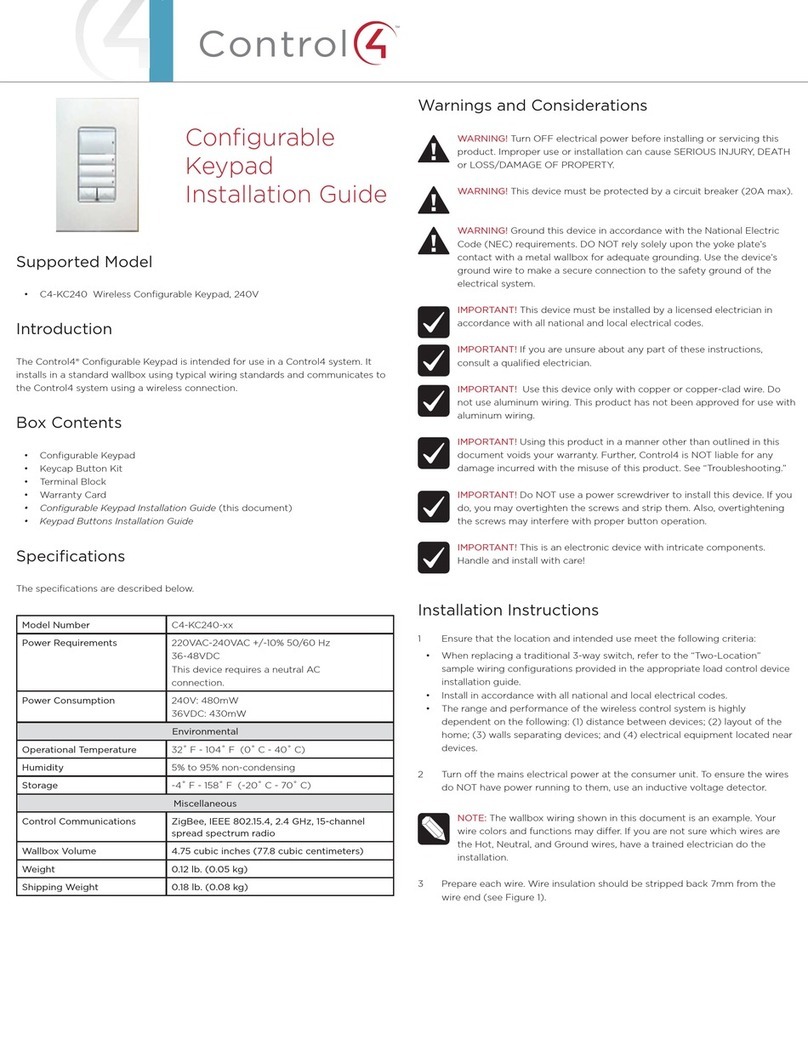
Contro l4 C4-KC240 User manual

Contro l4

Contro l4 C4-KC240 User manual

Contro l4 C4-SKC User manual

Contro l4

Contro l4 C4-SKC User manual

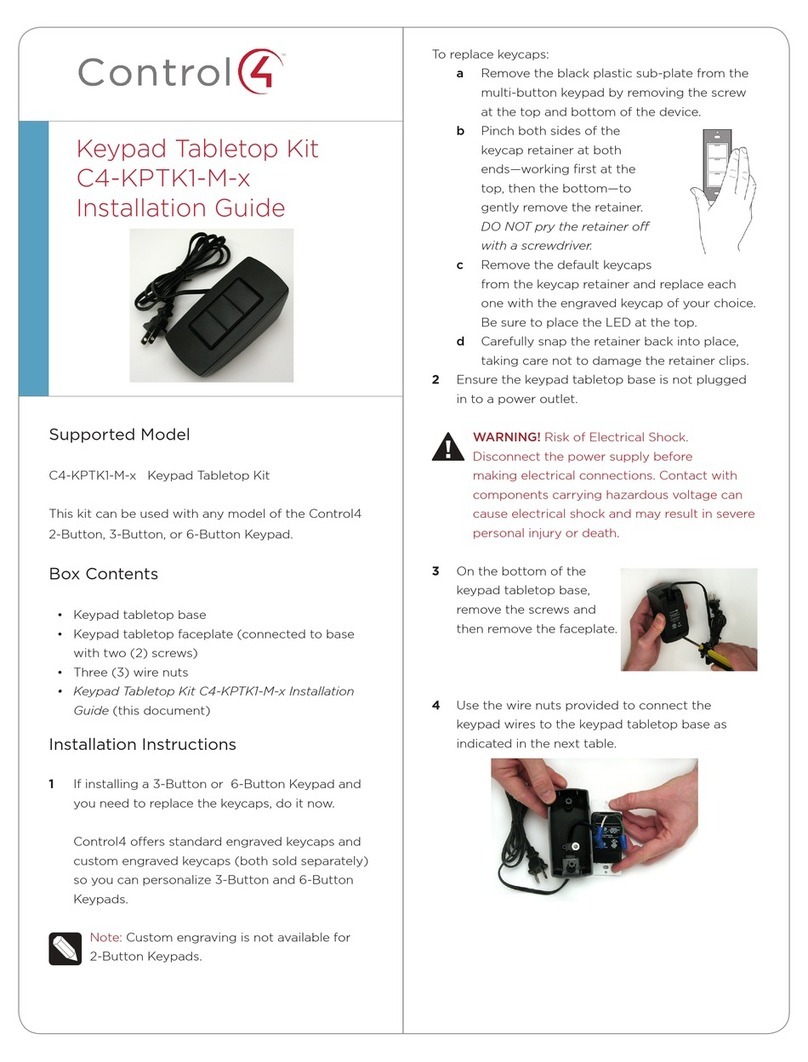
Contro l4 C4-KPTK1-M Series User manual

Contro l4

Contro l4 C4-KPTK1-M Series User manual

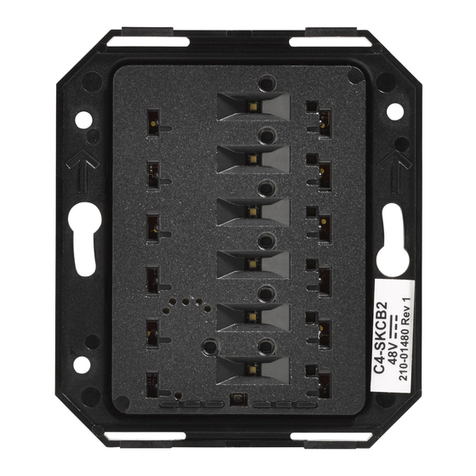
Contro l4 C4-SKCB2 User manual

Contro l4

Contro l4 C4-SKCB2 User manual

Contro l4 C4-KC120277 User manual

Contro l4

Contro l4 C4-KC120277 User manual

Contro l4 KPE-10B1 User manual

Contro l4

Contro l4 KPE-10B1 User manual

Contro l4 C4-SKC User manual

Contro l4

Contro l4 C4-SKC User manual

Contro l4 C4-KP2-Z User manual

Contro l4

Contro l4 C4-KP2-Z User manual

Contro l4 KPZ-3B1 User manual

Contro l4

Contro l4 KPZ-3B1 User manual

Contro l4 C4-KC120277 Series User manual

Contro l4

Contro l4 C4-KC120277 Series User manual

Contro l4 C4-KP2-Z-x User manual

Contro l4

Contro l4 C4-KP2-Z-x User manual

Contro l4 C4-KP2-Z User manual

Contro l4

Contro l4 C4-KP2-Z User manual

Contro l4 Auxiliary C4-KA Series User manual

Contro l4

Contro l4 Auxiliary C4-KA Series User manual

Contro l4 C4-KC240 User manual

Contro l4

Contro l4 C4-KC240 User manual

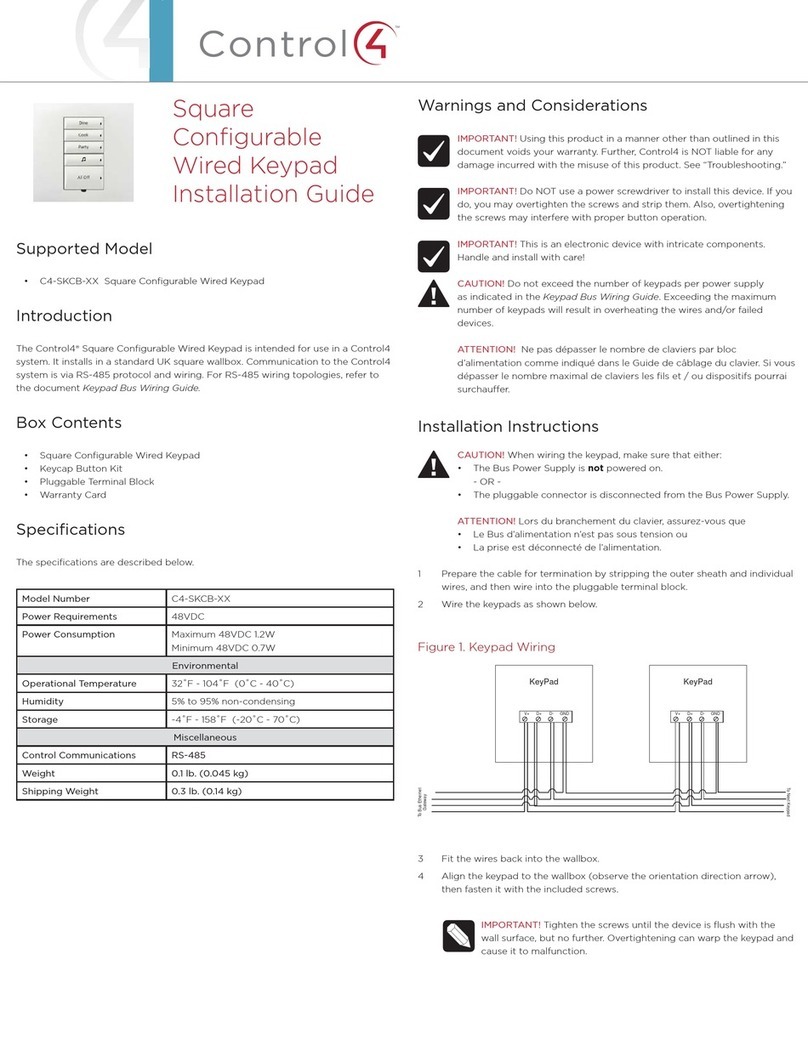
Contro l4 C4-SKCB-XX User manual

Contro l4

Contro l4 C4-SKCB-XX User manual

Contro l4 C4-KCB-XX User manual

Contro l4

Contro l4 C4-KCB-XX User manual

Popular Keypad manuals by other brands

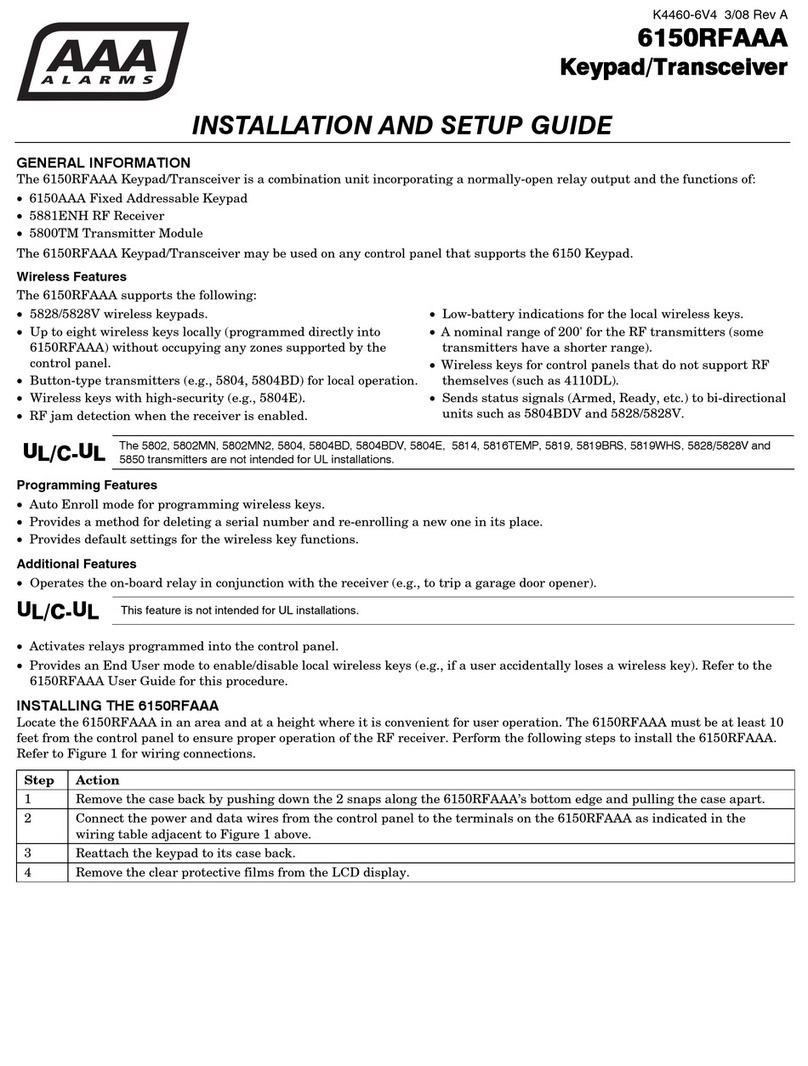
AAA 6150RFAAA Installation and setup guide

AAA

AAA 6150RFAAA Installation and setup guide

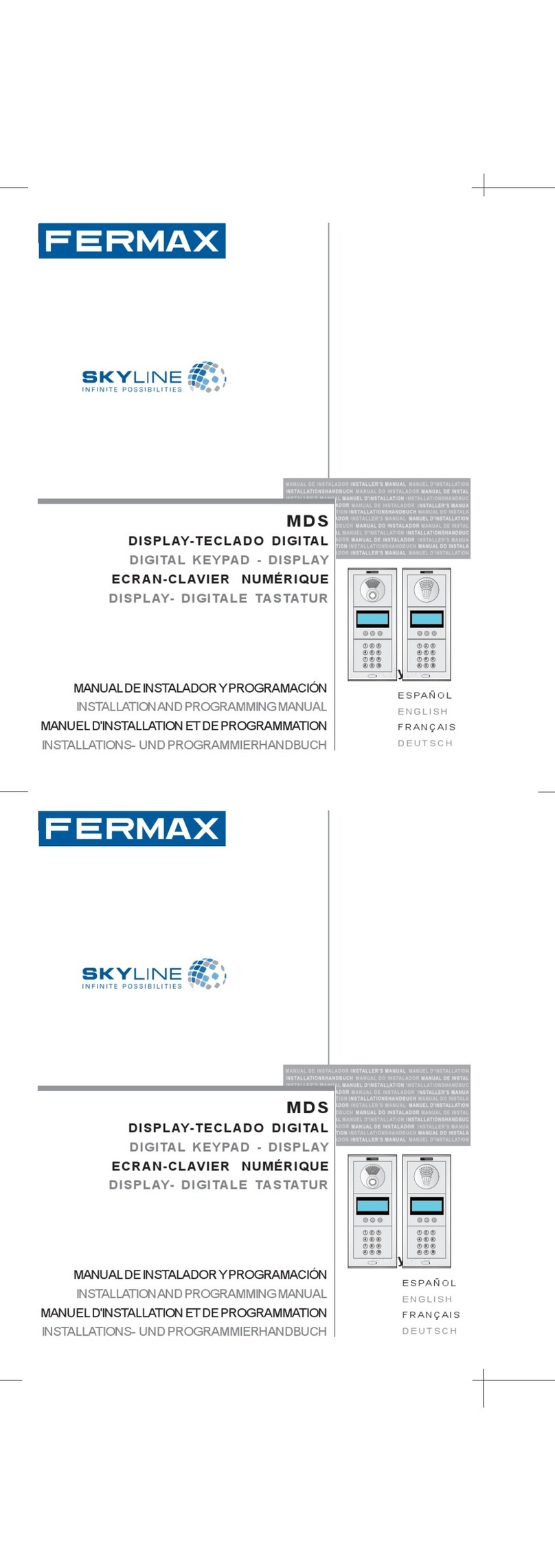
Fermax MDS Installation and programming manual

Fermax

Fermax MDS Installation and programming manual

ACT ACT PRO 1030 manual

ACT

ACT ACT PRO 1030 manual

Cardin SSB Series manual

Cardin

Cardin SSB Series manual

Harman Kardon KP 1 Specifications

Harman Kardon

Harman Kardon KP 1 Specifications

CYP CR-KP1 Operation manual

CYP

CYP CR-KP1 Operation manual

Aeware k-35 Series Quick reference card

Aeware

Aeware k-35 Series Quick reference card

Aritech CS-175 Series user guide

Aritech

Aritech CS-175 Series user guide

Lenze AC Tech MC SERIES installation instructions

Lenze AC Tech

Lenze AC Tech MC SERIES installation instructions

Burg Wächter secuENTRY 7711 operating instructions

Burg Wächter

Burg Wächter secuENTRY 7711 operating instructions

Aeware in.k450 Tech book

Aeware

Aeware in.k450 Tech book

Lenze EPM-H410 operating instructions

Lenze

Lenze EPM-H410 operating instructions

Toshiba RKP007Z user manual

Toshiba

Toshiba RKP007Z user manual

Elmes Electronic KB1 quick start guide

Elmes Electronic

Elmes Electronic KB1 quick start guide

Clare Controls ClareOne CLR-C1-PNC Installation sheet

Clare Controls

Clare Controls ClareOne CLR-C1-PNC Installation sheet

FM Electronics 4180 quick start guide

FM Electronics

FM Electronics 4180 quick start guide

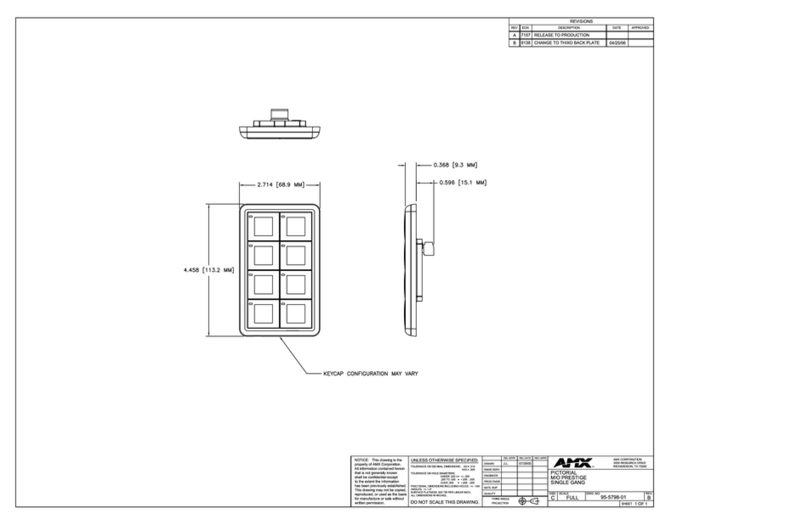
AMX MIO-PRESTIGE-S Dimensional drawing

AMX

AMX MIO-PRESTIGE-S Dimensional drawing

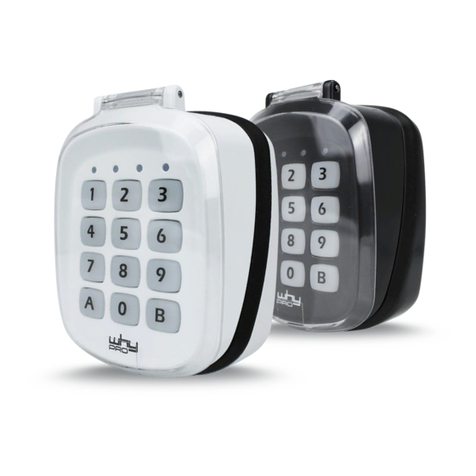
why pro WHY-KP user manual

why pro

why pro WHY-KP user manual

manuals.online logo
manuals.online logoBrands
  • About & Mission
  • Contact us
  • Privacy Policy
  • Terms and Conditions

Copyright 2025 Manuals.Online. All Rights Reserved.

Decora Wired
Keypad
Installation Guide
Supported model
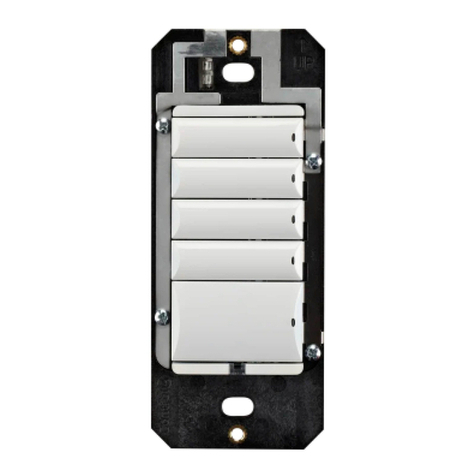
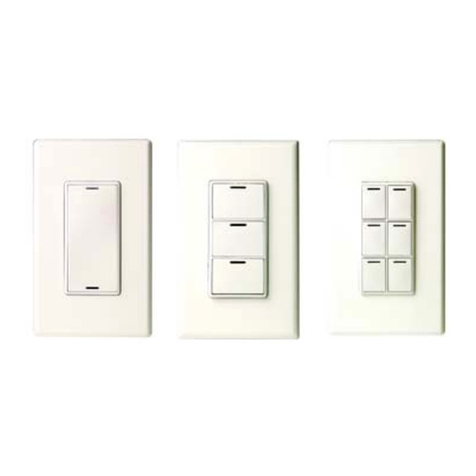
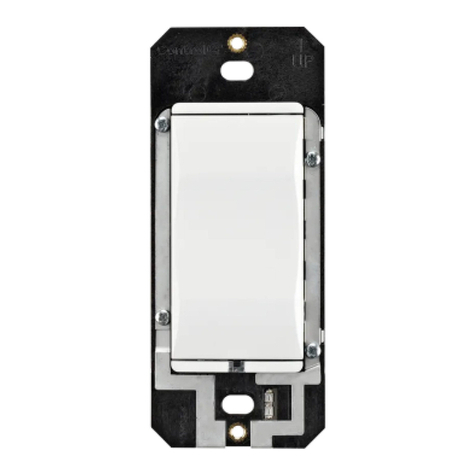
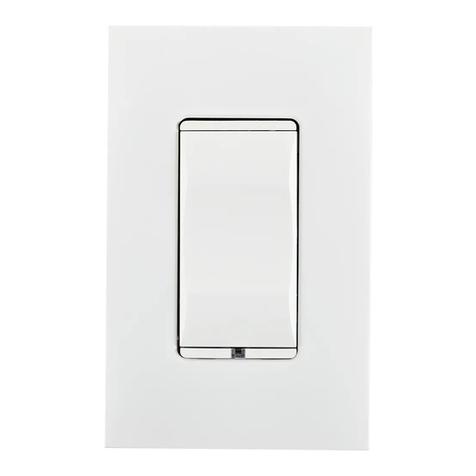
C4-KCB-XX Decora® Wired Keypad
Introduction
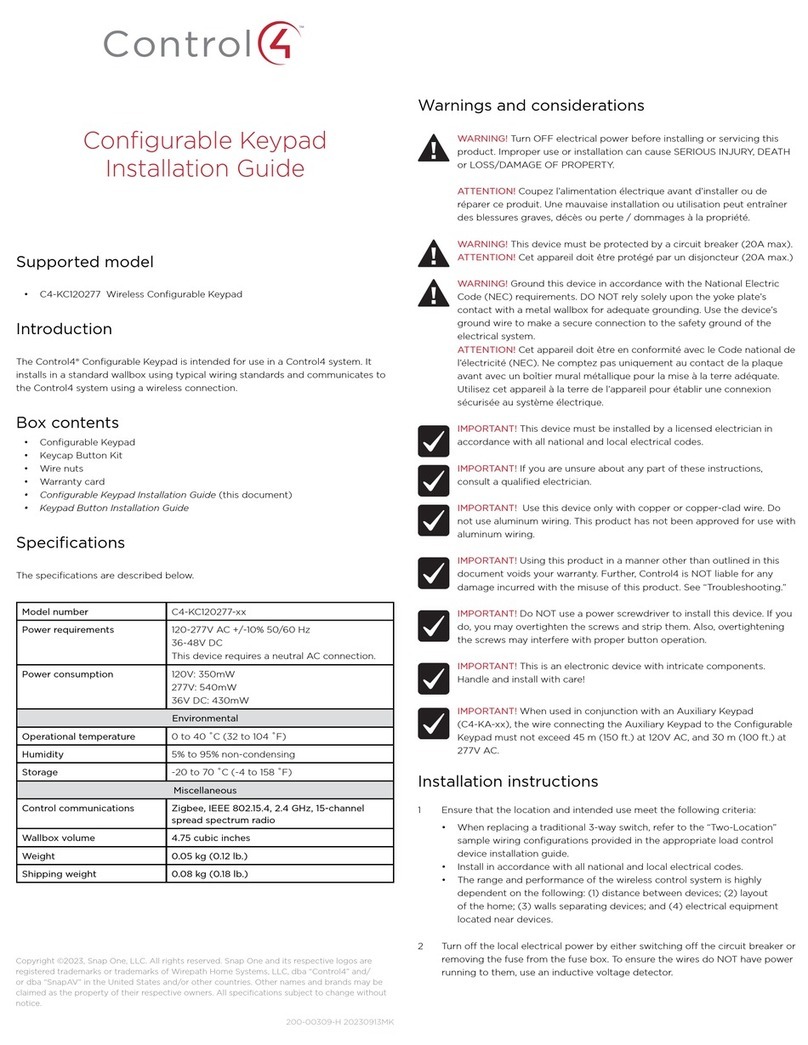
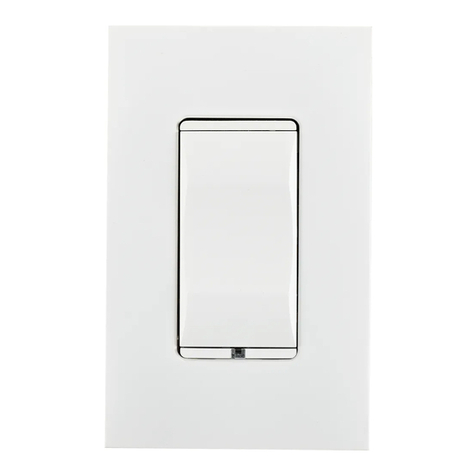
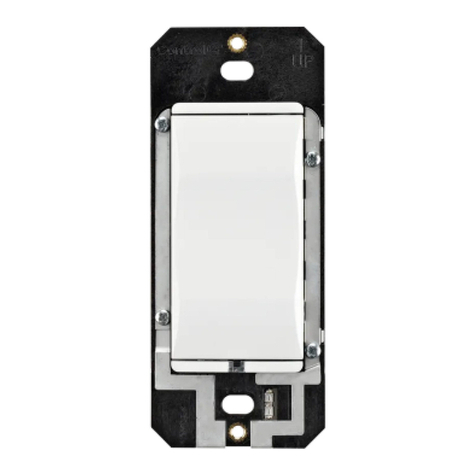
The Control4® Decora Wired Keypad is intended for use in a Control4 system. It
installs in a standard US wallbox. Communication to the Control4 system is via RS-
485 protocol and wiring. For RS-485 wiring topologies, refer to the Keypad Bus
Wiring Guide (
ctrl4.co/buswiring
).
Box contents
• Decora® Wired Keypad
• Keycap Button Kit
• Pluggable Terminal Block
• Warranty card
Specifications
Model number C4-KCB-XX
Power requirements 48VDC
Power consumption Maximum 48V DC 1.2W
Minimum 48V DC 0.7W
Environmental
Operational temperature 0 to 40 ˚C (32 to 104 ˚F)
Humidity 5% to 95% non-condensing
Storage -20 to 70 ˚C (-4 to 158 ˚F)
Miscellaneous
Control communications RS-485
Weight 0.045 kg (0.1 lb.)
Shipping weight 0.14 kg (0.3 lb.)
Warnings and considerations
Important: Using this product in a manner other than outlined in
this document voids your warranty. Further, Control4 is not liable
for any damage incurred with the misuse of this product. See
“Troubleshooting.”
Important: Do not use a power screwdriver to install this device. If you
do, you may overtighten the screws and strip them. Also, overtightening
the screws may interfere with proper button operation.
Important: This is an electronic device with intricate components.
Handle and install with care!
Caution! Do not exceed the number of keypads per power supply as
indicated in the Keypad Bus Wiring Guide. Exceeding the maximum
number of keypads will result in overheating the wires and/or failed
devices.
Installation instructions
Caution! When wiring the keypad, make sure that either:
• The Bus Power Supply is not powered on.
- OR -
• The pluggable connector is disconnected from the Bus Power
Supply.
1 Prepare the cable for termination by stripping the outer sheath and
individual wires, and then wire into the pluggable terminal block.
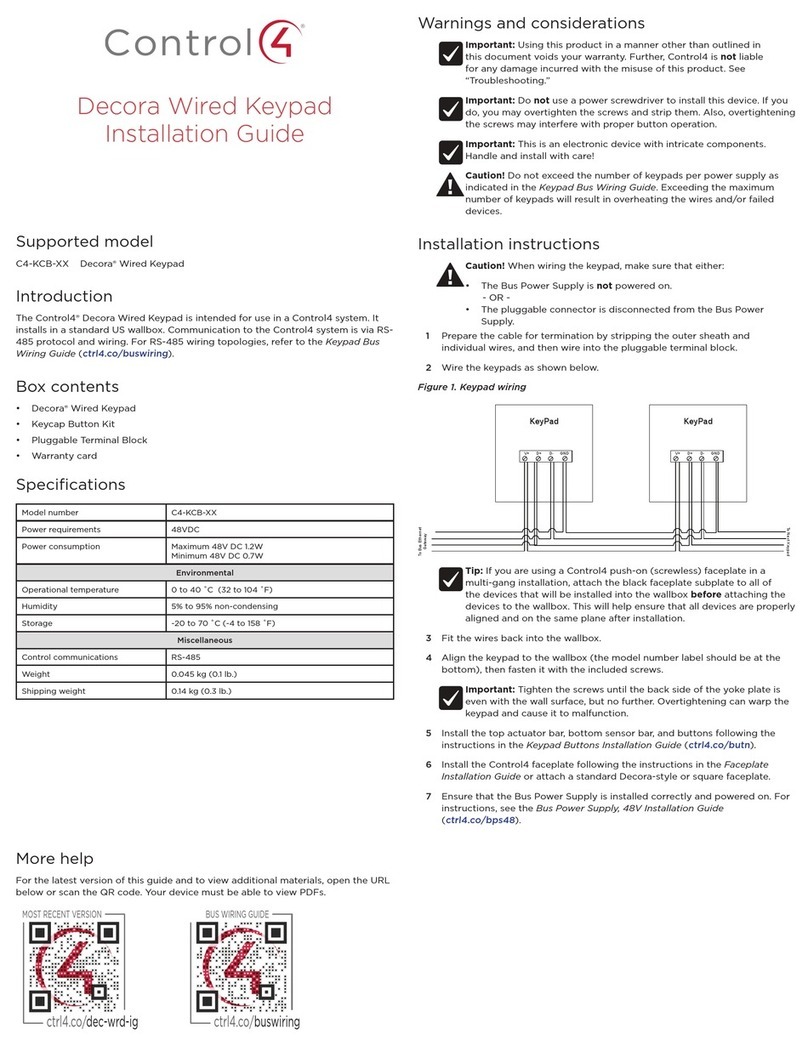
2 Wire the keypads as shown below.
Figure 1. Keypad wiring
Tip: If you are using a Control4 push-on (screwless) faceplate in a
multi-gang installation, attach the black faceplate subplate to all of
the devices that will be installed into the wallbox before attaching the
devices to the wallbox. This will help ensure that all devices are properly
aligned and on the same plane after installation.
3 Fit the wires back into the wallbox.
4 Align the keypad to the wallbox (the model number label should be at the
bottom), then fasten it with the included screws.
Important: Tighten the screws until the back side of the yoke plate is
even with the wall surface, but no further. Overtightening can warp the
keypad and cause it to malfunction.
5 Install the top actuator bar, bottom sensor bar, and buttons following the
instructions in the Keypad Buttons Installation Guide (
ctrl4.co/butn
).
6 Install the Control4 faceplate following the instructions in the Faceplate
Installation Guide or attach a standard Decora-style or square faceplate.
7 Ensure that the Bus Power Supply is installed correctly and powered on. For
instructions, see the Bus Power Supply, 48V Installation Guide
(
ctrl4.co/bps48
).
KeyPad KeyPad
V+ GNDD+ D- V+ GNDD+ D-
To Bus Ethernet
Gateway
To Next Keypad
More help
For the latest version of this guide and to view additional materials, open the URL
below or scan the QR code. Your device must be able to view PDFs.
MOST RECENT VERSION
ctrl4.co/dec-wrd-ig
BUS WIRING GUIDE
ctrl4.co/buswiring

Wiring diagrams
For bus wiring details, refer to the Keypad Bus Wiring Guide (
ctrl4.co/buswiring
).
Operation and configuration
On initial power up, all status LEDs on the keypad will illuminate green, indicating
that the device has power. Until the keypad has been configured into a Control4
system, it will not control any loads. To set up this keypad for use with a Control4
system, refer to the Composer Pro User Guide (
ctrl4.co/cpro-ug
).
Button tap sequences
The button tap sequences are defined in the table below. Button tap sequences
that require a single button should use the top-most button installed on the
keypad. Button tap sequences requiring two buttons should use the top-most and
bottom-most (or bottom-left) buttons installed on the keypad.
Function Button sequence
Identify 4
Reboot 15
Factory Reset 9-4-9
Unidentify 13-4-13
Troubleshooting
If the LEDs do not light up indicating that the keypad is receiving power:
• Ensure that the Bus Power Supply is powered on.
• Ensure that the Bus Ethernet Gateway is powered on and connected.
• Check for proper wiring (see “Installation instructions” above).

• For help on the installation or operation of this product, email or call the
Control4 Technical Support Center. Provide your exact model number. Contact
support@control4.com or see
www.control4.com
.
Care and cleaning

• Do not paint the keypad or its wall plate.
• Do not use any chemical cleaners to clean the keypad.
• Clean surface of the keypad with a soft damp cloth as needed.
Regulatory/safety information
To review regulatory information for your particular Control4 products, see the
information located on the Control4 website at
ctrl4.co/reg
.
Warranty
For complete warranty information, including details on consumer legal rights as

well as warranty exclusions, visit
ctrl4.co/warranty
.
Patent information
Applicable patents are available at
ctrl4.co/patents
Copyright ©2020, Wirepath Home Systems, LLC. All rights reserved. Control4 and Snap AV and
their respective logos are registered trademarks or trademarks of Wirepath Home Systems, LLC,
dba “Control4” and/or dba “SnapAV” in the United States and/or other countries. Snap AV and
Wirepath are also registered trademarks or trademarks of Wirepath Home Systems, LLC. Other
names and brands may be claimed as the property of their respective owners. All specifications
subject to change without notice.
200-00346-D 2020-02-17 MS