Mounting into a Rack
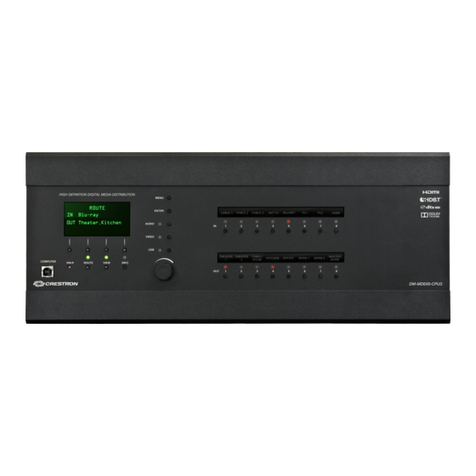
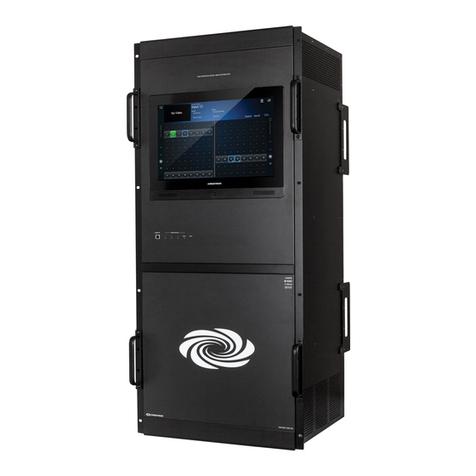
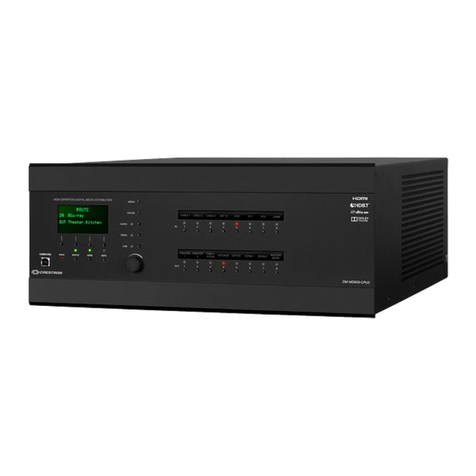
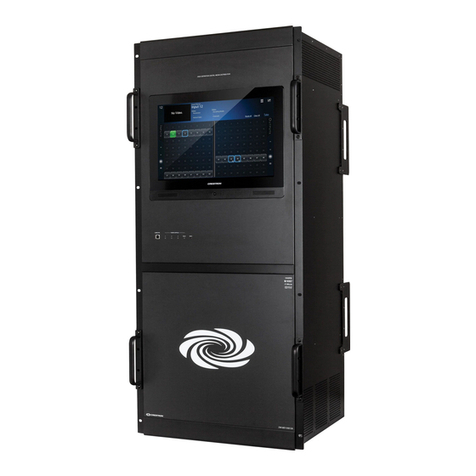
The DM-MD64X64 occupies 14 RU of rack space. The DM-MD128X128
occupies 24 RU of rack space.
WARNING: To prevent bodily injury when mounting or servicing the
unit in a rack:
lWhen mounting the unit into a partially filled rack, load the rack
from the bottom to the top with the heaviest component at the
bottom of the rack.
lIf the rack is provided with stabilizing devices, install the stabilizers
before mounting or servicing the unit in the rack.
NOTE: Observe the following rack mount installation guidelines:
lElevated Operating Ambient Temperature: If installed in a closed or
multi-unit rack assembly, the operating ambient temperature of
the rack environment may be greater than room ambient
temperature. Therefore, consideration should be given to installing
the equipment in an environment compatible with the maximum
ambient temperature (Tma) specified by the manufacturer.
lReduced Airflow: Installation of the equipment in a rack should be
such that the amount of airflow required for safe operation of the
equipment is not compromised.
lMechanical Loading: Mounting of the equipment in the rack should
be such that a hazardous condition is not achieved due to uneven
mechanical loading.
lCircuit Overloading: Consideration should be given to the
connection of the equipment to the supply circuit and the effect
that overloading of the circuits might have on overcurrent
protection and supply wiring. Appropriate consideration of
equipment nameplate ratings should be used when addressing this
concern.
lReliable Earthing: Reliable earthing of rack-mounted equipment
should be maintained. Particular attention should be given to supply
connections other than direct connections to the branch circuit
(forexample, use of power strips).
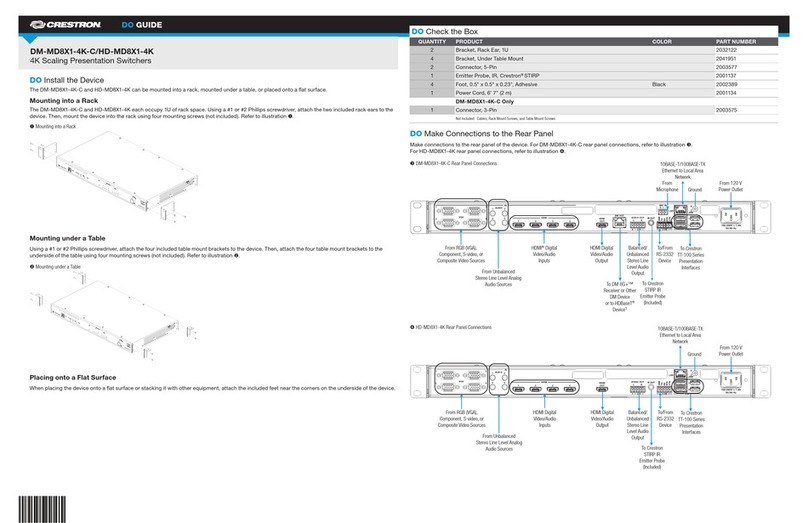
The DigitalMedia switcher has rack ears integrated into the chassis.
Therack ears cannot be removed. To attach the DigitalMedia switcher to
a rack, use four mounting screws (not included) for each rack ear.
Placing onto a Flat Surface
Rubber feet are provided for placement of the device on a flat surface.
Attach the included feet near the corners on the underside of the device.
Connect the Device
Input/output (I/O) blades and the CPU blade are installed prior to
shipment of the DigitalMedia switcher. Make connections to the blades as
appropriate for the application. For information about blade connections,
refer to the DM-MD64X64/DM-MD128X128 Supplemental Guide
(Doc.7318) at www.crestron.com/manuals.
2
DM-MD64X64 and DM-MD128X128 QuickStart
DigitalMedia™ Switchers