1
DFI reserves the right to change the specications at any time prior to the product's release. For the latest revision and details of the
installation process, please refer to the user's manual.
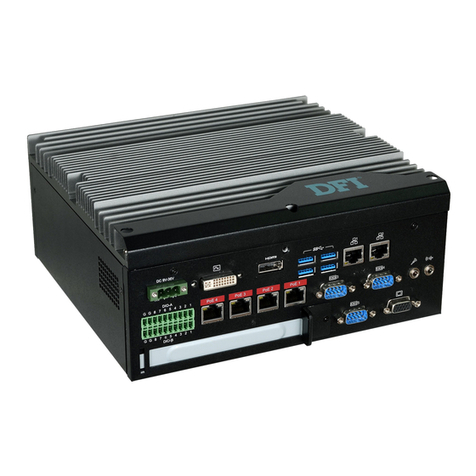
EC510/511-KH Installation Guide
Package Contents
www.d.com
•
EC510/511-KH system unit
• Quick Installation Guide
•
CD disk includes:
- Drivers / Manual
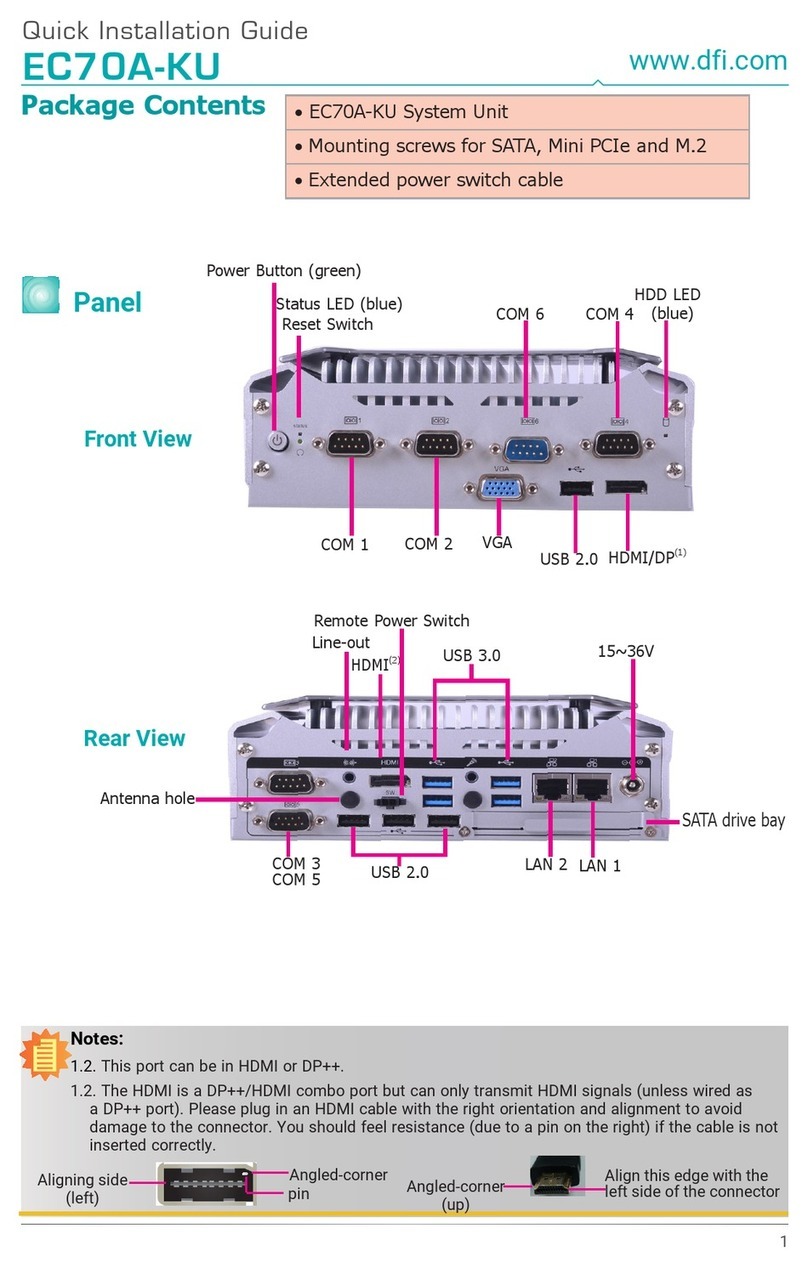
Rear Panel
COM 4
DC-in
DVI-I(2)
(DVI-D signal)
HDMI(3)
USB 3.0LAN 1 LAN 2
VGA
Digital IO
Expansion slot COM 3
PoE 1~4(1)
or
LAN 3~6
COM 5
Mic-in, Line-out
Notes:
1. The PoE ports support PoE devices that comply with 802.3af and each port delivers 15.4W of
power to connected devices. The system may be equipped with 4 Gigabit Ethernet ports without
PoE depending on the SKU; please refer to the Ordering Information for details.
2. This port can be in HDMI or DVI-D (HDMI available upon request).
3. This port is a DP/HDMI combo port but can only transmit either HDMI or DP signals (as indicated on
the panel). Please plug in a DP or an HDMI cable with the right orientation and alignment to avoid
damage to the connector. You should feel resistance (due to a pin on the right) if the cable is not
inserted correctly. For detailed instructions, see https://youtu.be/SUj07rfN5l8.
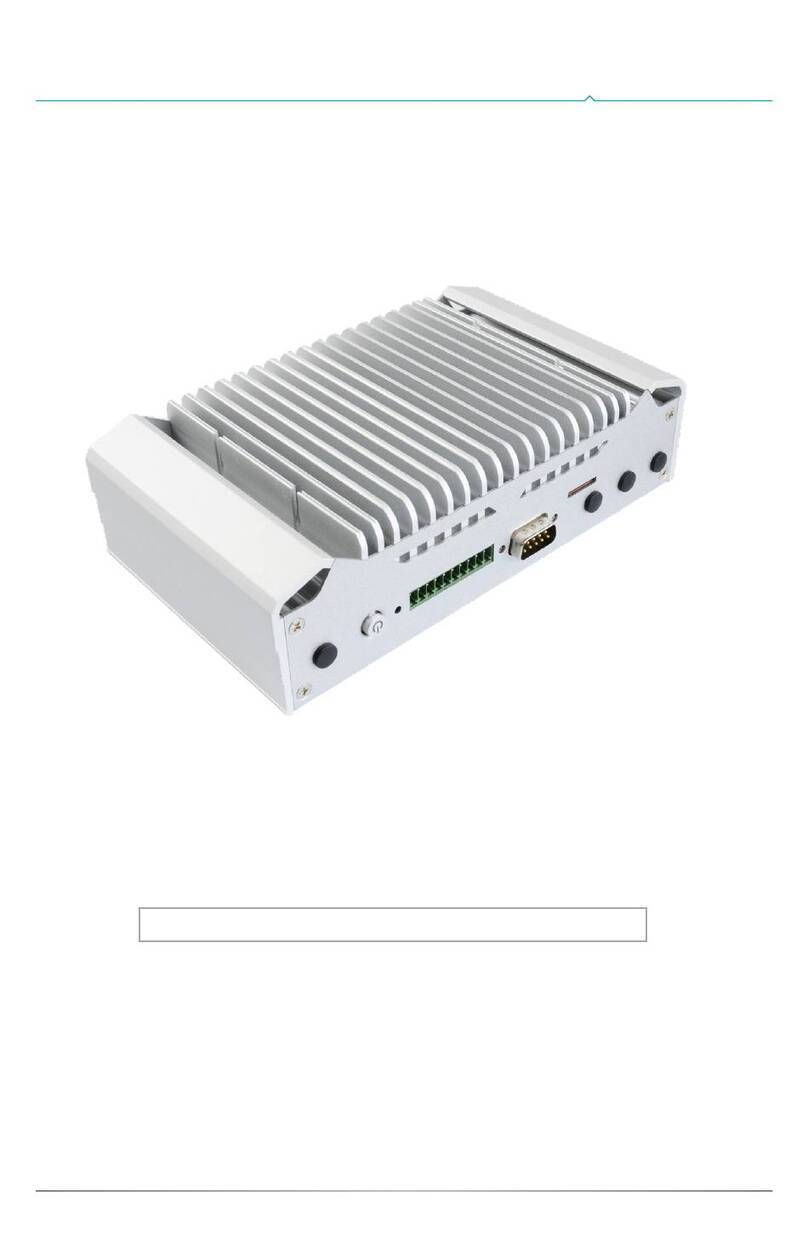
Front Panel
COM 2 COM 1
Remote Power Switch
USB 2.0
Power Button
Status LED
HDD LED
Reset Switch