10
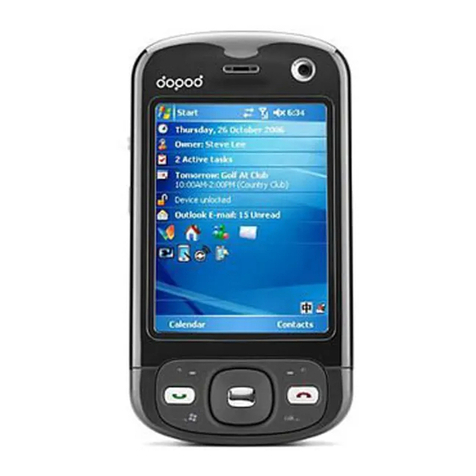
4. 3 x 3 Grid button
By pressing this button you can call up theApplications menu
to access your more frequently required applications.
5. Media Player — Previous Hotkey
If Windows Media Player is not running, pressing this
hotkey will launch it (see Chapter 8 for information about
using Media Player).
If already running, behaviors are as follows:
• A quick press and release within the first two seconds
of file playback will stop playing the current file, jump
to the previous file, and begin playing it.
• A quick press and release after the first two seconds of
file playback will go back to the beginning of the current
file and start playing it again from the beginning.
• Pressing and holding will “fast rewind” (with
playback).
• If a file is selected but not currently being played, the
previous file in the sequence will be selected.
• If Media Player is running in foreground but no file is
loaded, nothing happens when you press this hotkey.
6. Talk key
Press to start a call or answer an incoming call. Press and
hold to turn the speakerphone mode on or off, or switch
between an active call and a call on hold.
7. Navigation Pad
Use to scroll selection up, down, left, or right. Press
straight down on the center of the Navigation Pad (known
as the Action button) to select. In a text field, use the
navigation pad to move the cursor right or left, character
by character.
8. Speaker
(An additional speaker can be found on the top of your
Dopod585.)
9. Display screen
Dopod585 User Manual
1. Getting
Started