3
Screening Vibration Sensor system Getting Stared PN 5310650.05.2021
Introduction
Chapter 1: Introduction
Getting started
Steps to get started with the Screening Vibration Sensor System:
1. Confirm receipt of login information from Fluke — to be able to configure assets
and use the system, a user account is required. This account is set up by the Fluke
Customer Success Manager (CSM) then sent to the user.
2. Unpack the package — the items in the box include
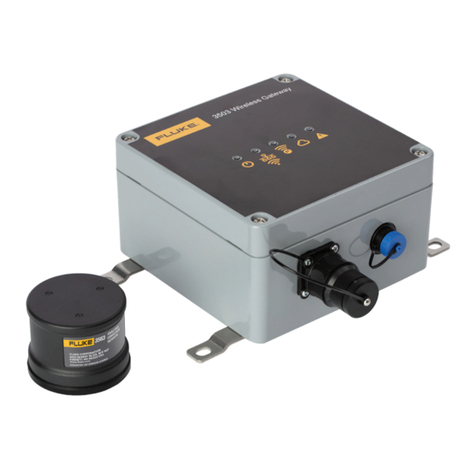
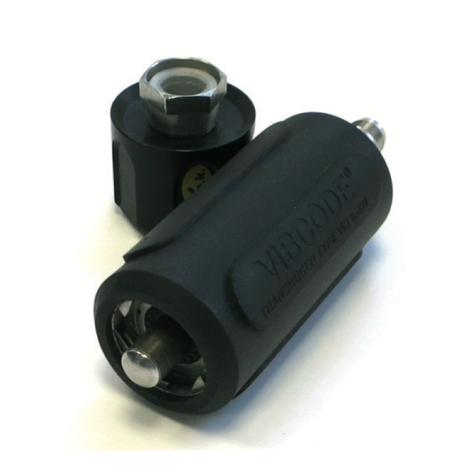
3562 Screening Vibration Sensors, 3504 Wireless Gateway, LTE Wand, Gateway
antenna, Gateway power cord, Outlet adapter pack, Thermo-electric generator
(TEG) harvesters, USB-C 3.1 MTS cables and this guide.
3. Log on, set up assets for the configuration of sensors and gateways — use
LIVE-Asset™ Portal, the web application to create and manage assets, and to
configure sensors. Use the software to:
Monitor the condition of assets in different locations
Receive and evaluate measurement data from the sensor
Refer to the software online help for information on how to create, edit and
manage assets, configuration, measurement and evaluation of readings.
4. Position sensors, harvesters and gateways — use the magnetic bases to position
sensors and harvesters readily; optimal temperature difference required to
generate sufficient power for the sensors. Position gateway temporarily until data
transmission is confirmed.
5. Monitor data — takes place on the LIVE-Asset™ Portal
6. Permanent installation of gateway, sensors and harvesters — once data is
confirmed, install gateway permanently, and use epoxy to mount sensors and
harvesters permanently.
SVSS_getting started_5310650_0521.indb 3SVSS_getting started_5310650_0521.indb 3 5/26/2021 10:56:04 AM5/26/2021 10:56:04 AM