.
Page 9 11/16/01
SECTION 3 – Ethernet Hubs and Hub Power
A. General Ethernet 10BASE-T Hub Information
Furuno NavNet Network Components utilize standard IEEE 80 .3 Ethernet 10BASE-T
Ports. This simply means that any Ethernet 10BASE-T Hub can be utilized for NavNet
Products. Every Ethernet 10BASE-T Hub has multiple connection ports for individual
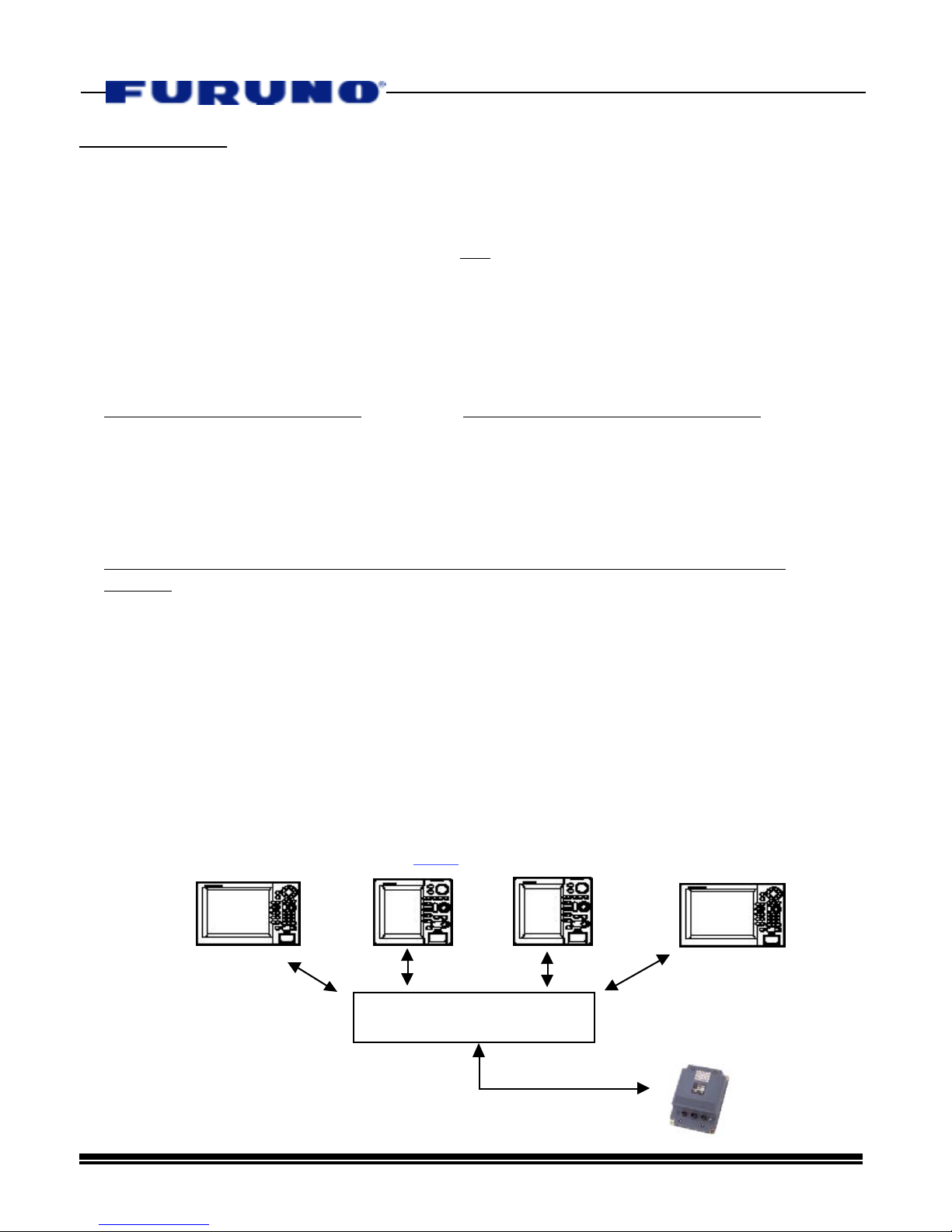
network connections. When NavNet Products use a Network Hub, we say that the
configuration of the network is a “Star”, where the Hub is the central location. Furuno
recommends using 4, 5, or 6 port 10BASE-T hubs because they consume low amounts
of power, are widely available throughout the world, and are physically small in size to
simplify mounting. The hubs that Furuno will specify all consume less than 0. 5
Amps@1 VDC. By definition, every 10BASE-T Hub has ports that utilize RJ45 modular
connectors.
Hubs are robust products that protect the integrity of the network. Both hardware and data
protection is provided by the hub. The Hub will automatically disable a network port that has
a shorted cable while the remainder of the network will still function. Hubs will also protect
the network from a Network Component that is placing bad data on the network or has
timing problems. Hubs also provide excellent feedback for technicians because they have
LCD Indicators for each individual port. Port activity and functionality can be determined by a
simple visual check of the hub itself! No other type of common high speed Network provides
this kind of “Network Watchdog” capability. This is the reason that about 95% of all new
Networks installed throughout the world are Ethernet based.
B. Powering The Ethernet Hub
In general, there are two methods to supply DC hub power in a NavNet System. These
methods are listed below:
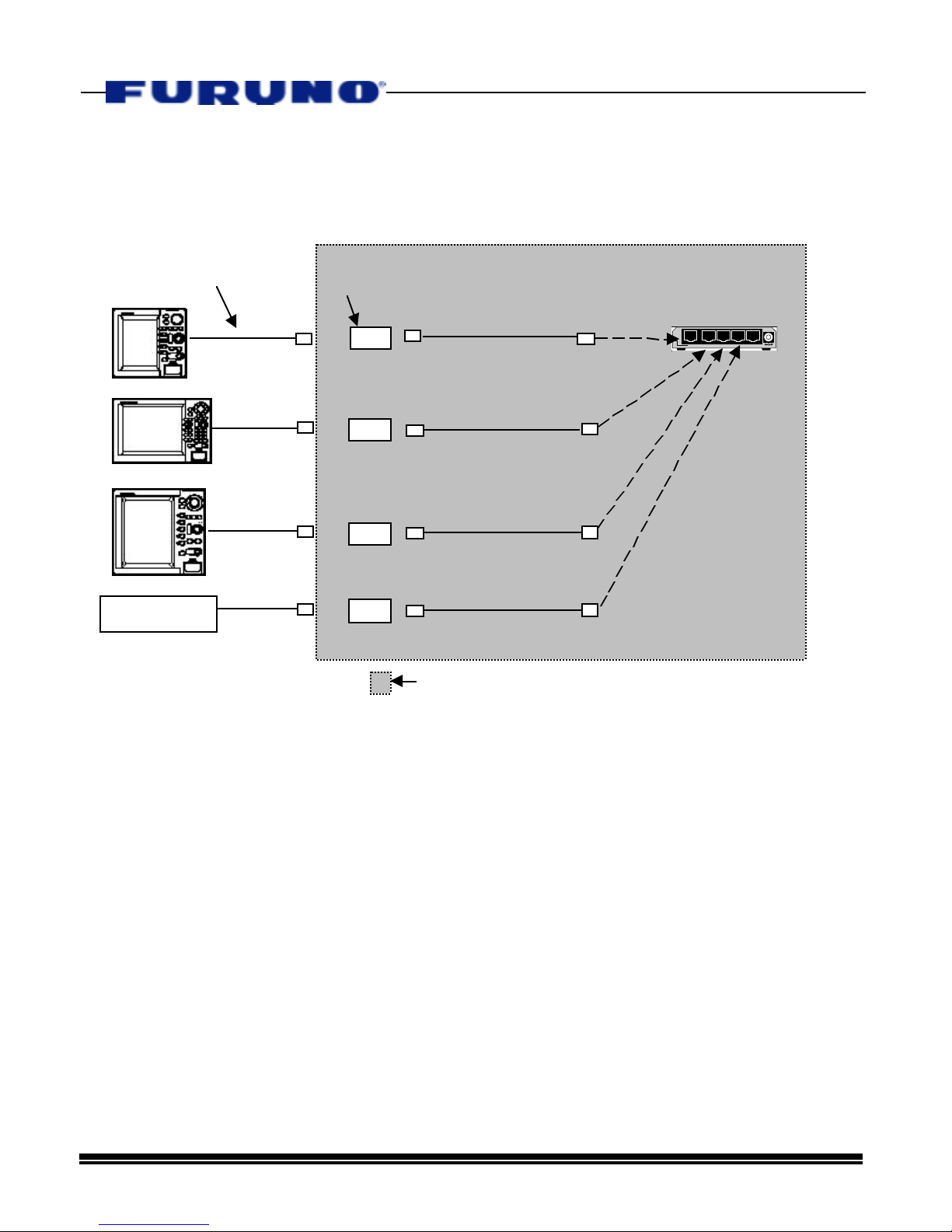
•Hub Power Method #1 – Power the Hub directly from a NavNet Display
-Each NavNet Display has two 1 VDC Power Outputs that can EACH safely supply a
maximum continuous current output of 50mA or 0. 5 Amps.
-One 1 VDC Output is located on Port 1 of every NavNet Display. This output is usually
reserved for powering a GPS or DGPS Position Sensor, such as the BBGPS or GP36.
-The other 1 VDC Output can be used to supply power to the Hub and is found at DATA3 or
DATA4 of a NavNet Display.
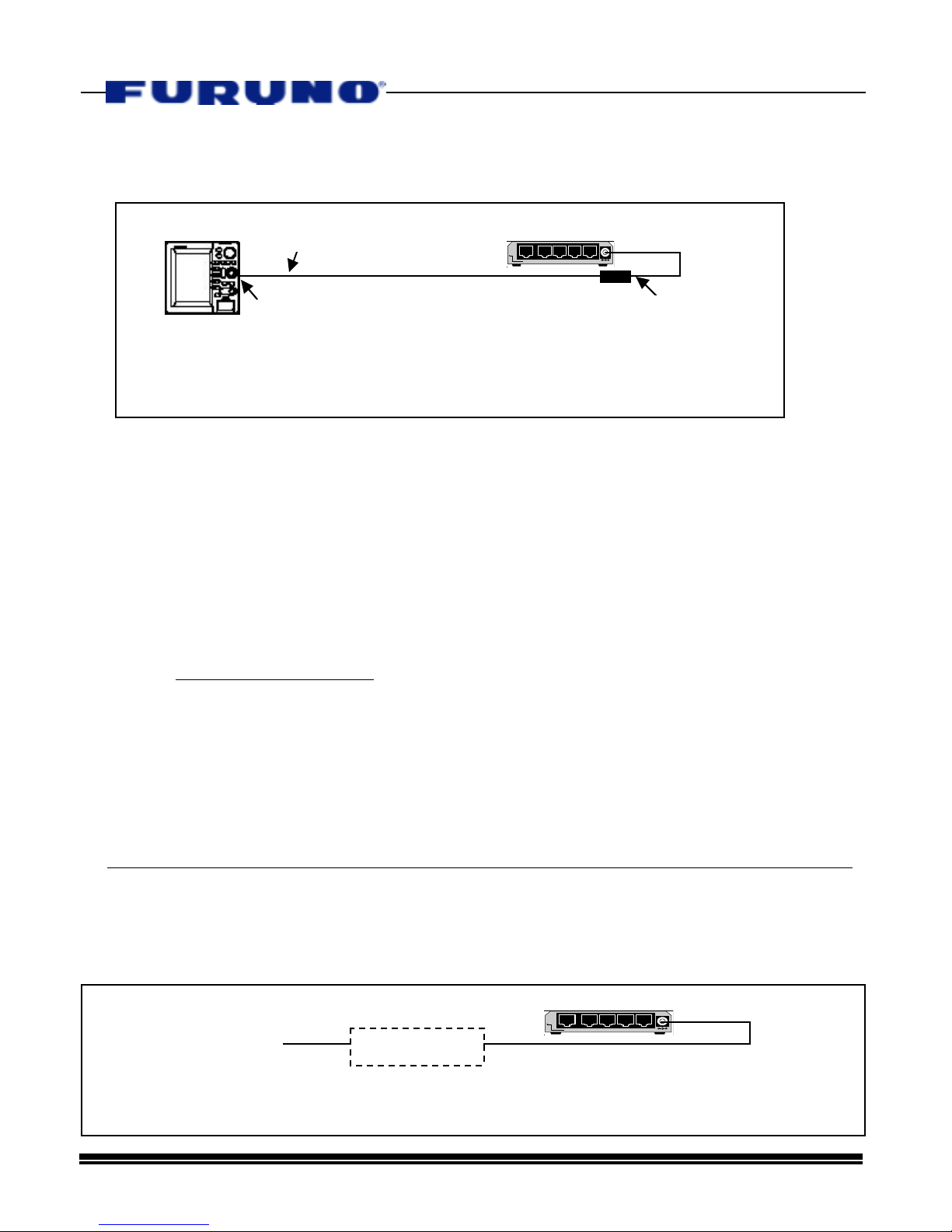
STEP #1 – Cut Power Cable and Separate From AC Adapter
Cut the cable!
C adapter
Hub