GLP German Light Production (V1.25) 10
3 The Menu Field
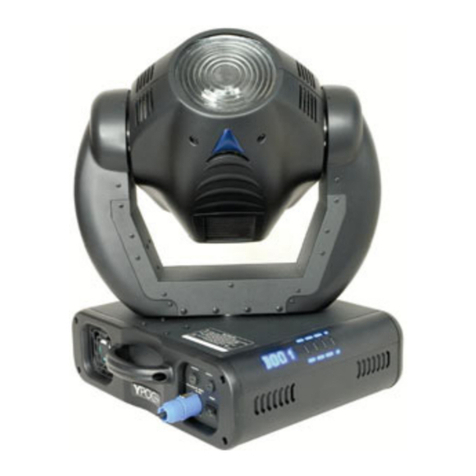
You find the control board on the side part of the base. It allows you to make
all necessary adjustments of the Y
YP
PO
OC
C
5
57
75
5.
.With the Mode-key you get into
the main menu. Afterwards you can navigate through the menu with the
Up/Down-keys. Push the Enter-key to get in the next menu level or to
confirm your settings. Make them and set functions ON/OFF with the
Up/Down-keys. Confirm and save it with the Enter-key (the display shows
OK). Push the Mode-key to cancel the entry and go back to the main menu.
MODE ENTER UP
DOWN
M
O
D
EE
N
T
E
RU
P
D
O
W
N
LED-Display
Mode-key Enter-key Down-key Up-key
Level 1 Level 2 Level 3 Remark
D001
Define the DMX start address
TEST
Test program of all functions
AUDI ASLW Self-running audio program (slow)
AFST Self-running audio program (fast)
MSTR Master for the audio program
SVPT Basic position for the audio program
SIZE Size for the audio program (NORM-BIG-MIDL-SMAL)
LAMP
Switch on/of the lamp direct at the Y
YP
PO
OC
C
5
57
75
5
RESE
Reset
TIME POWR Running time of the fixture (no destructible)
LA1 Running time of the lamp (erasable)
LA2 Running time of the lamp (no destructible)
RPAN
Reverse Pan-direction
RTLT
Reverse Tilt-direction
SPEC MANU Manual drive of all device functions
LAAU Automatic lamp start
DLOF Switch off lamp via DMX
DMXI Reed out actual DMX-values
DISP D ON Display On/Off
REV Twist the display
TEMP Reed out internal temperature
FANS HIGH Maximum cooling fan velocity
REG Automatic cooling fan control
LOOF Low cooling fan speed Ælamp off
LOHI Low cooling fan speed Æautomatic
ADJU CODE xxxx Use the code for entering the calibration menu (for authorized
person only)
COLO Calibration of the color wheel
GOB1 Calibration of the gobo wheel 2
GOB2 Calibration of the gobo wheel 2
PRIS Calibration of the prism wheel
SHTR Calibration of the shutter
POFS Calibration of the Pan-Offsets
TOFS Calibration of the Tilt-Offsets
ARES Adjust Reset (wheels stand still after the reset)
clre Settings in the internal memory (super-user only)
facc Must read on. Protected with a code.
VTIL Software version Tilt-board
VTOP Software version Head-board
VBOT Software version Base-board
FASP Indication of the Fan speed
DFSE Call on the default function values
FEED Pan/Tilt feedback (error correction) On/Off
ÅDOWN - UP Æ
EFLG Correction of faults