8
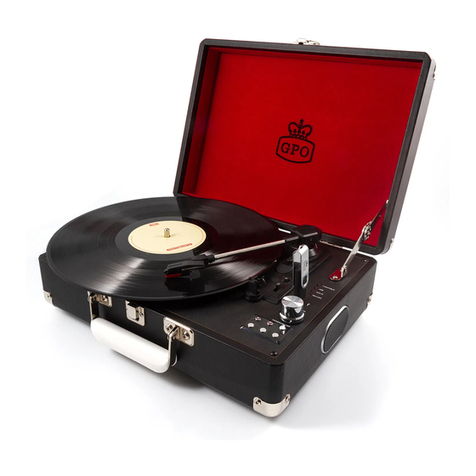
Turntable Mode
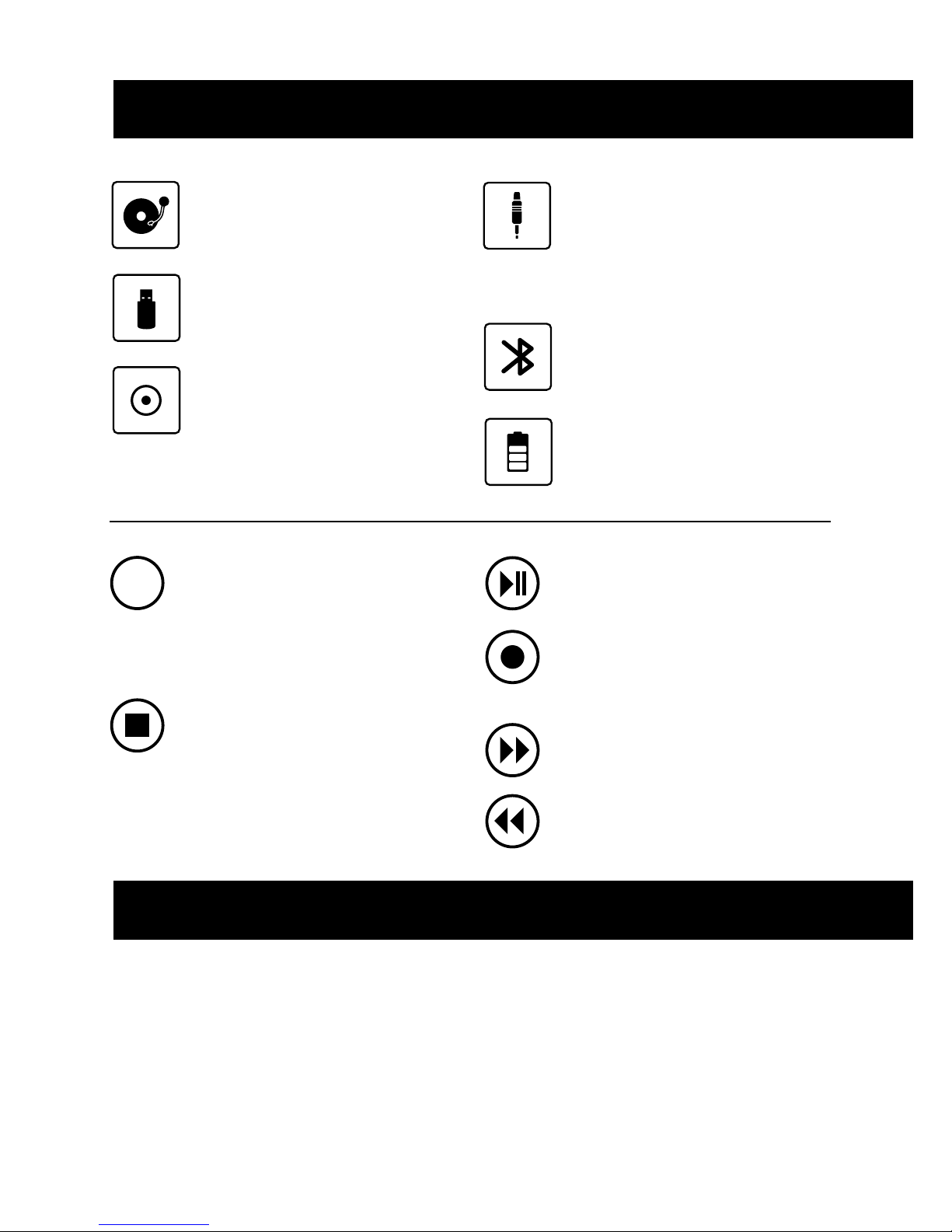
1. Turn on the unit power
2. Select Turntable mode using the mode select button
3. Choose the correct speed setting, using the 45RPM adapter if
needed, and place the vinyl record onto the turntable
4. Place the tone arm into the correct position to begin playback
5. The turntable will stop automatically when the recording
has finished.
6. Use the volume controls to set the desired sound levels
AUX-IN Play Mode
1. Turn on the unit power
2. Select Aux-in mode using the mode select button
3. Connect your chosen device to the unit’s aux-in jack using
the cable provided
4. Press the play/pause button to begin playback
5. Use the volume controls to set the desired sound levels
USB Play Mode
1. Turn on the unit power
2. Select USB mode using the mode select button
3. Connect your USB device to the unit using the USB slot
4. Press the play/pause button to begin playback
5. Use the volume controls to set the desired sound levels
6. To record from vinyl to your device, select USB record mode
7. Press record to begin recording
8. Press stop to cancel recording
Bluetooth Mode
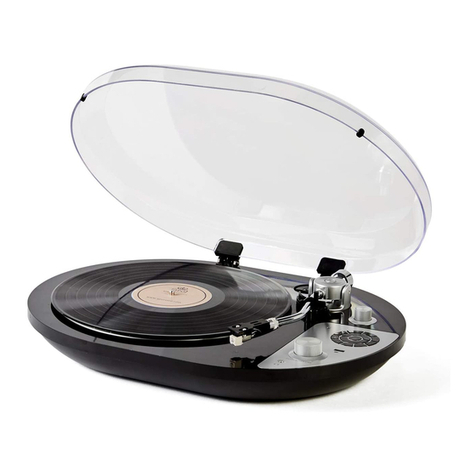
The Ambassador’s Bluetooth mode allows you to stream your vinyl
to any Bluetooth enabled speaker or headphones.
1. Turn on the unit power
2. Select Bluetooth mode by holding the mode button down for
three seconds while in turntable, USB or Aux-in mode
3. The Bluetooth indicator light will flash rapidly as the unit
searches for nearby Bluetooth-enabled devices.
4. When paired the blue light will flash shortly with a three
second interval
5. If the devices fail to sync, please repeat points 1-4.
6. Use the volume controls to set the desired sound levels
7. Hold down the stop button for three seconds to turn off
Bluetooth mode and move straight to turntable mode
Please note: When pairing the Ambassador to your Bluetooth
speaker or headphones, please ensure that the device you wish to
stream vinyl to is set to pairing mode. This will allow them to sync.
1. Press the mode button until the red LED light next to
Turntbale is illuminated.
2. Insert a blank USB stick into the slot
3. Place the desired vinyl onto the turntabled and begin playing.
4. Press the record button on the control panel, the red light
next to record will begin to flash. Press the record button
once to record the vinyl in one track, press the record button
twice to split the tracks.
Vinyl Record Mode