Page 6 of 8 75.5696.08 IS40P 20211220
TROUBLESHOOTING
The door never closes and
the LED is ON.
Object in the AIR detection area. Move objects or reduce automatic
learn time.
Wait for learn time to expire and/or
Launch a setup or cycle power.
The door remains closed and
the LED is OFF.
The sensor power is off. Check the wiring and the power
supply.
The infrared sensor does
not react.
The infrared power emission is too
low according to the mounting
height.
Launch a new setup.
Step out of the detection field!
Improper Target Size. Ensure the target size is not to large
or larger than the pattern size.
The door opens and closes
constantly.
The sensor is disturbed by the door
motion or vibrations caused by the
door motion.
Make sure the sensor is anchored
properly.
Increase the sensor angle.
Reduce the AIR detection zone.
Sporadic presence detections
for no reason.
The presence detection is disturbed
by rain or lamps.
Set the AIR-curtain immunity to
value 3.
The sensor is not installed properly. Fasten the sensor firmly.
The red LED is permanently
ON after a setup.
The sensor has failed the AIR-setup. Launch a new setup and step out of
the detection field.
The setup lasts more than 30
seconds.
The setup is disturbed. Make sure the detection field is
clear and launch a new setup.
Another sensor causes interference. Select a different frequency for each
sensor.
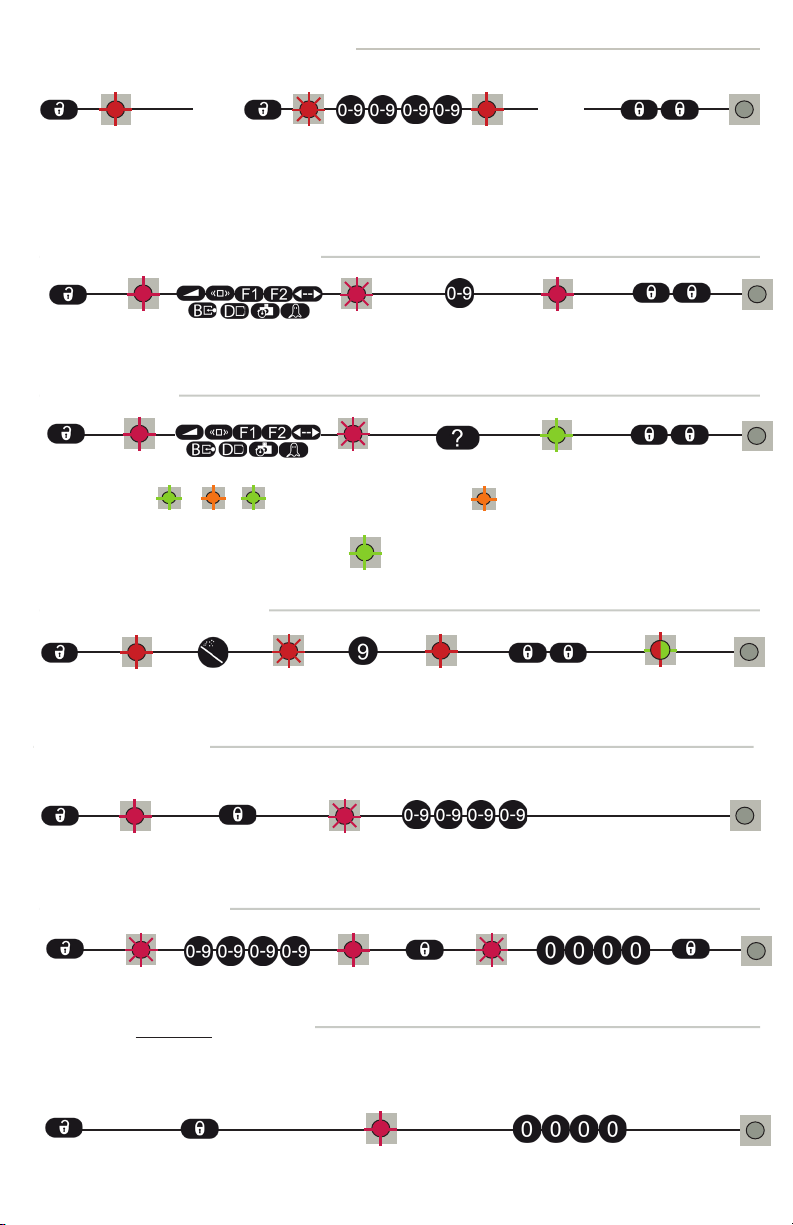
The sensor does not unlock
and the red LED flashes
quickly.
The sensor needs an access code to
unlock.
Enter the right access code.
If you do not know the access
code, delete an unknown code (see
page 7).
The sensor does not respond
to the remote control.
The remote control batteries are
weak or improperly installed.
Check the batteries and change
them if necessary.
The remote control is poorly aimed. Point the remote control towards
the sensor.
The sensor is not powered. Check the power supply of the
sensor.